Managing Team Points
1. Click "Reports"
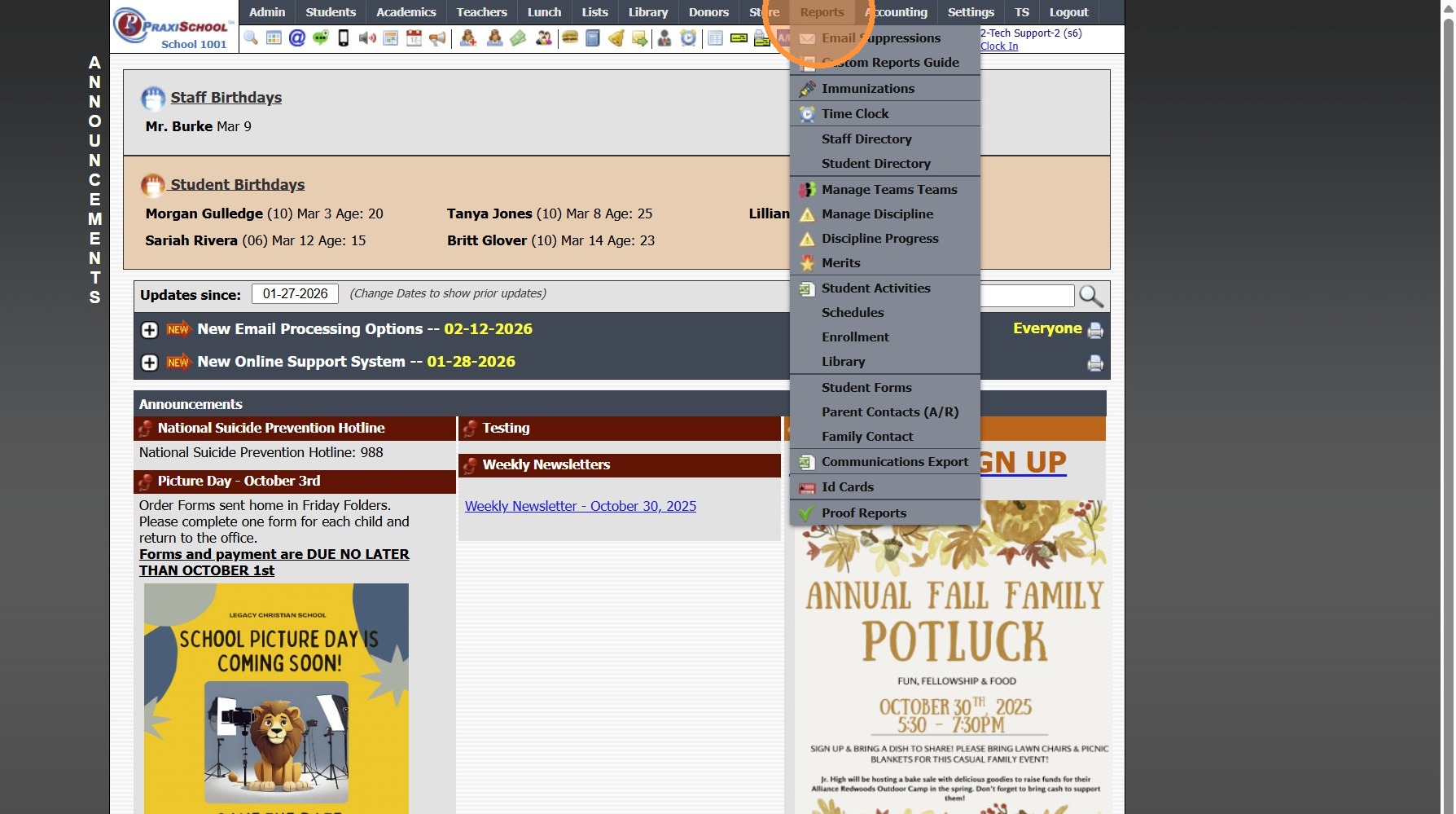
2. Click "Manage Teams Teams"
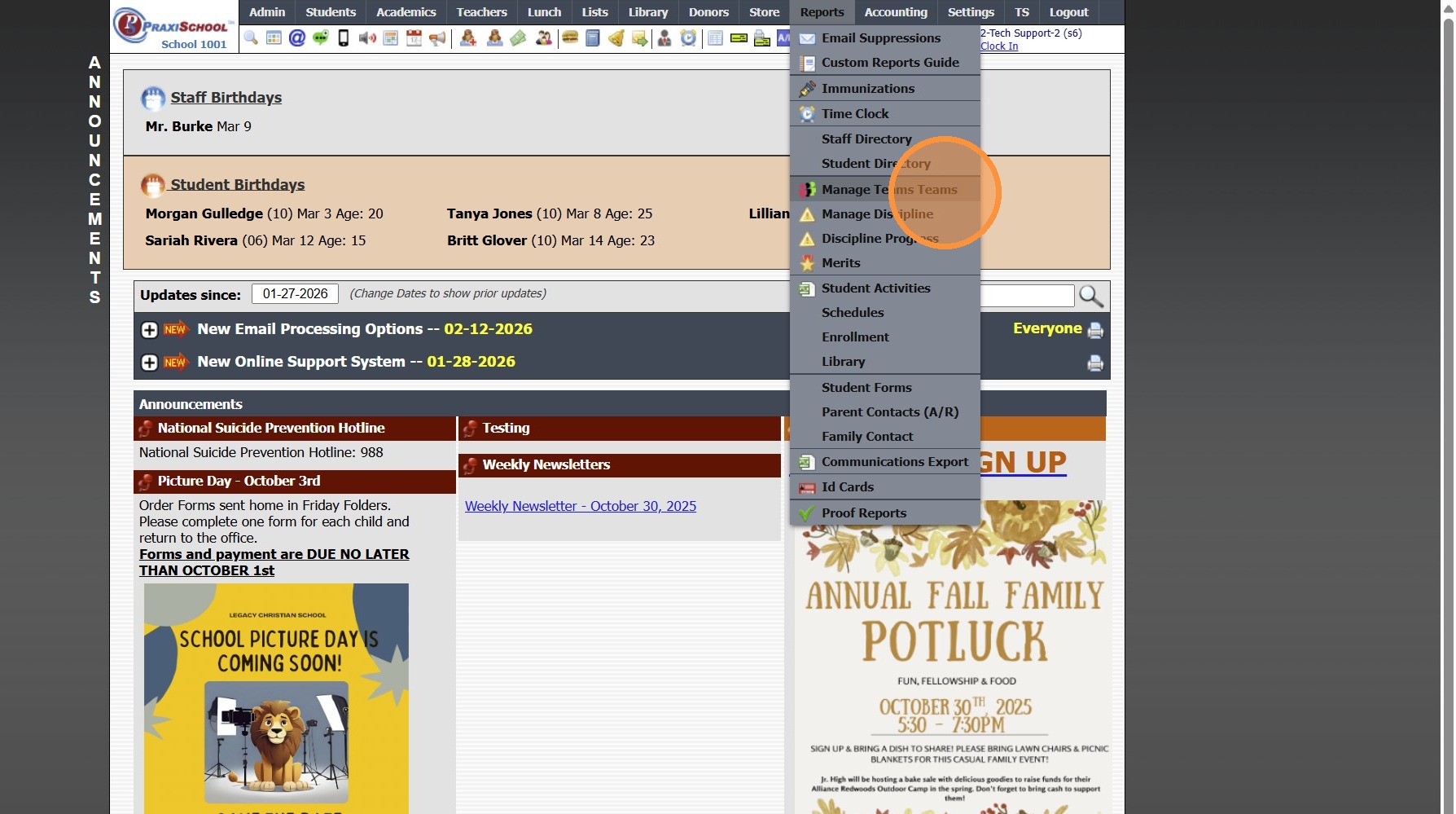
3. Select Date Range & Team to Print For
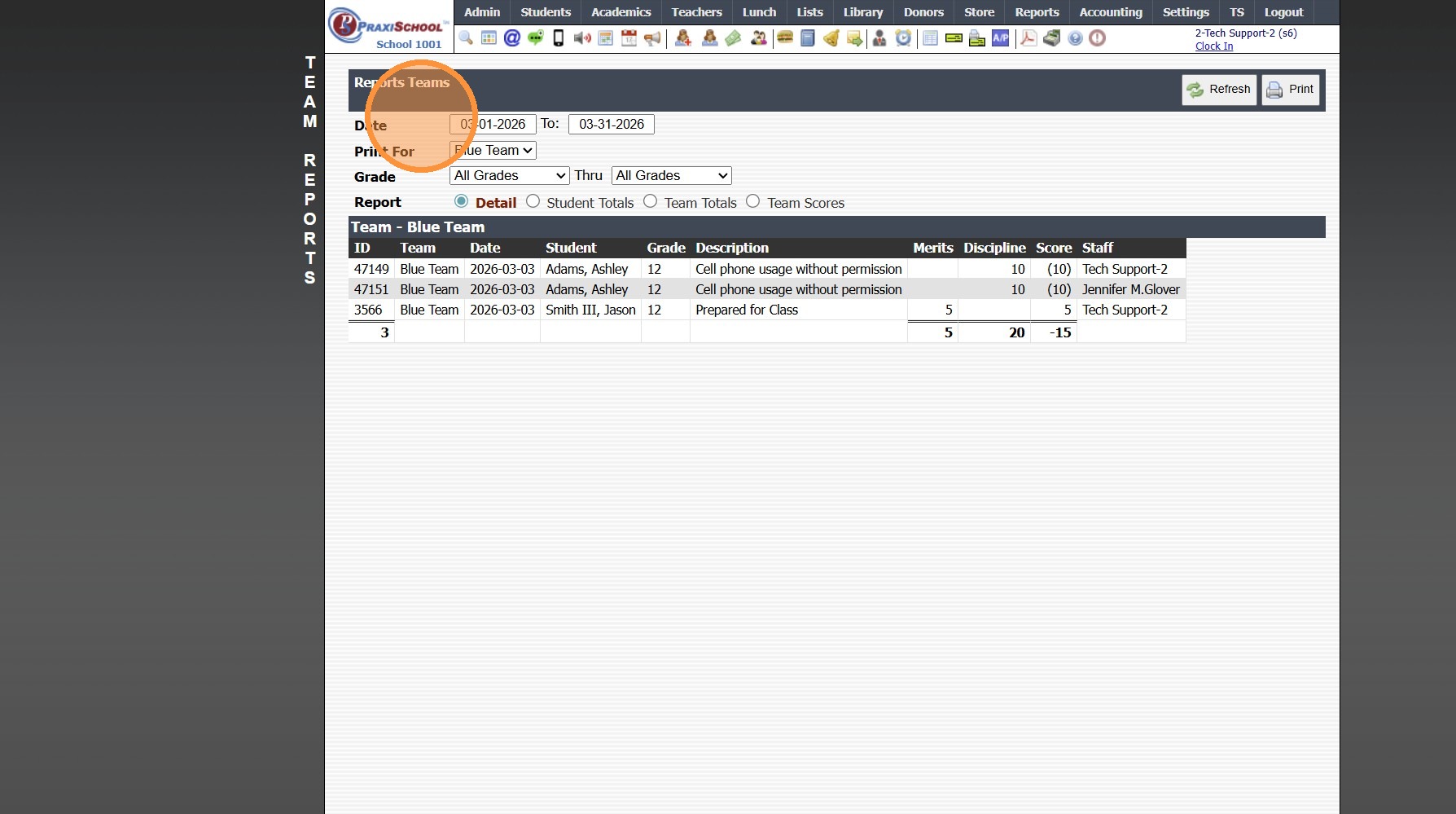
4. Select Grade Level Range & Report Option
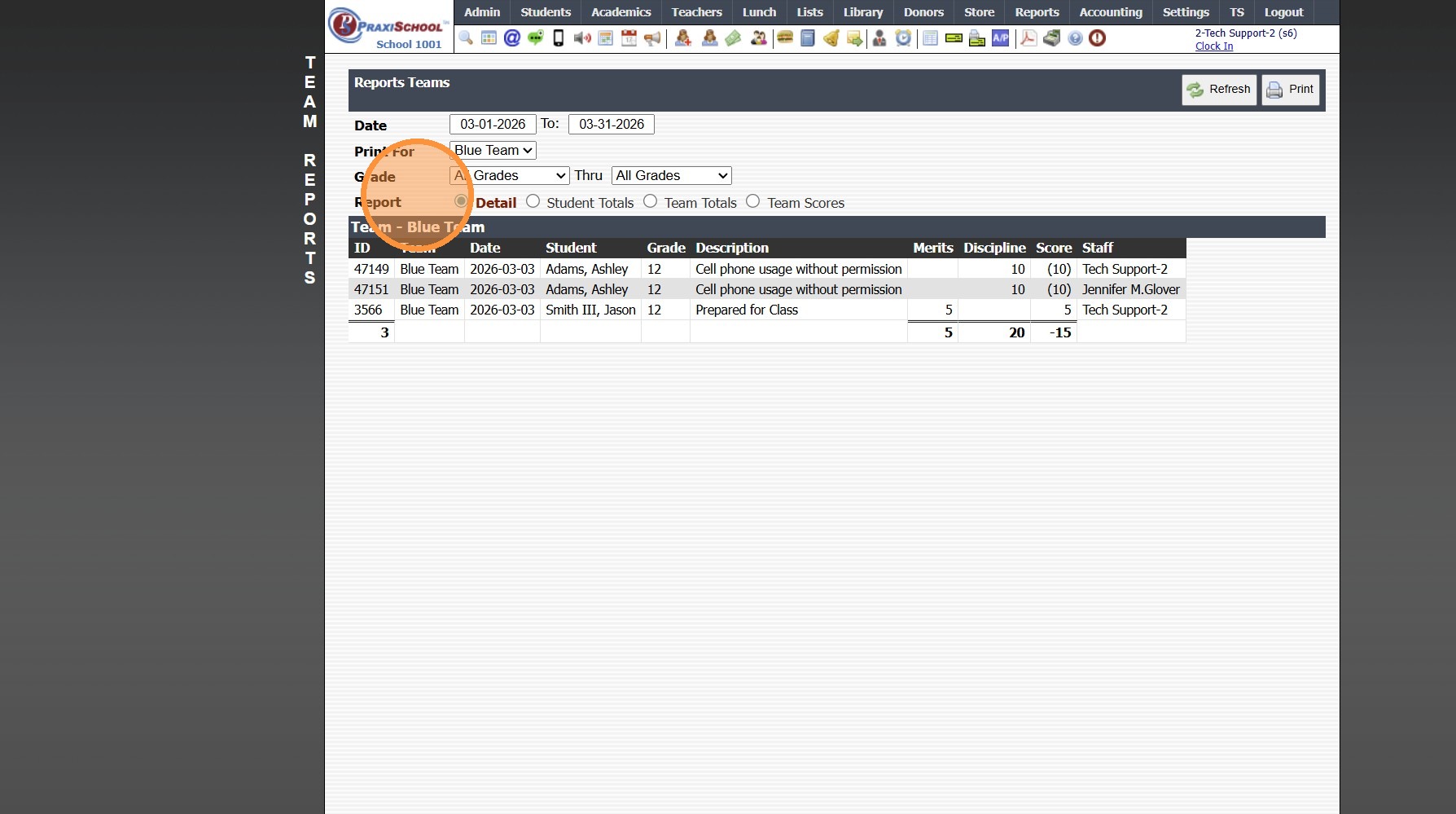
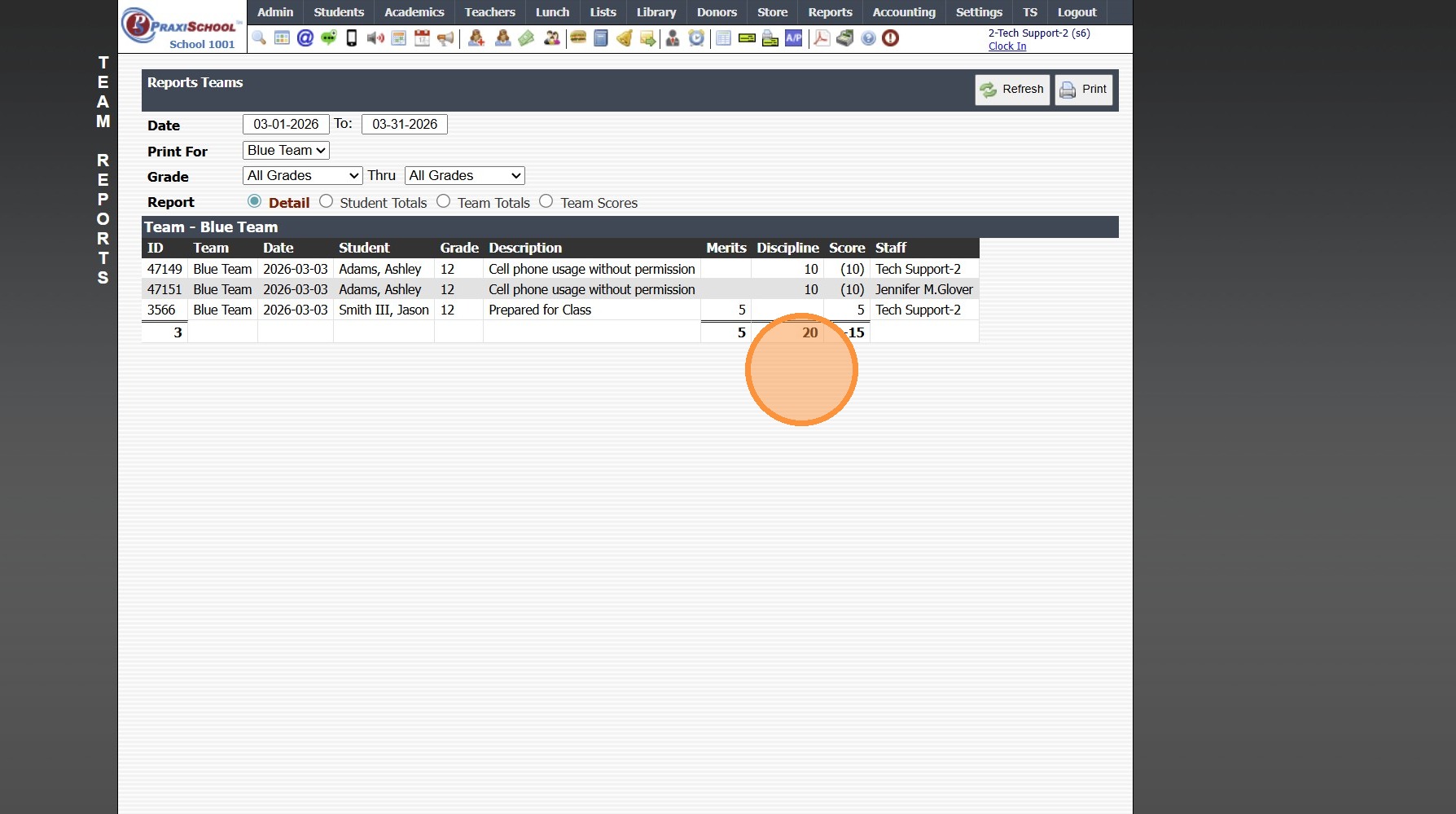
5. Team Points will Populate
5500.7.4
Related Articles
Team Points
Issued Merits Earn Team Points, Issued Discipline Reduce Team Points 1. Click "Students" 2. Click "Students" 3. Select Student 4. Click "Actions" 5. Click "Issue Merit" (Earns Team Points) 6. Enter Merit Information 7. Select Print / Save Option 8. ...Adding Extra Credit Points to an Assignment
1. Click "Teachers" 2. Click "Classroom" 3. Select Class 4. Click "Grade Book" 5. Select "Post Grades" 6. Select the Component 7. Select the Assignment 8. Check the Override Box 9. Enter the Grade with the Extra Credit Points 10. A Comment can be ...Assigning Students to Teams
Teams are use to Track Student Merit & Discipline Points based on Teams of Students 1. Click "Students" 2. Click "Students" 3. Tag Students to Assign to a Team 4. Click "Actions" 5. Click "Batch Edit Tags" 6. Select the "Team" Data Field 7. Select ...Creating Teams
1. Click "Lists" 2. Click "Behavior" 3. Click "Teams" 4. Click "Add" 5. Enter Order (Optional) 6. Enter Description (Team Name) 7. Enter Team Leader 8. Click "Save" 3500.3.3Adjusting a Class Assignment Grade to Include a Curve
Adjusting a Class Assignment Grade to Include a Curve 1. Log into PraxiSchool 2. Click "Teachers" 3. Click "Classroom" 4. Select Class 5. Click "Grade Book" 6. Select the "Post Grades" toggle 7. Select the Component 8. Select the Assignment 9. Enter ...