Locating a Class ID from the Classroom
1. Click "Teachers"
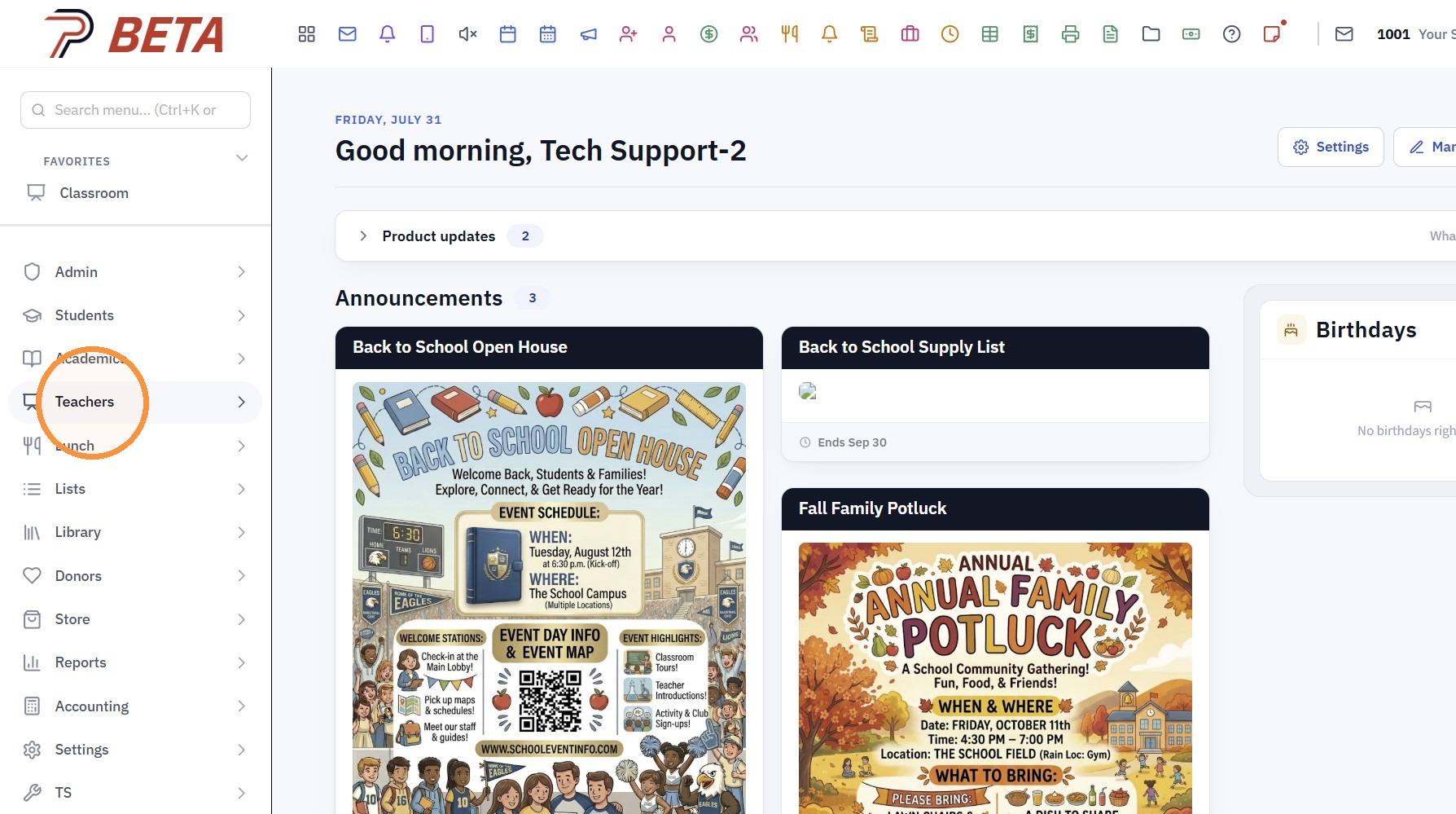
2. Click "Classroom"
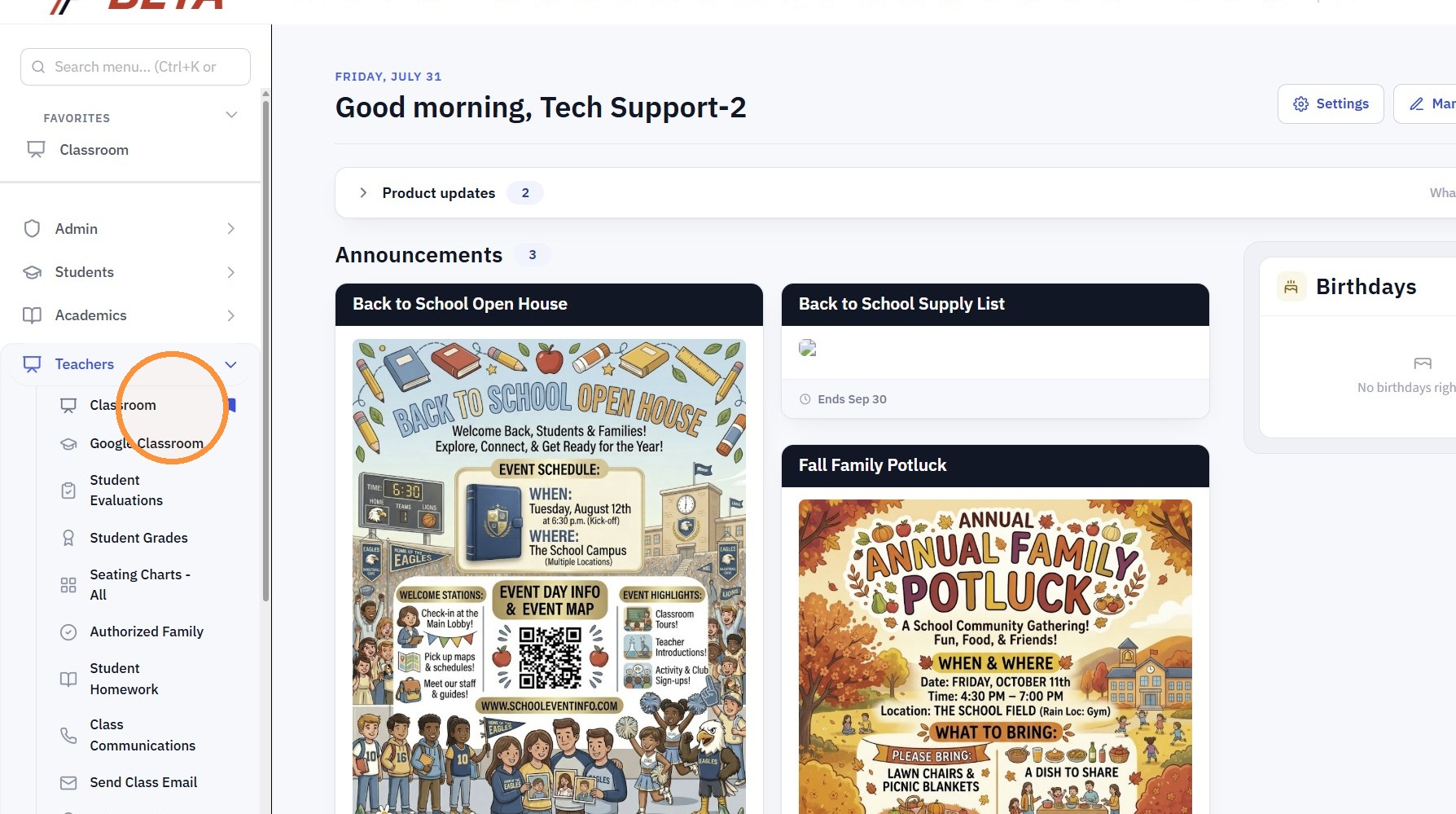
3. Click "Open class"
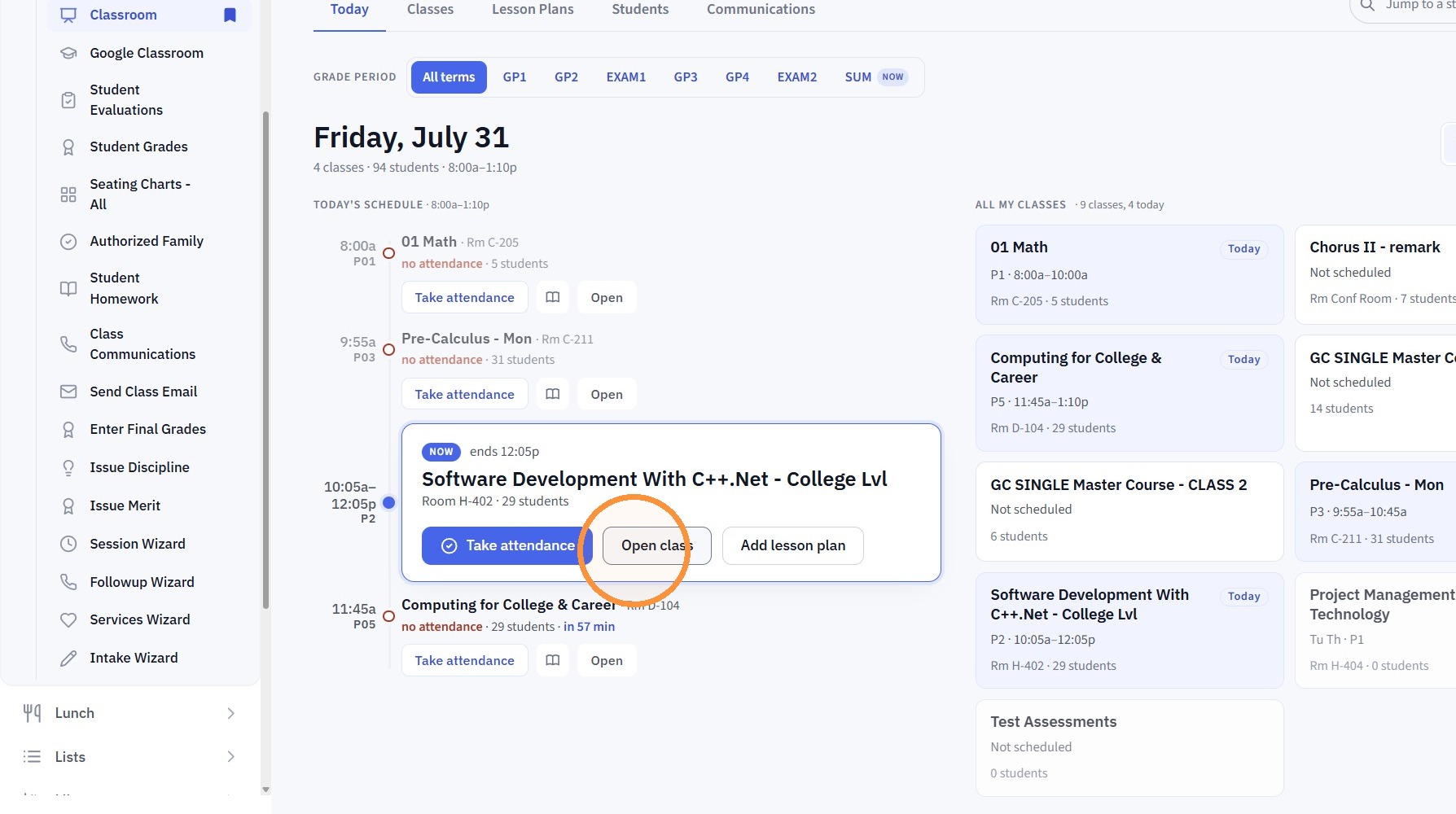
4. Click Gear Icon
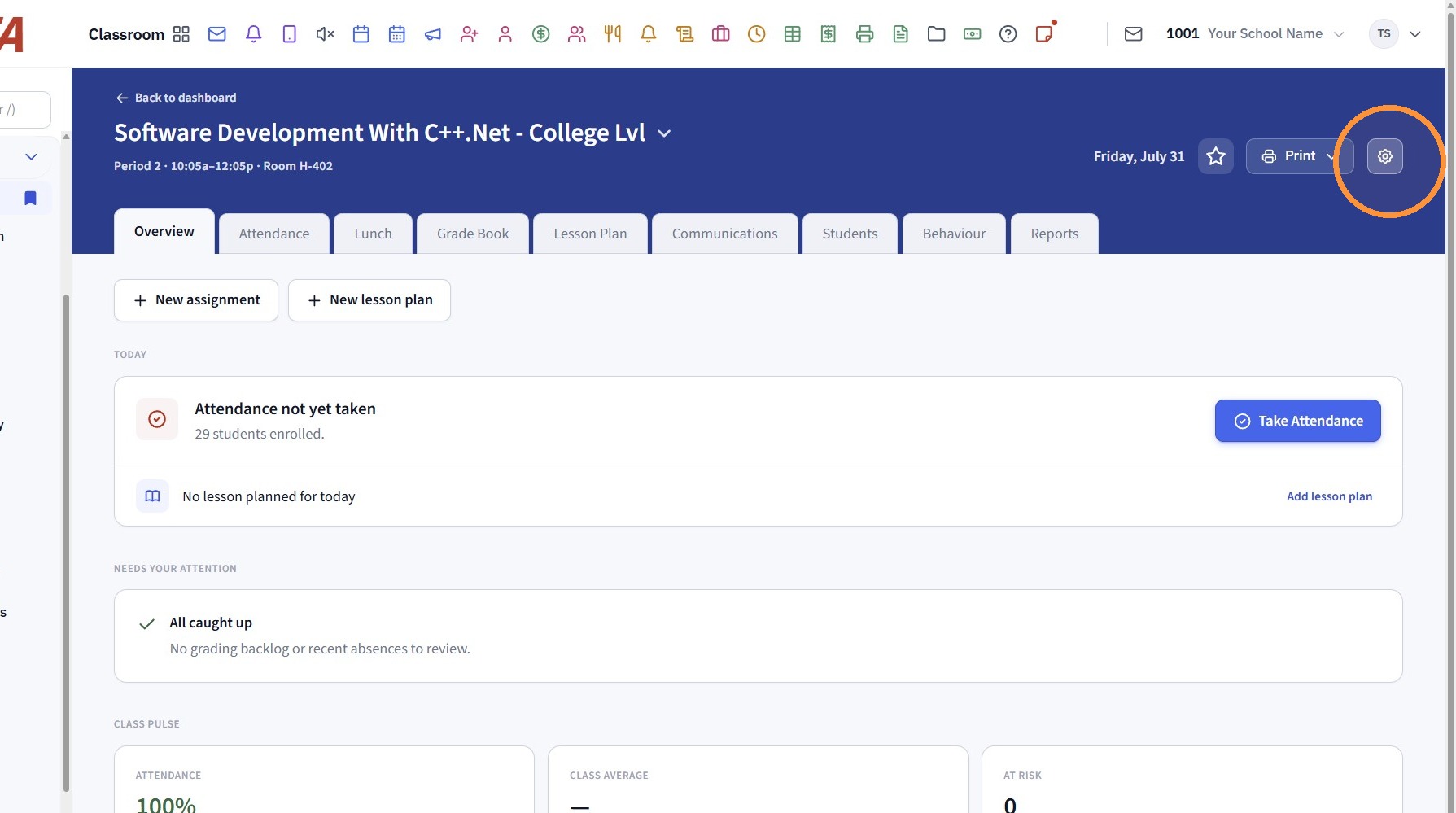
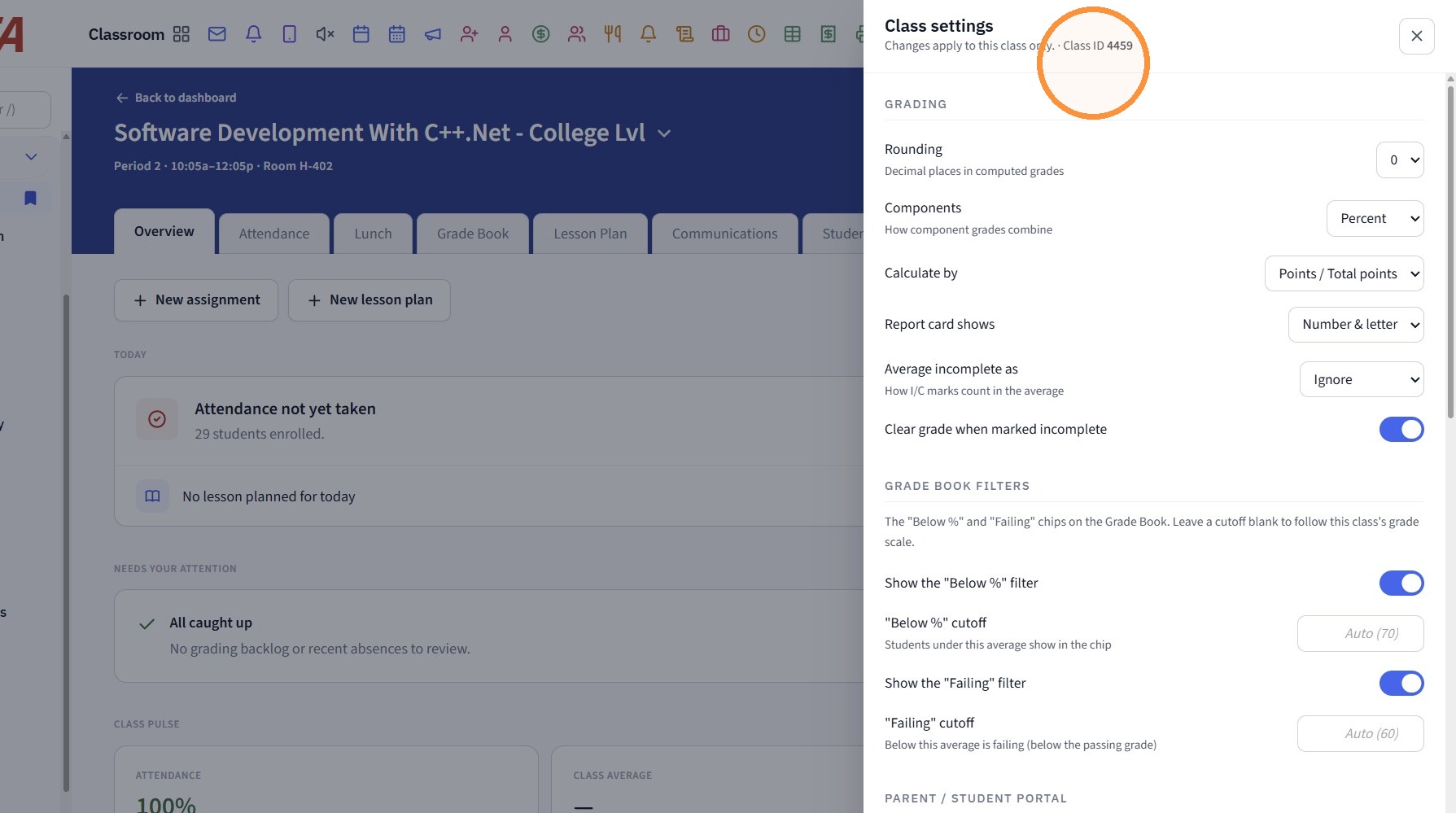
5. The Class ID is visible under the Class Settings at the top
Related Articles
Pulling up a Class by Class ID in the Classroom
1. Click "Teachers" 2. Click "Classroom" 3. Click in the Search field & Type the Class ID (Class Name can also be Searched) 4. Select Class from Search dropdownClassroom Views
1. Click "Teachers" 2. Click "Classroom" 3. Select the Class 4. Click "Classroom" Class Info Toggle - Both 5. Select the Class Info Toggle 6. In the Class Info Toggle all Students in the Class are Visible along with the Students Total Present, ...Viewing Class Communications from the Classroom
1. Click "Classroom" 2. Select Class 3. Click "Communications" 4. Set Date Range 5. Select Class/Teacher/Student Options 6. Click "Refresh" 7. Class Communications Manually added & Sent Class Emails will Populate 2500.8.1Unlinking PraxiSchool Class with Google Classroom
Unlinking PraxiSchool Class with Google Classroom 1. Click "Teachers" 2. Click "Google Classroom" 3. Check Praxi class to unlink. 4. Click "Utilities" 5. Click "Clear Selected Links" 2500.2.5Create Google Classroom Assignment in PraxiSchool Class
Creating Google Classroom Assignments in PraxiSchool Class 1. Click "Teachers" 2. Click "Google Classroom" 3. Click "Assignments/Grades" 4. Select the Praxi Class 5. Click "Create Google Classroom Assignments In PraxiSchool" Alert: Alert! Make sure ...