Download Heartland Transaction Report
Download Heartland Transaction Report
1. Click "Accounting"
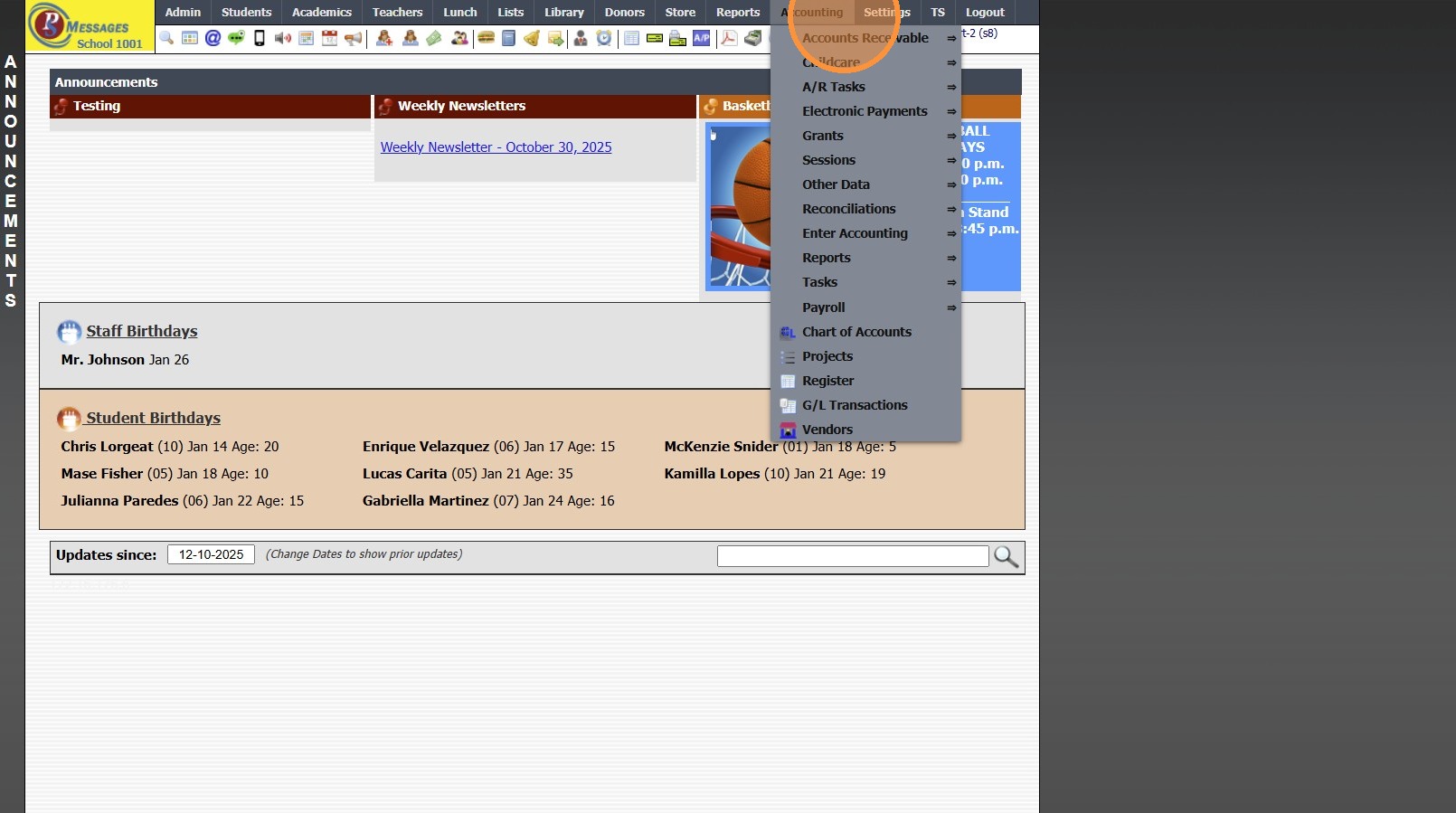
2. Click "Electronic Payments"
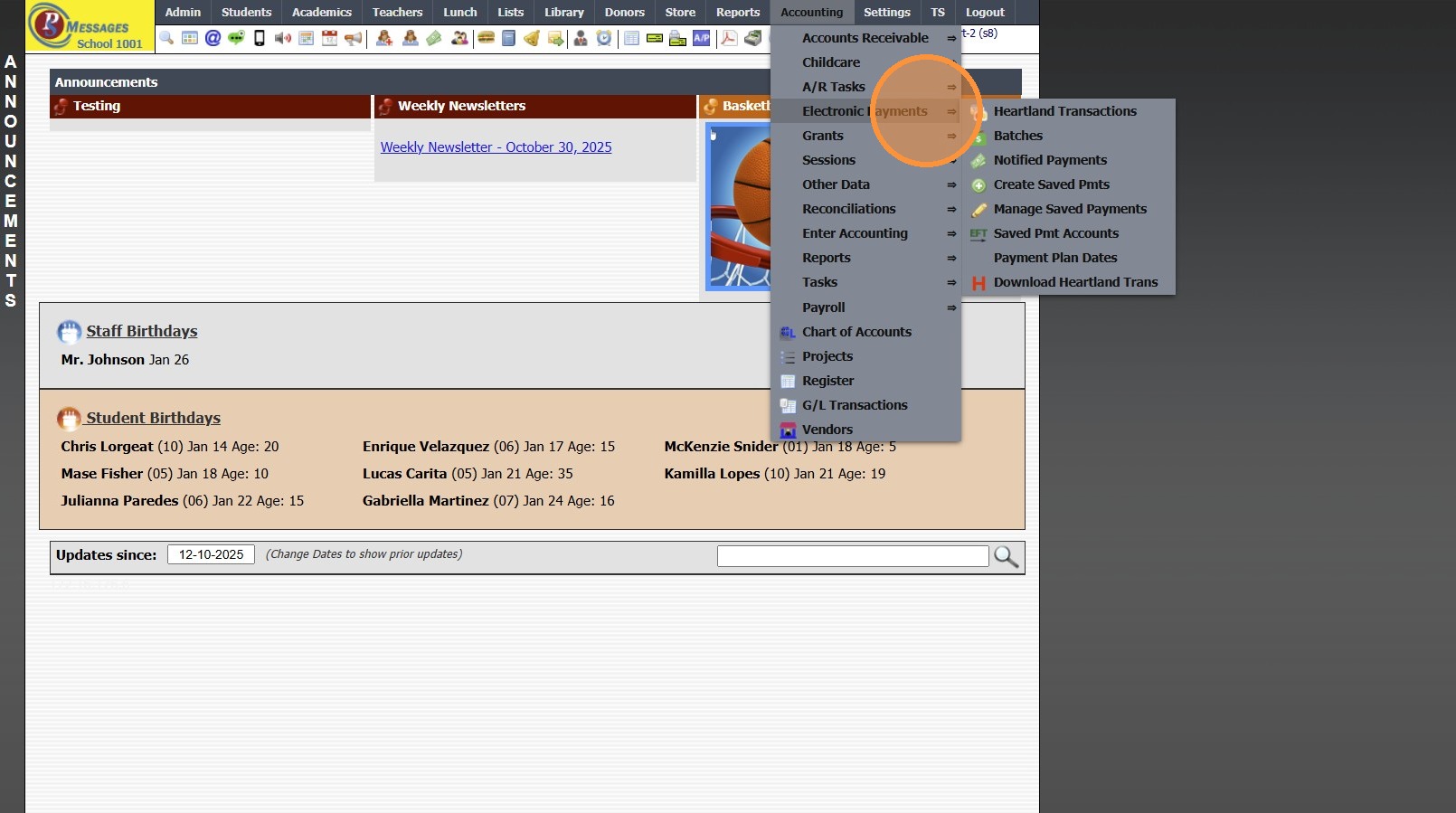
3. Click "Download Heartland Trans"
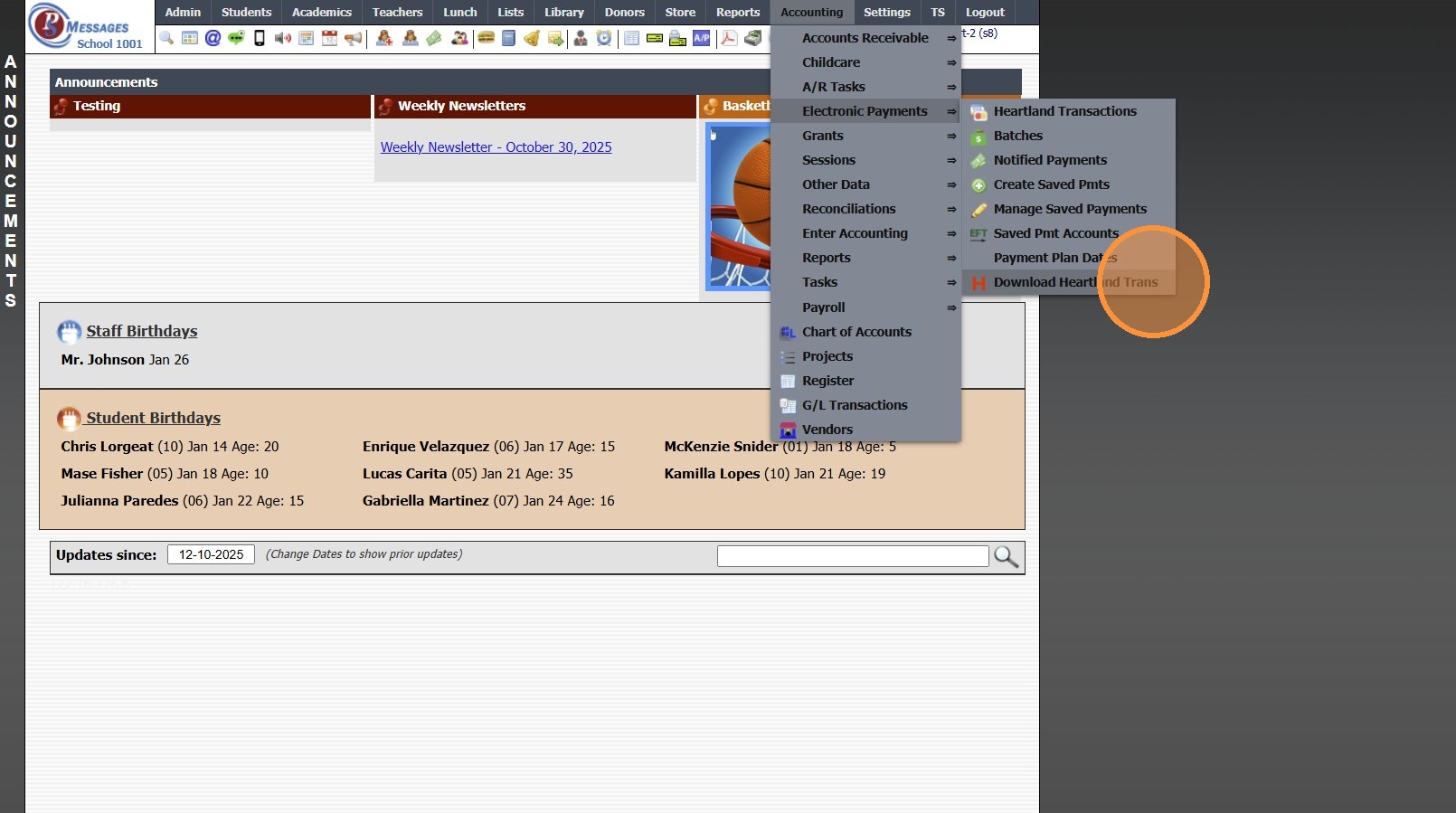
4. Set Date Range
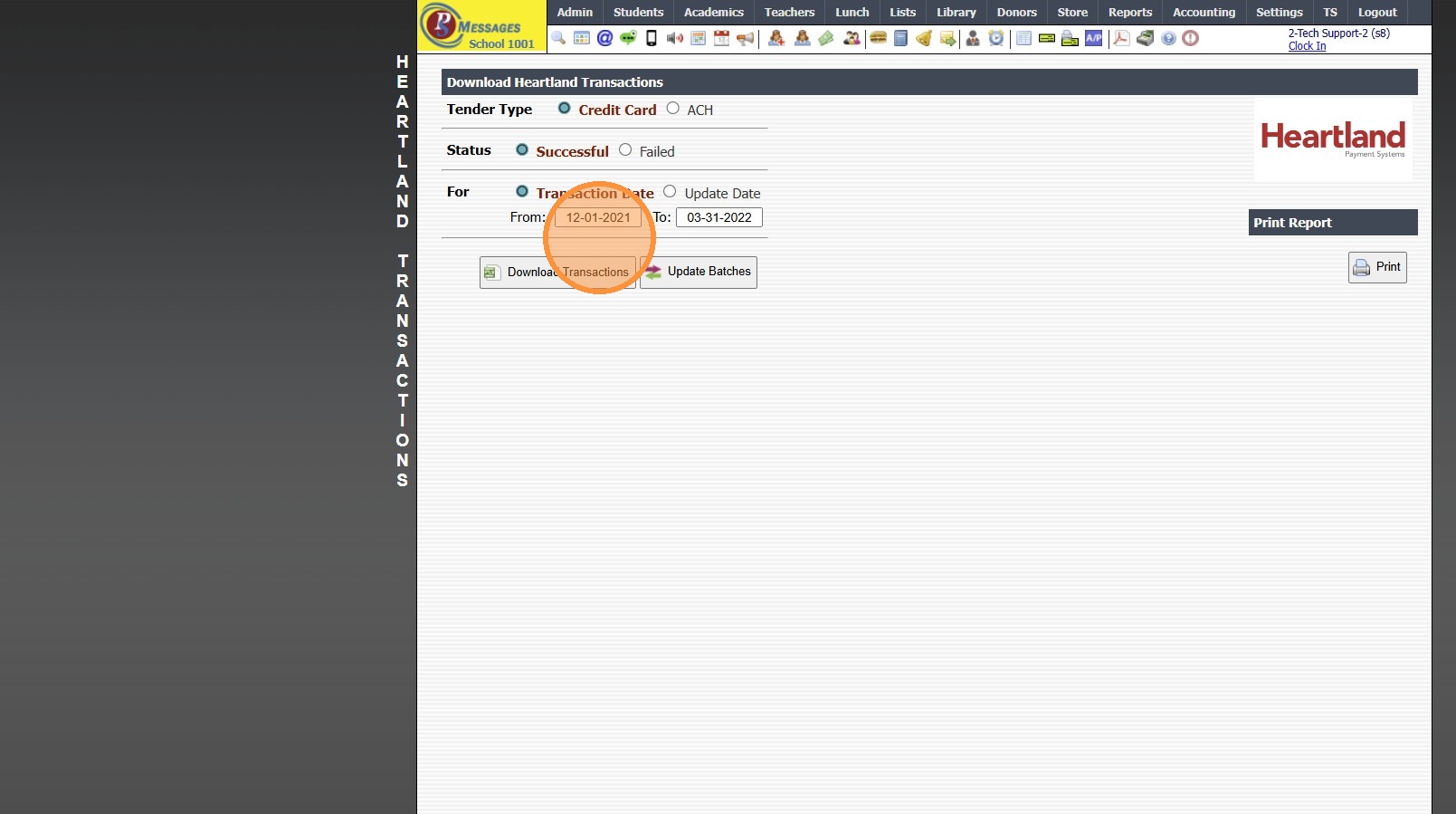
5. Click "Download Transactions"
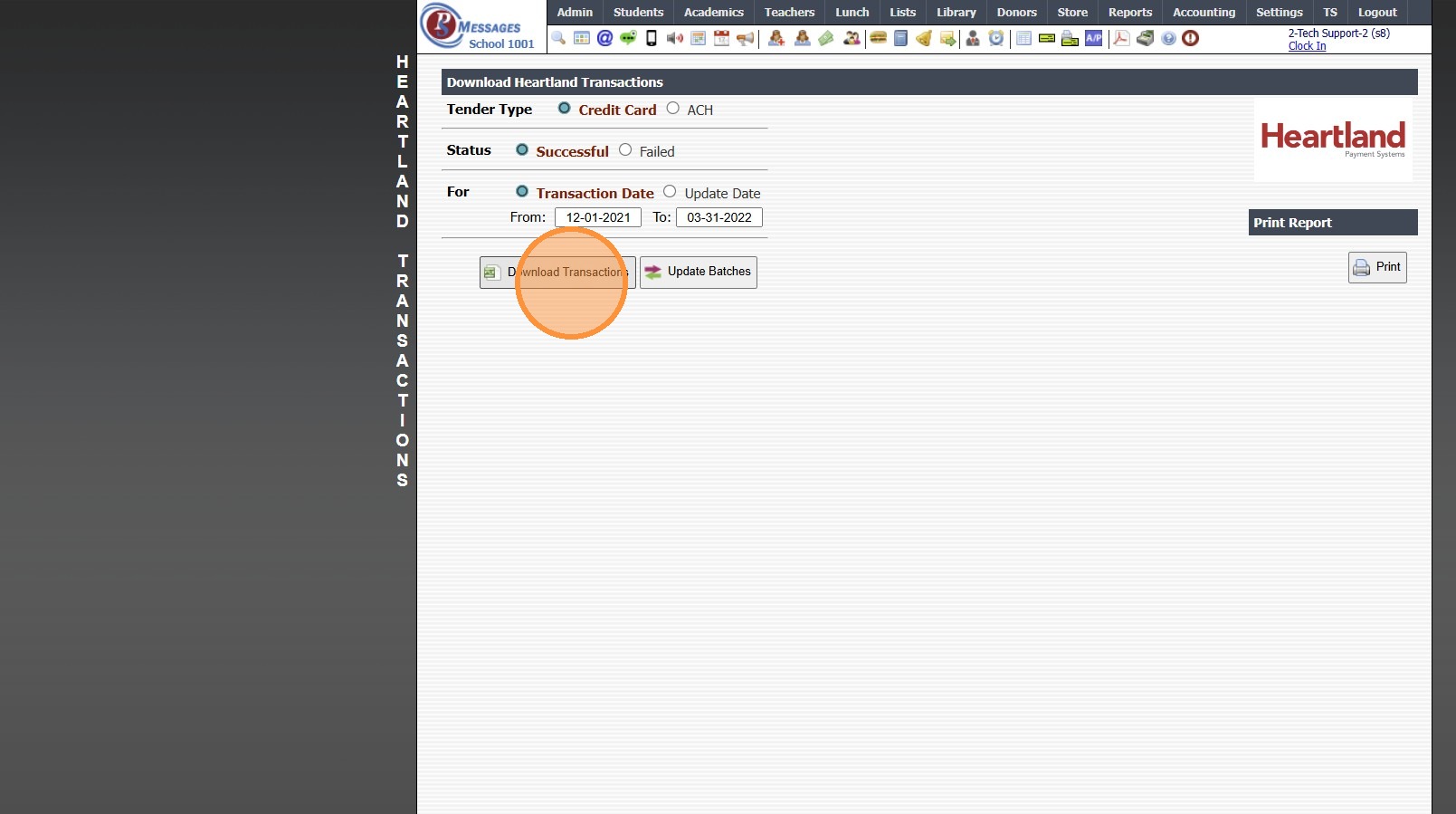
6. Report will Download for Review
6000.4.11
Related Articles
Download BlueFin Transaction Report
Download BlueFin Transaction Report 1. Click "Accounting" 2. Click "Electronic Payments" 3. Click "Download BlueFin Trans" 4. Set Date Range 5. Click "Download Transactions" 6. Report will Download for Review 7. 6000.4.10Heartland Declined ACH Message - Blacklist
Heartland Declined ACH Message - Blacklist 1. Click "Accounting" 2. Click "Electronic Payments" 3. Click "Heartland Transactions" 4. Select the non-successful transaction 5. [MessageDescription] => 233 - Transaction declined. Please contact the ...Classroom Incomplete Grades Report
Classroom Incomplete Grades Report 1. Log into PraxiSchool 2. Click "Teachers" 3. Click "Classroom" 4. Select Class 5. Click "Reports" 6. Click "Incomplete Grades" (Incomplete Grades Report shows All Student Assignments marked Incomplete) 7. Click ...Classroom Detail Grades Report
Classroom Detail Grades Report 1. Log into PraxiSchool 2. Click "Teachers" 3. Click "Classroom" 4. Select Class 5. Click "Reports" 6. Click "Detail Grade Book" (Detail Grade Book Report shows All Student's Assignment Grades for Class) 7. Click ...Classroom Lunch Orders Report
Classroom Lunch Orders Report 1. Log into PraxiSchool 2. Click "Teachers" 3. Click "Classroom" 4. Select Class 5. Click "Reports" 6. Click "Lunch Orders" and Click "Process Report" 7. Lunch Order Report Options: Print, Email or Download to a PDF ...