Creating a Balance Write-Off Transaction Item
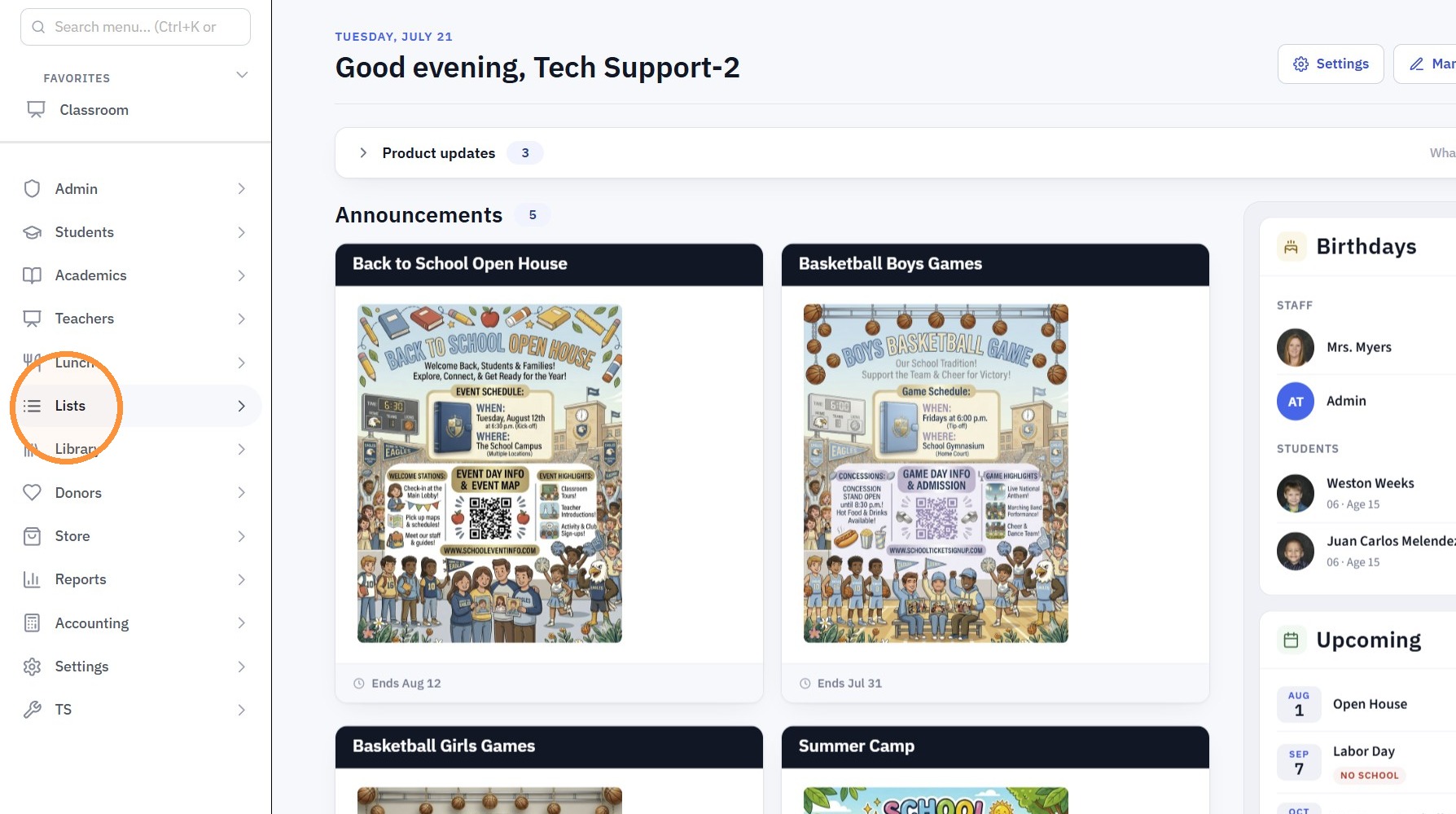
1. Click "Lists"
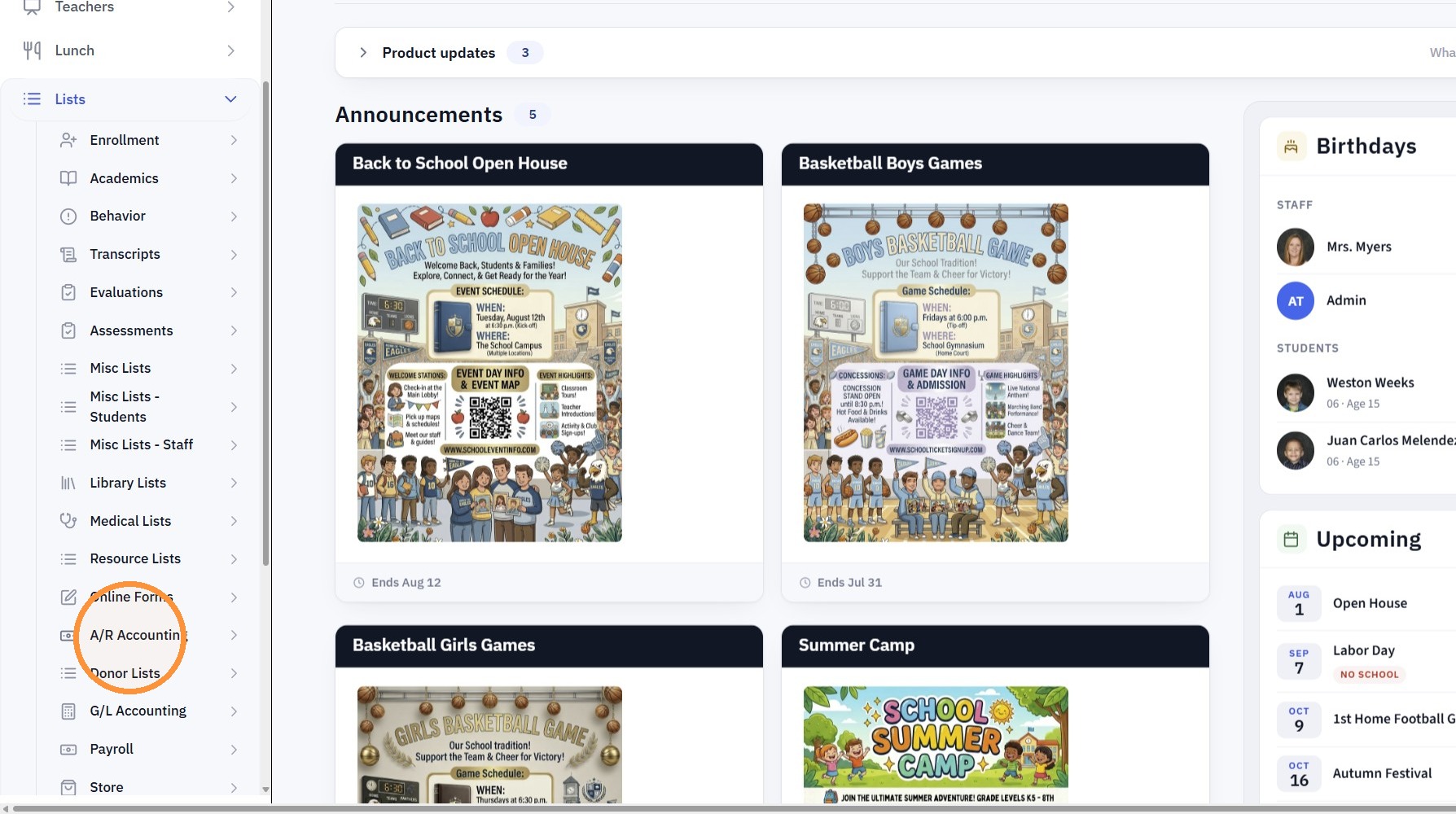
2. Click "A/R Accounting"
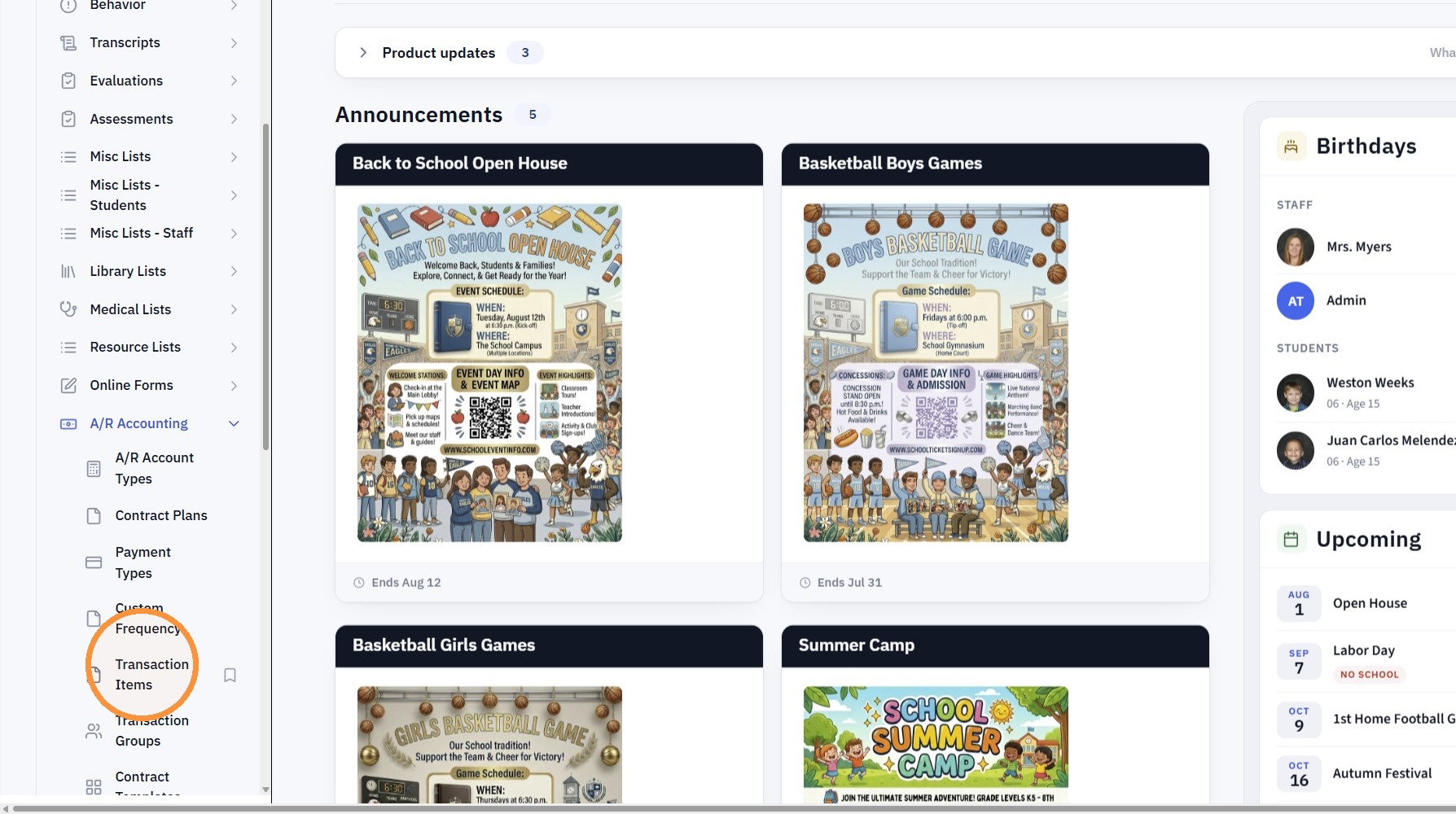
3. Click "Transaction Items"
4. Click "Add"
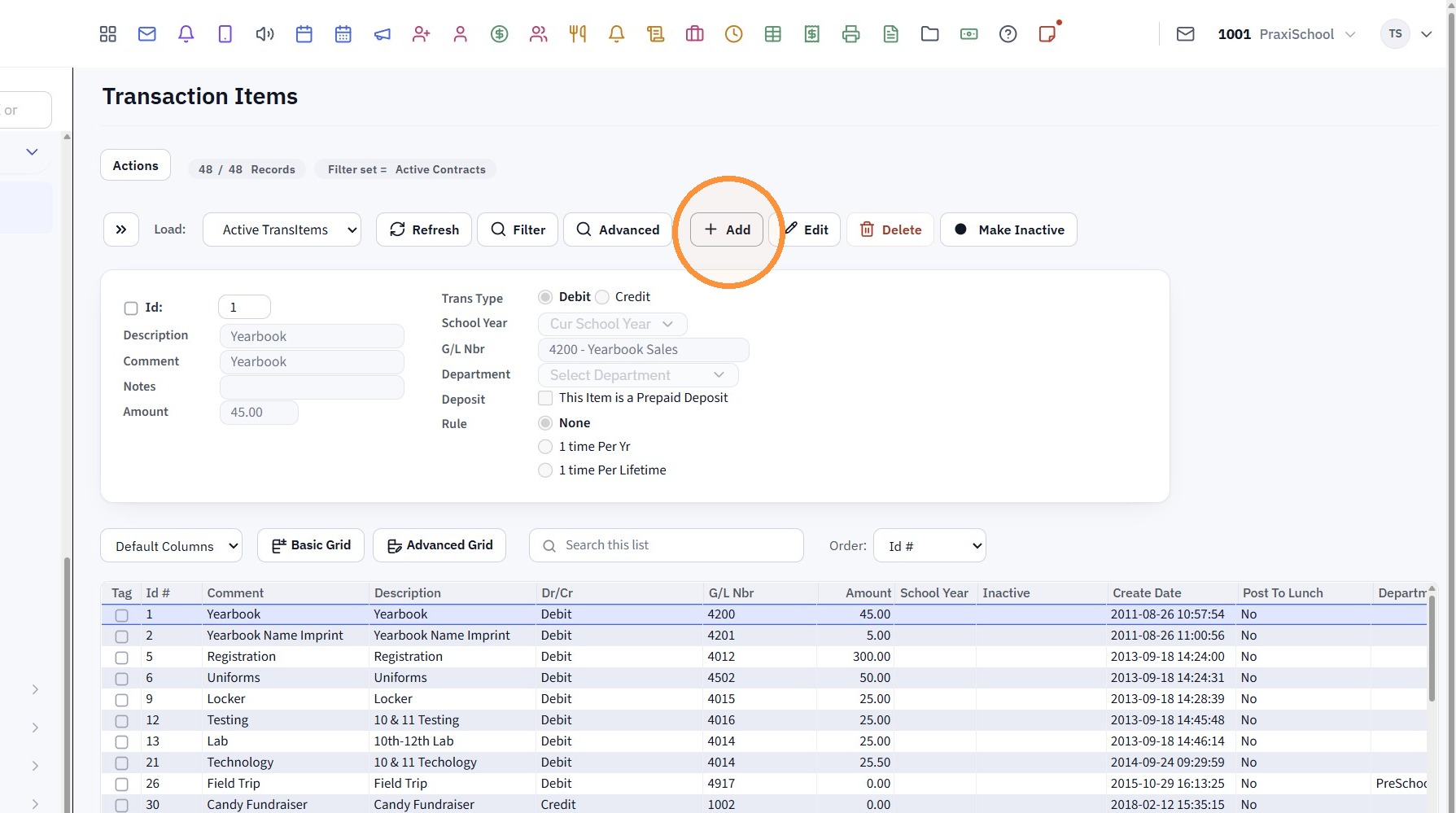
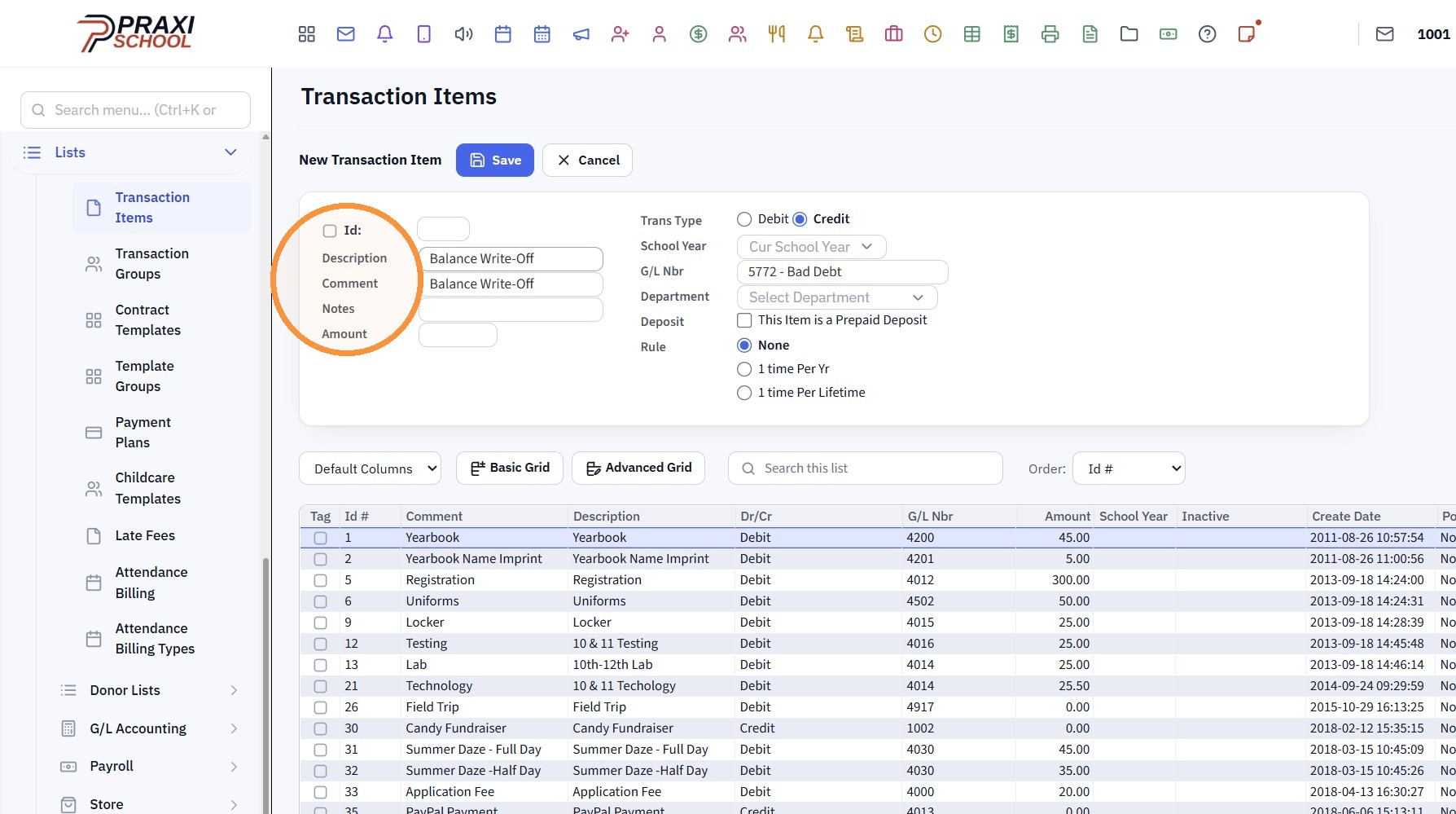
5. Enter the Description & Comment for the Balance Write-Off
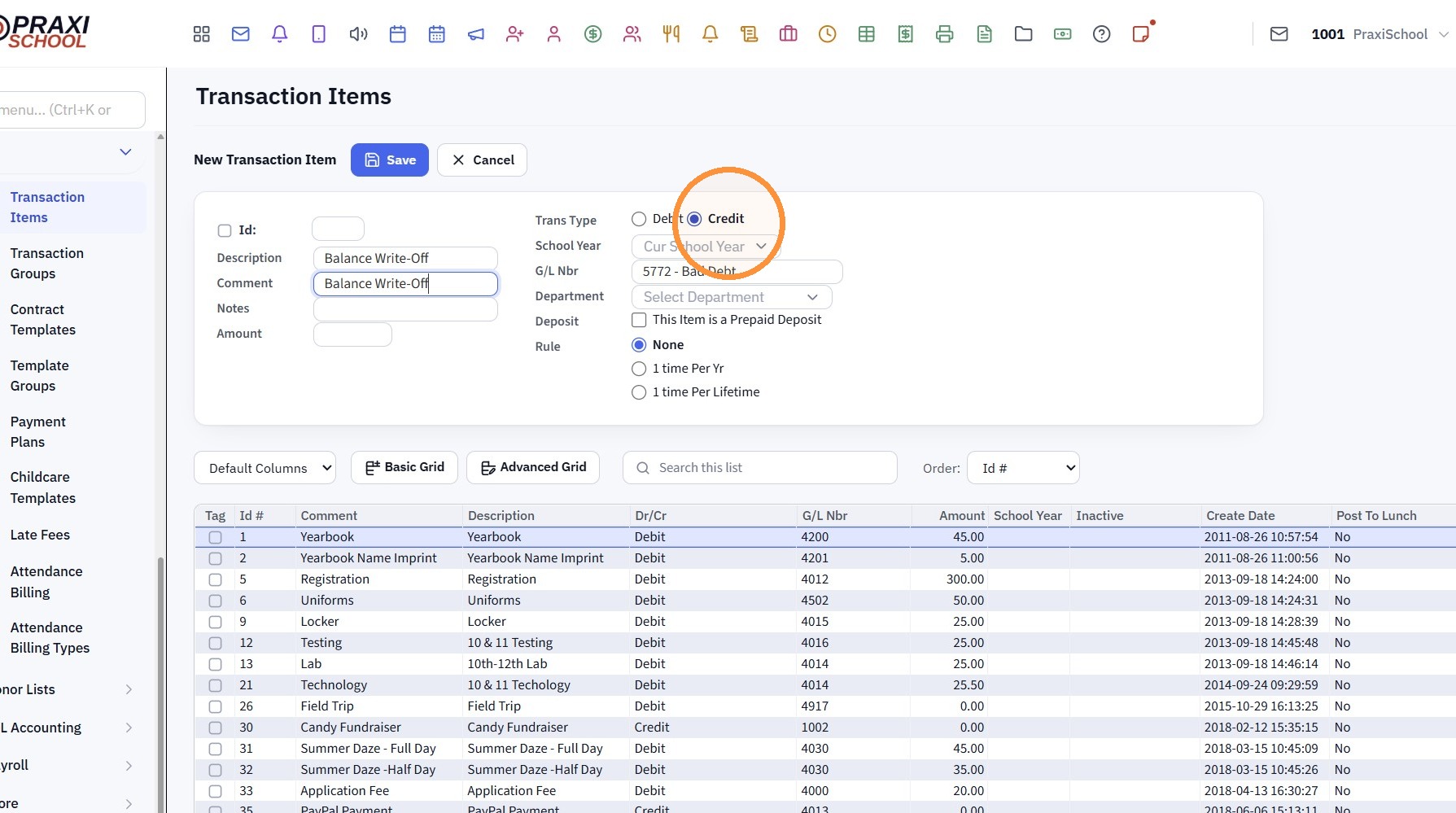
6. Click "Credit"
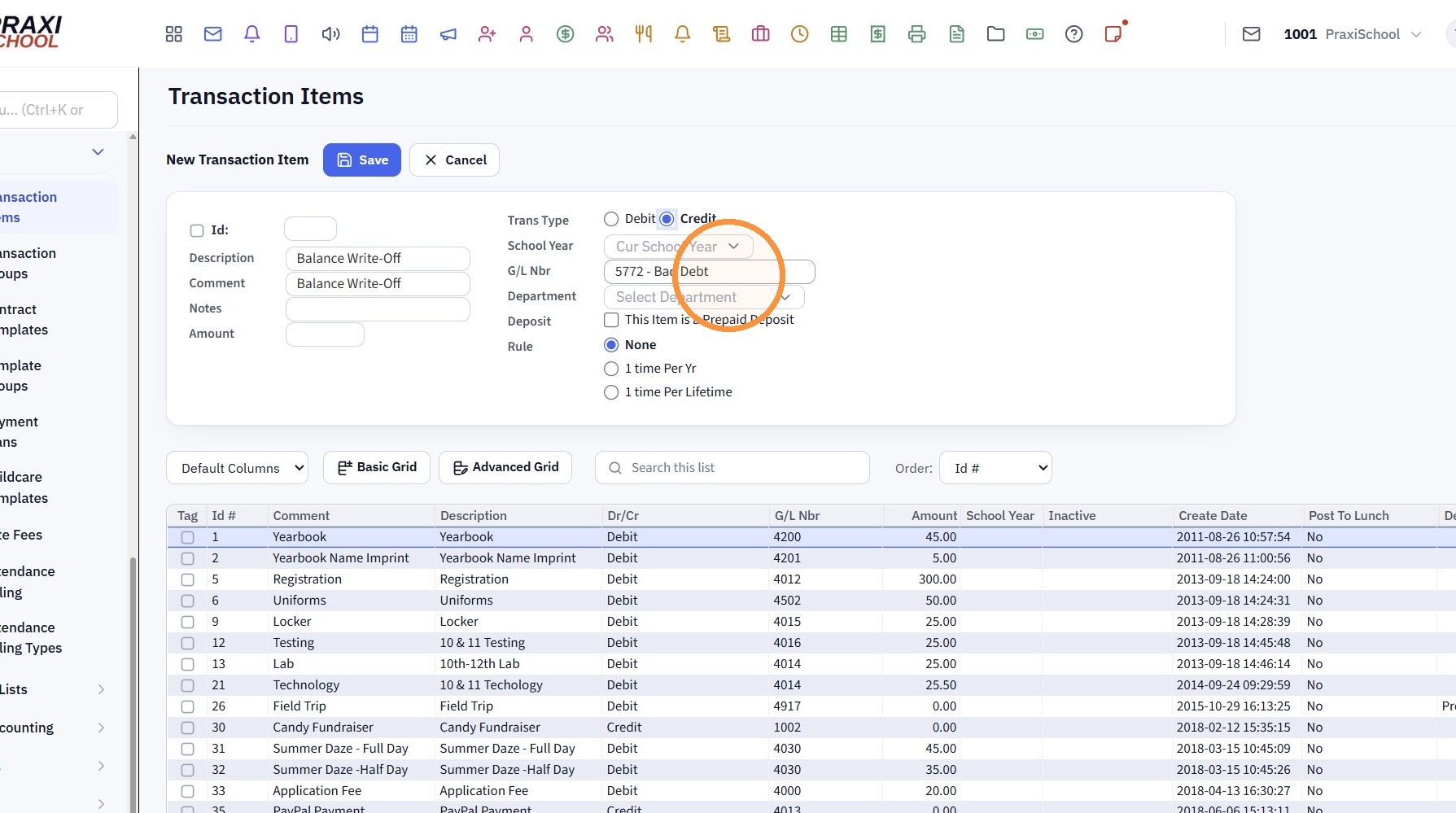
7. Select the Write-Off General Ledger Number
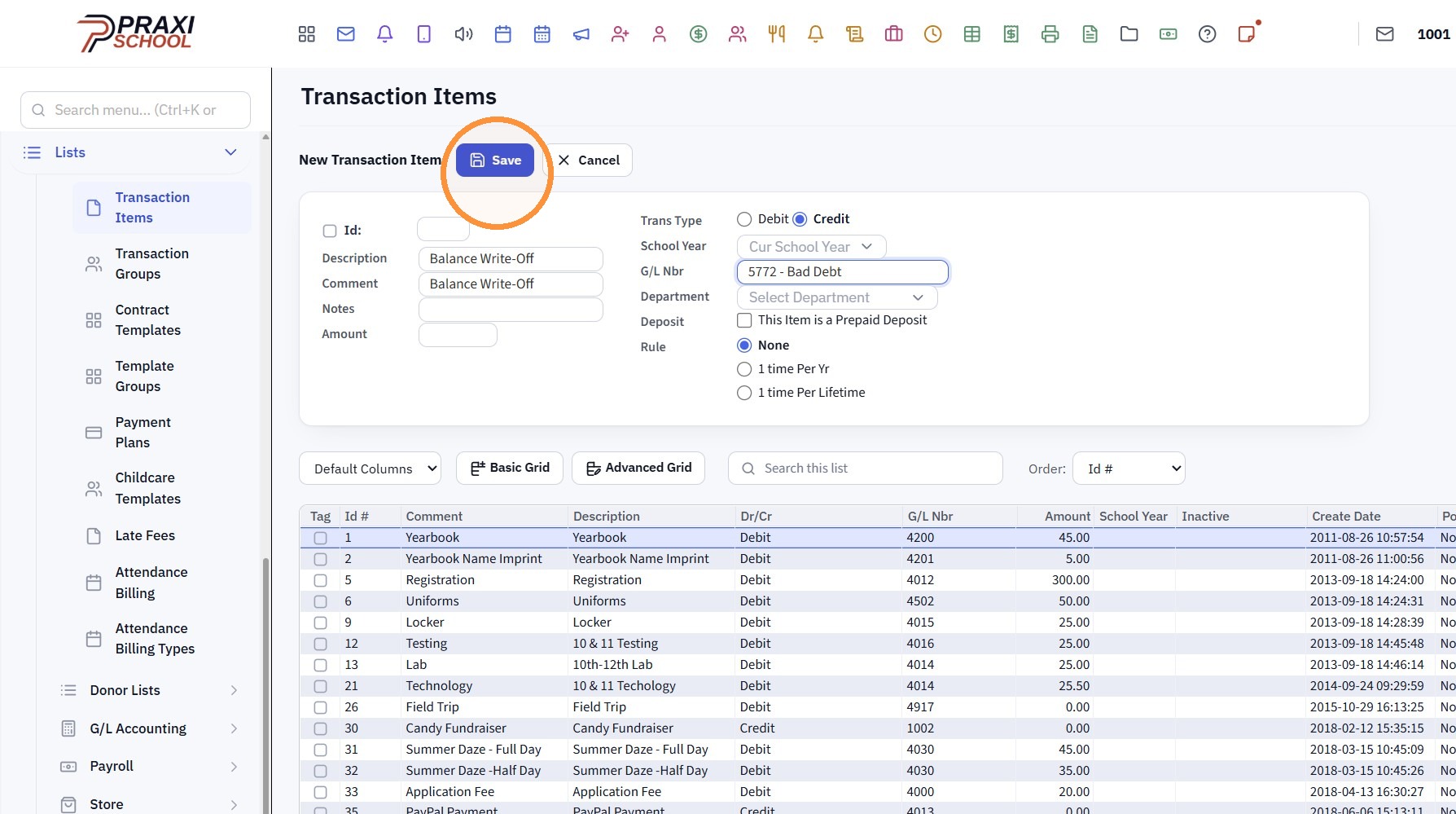
8. Click "Save"
3500.11.5.1
Related Articles
AR Account Balance Write-Off
1. Click "Admin" 2. Click "Accounts Receivable" Tip: If a Balance Write-Off Transaction Item has not already been Created, Click on this Link: Creating a Balance Write-Off Transaction Item Posting the Balance Write-Off 3. Select AR Account 4. Click ...Creating a Basic Transaction Item (Defined Items)
Creating a Basic Transaction Item (Defined Items) 1. Log into PraxiSchool 2. Click "Lists" 3. Click "A/R Accounting" 4. Click "Transaction Items" 5. Click "Add" 6. Enter Description & Comment (typically these are the same) Add Notes (Optional) 7. ...Creating a Transaction Group & Adding Transaction Items to the Transaction Group
1. Click "Lists" 2. Click "A/R Accounting" 3. Click "Transaction Groups" 4. Click "Add" 5. Enter Transaction Group Description 6. Click "Save" 7. Select Transaction Group & Click "Add/Edit/Delete" 8. Select Applicable Transaction Item 9. Click "Add" ...Creating a New Transaction Group for Online Forms
1. Click "Lists" 2. Click "A/R Accounting" 3. Click "Transaction Groups" 4. Click "Add" 5. Name Transaction Group 6. Click "Save" 7. Click "Add/Edit/Delete" 8. Select Transaction Item & Click Add (Repeat to Add Additional Transaction Items to Same ...Adding a Transaction Item to a Student's AR Account
Adding a Transaction Item to a Student's AR Account Adding a Transaction Item to a Student's AR Account from Defined Items or Manually 1. Log into PraxiSchool 2. Click "Admin" 3. Click "Accounts Receivable" 4. Select Billing Account 5. Click $ to Add ...