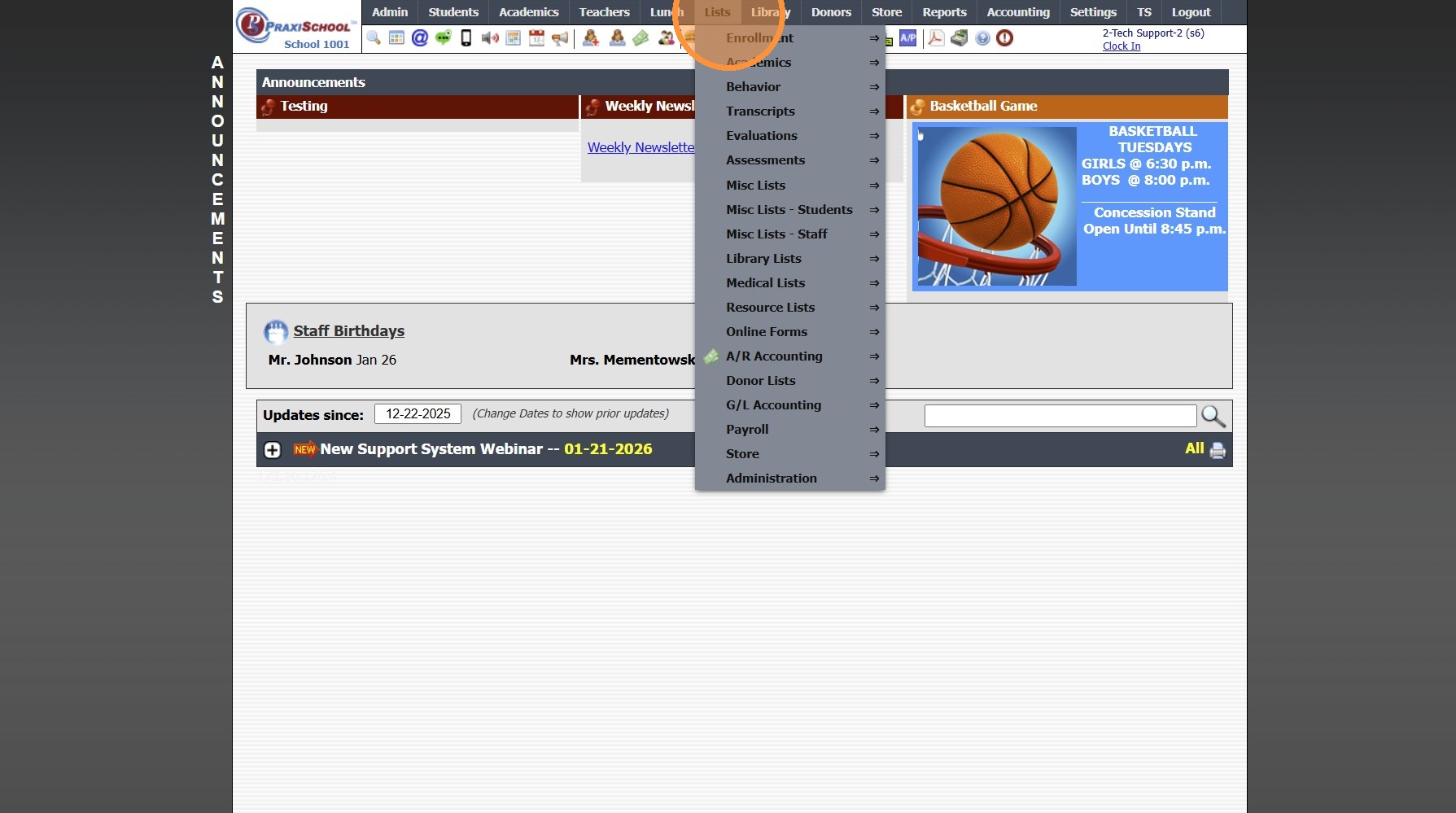
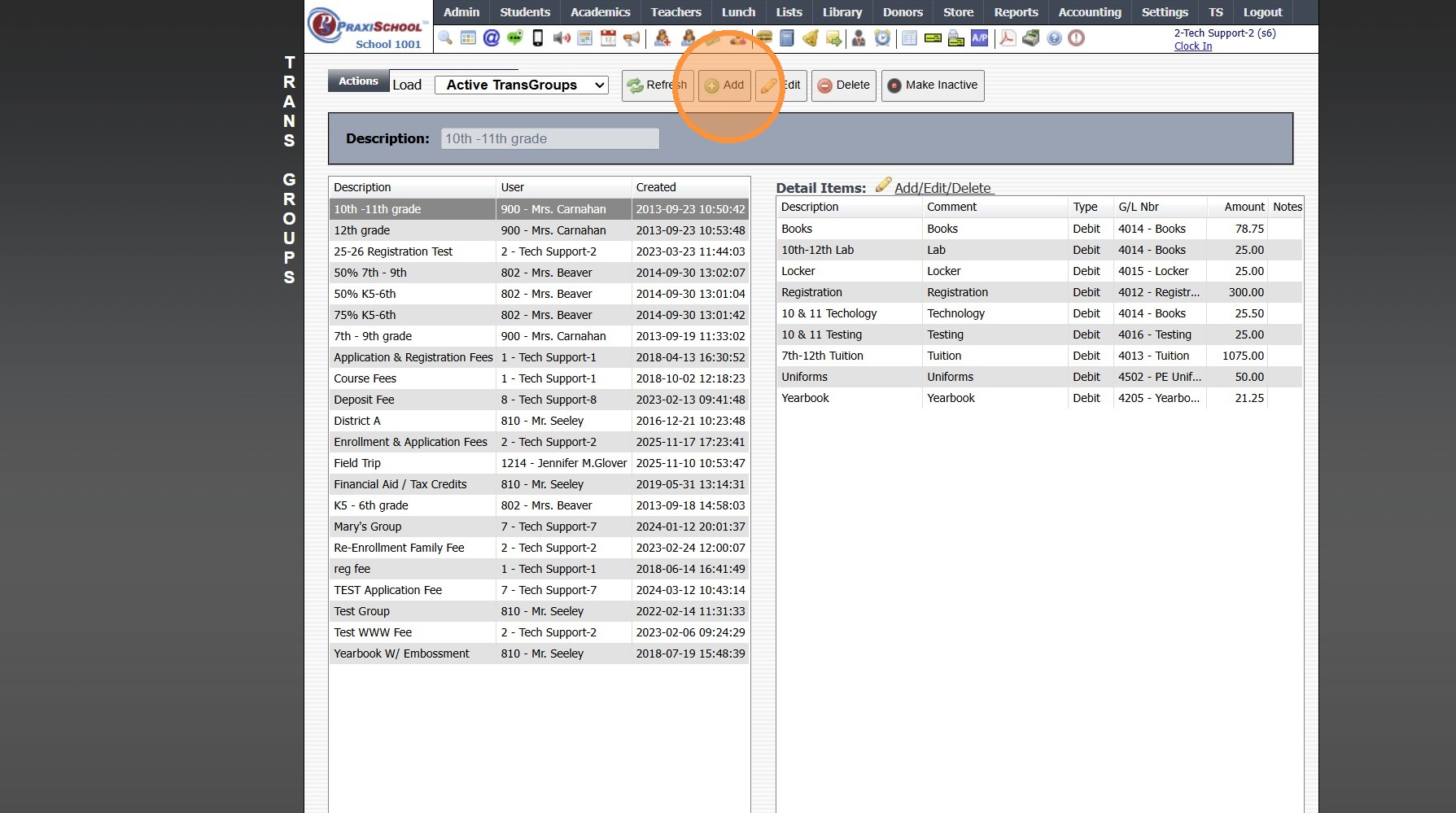
Creating a New Transaction Group for Online Forms

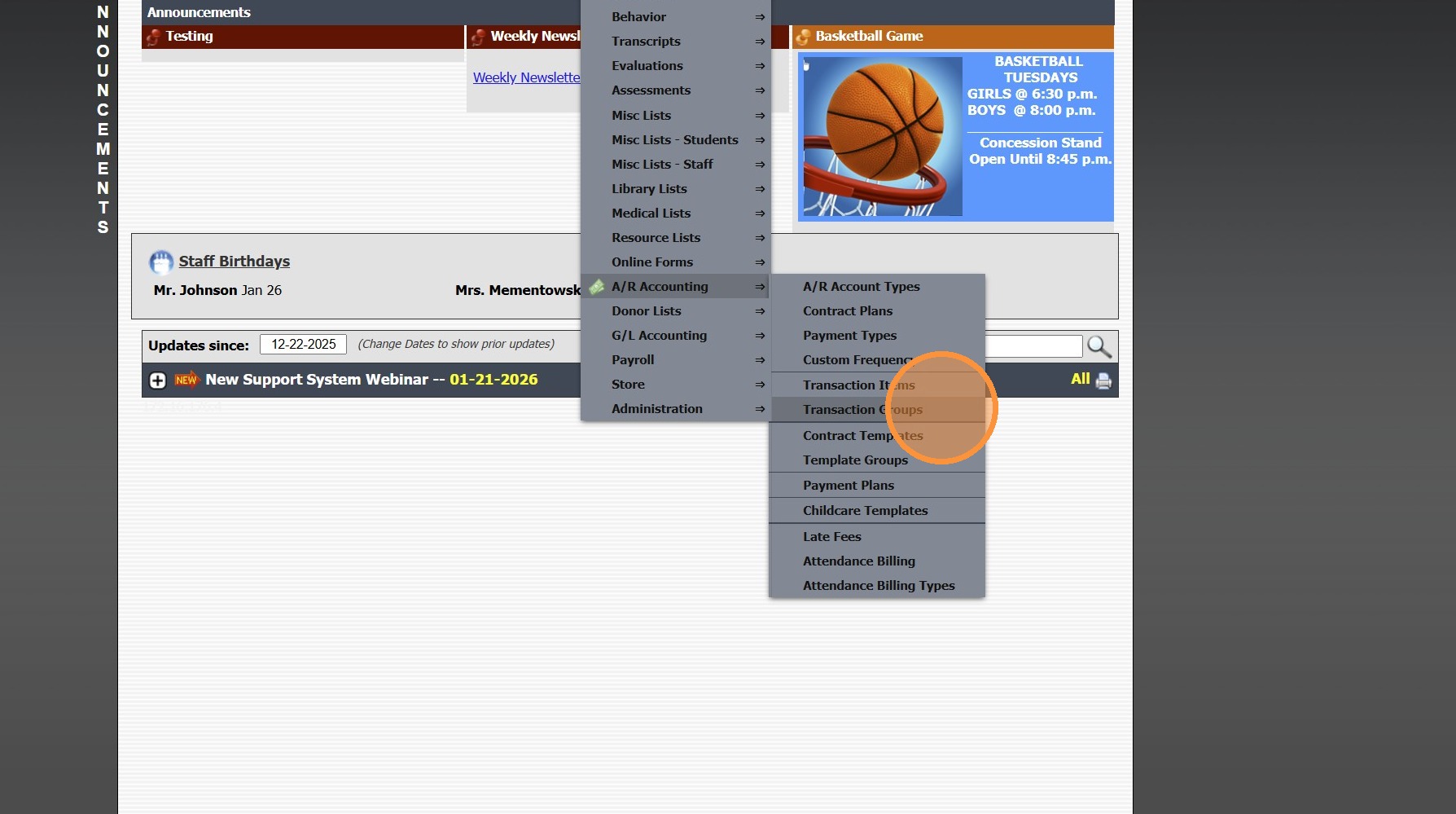
2. Click "A/R Accounting"

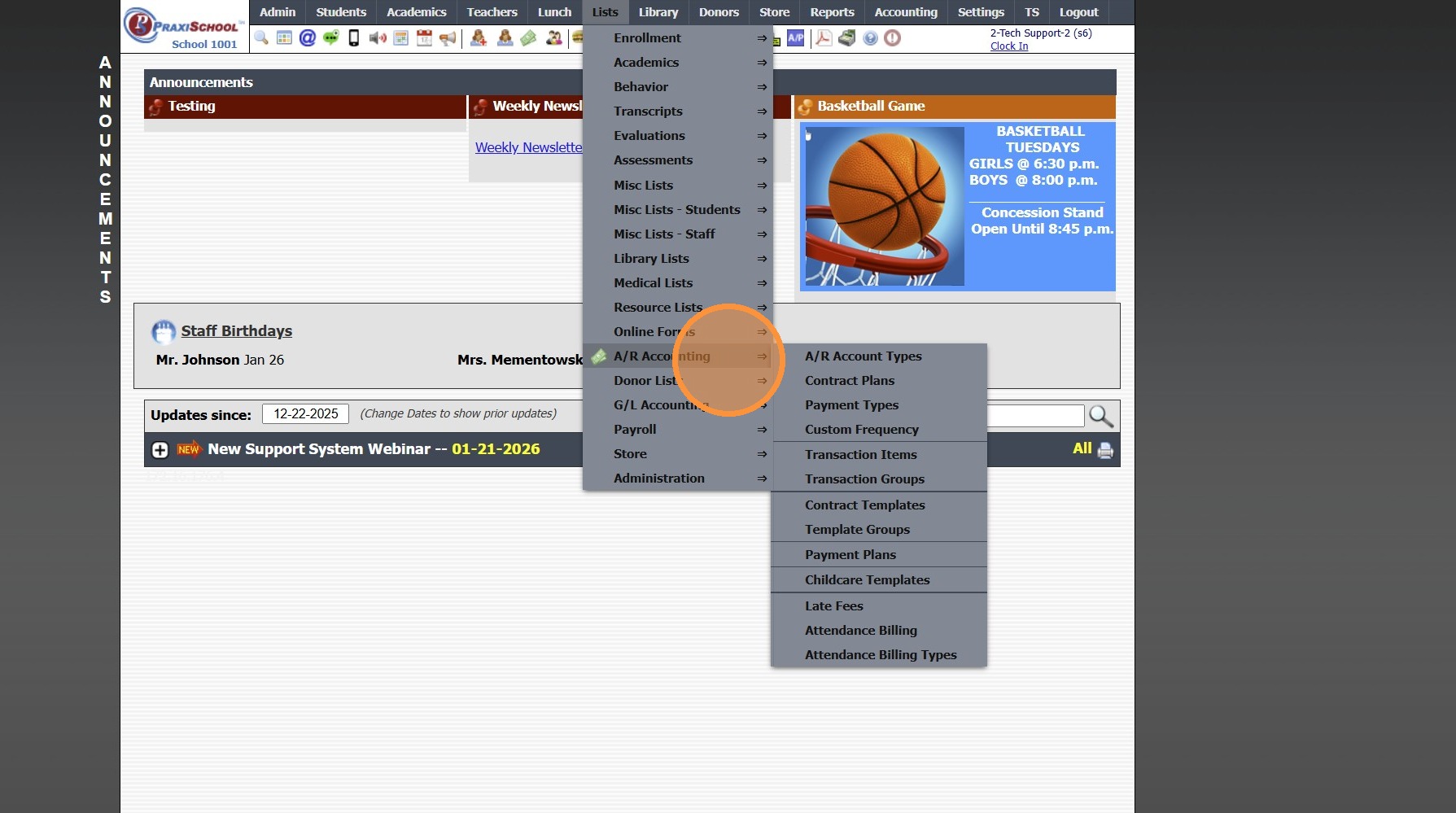
3. Click "Transaction Groups"

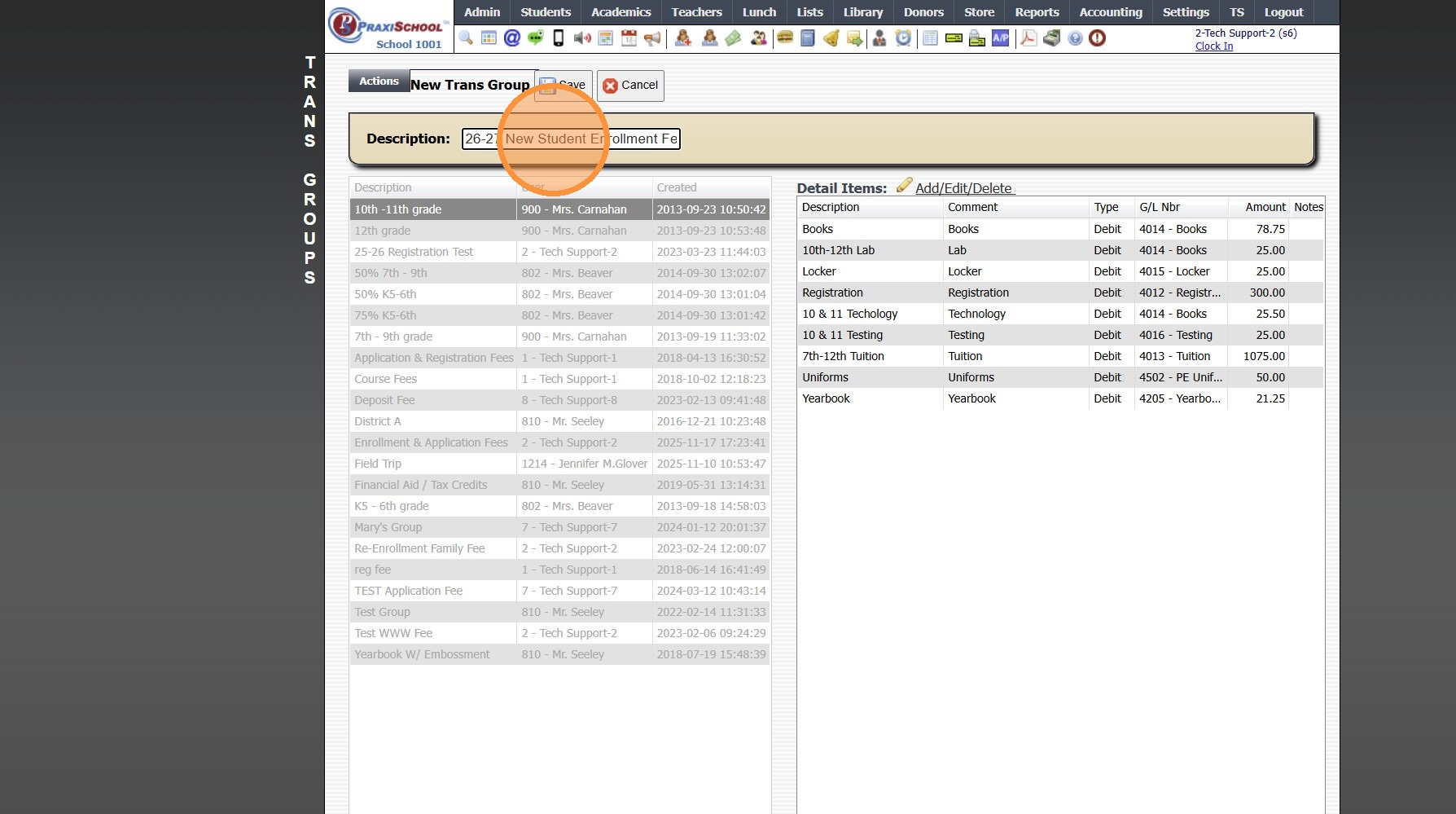
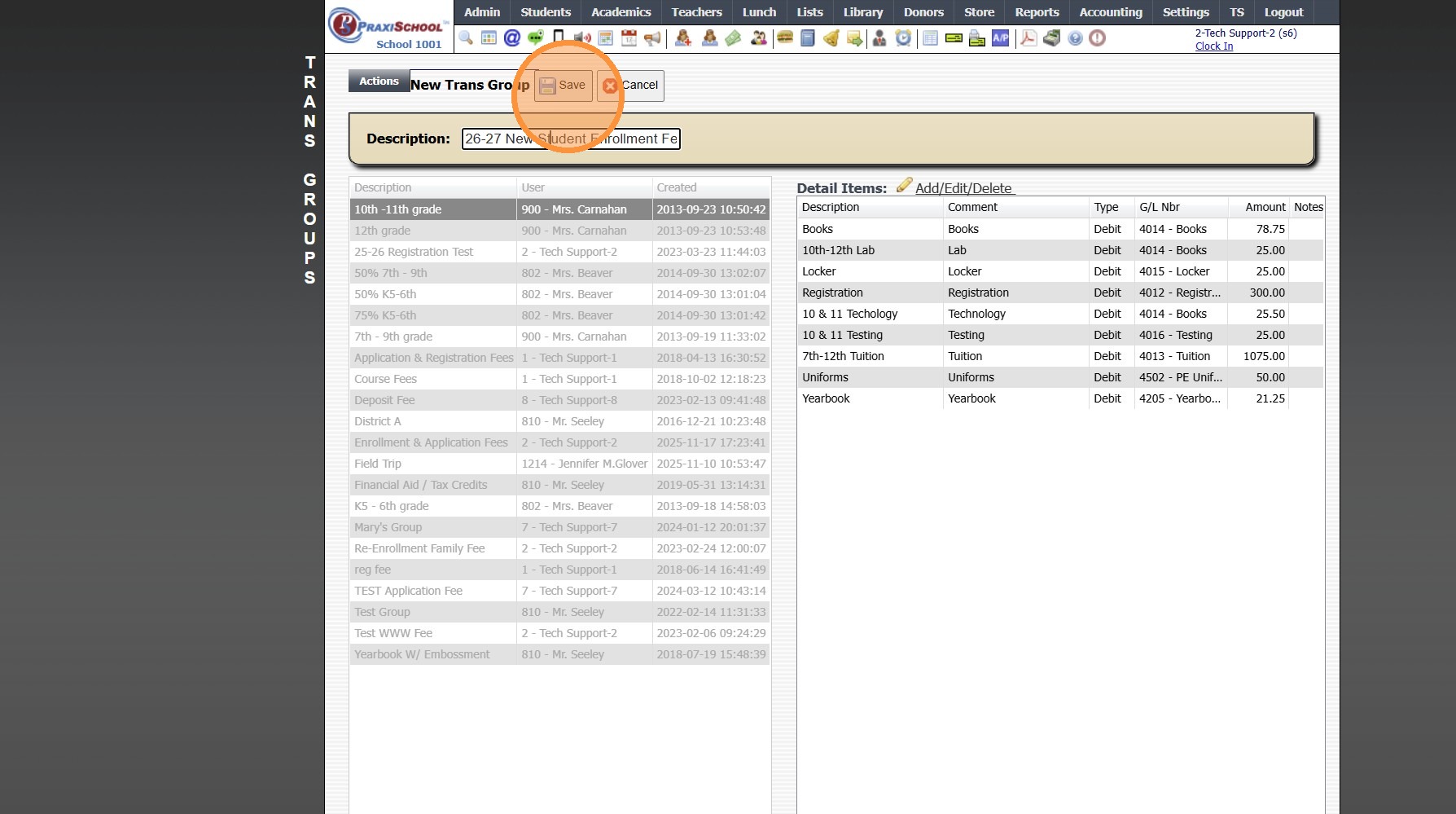
5. Name Transaction Group


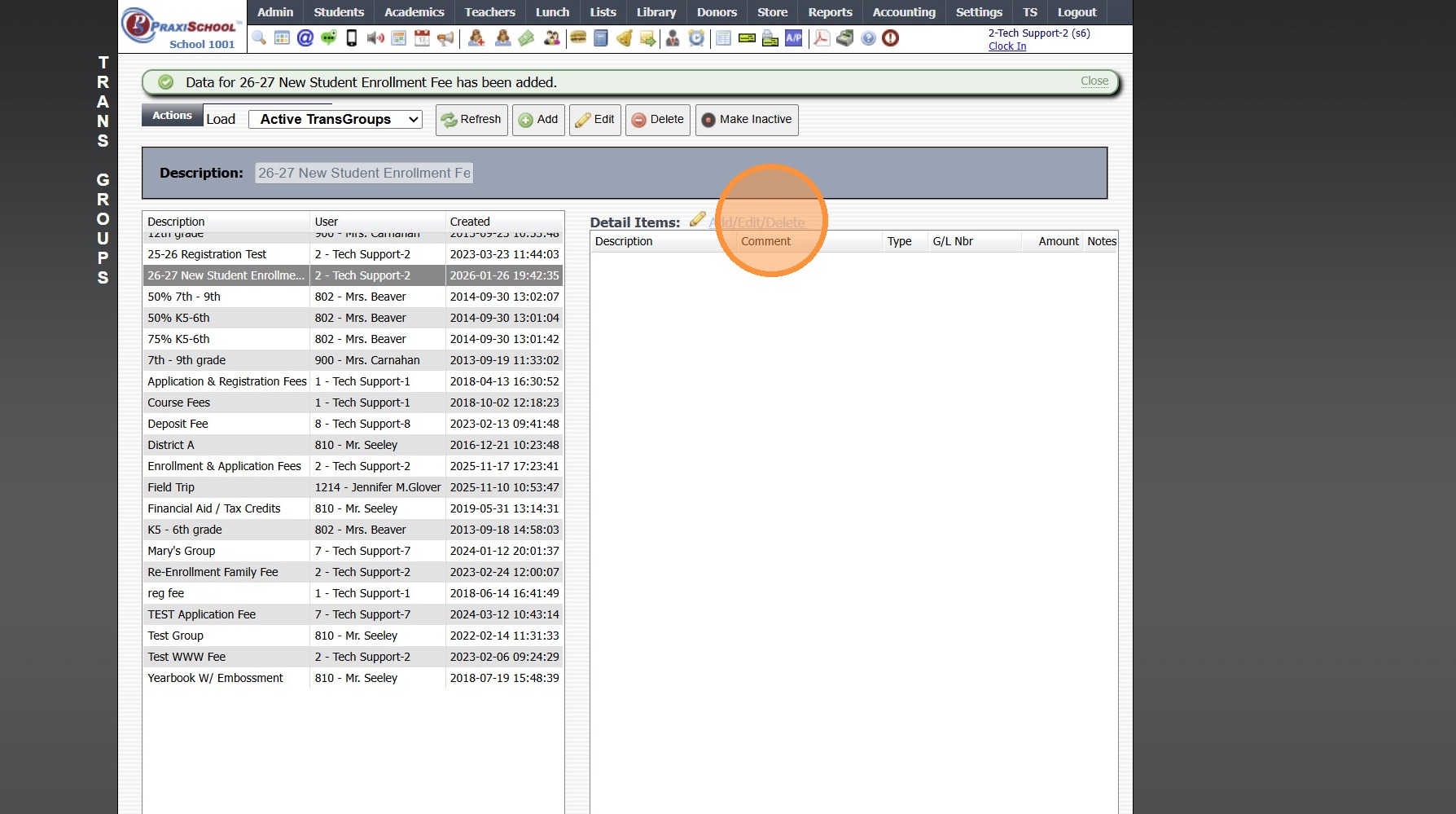
7. Click "Add/Edit/Delete"

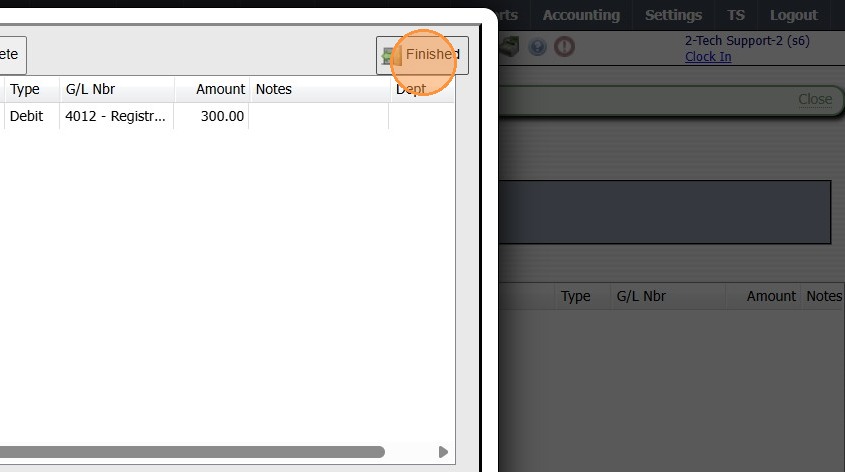
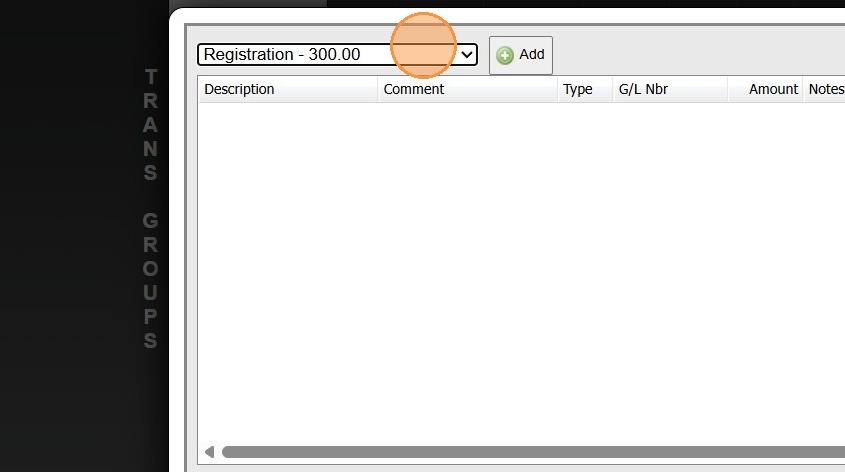
8. Select Transaction Item & Click Add
(Repeat to Add Additional Transaction Items to Same Transaction Group)(Optional)

Related Articles
Areas to Check for Updates on Replicated Forms
1. Click "Admin" 2. Click "Online Forms" 3. Click "Forms" 4. Select Form 5. Click "Styles & Functionality" Tab 6. Click "Edit" 7. Update Auto Start & Auto End Dates (If Using) 8. Click "Portal" Tab 9. Update Verbiage (If Using & Verbiage Contains ...
Adding School HTML for Online Forms
1. Click "Admin" 2. Click "Online Forms" 3. Click "School HTML" 4. Click "Add" 5. Enter Description 6. Select a Folder or Click the Blue Bar & Add a New Folder 7. Check the Build Forms Only Box (If this box is NOT checked, the HTML will not be ...
Creating Group Categories
Creating Group Categories 1. Click "Lists" 2. Click "Misc Lists" 3. Click "Group Categories" 4. Click "Add" 5. Enter an Order Number (Optional) 6. Enter Category Description 7. Click "Save" 3500.4.9
Online Forms Auto Start & End Dates
Online Forms Auto Start & End Dates 1. Click "Admin" 2. Click "Online Forms" 3. Click "Forms" 4. Select "Styles & Functionality" tab 5. Enter Auto Start & End Date and Time 1000.6.4
Creating Custom Fields for Online Form/Surveys
Custom Fields create for Online Forms are for the purpose of Printing the Form Only, Custom Fields do NOT Save to the Student, AR nor Family Files. 1. Click "Admin" 2. Click "Online Forms" 3. Click "Custom Fields" 4. Click "Add" 5. Select or Add a ...