Changing the Sender Email Address in AR
1. Click "Admin"
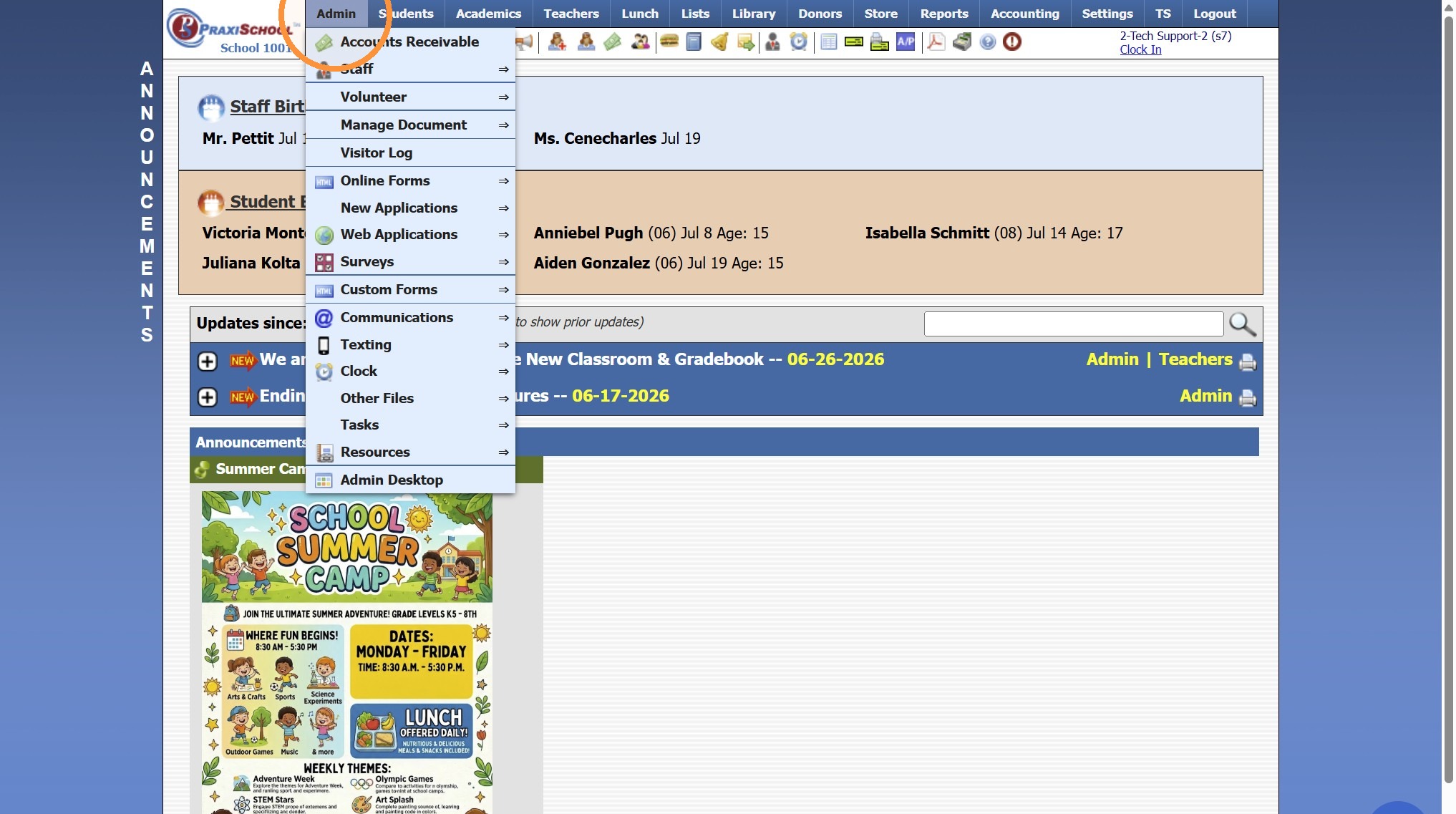
2. Click "Accounts Receivable"
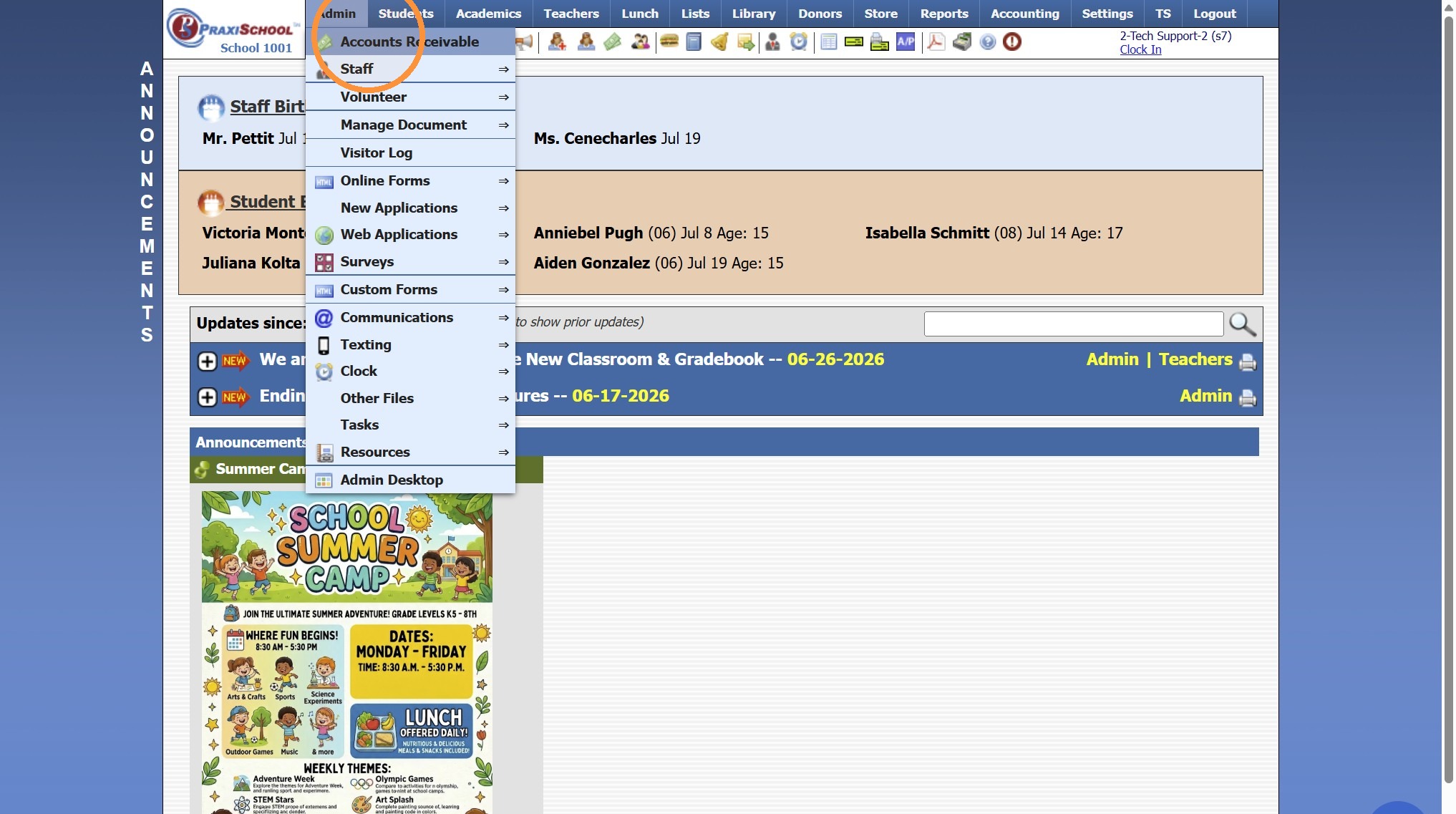
3. Click "Actions"
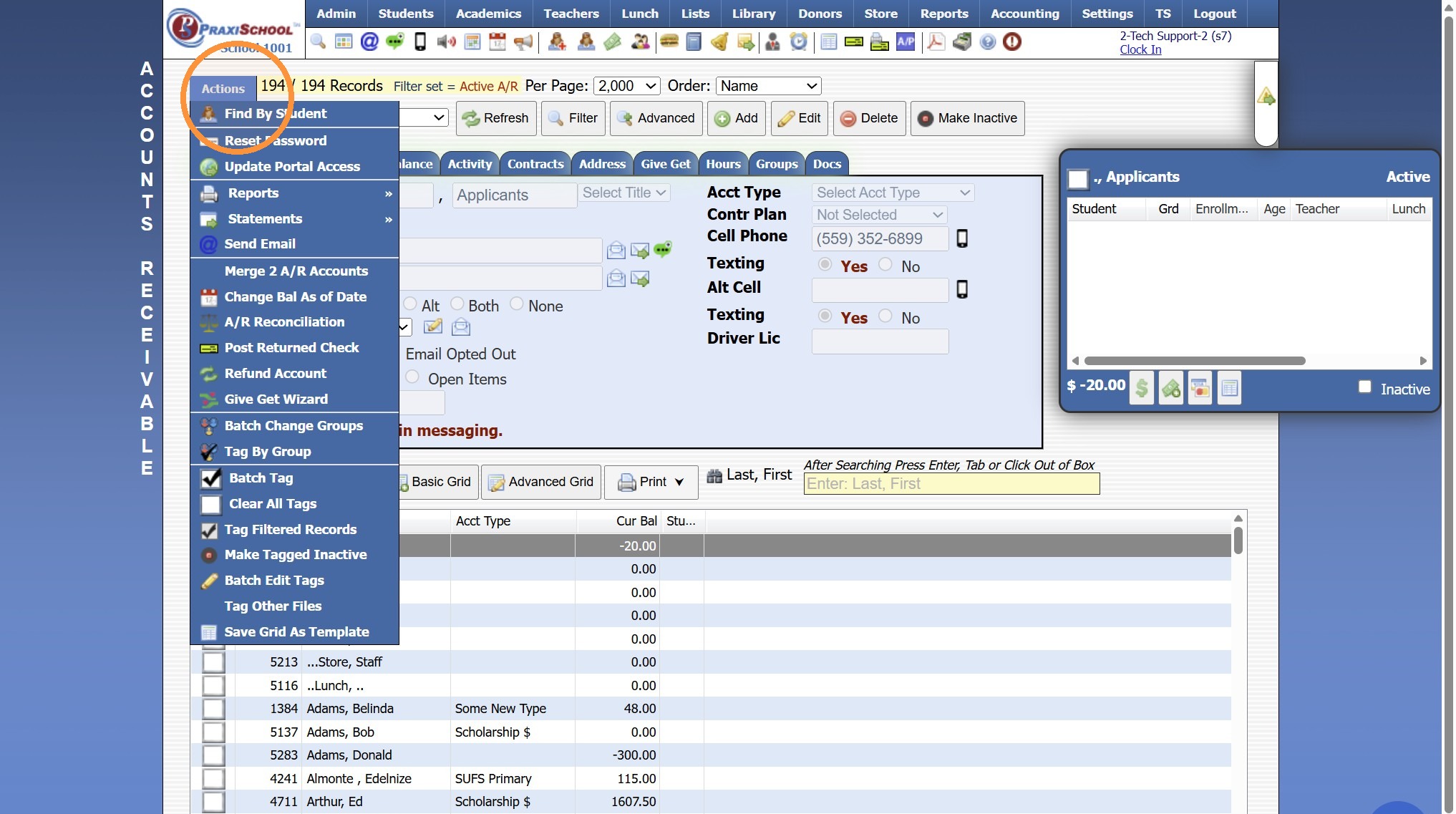
4. Click "Send Email"
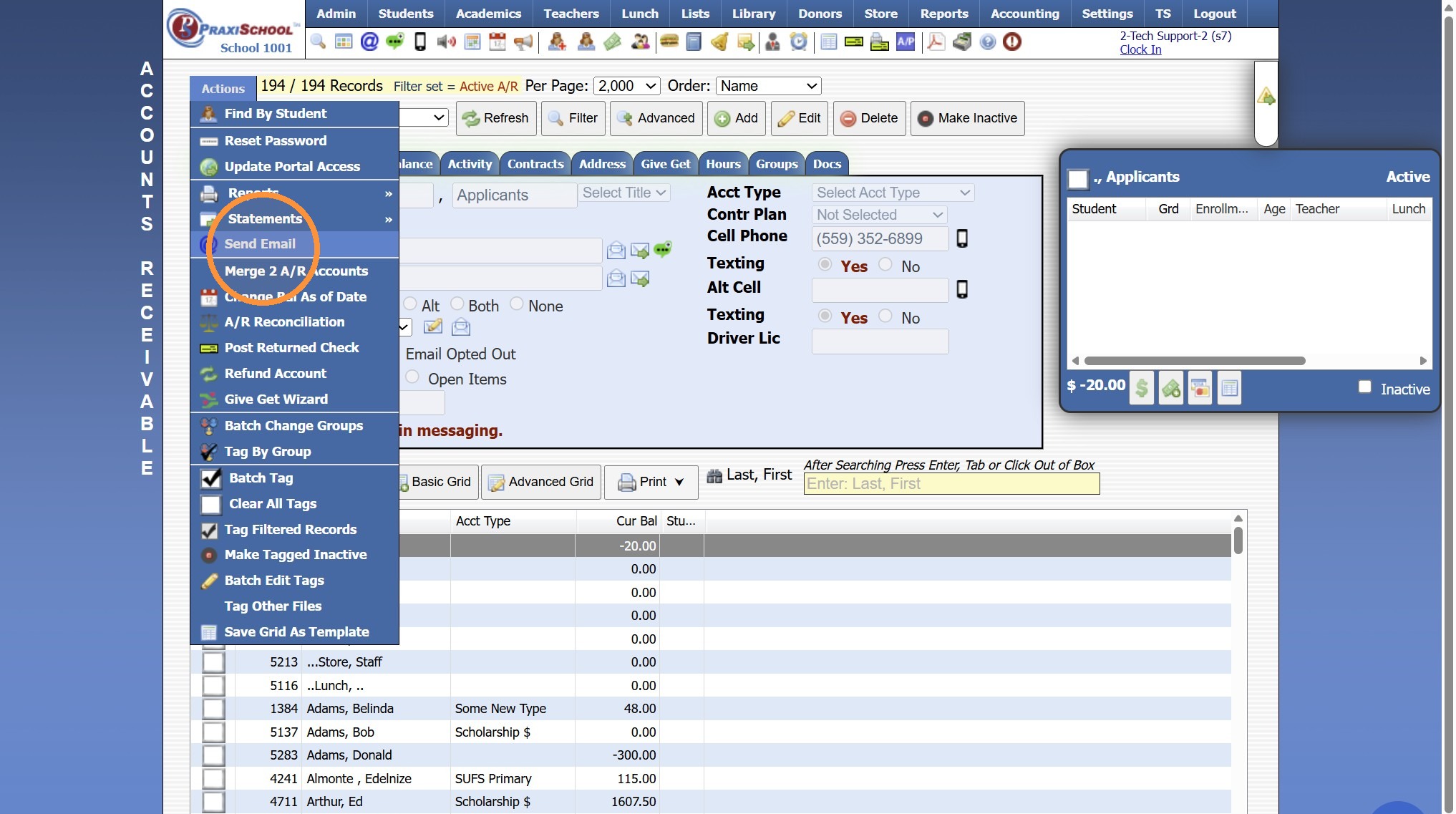
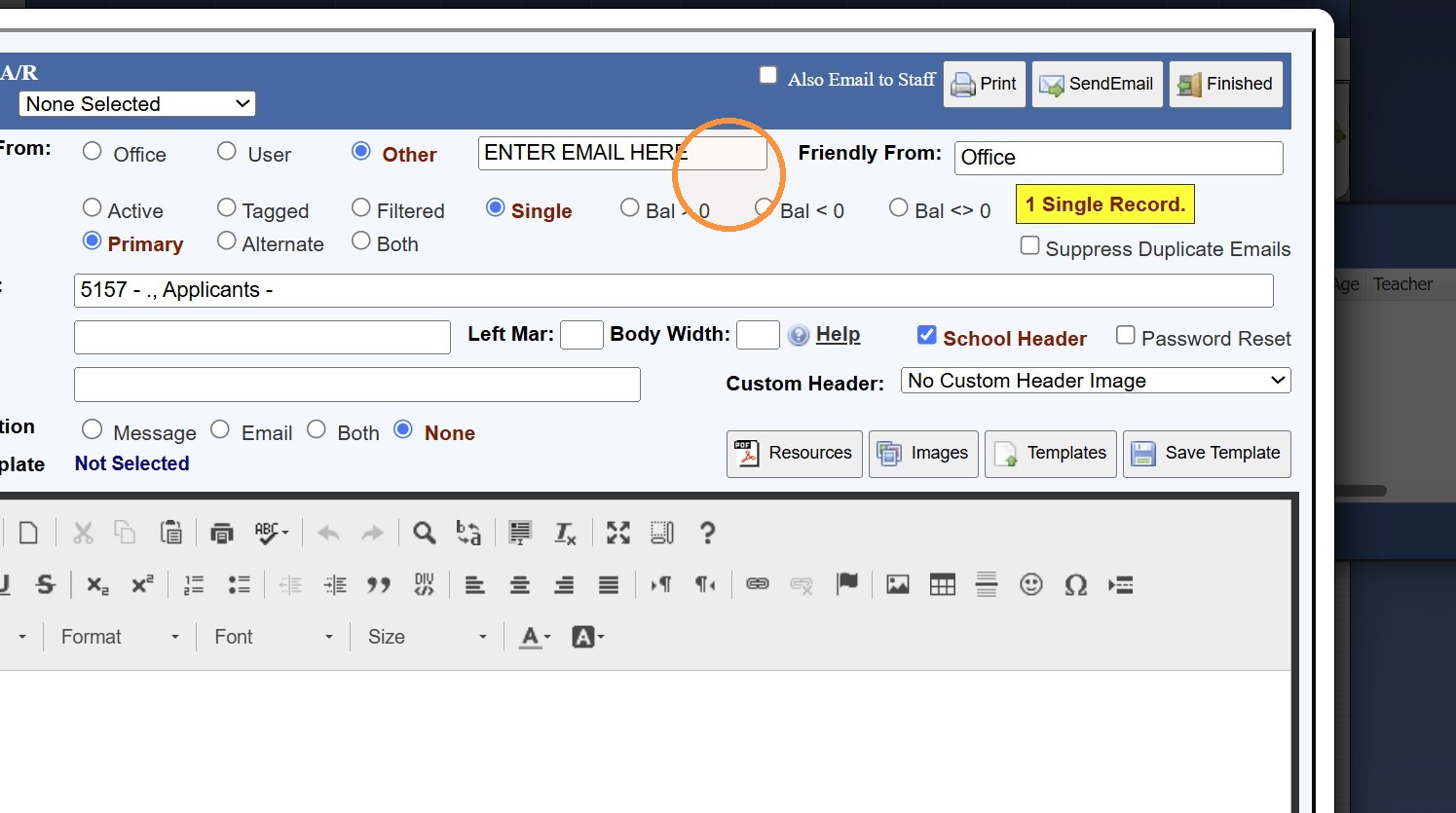
5. Check the "Other" Box
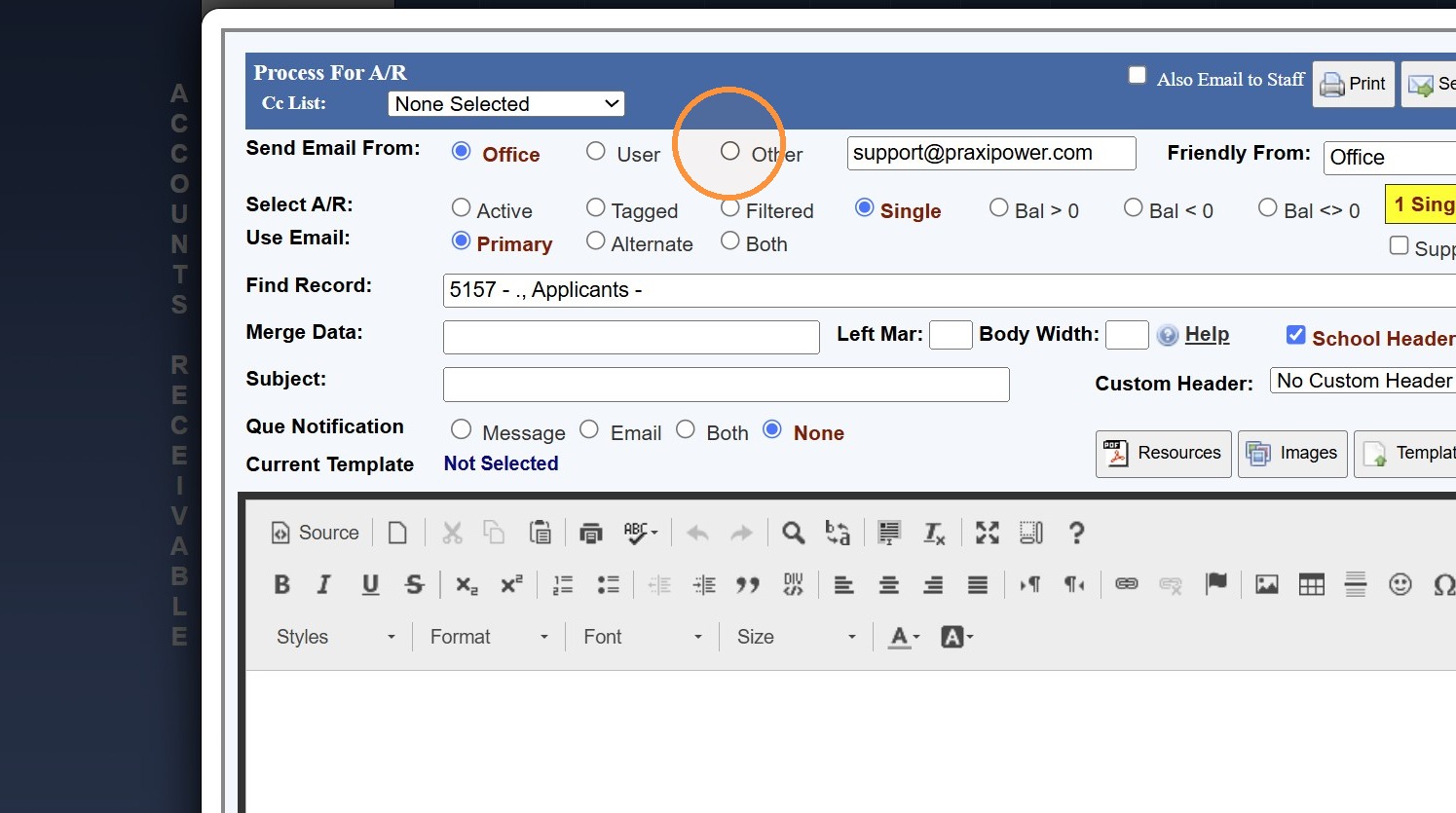
6. Enter the desired Send From Email Address
1000.1.36
Related Articles
Email Suppressions - Search by Email Address
1. Click "Reports" 2. Click "Email Suppressions" 3. Select the "Search by Email Address" Toggle 4. Enter Email Address to Search 5. Click "Search" 6. All Suppressions for Email Address will Populate on Screen 5500.1.2Changing an Address for One Family Member & not Changing it for Everyone in the Family
1. Click "Students" 2. Click "Student Wizard (T)" 3. Click "Find Student" 4. Select Student & Click Ok NOTE: To Change for AR or Family, Select Appropriate Toggle Option 5. Click the "Address" Tab 6. Click "New Address" 7. Enter Family Name, Address, ...Invalid Email Report
Invalid Email Report 1. Login to PraxiSchool 2. Click "Reports" 3. Click "Email Suppressions" 4. Click the "Invalid Emails in Database" field 5. Invalid Email List provides Necessary Information for Locating Invalid Email Address for Correction. ...Creating Student Email Address Using School Domain
Creating Student Email Address Using School Domain 1. Click "Students" 2. Click "Students" 3. Click "Batch Tag" 4. Batch Tag by Grade Level or for All Grade Levels 5. Click "Tag Students" 6. Click "Close & Set Filter" 7. Click "Actions" 8. Click ...Why Does an Email Address Show as Invalid when the Email Address is Correct?
Tip: More than likely the Email Address has a Space at the End. Follow Instructions below to Check Invalid Emails & Update Email Address. 1. Click "Reports" 2. Click "Email Suppressions" 3. View Invalid Emails 4. Table, ID, Name & Email Address are ...