Changing an Address for One Family Member & not Changing it for Everyone in the Family
1. Click "Students"
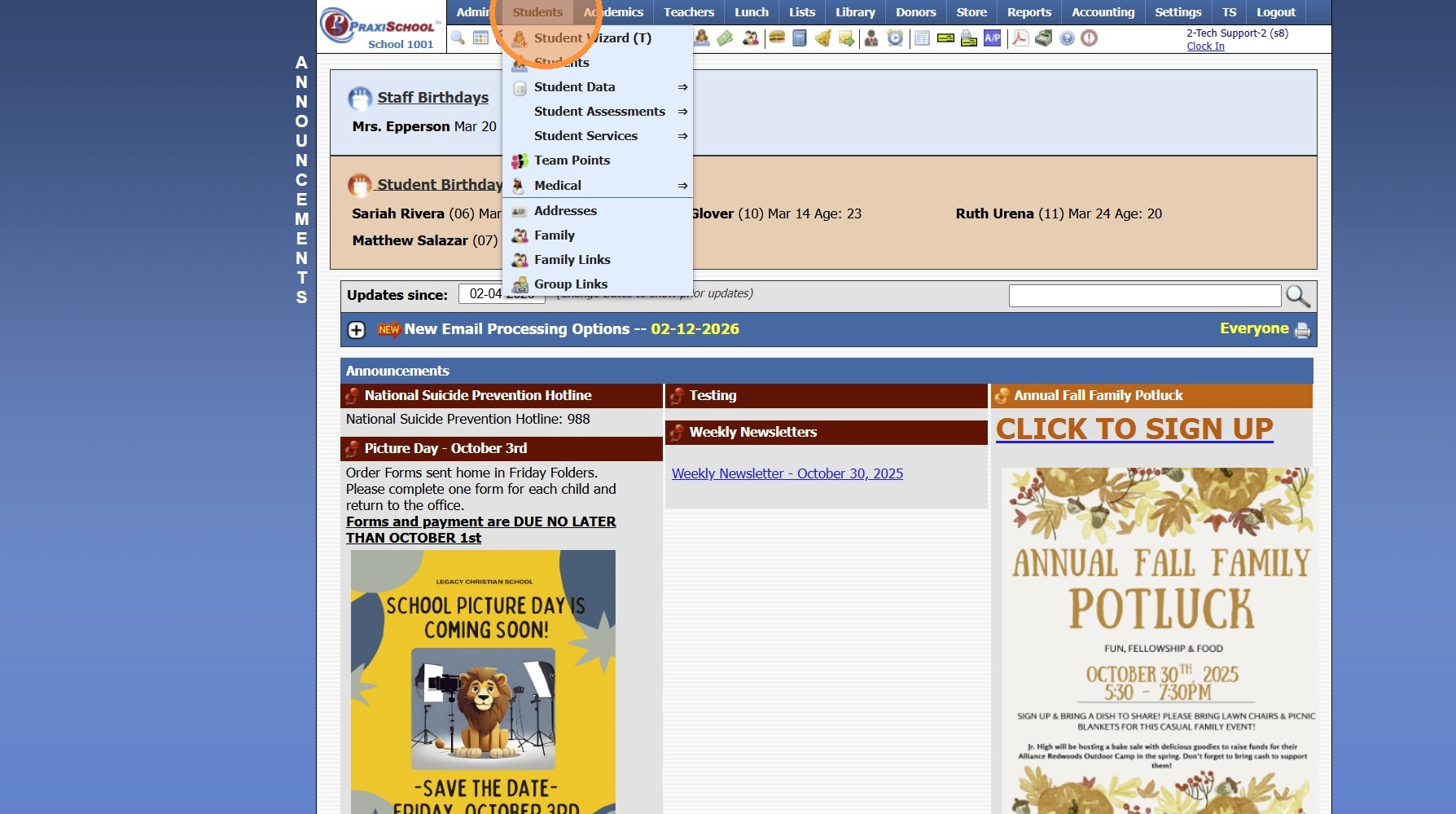
2. Click "Student Wizard (T)"
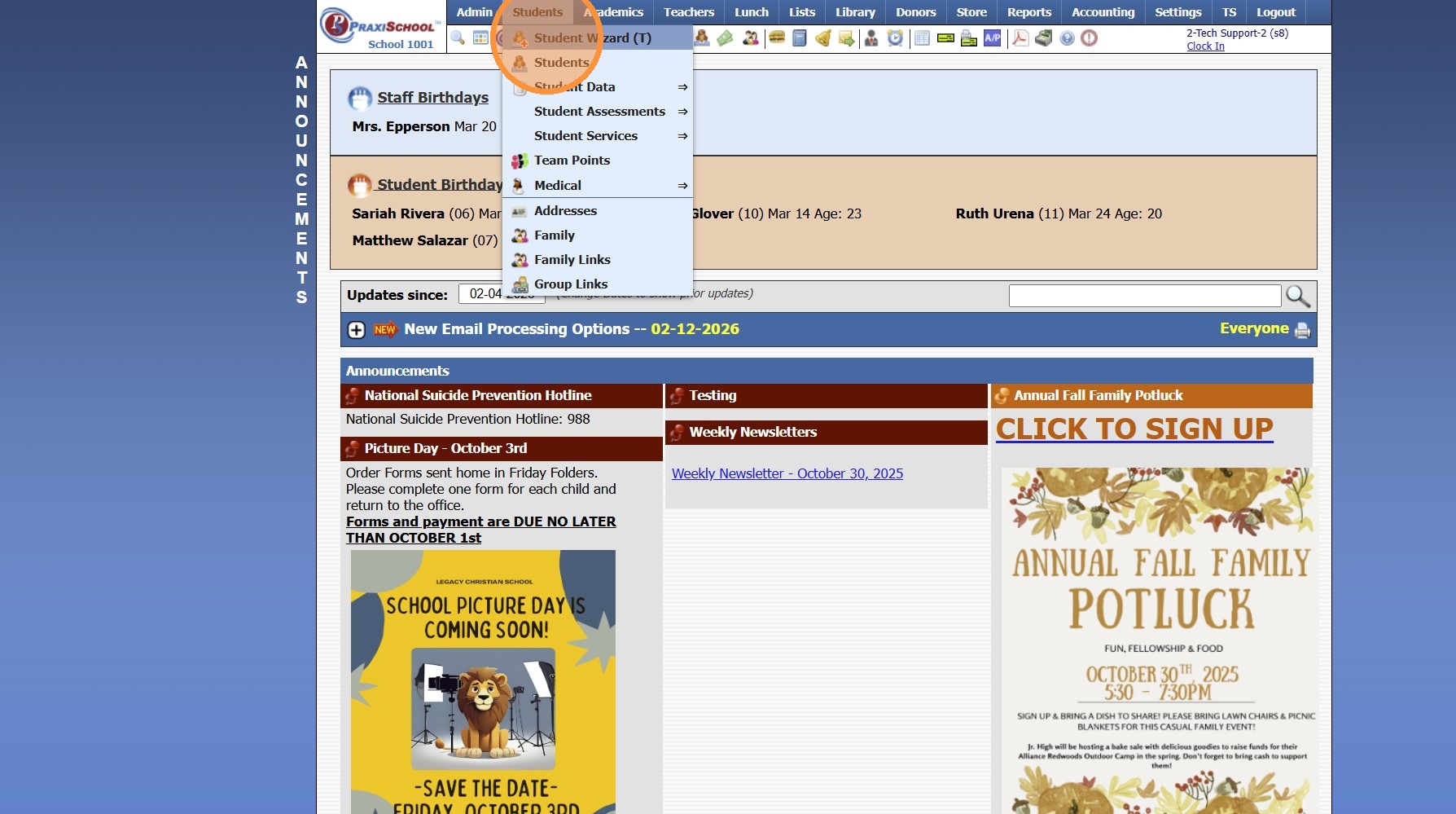
3. Click "Find Student"
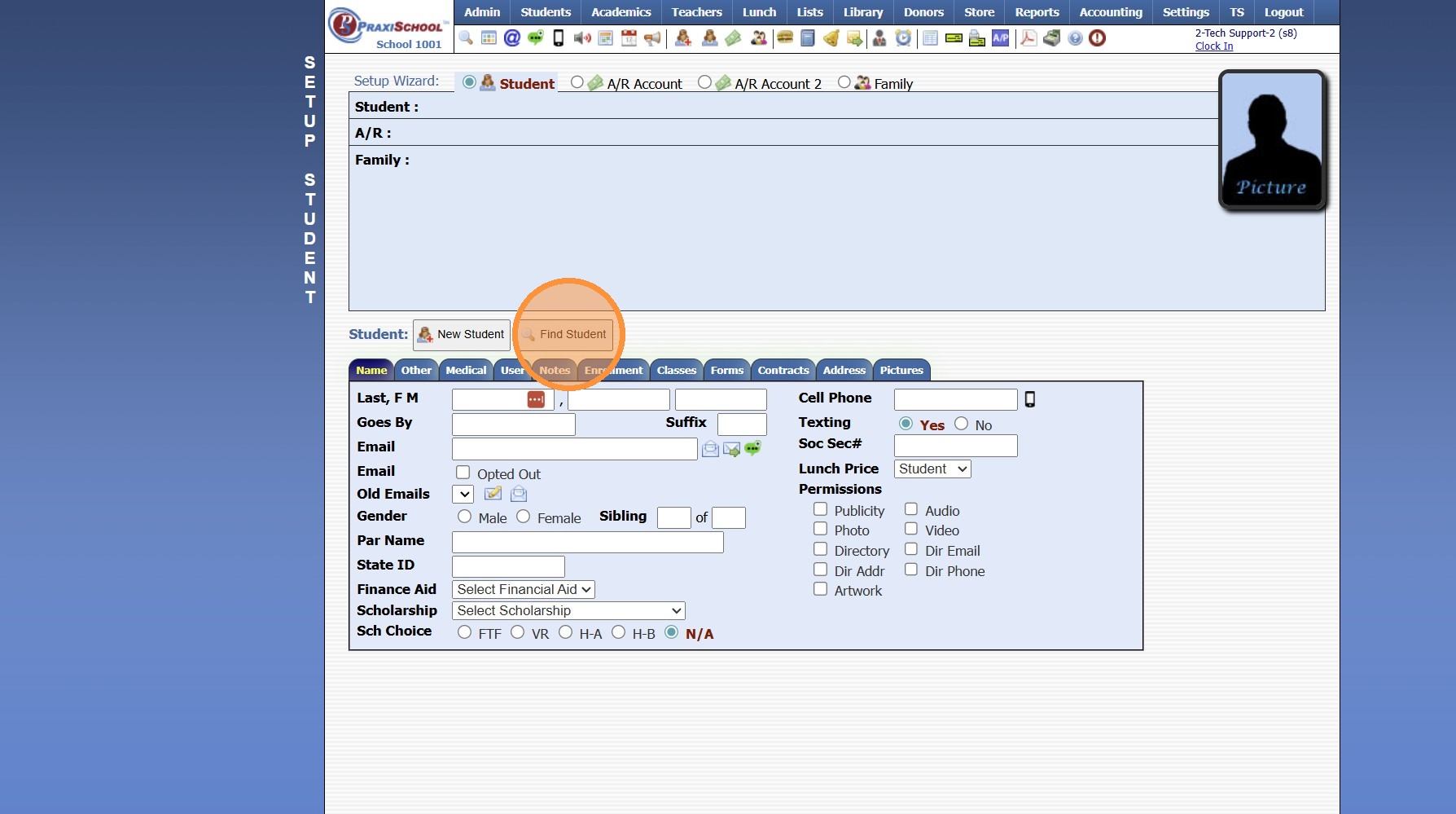
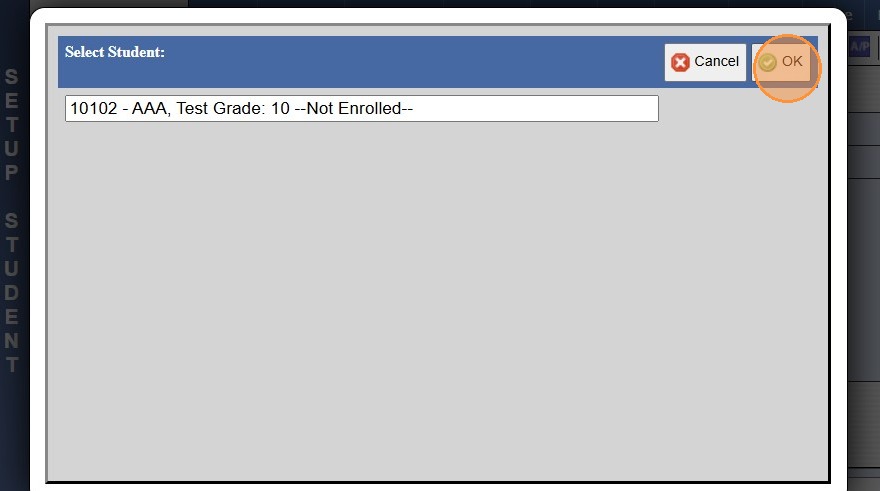
4. Select Student & Click Ok
NOTE: To Change for AR or Family, Select Appropriate Toggle Option
5. Click the "Address" Tab
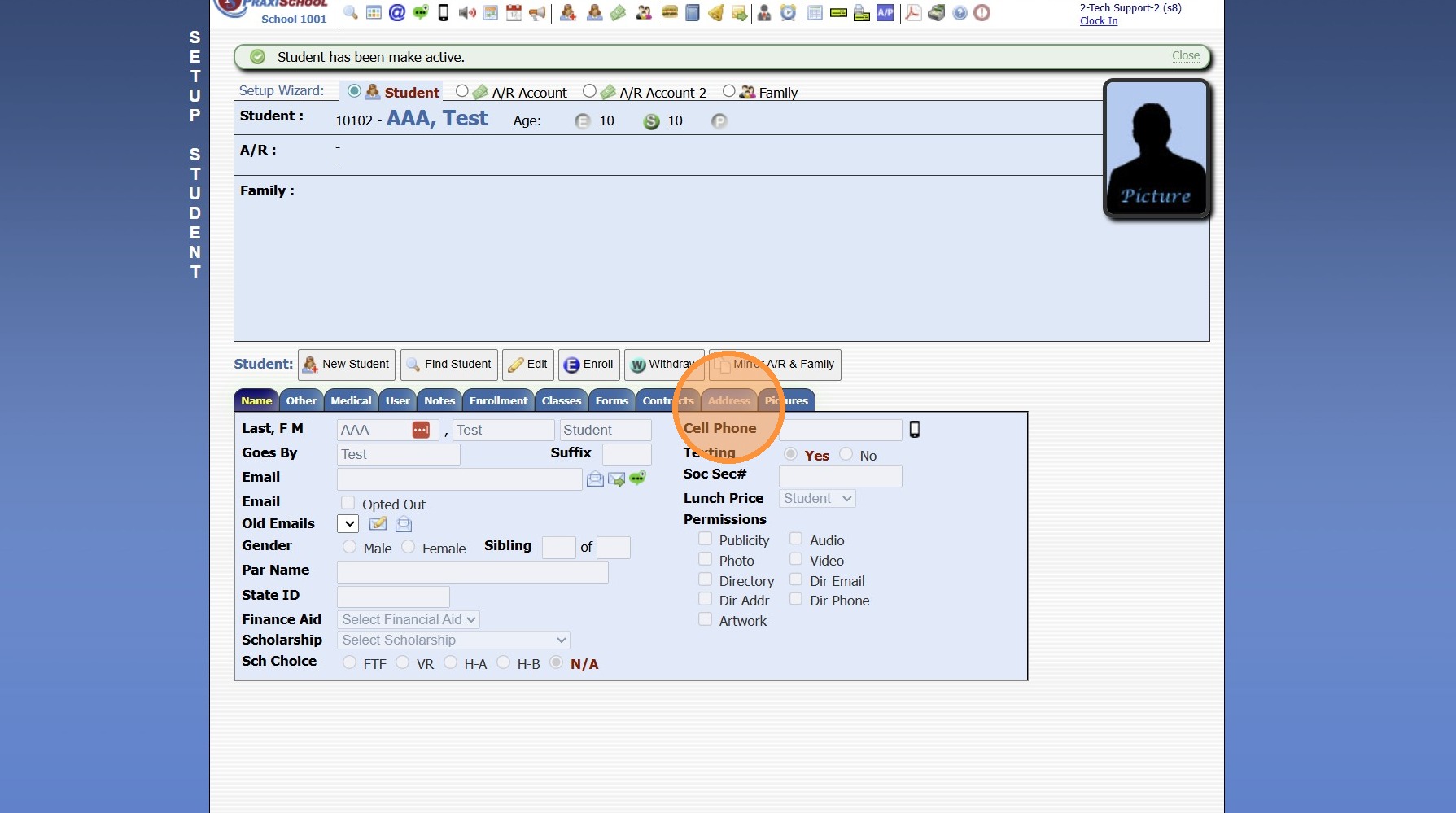
6. Click "New Address"
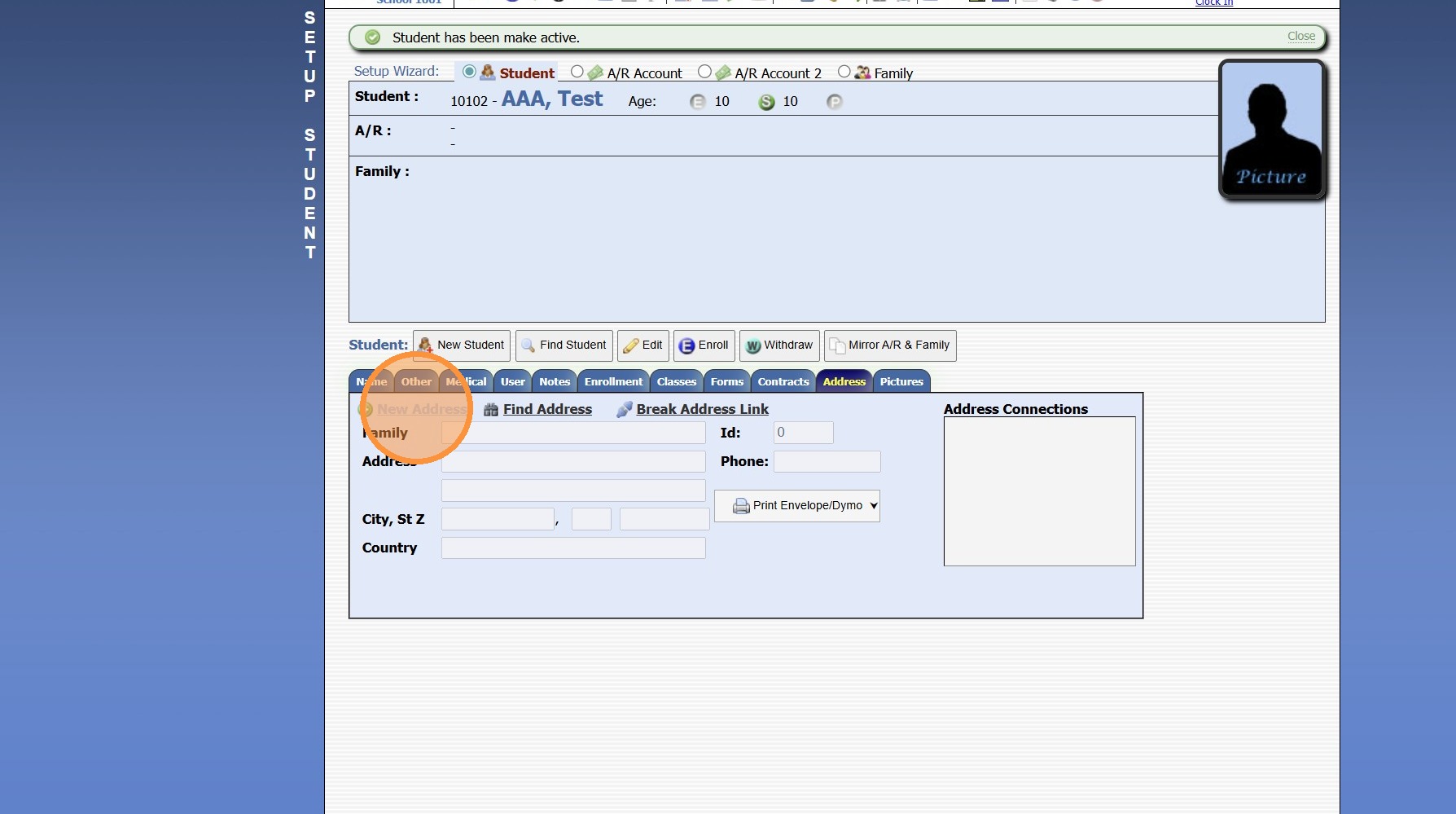
7. Enter Family Name, Address, Country & Phone
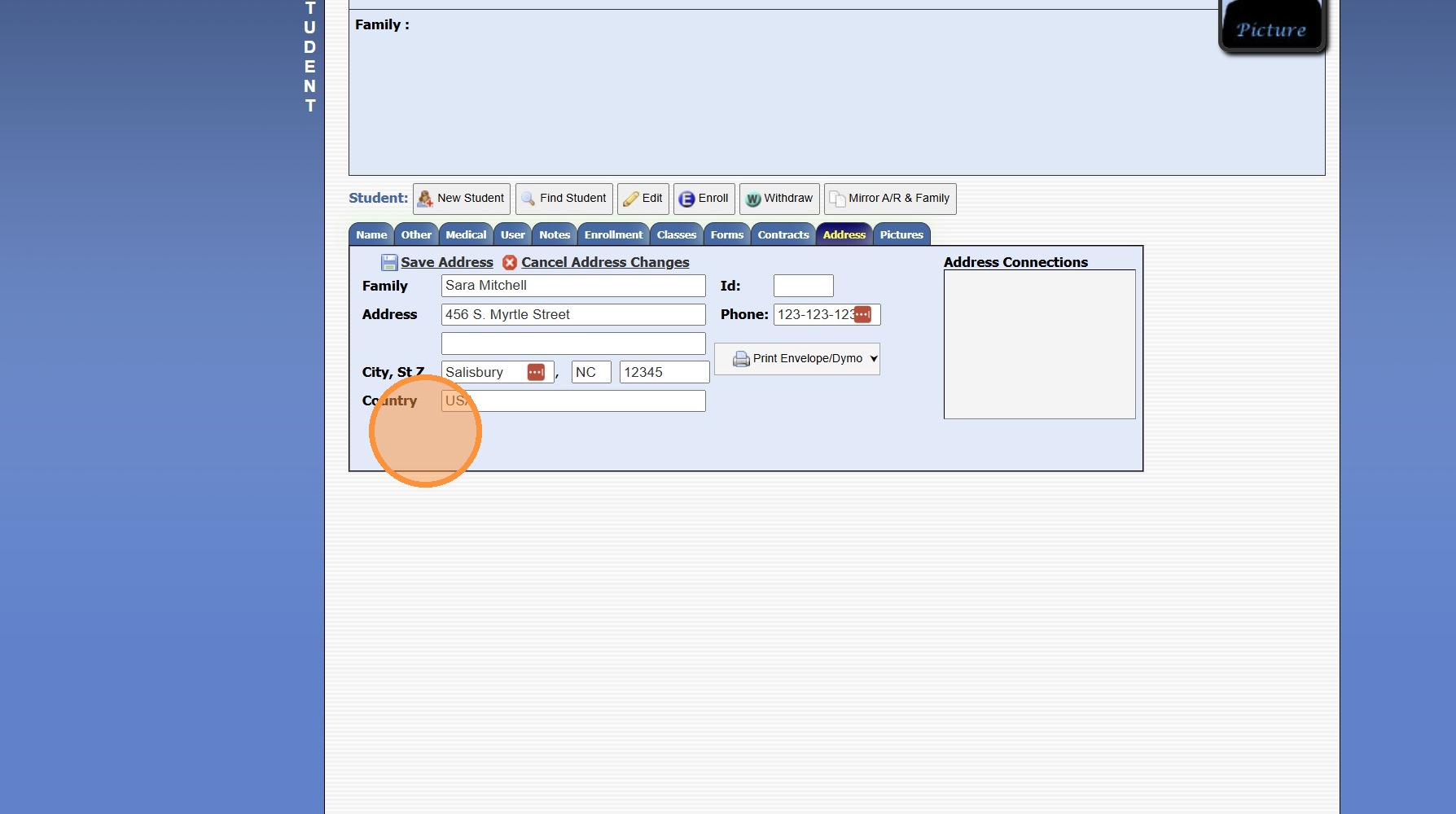
8. Click "Save Address"
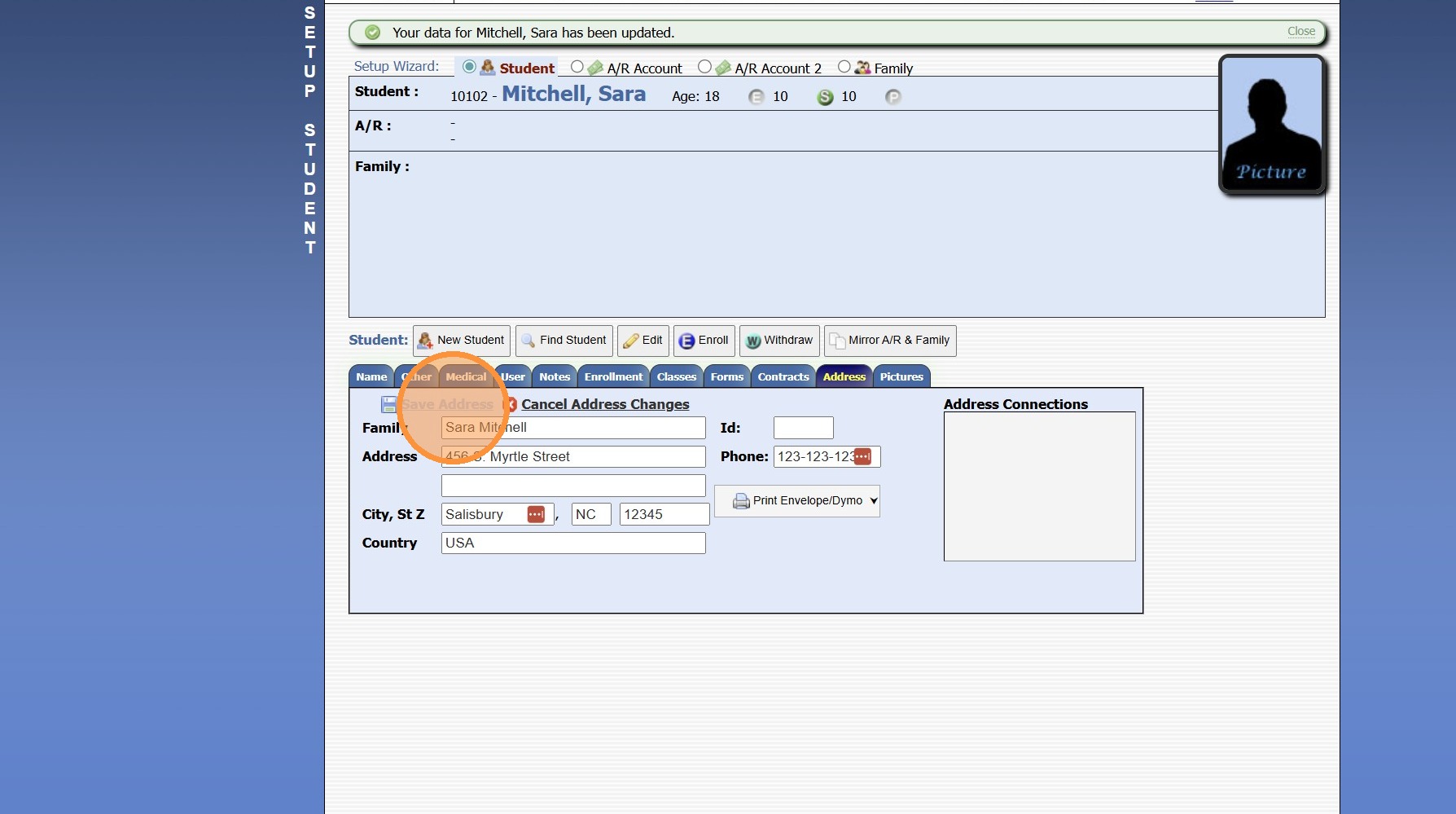
8000.20
Related Articles
Students: Editing Family Member Connections
Students: Editing Family Member Connections 1. Click "Students" 2. Click "Students" 3. Select Student 4. Click "Family" tab 5. Select Family Connection & Click "Edit" 6. Update Family Connection & Click "Save" 1500.4.18.2Students: Adding Existing Family Member to Family Connections
Students: Adding Existing Family Member to Family Connections 1. Click "Students" 2. Click "Students" 3. Select Student 4. Click "Family" tab 5. Click "Add" 6. Search Family Member & Select 7. Click "OK" 8. Select the Relationship to Student 9. ...How do you remove a Family Member from a Student?
1. Navigate to Students & select Students 2. Select the Student 3. Click the Family tab 4. Select the Family Member to Remove 5. Click "Break" to Remove 8000.30Adding a New Staff Member in PraxiSchool
Adding a New Staff Member in PraxiSchool 1. Log into PraxiSchool 2. Click "Admin" 3. Click "Staff " 4. Select "Staff" 5. Click "Add" 6. Enter Last Name, First Name, Goes By Name (Goes By Name is NOT Optional, the Goes By Name will populate on Report ...Family Clock
1. Click "Admin" 2. Click "Clock" 3. Click "Time Clock Family" 4. Search Family Member by Name 5. All Students Connected to Family Member Clocking Students In/Out as Primary will Automatically be Selected. 6. Click "Clock" 7. Click "Click To Clock" ...