Email Suppressions - Search by Email Address
1. Click "Reports"
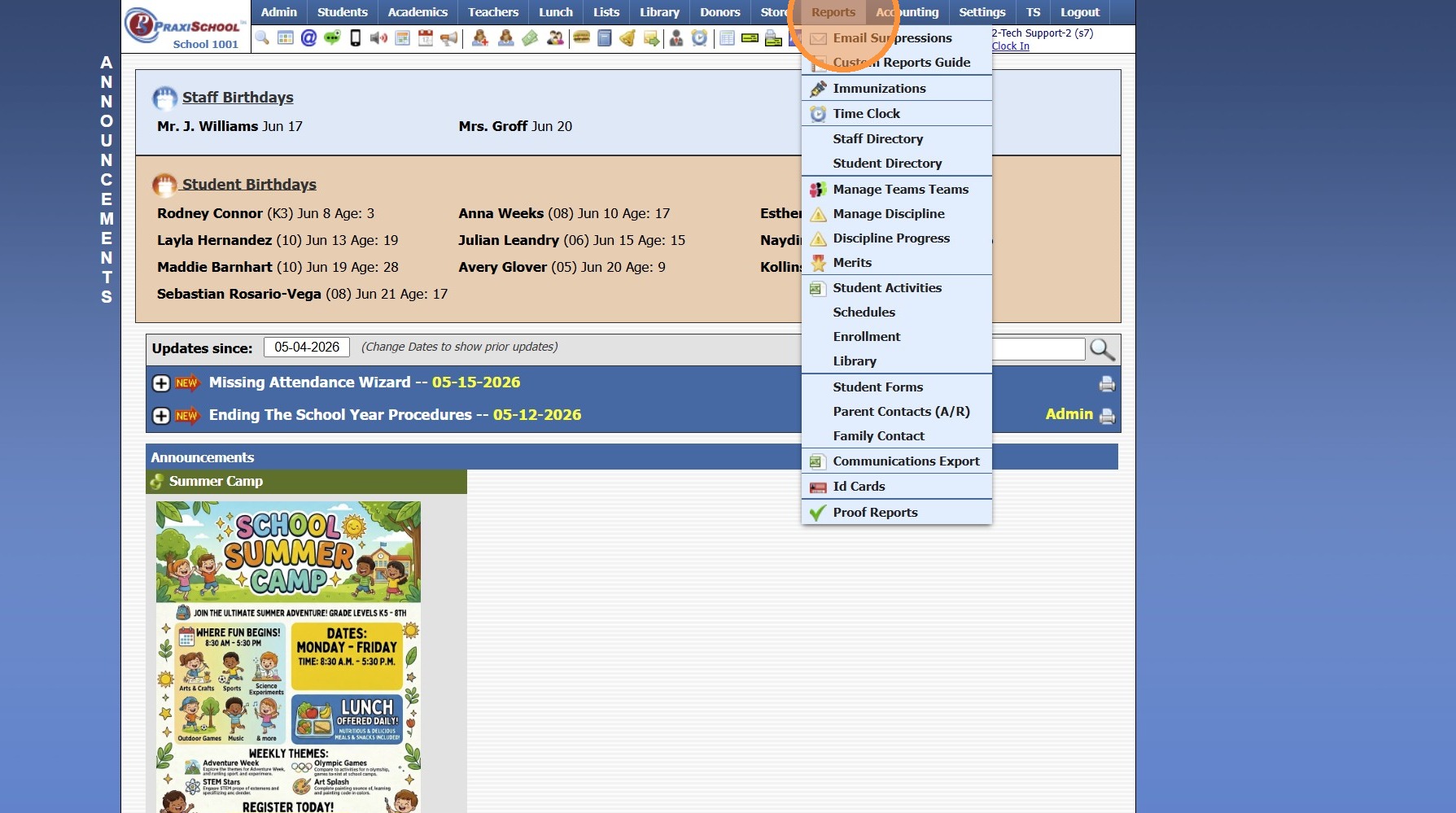
2. Click "Email Suppressions"
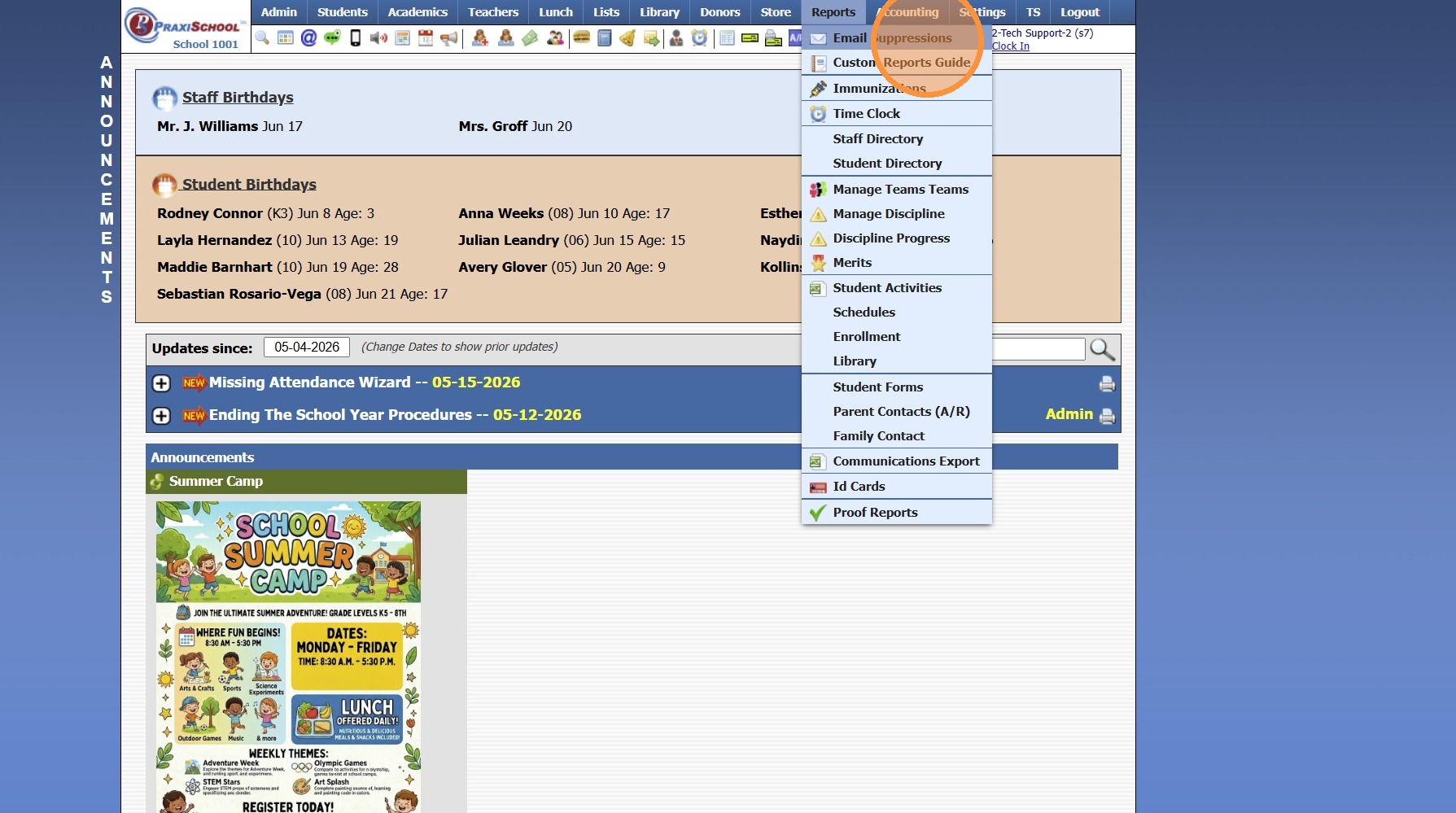
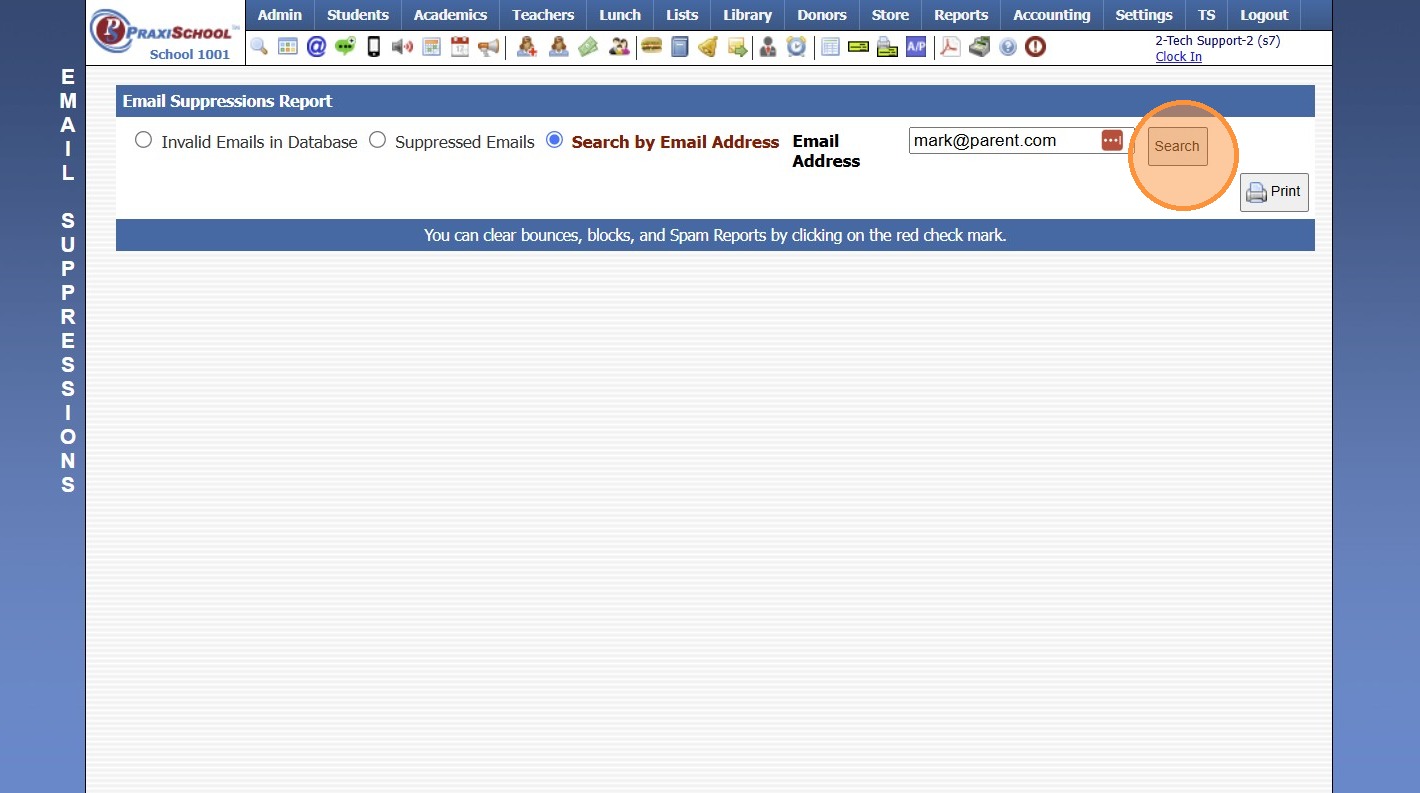
3. Select the "Search by Email Address" Toggle
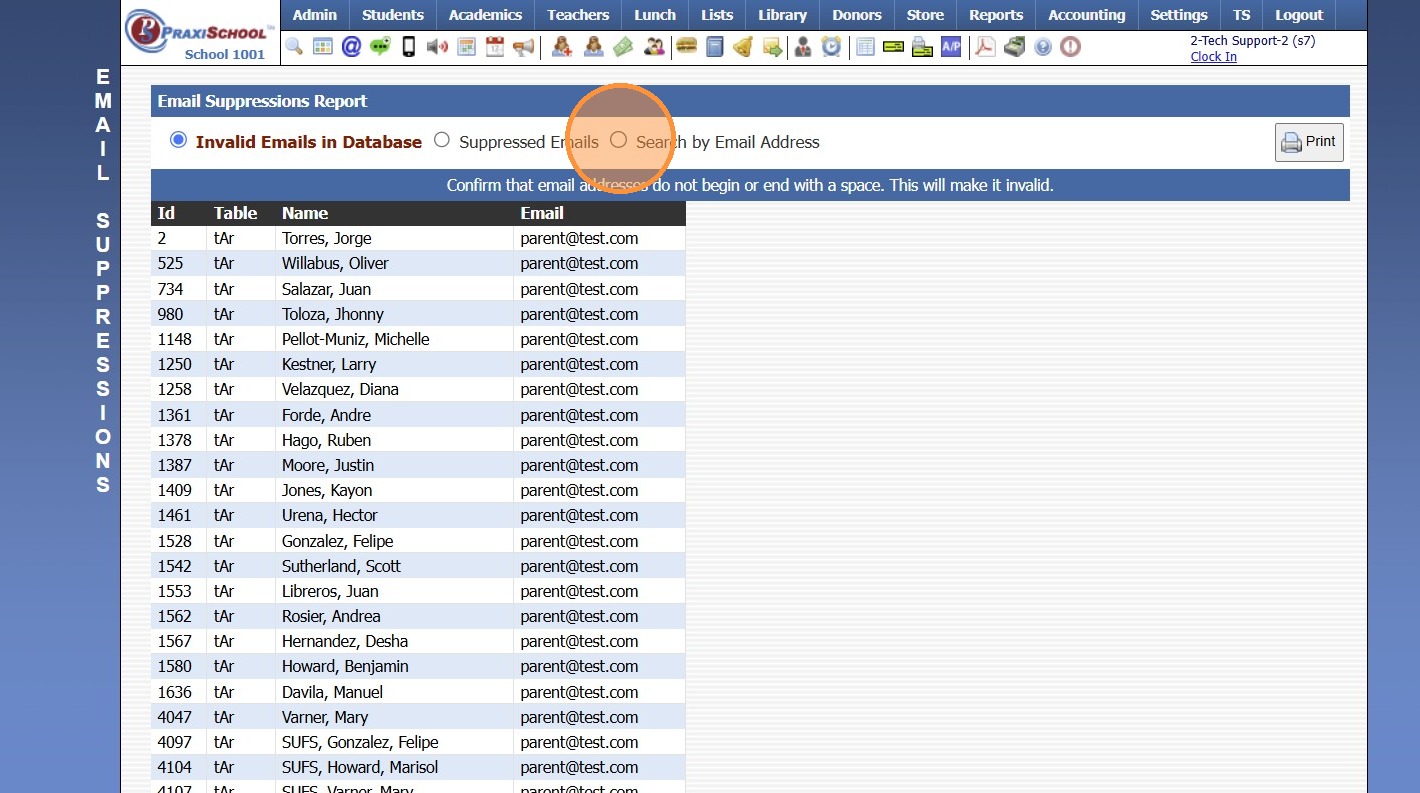
4. Enter Email Address to Search
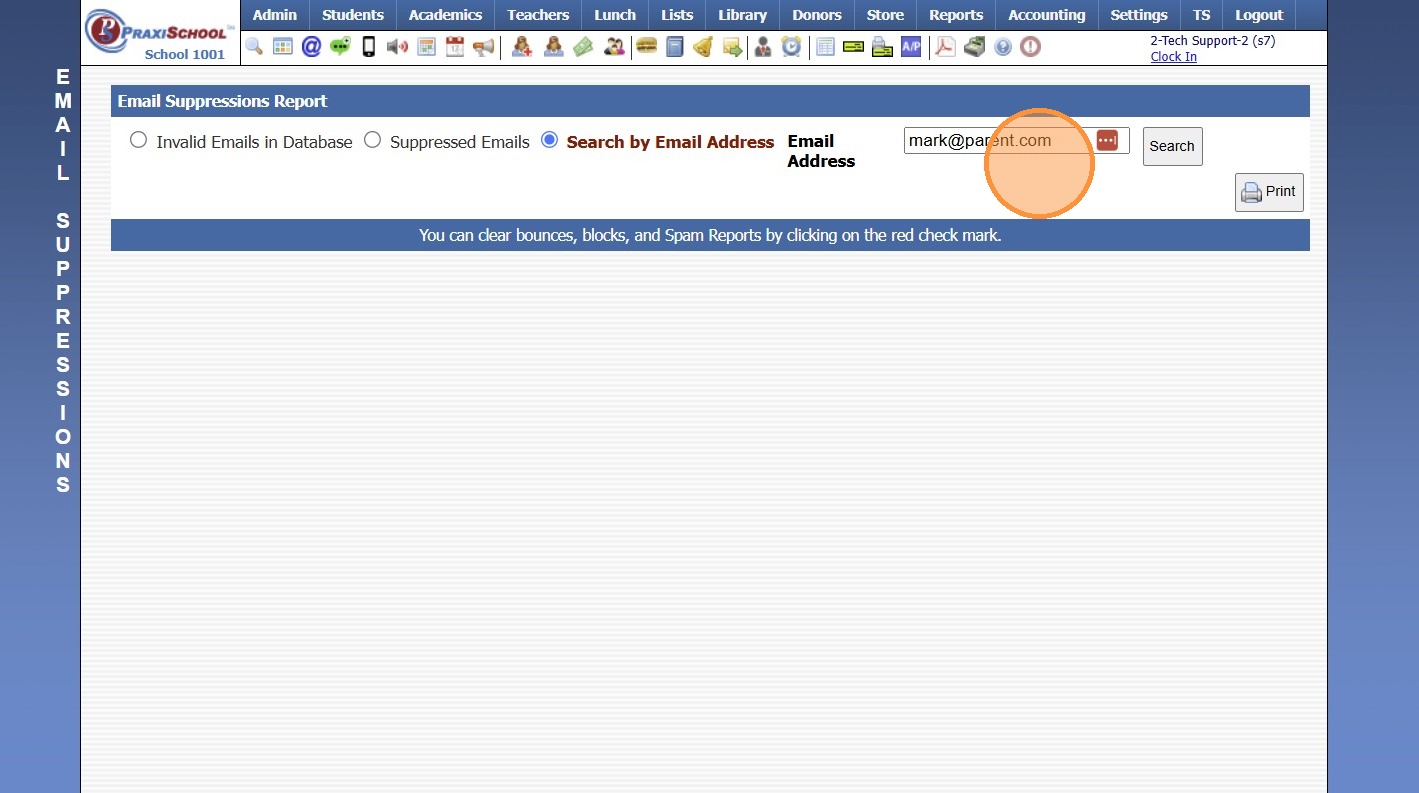
5. Click "Search"
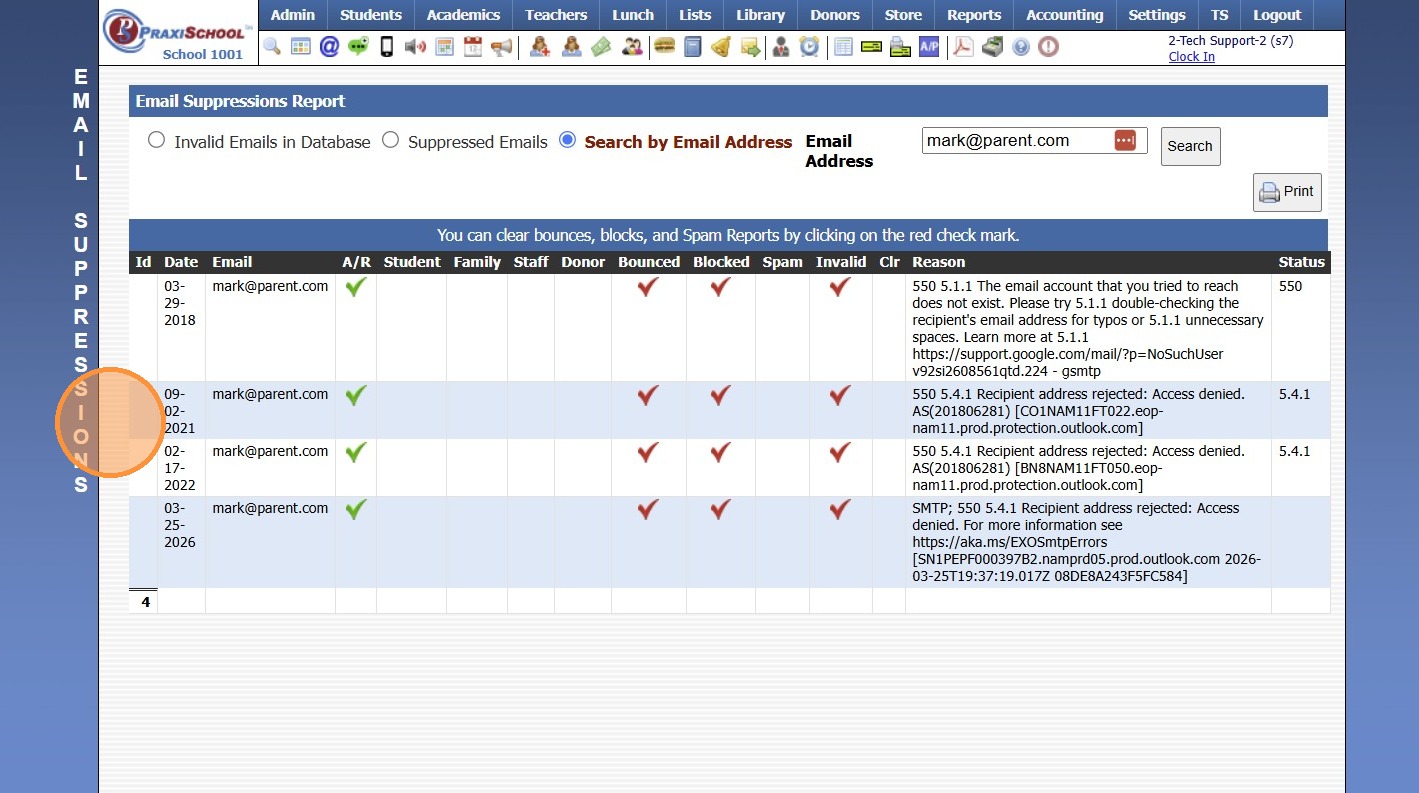
6. All Suppressions for Email Address will Populate on Screen
5500.1.2
Related Articles
Email Suppressions
Email Suppressions 1. Login to PraxiSchool 2. Click "Reports" 3. Click "Email Suppressions" 4. Click "Suppressed Emails" 5. Select Date Range 6. Red Check Mark Indicates if Email has been Blocked, Bounced, Marked Spam or is Invalid (Click Red Check ...Why Does an Email Address Show as Invalid when the Email Address is Correct?
Tip: More than likely the Email Address has a Space at the End. Follow Instructions below to Check Invalid Emails & Update Email Address. 1. Click "Reports" 2. Click "Email Suppressions" 3. View Invalid Emails 4. Table, ID, Name & Email Address are ...Invalid Email Report
Invalid Email Report 1. Login to PraxiSchool 2. Click "Reports" 3. Click "Email Suppressions" 4. Click the "Invalid Emails in Database" field 5. Invalid Email List provides Necessary Information for Locating Invalid Email Address for Correction. ...Creating Student Email Address Using School Domain
Creating Student Email Address Using School Domain 1. Click "Students" 2. Click "Students" 3. Click "Batch Tag" 4. Batch Tag by Grade Level or for All Grade Levels 5. Click "Tag Students" 6. Click "Close & Set Filter" 7. Click "Actions" 8. Click ...Changing the Sender Email Address in AR
1. Click "Admin" 2. Click "Accounts Receivable" 3. Click "Actions" 4. Click "Send Email" 5. Check the "Other" Box 6. Enter the desired Send From Email Address 1000.1.36