Adding Items to Store
1. Click "Store"
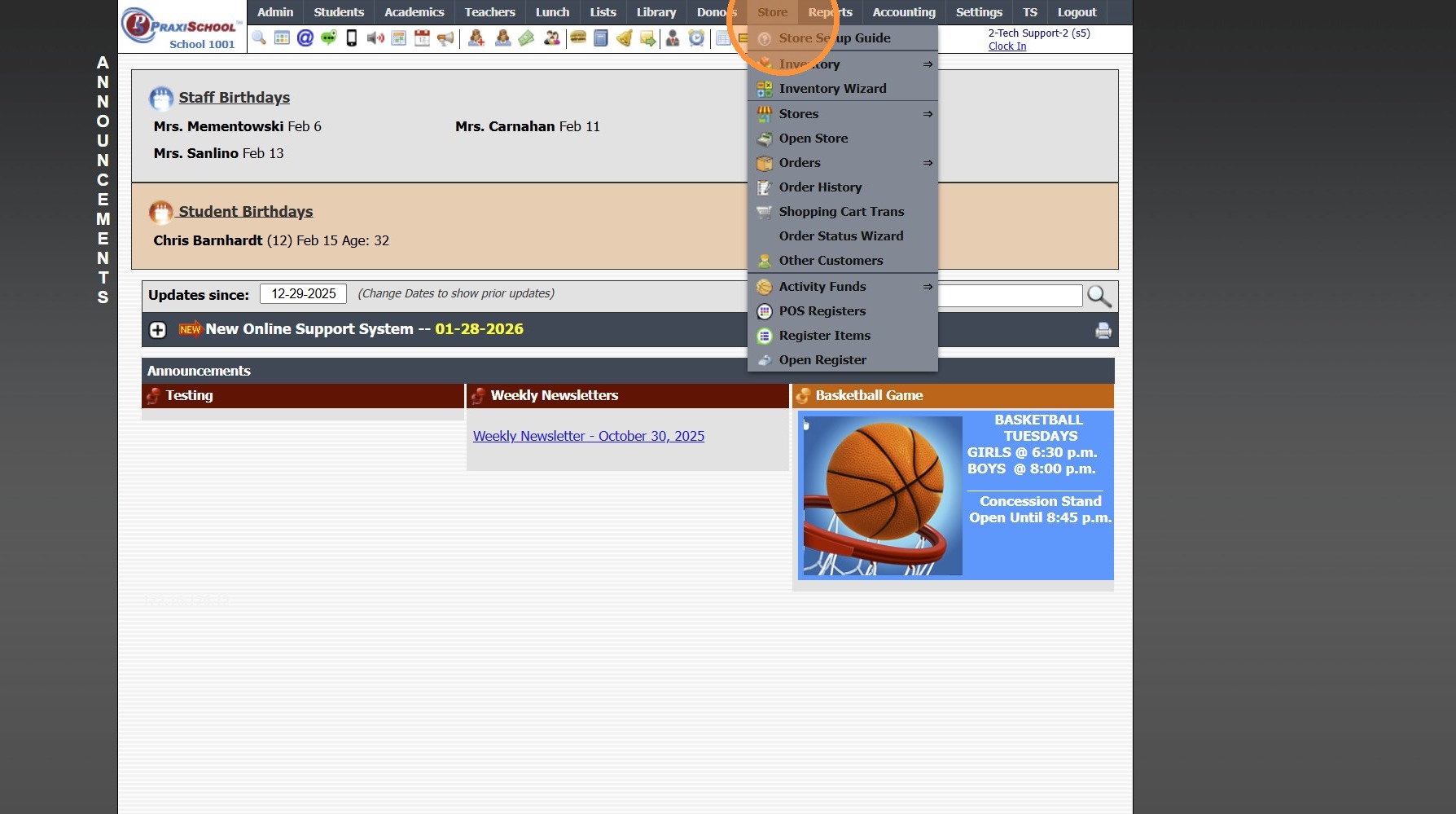
2. Click "Stores"
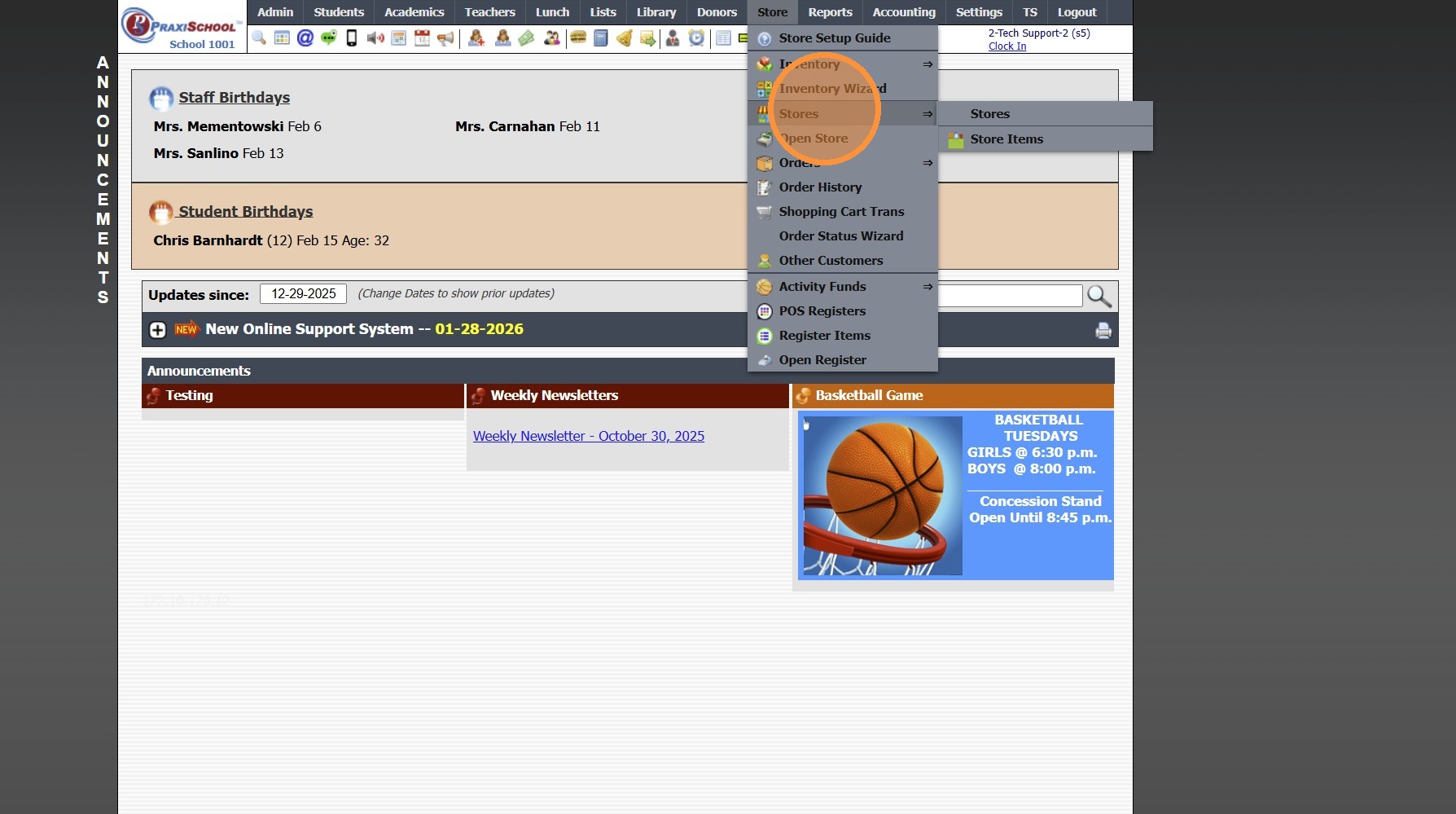
3. Click "Stores"
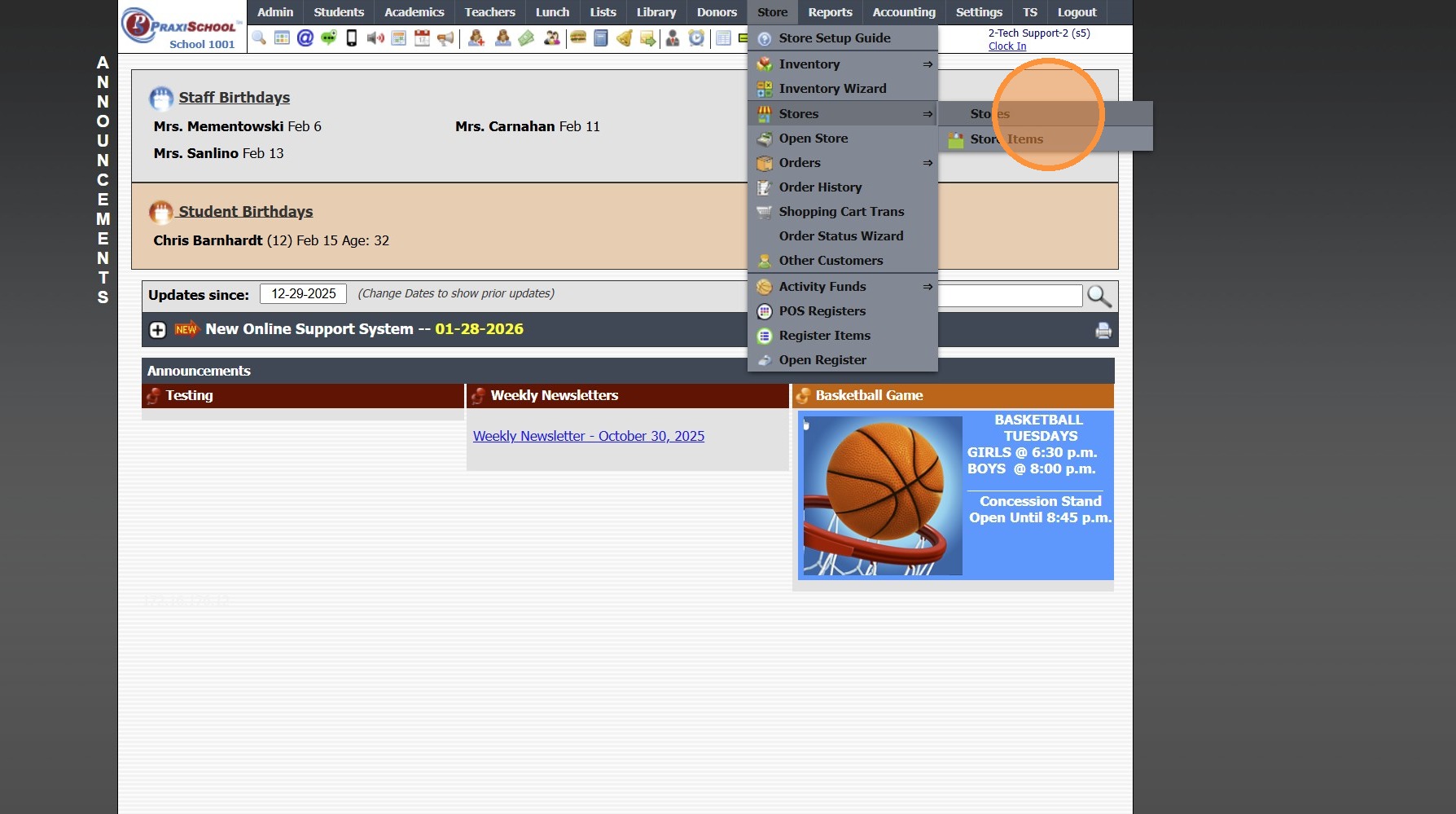
4. Select Store
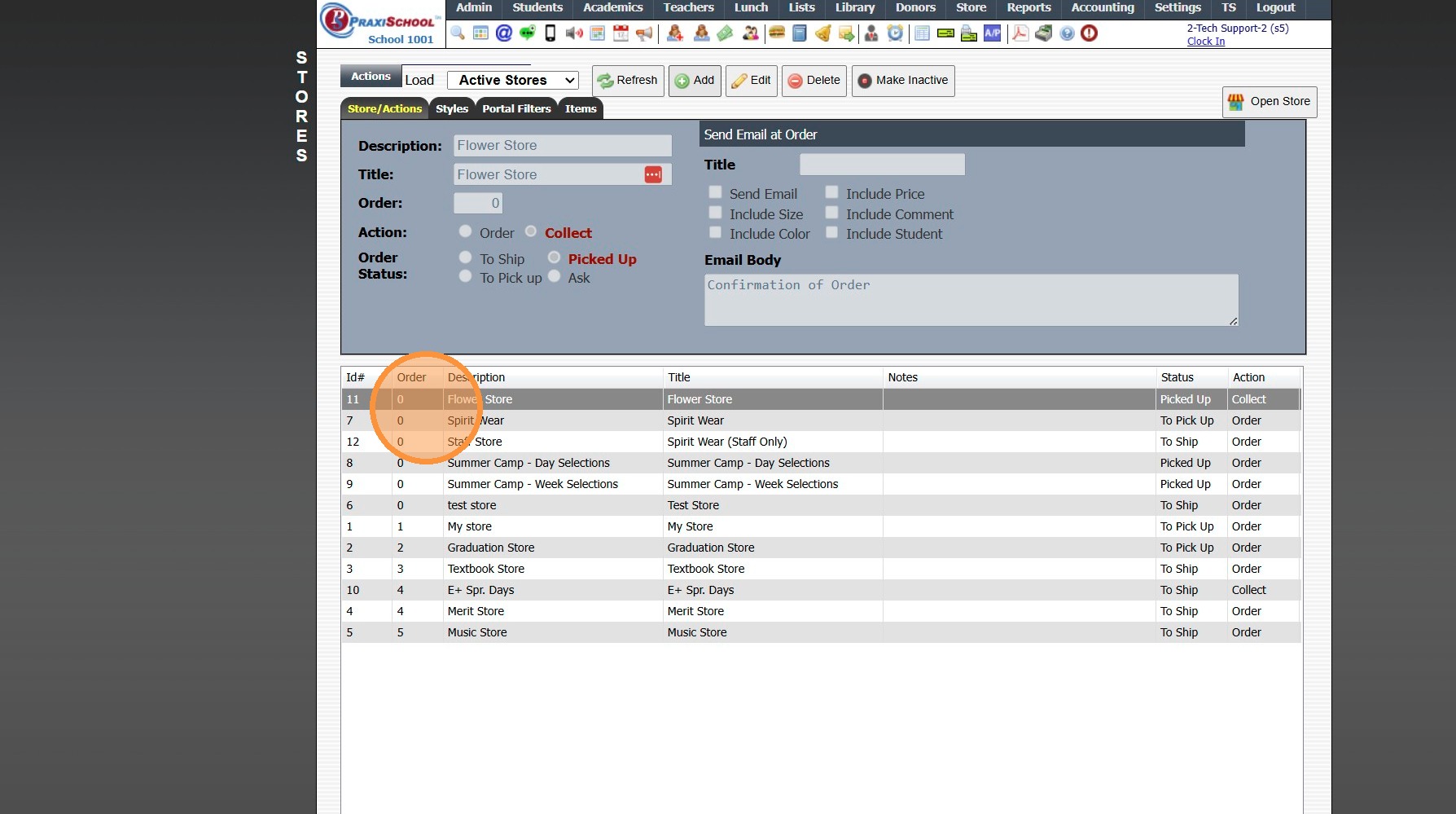
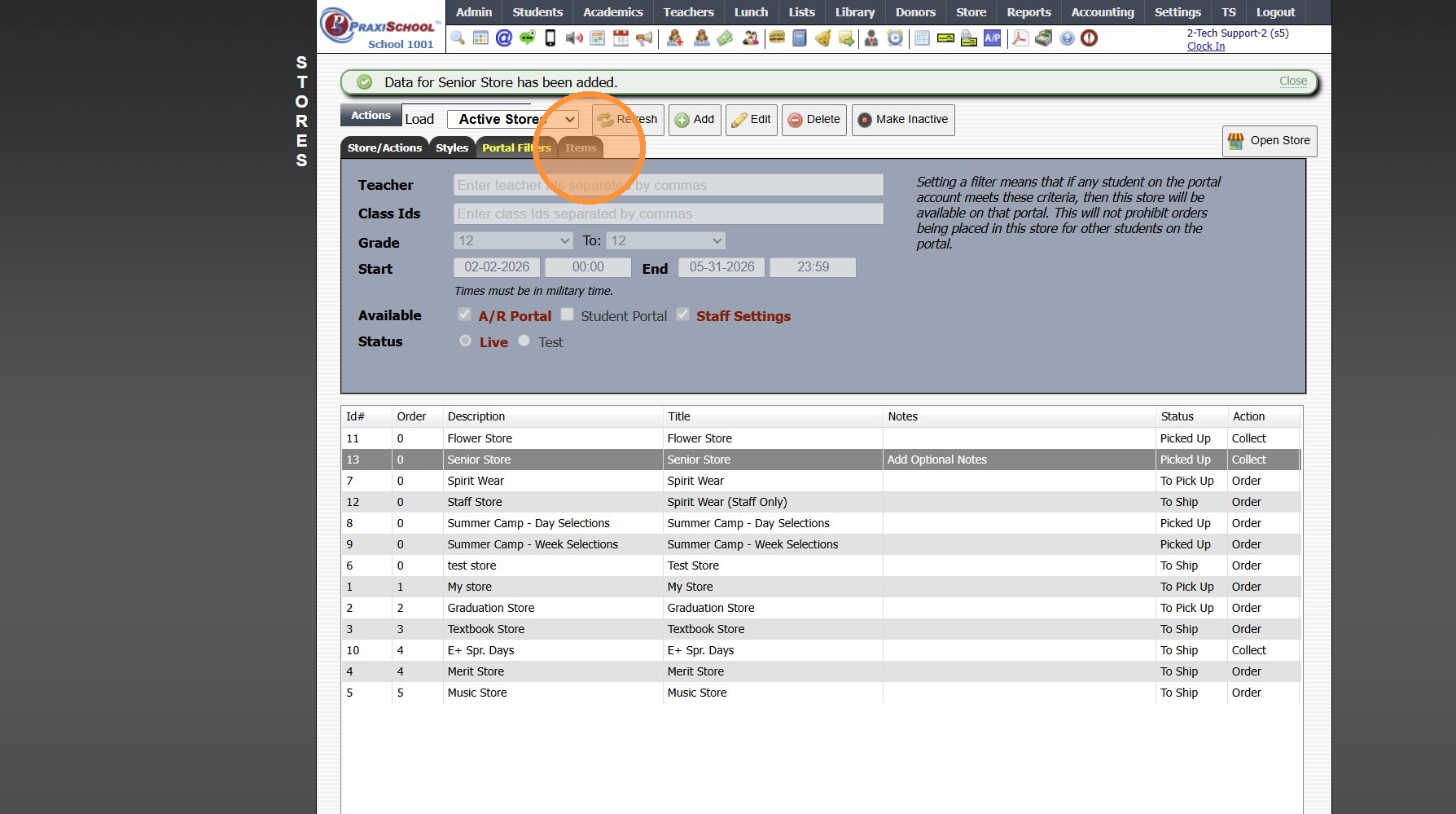
5. Click "Items" Tab
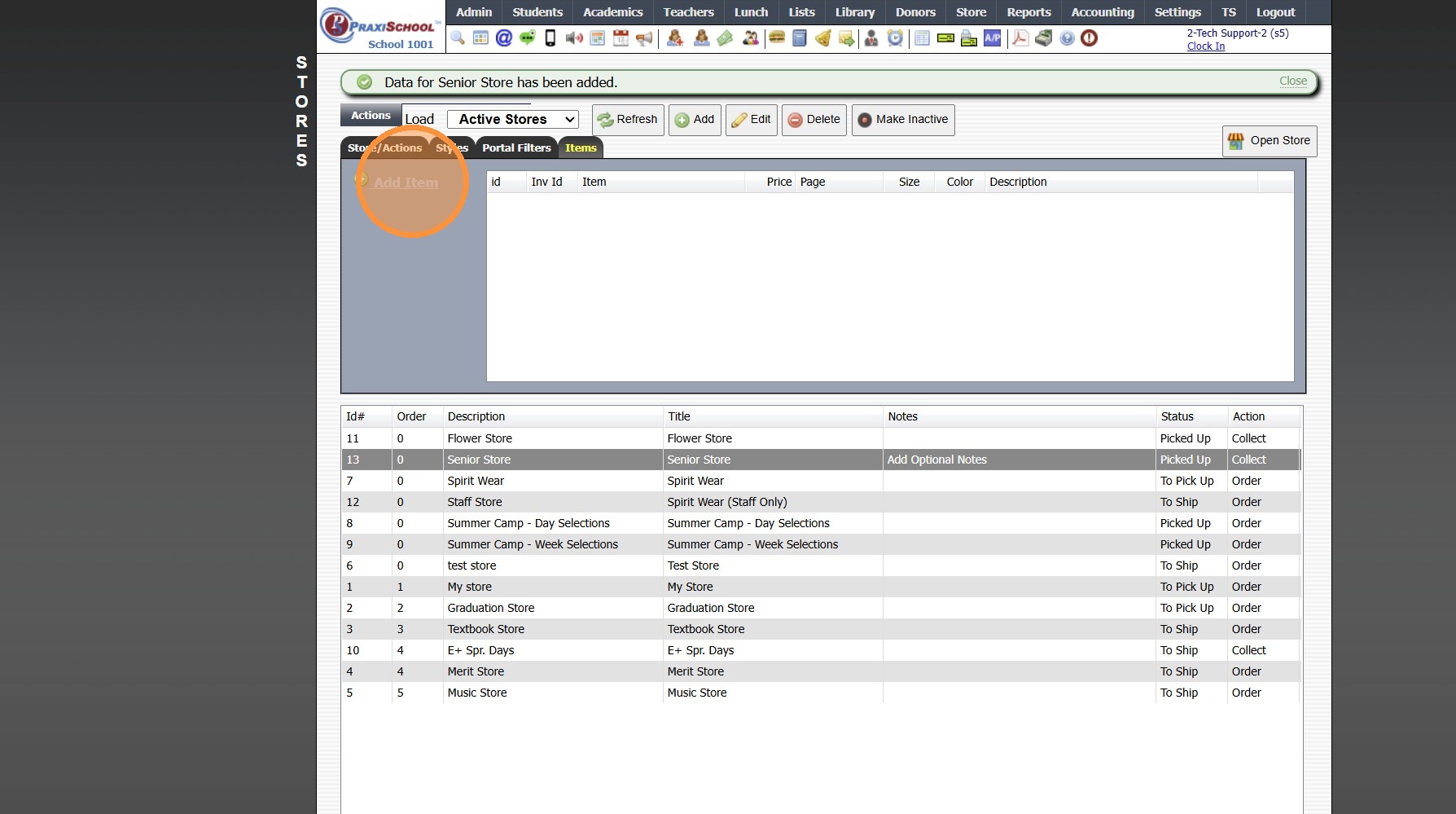
6. Click "Add Item"
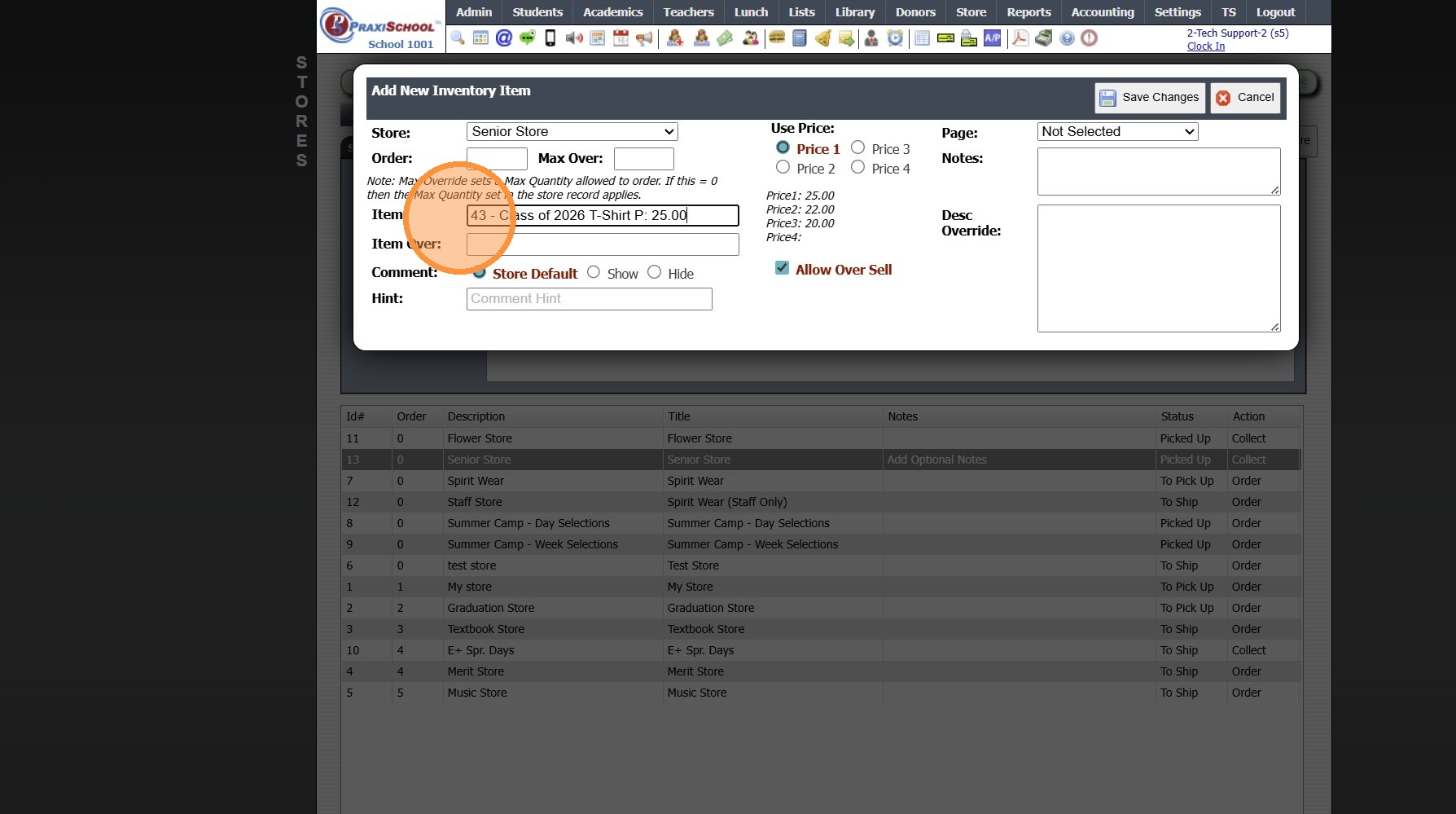
7. Search Inventory Item
(Max Quantity for Individual Inventory Items can be Set in Max Over Field)
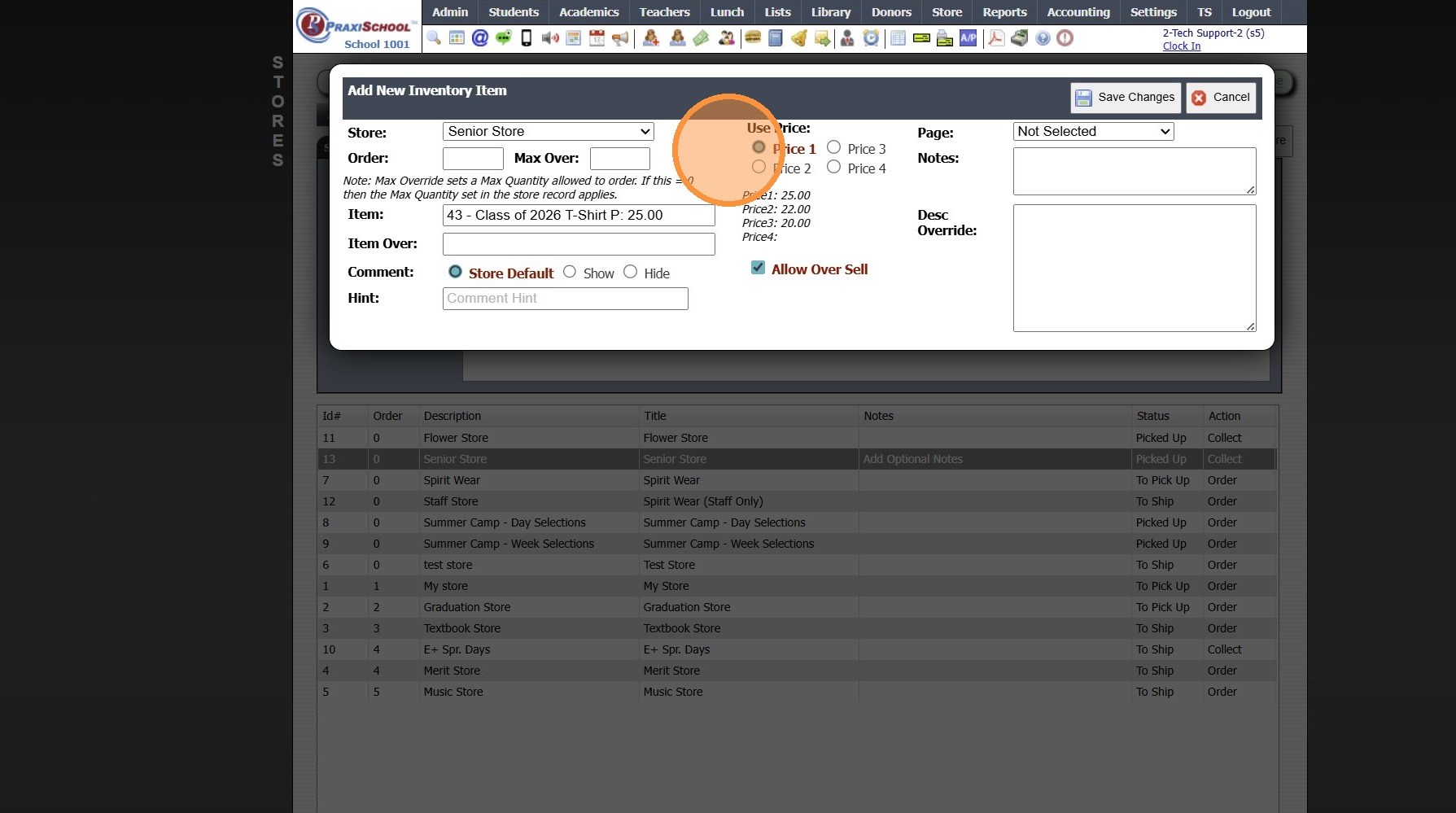
8. Select Sell Price
(Default is Price 1)
9. Click "Save Changes"
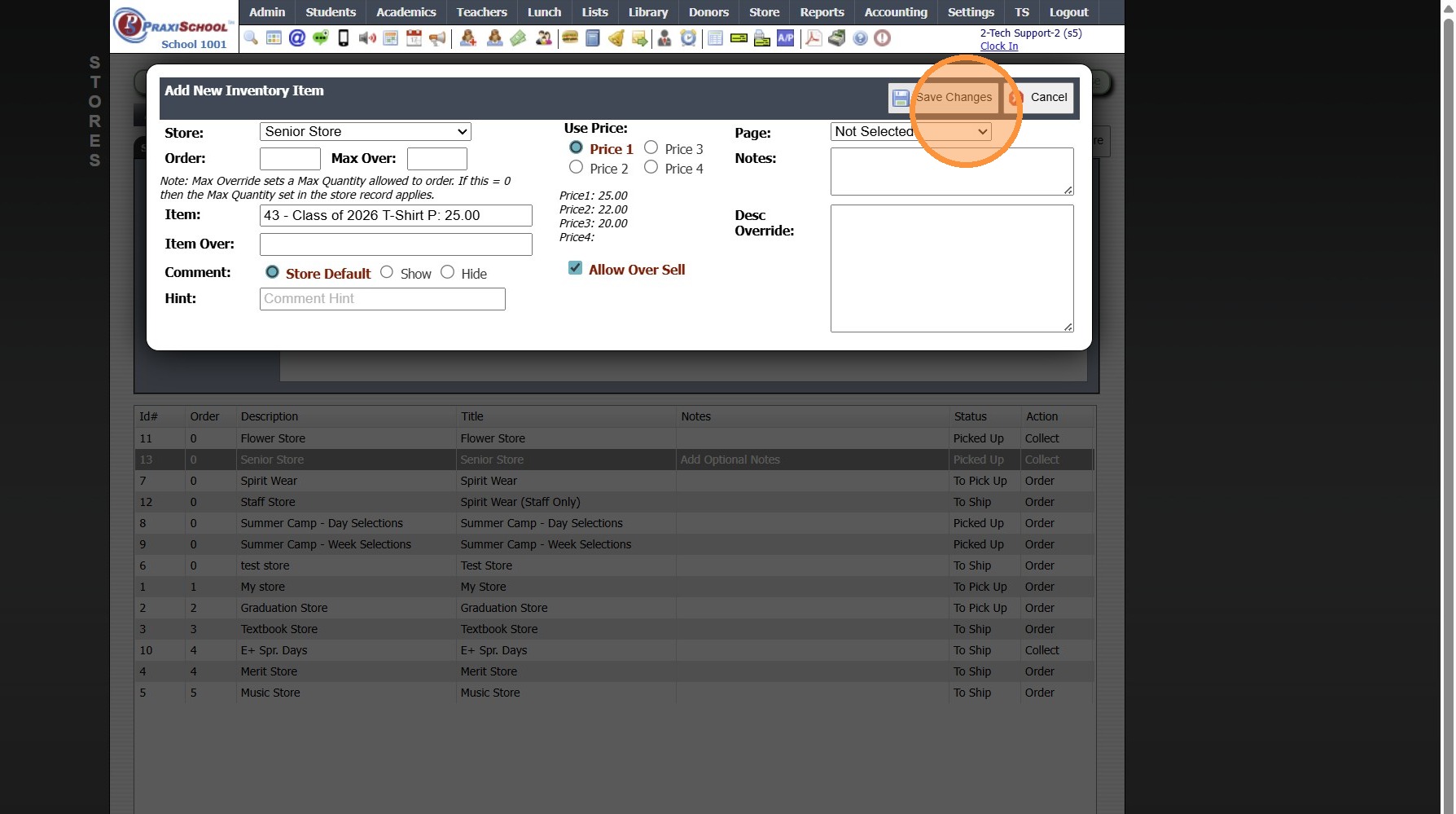
10. Repeat Steps 6 - 9 for Each Store Inventory Item
5000.1.5
Related Articles
Adding a New School Store Inventory Item
1. Click "Store" 2. Click "Inventory" 3. Click "Inventory" 4. Click "Add" 5. Enter Item Name 6. Select Vendor (Optional) (Adding a Vendor) 7. Select Section (Optional) 8. Select General Ledger Number 9. Select Department (Optional) 10. Enter Sale ...Creating a Store
1. Click "Store" 2. Click "Stores" 3. Click "Stores" 4. Click "Add" 5. Enter Description & Title (Title Appears on Portal Store) 6. Select Action (Order or Collect) (Stores set to Collect require Payment on Submission of Store Order) 7. Select Order ...Store Overview and Training
Welcome to the PraxiSchool Store Overview and Training! Below you will find information about the Store features, Store setup information and the Store training videos. Please review each video before attempting to set up your Store data. PraxiStore ...Adding Store Pages
Adding Store Pages 1. Click "Lists" 2. Click "Store" 3. Click "Store Pages" 4. Click "Add" 5. Enter Order (Optional) 6. Enter Page Description 7. Click "Save" 8. 3500.15.3Adding Transaction Items (Defined Items) - Departments & Rules
Adding Transaction Items (Adding Transaction Items with Assigned Departments and/or Rules) 1. Click "Lists" 2. Click "A/R Accounting" 3. Click "Transaction Items" 4. Click "Add" 5. Enter Description & Comment (Description & Comment are typically the ...