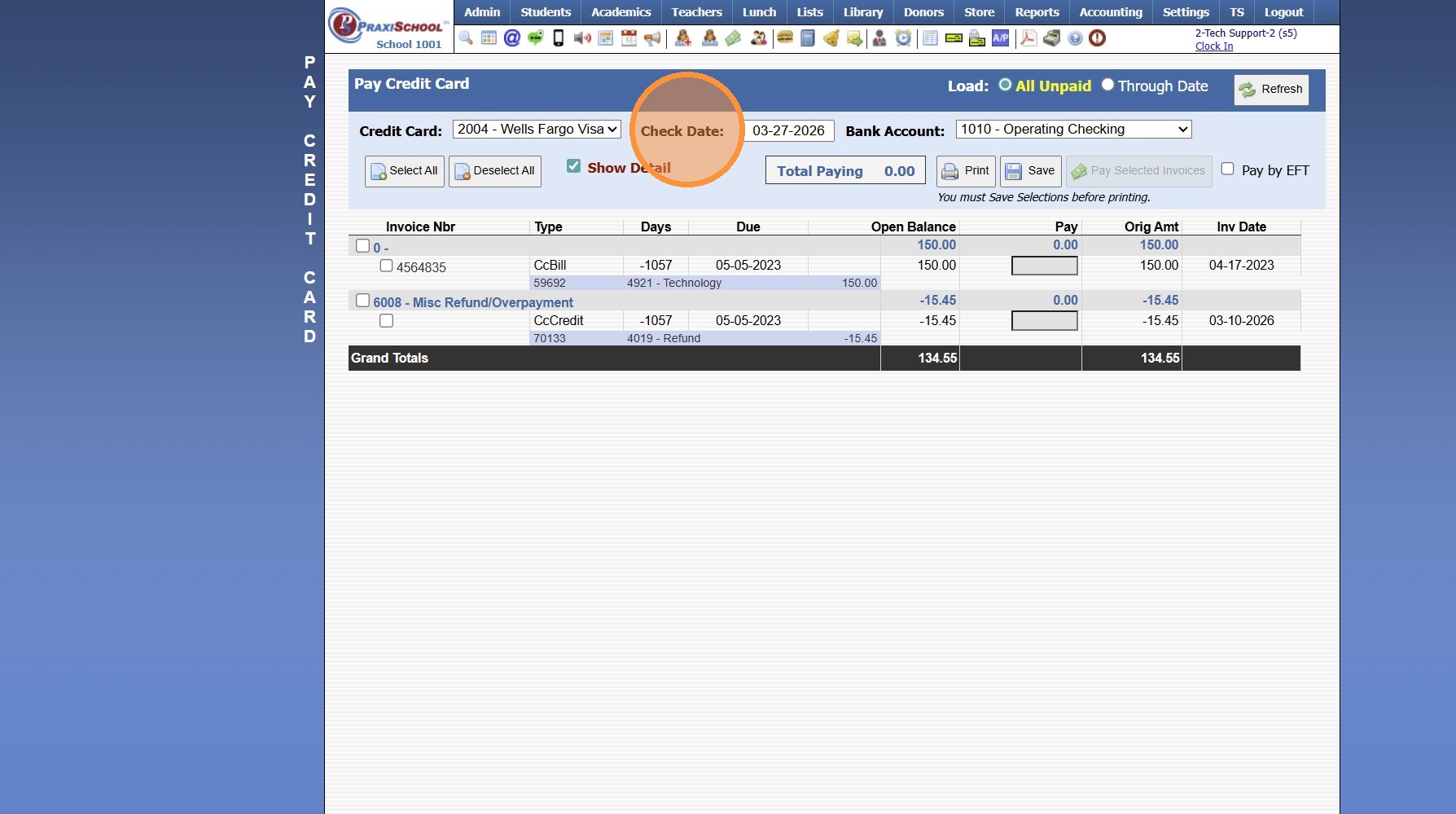
When entering CcBills I lost my place, where can I see what I have already entered?
1. Click "Accounting"
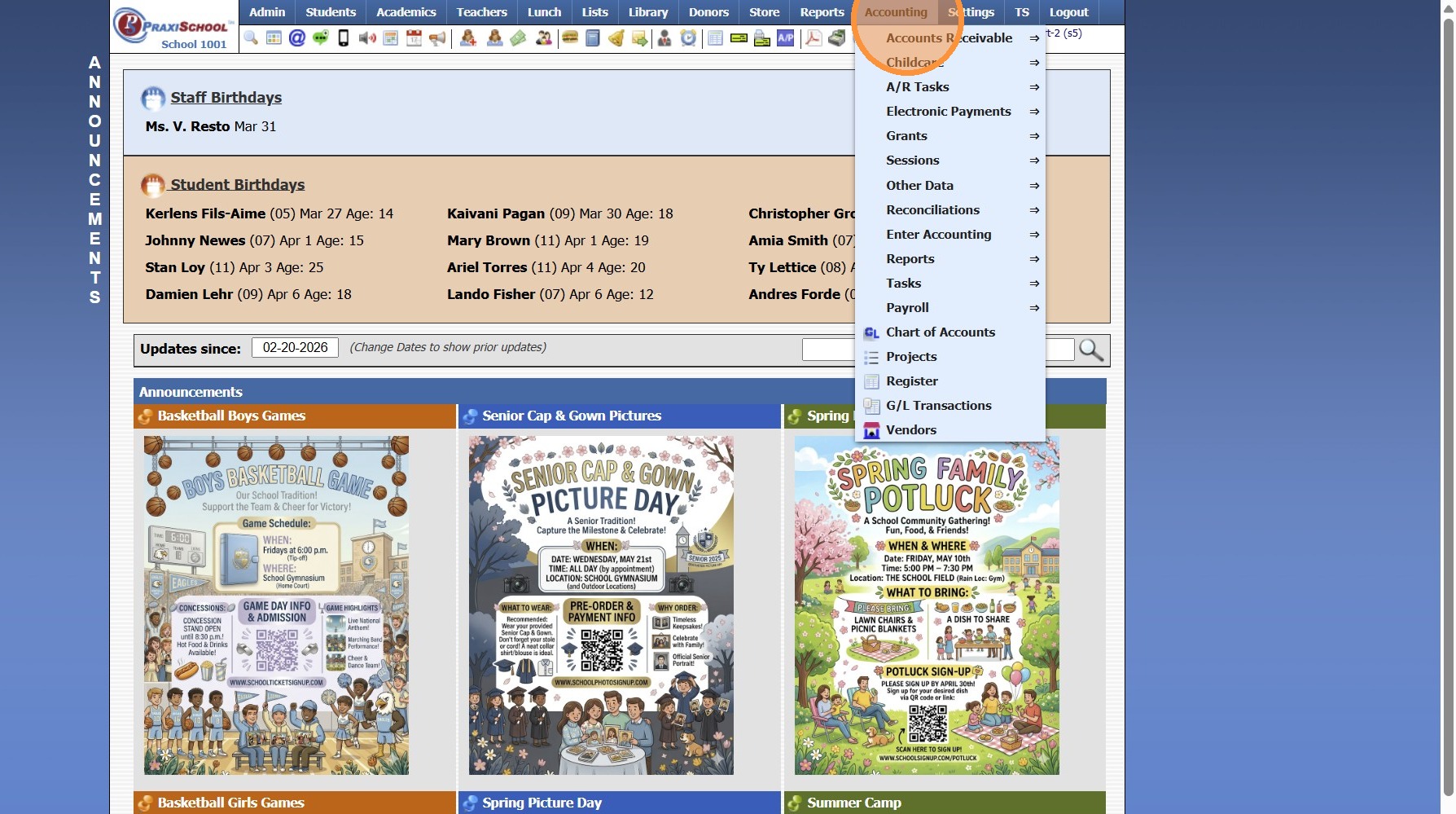
2. Click "Enter Accounting"
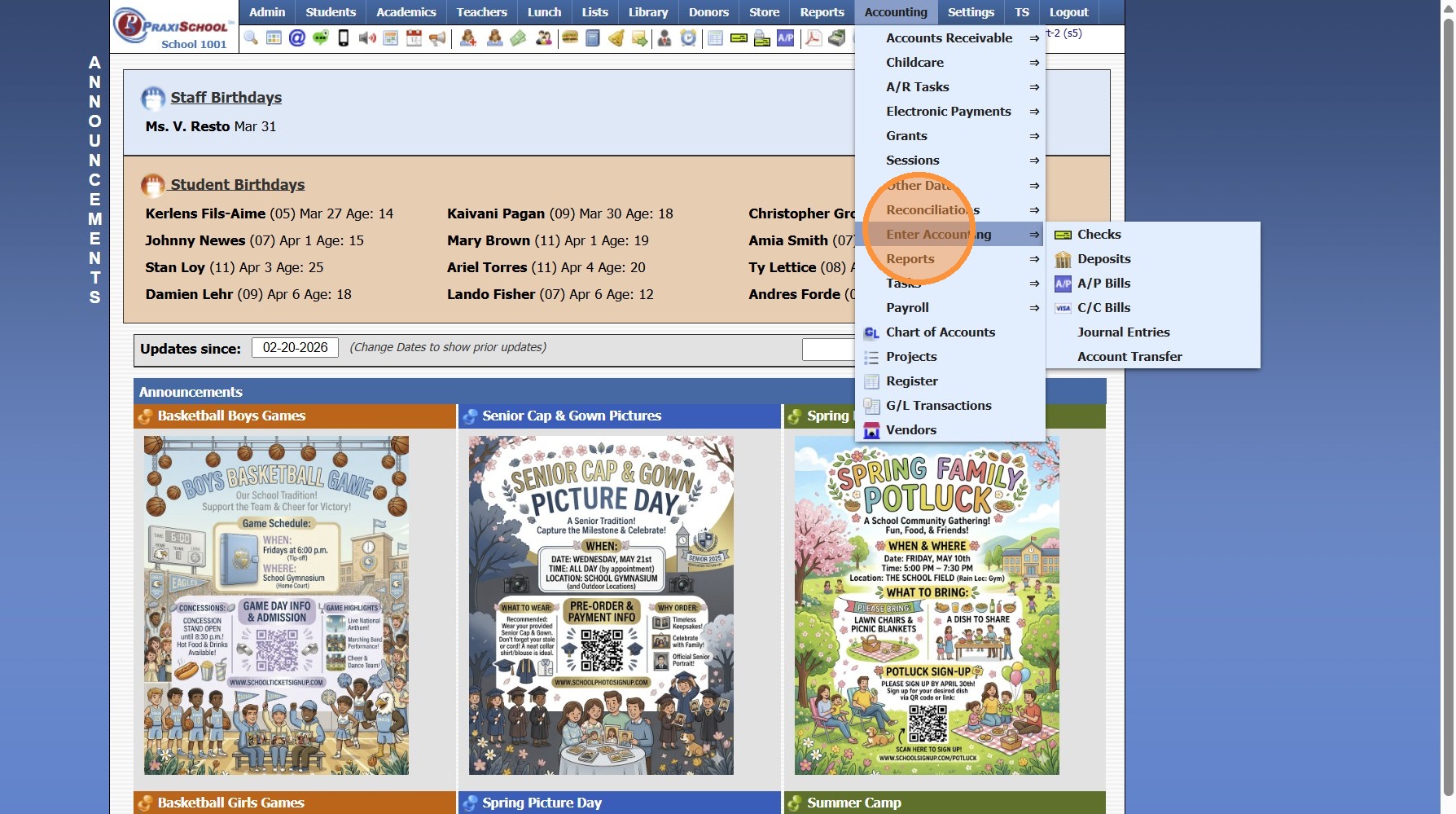
3. Click "C/C Bills"
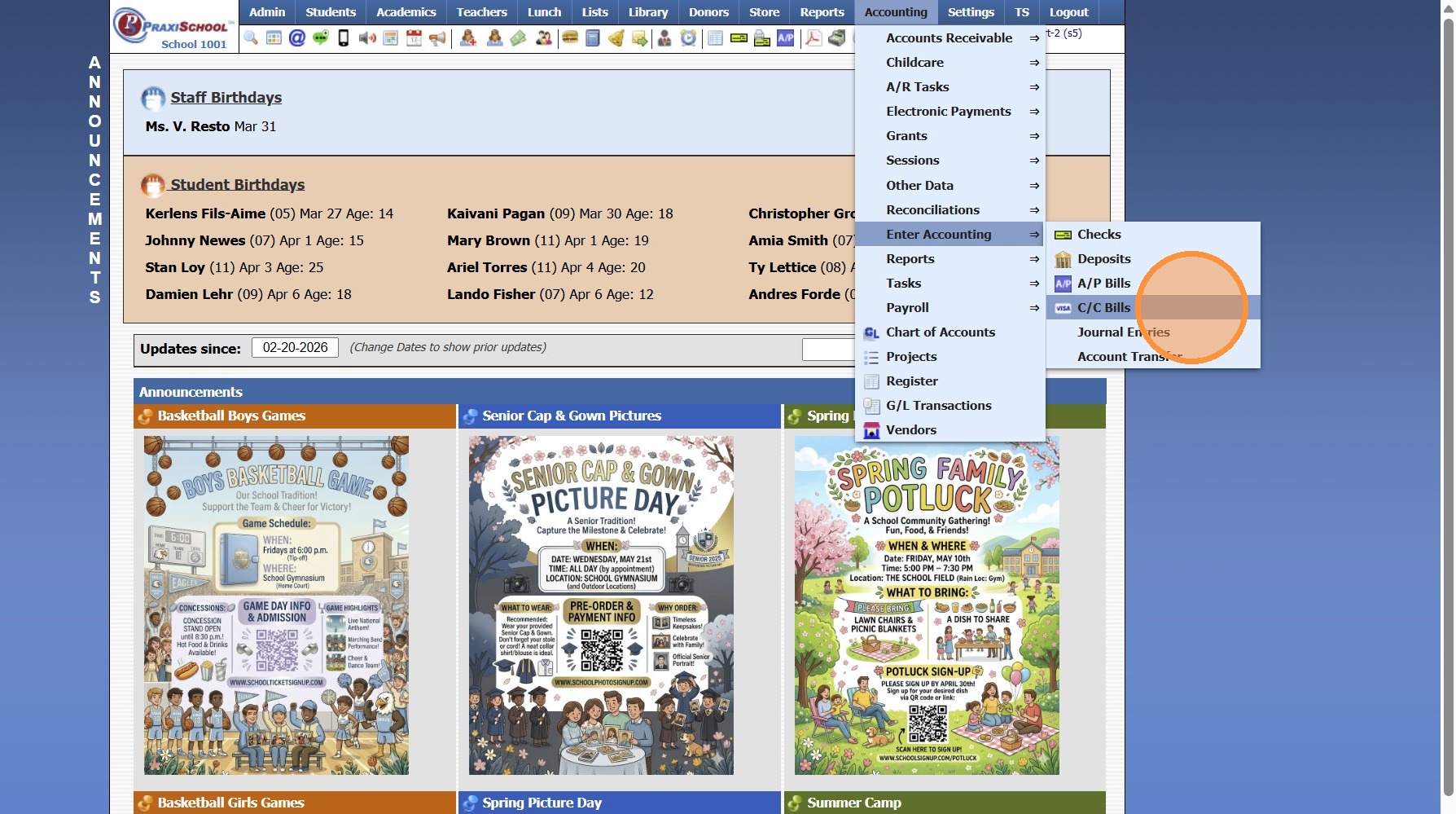
4. Click "Process CC Checks"
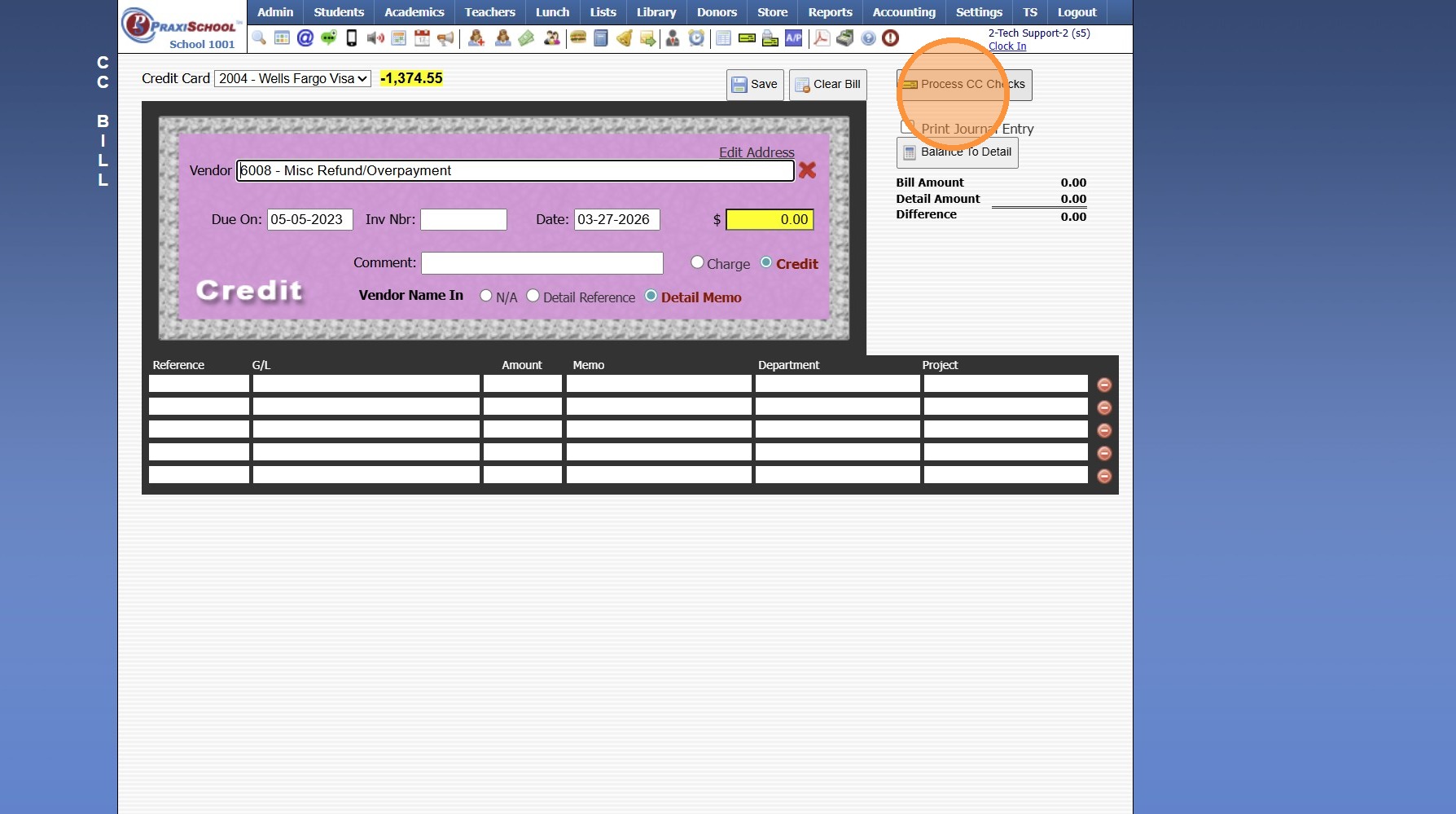
5. Select Credit Card & Refresh to see all Entered, but not Processed CcBills
8000.27
Related Articles
Entering Assignment Grades
Entering Assignment Grades 1. Log into PraxiSchool 2. Click "Teachers" 3. Click "Classroom" 4. Select Class 5. Click "Grade Book" 6. Select the "Post Grades" Toggle 7. Select Component 8. Select Assignment 9. Click "One time before entering grades, ...Entering Conduct from the Classroom
Entering Conduct from the Classroom 1. Log into PraxiSchool 2. Click "Teachers" 3. Click "Classroom" 4. Select Class 5. Click "Grade Book" 6. Click the "Detail" toggle 7. Select Student from dropdown 8. Click "Conduct" 9. Conduct Grade Scale can be ...Why are Grades not Showing on the Report Card for Classes that have Grades Entered?
Tip: The Most Common Reason Grades are not Appearing on the Report Card when Grades have been entered & Averaged is because the Class(es) are not selected in the Class file to show in the Grade Periods. See Instructions Below. 1. Click "Academics" 2. ...Entering a Refund/Overpayment in CcBills
1. Click "Accounting" 2. Click "Enter Accounting" 3. Click "C/C Bills" 4. Select the Vendor (If credit is not for a specific Vendor, use or create a New Vendor for Misc Refund/Overpayment) 5. Select the "Credit" Toggle 6. Enter Comment (Optional) 7. ...Linking PraxiSchool Class to already created Google Classroom
Linking PraxiSchool Class to already created Google Classroom 1. Click "Teachers" 2. Click "Google Classroom" 3. Click "Classes" 4. Click "Link Classes" 5. Check class to link to Google Classroom 6. Highlight Google Classroom class to link 7. Click ...