Viewing Inventory In, Date Received, Quantity Received & Inventory Cost
1. Click "Store"
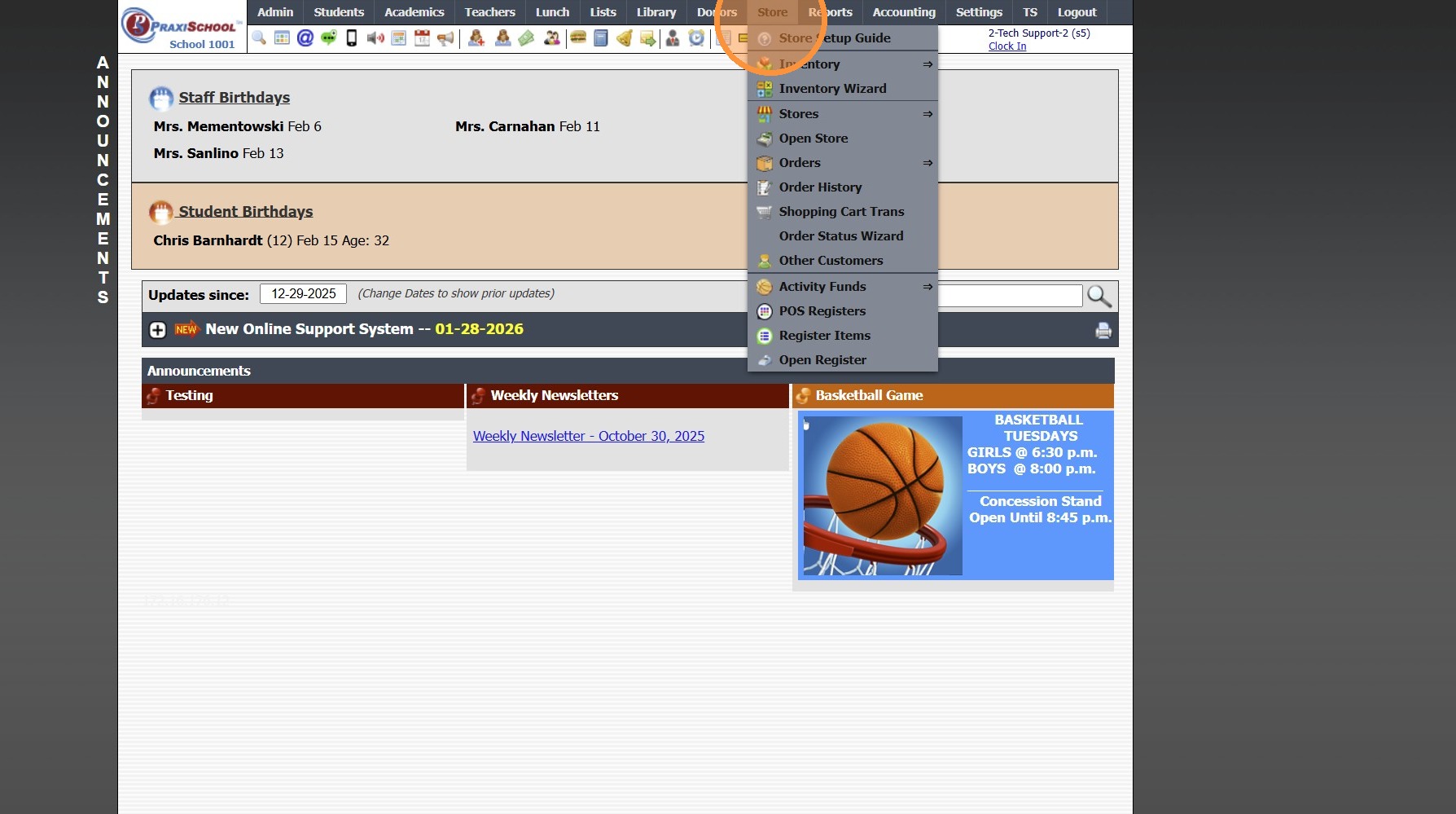
2. Click "Inventory"
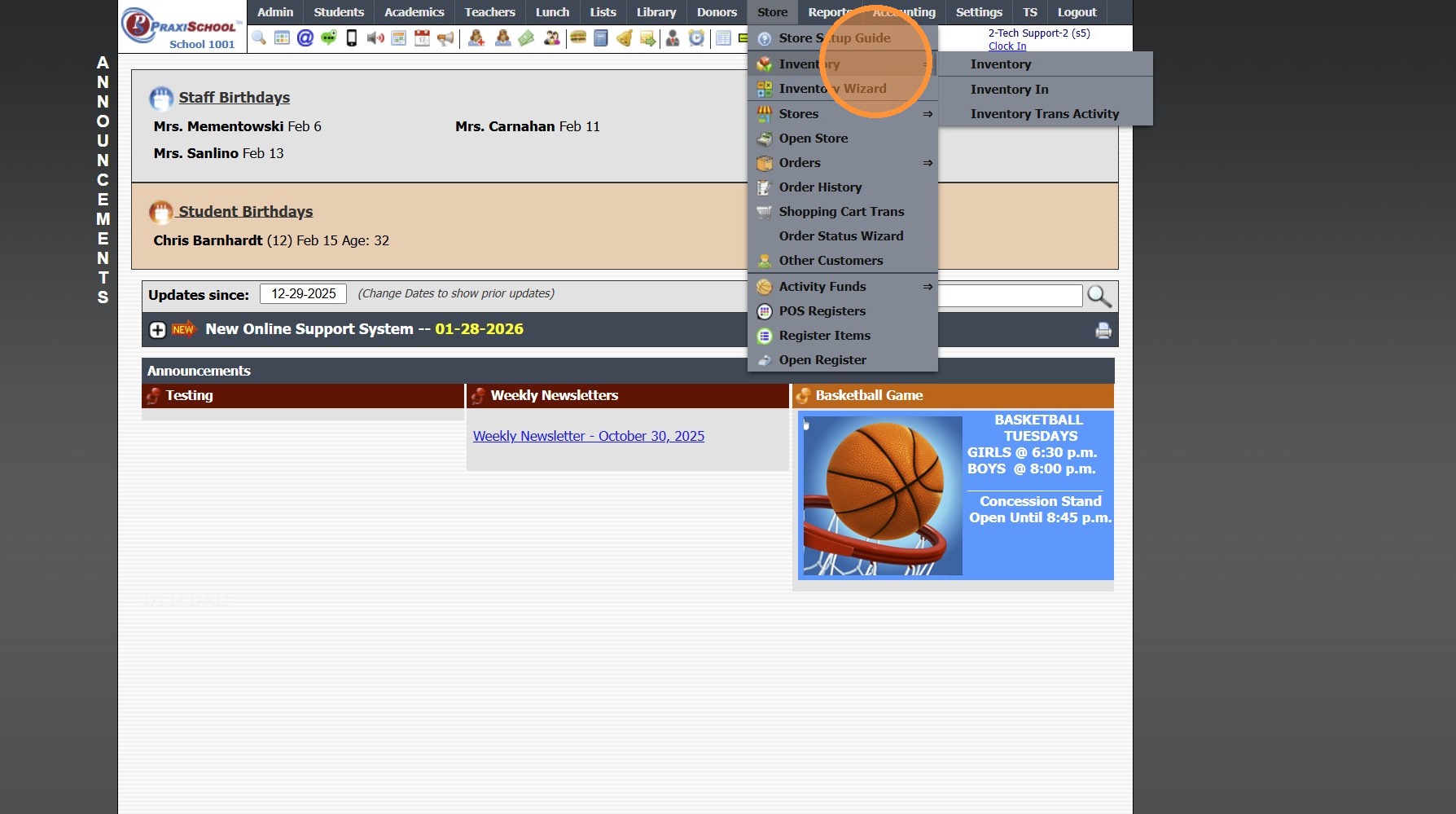
3. Click "Inventory In"
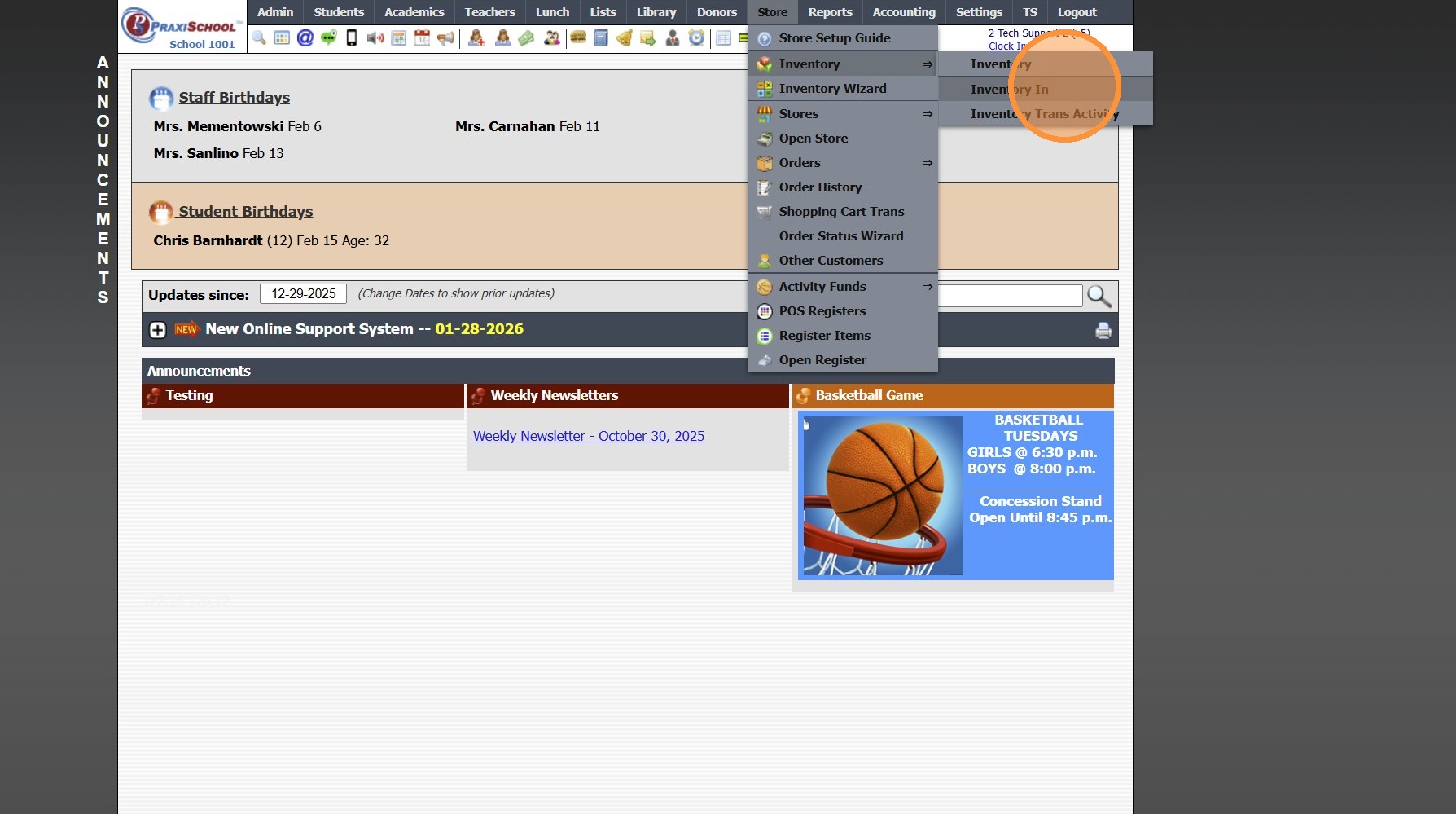
4. Select Inventory Item
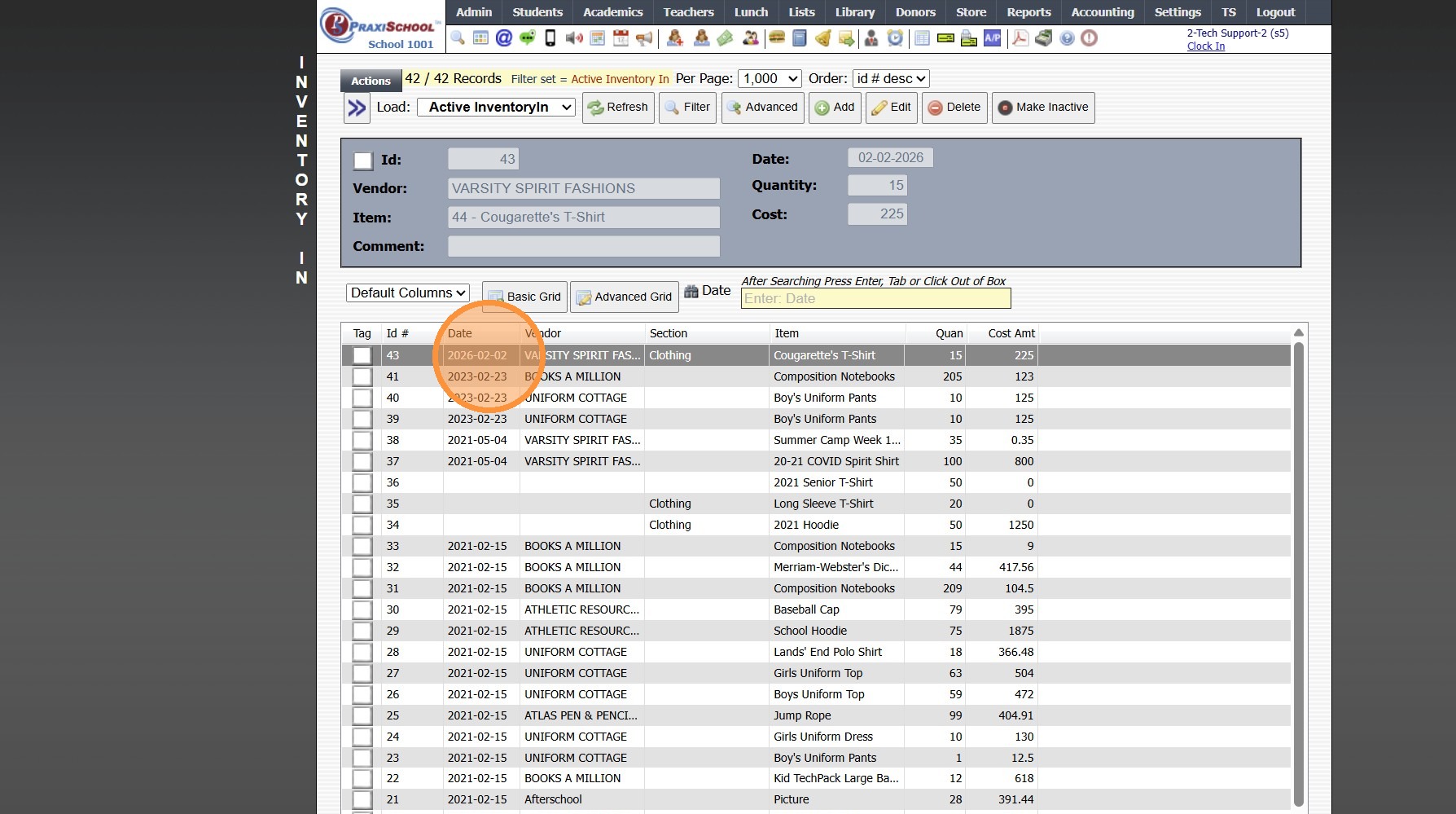
5. View Date Inventory Received
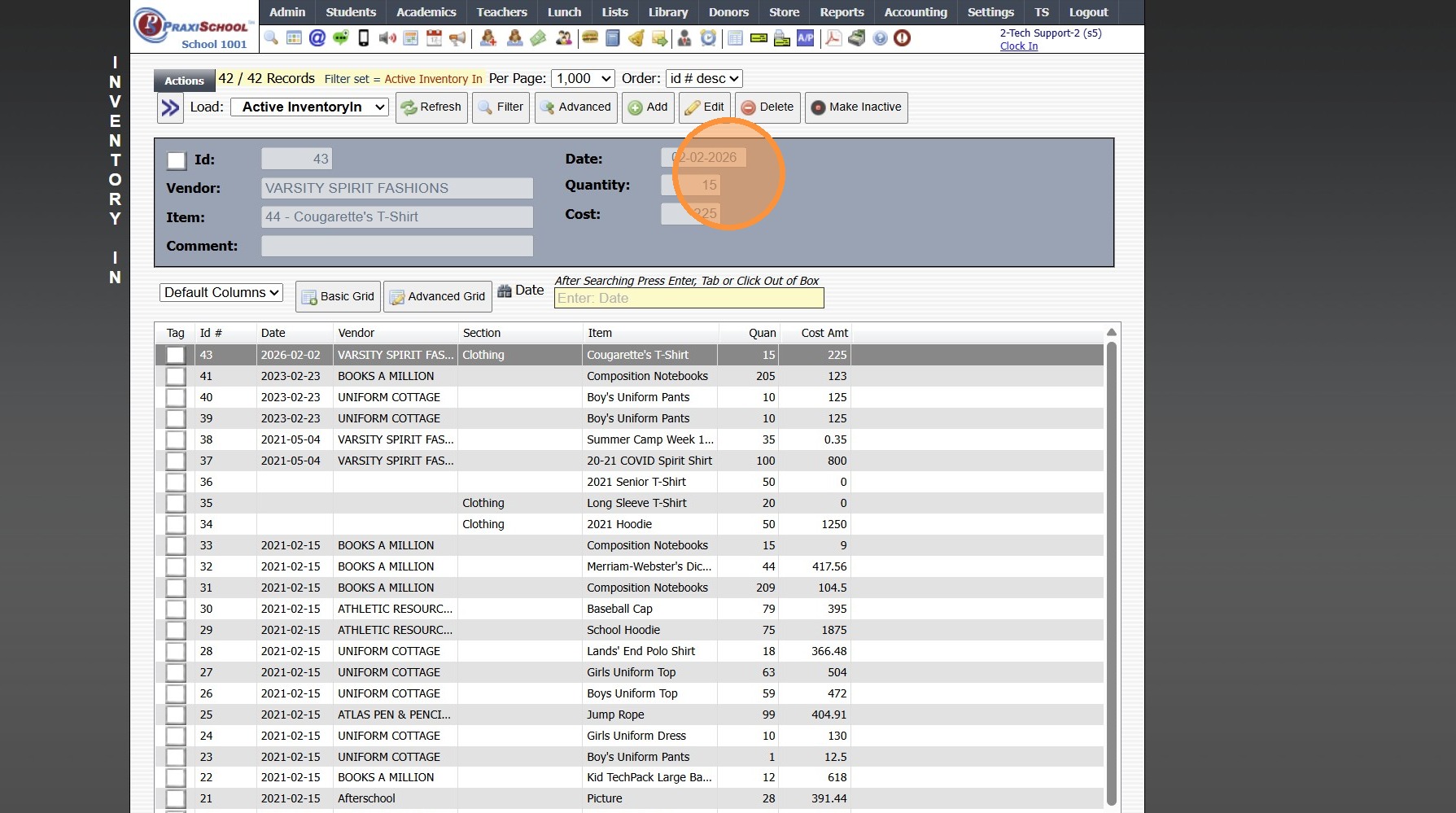
6. View Quantity of Inventory Received in this Order
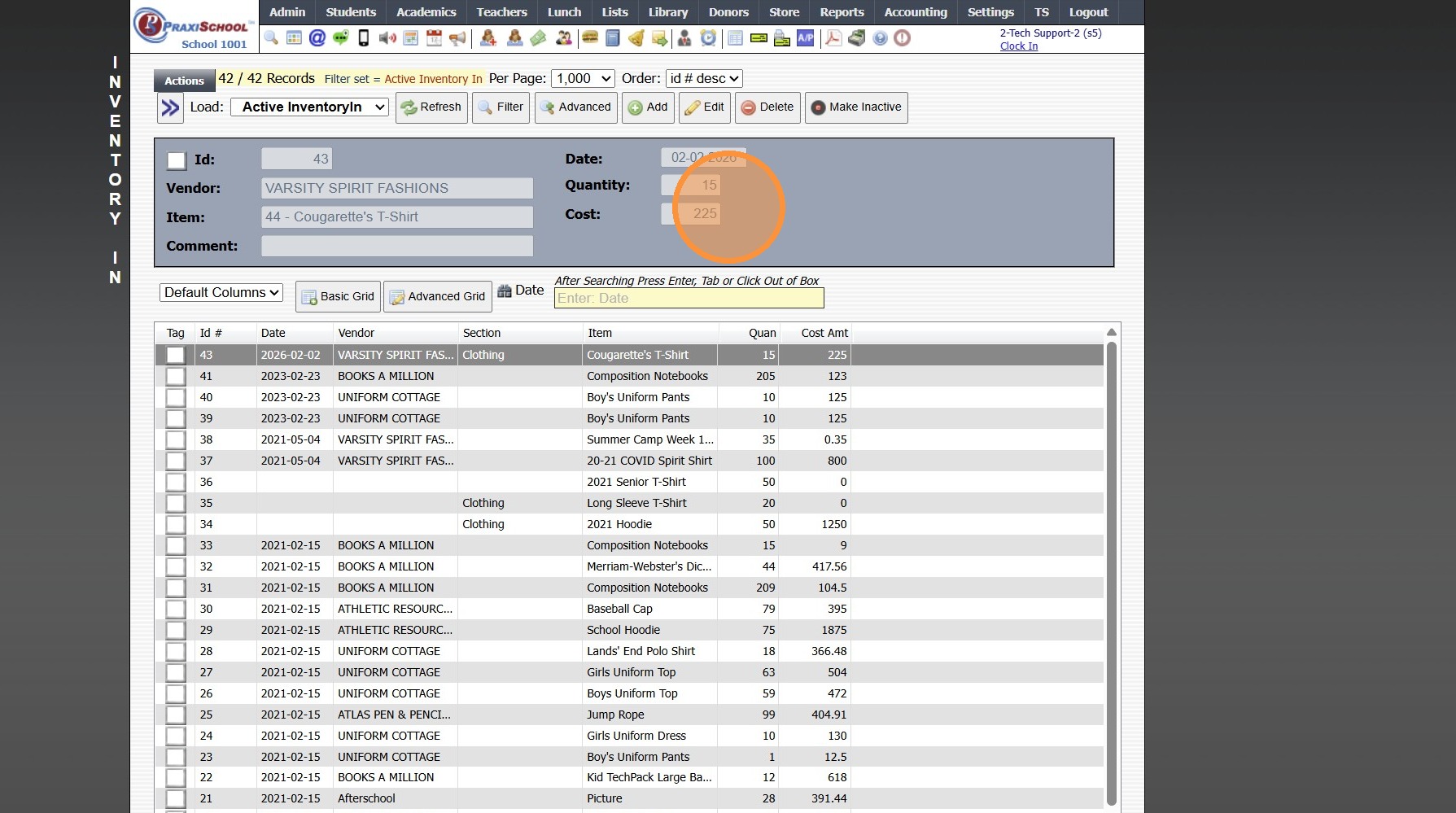
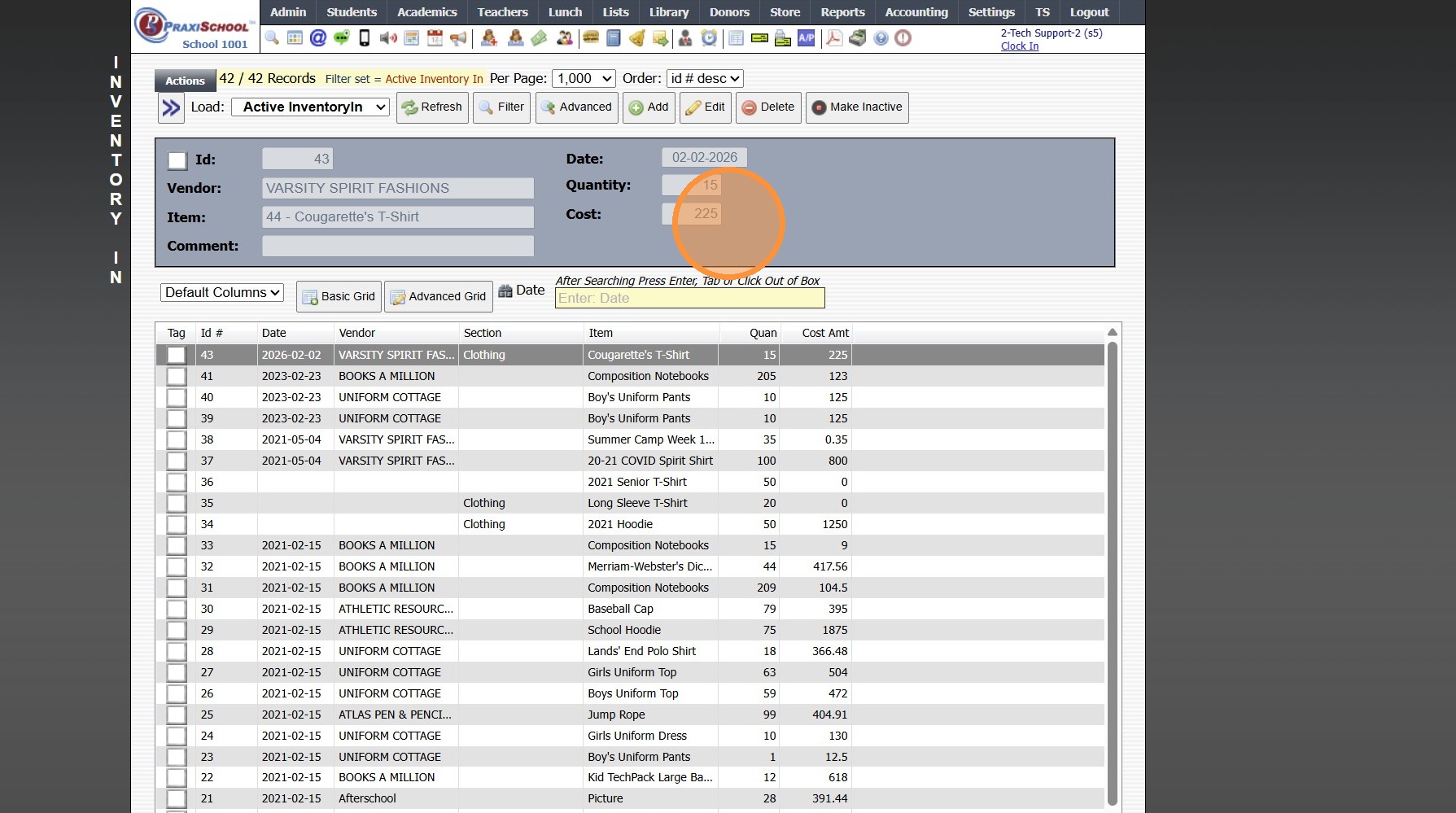
7. View Cost of Inventory Received in this Order
5000.1.1
Related Articles
Adding Store Inventory Received
1. Click "Store" 2. Click "Inventory Wizard" 3. Select "Receive" 4. Search Inventory Item 5. Select Vendor (Optional) 6. Enter Quantity Received 7. Enter Cost of Each Item 8. Set Date Received 9. Click "Save" 10. Inventory Transaction Wizard Item ...Post PACE Deliveries/Adjust (PACE Inventory Wizard)
Post PACE Deliveries/Adjust (PACE Inventory Wizard) 1. Click "Academics" 2. Click "ACE" 3. Click "Post Pace Deliveries / Adjust" 4. Set Date 5. Select Course 6. Enter Price 7. Enter Cost 8. Click "Set Price" 9. Enter Comment (Optional) 10. Click "Set ...Updating PACE Inventory
Updating PACE Inventory 1. Click "Academics" 2. Click "ACE" 3. Click "Pace Deliveries / Adjustments" Update for One PACE 4. Select Pace to Edit & Click "Edit" 5. Update Comment, In Stock Quantity, Price and/or Cost 6. Click "Save" 7. Click "Actions" ...Updating PACE Re-Order Point, Price & Cost
Updating PACE Re-Order Point, Price & Cost 1. Click "Academics" 2. Click "ACE" 3. Click "Ace Paces (Inventory)" 4. Tag Course / PACEs 5. Click "Actions" 6. Click "Batch Edit Pace Inventory" Updating Reorder Point 7. Check the box for "Change Reorder ...Adding a New School Store Inventory Item
1. Click "Store" 2. Click "Inventory" 3. Click "Inventory" 4. Click "Add" 5. Enter Item Name 6. Select Vendor (Optional) (Adding a Vendor) 7. Select Section (Optional) 8. Select General Ledger Number 9. Select Department (Optional) 10. Enter Sale ...