Updating Frequency on Portal Alerts
1. Click "Settings"
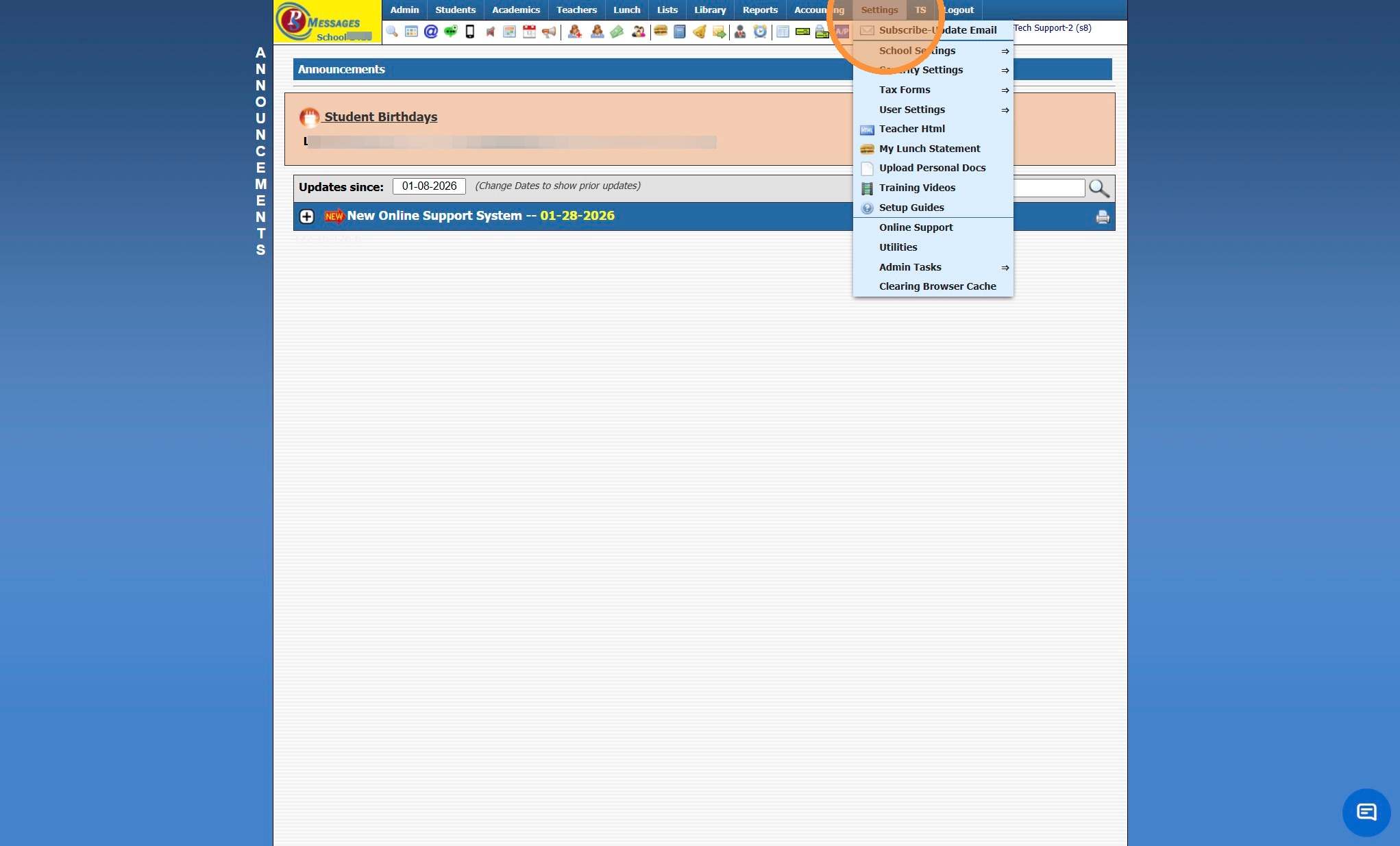
2. Click "Security Settings"
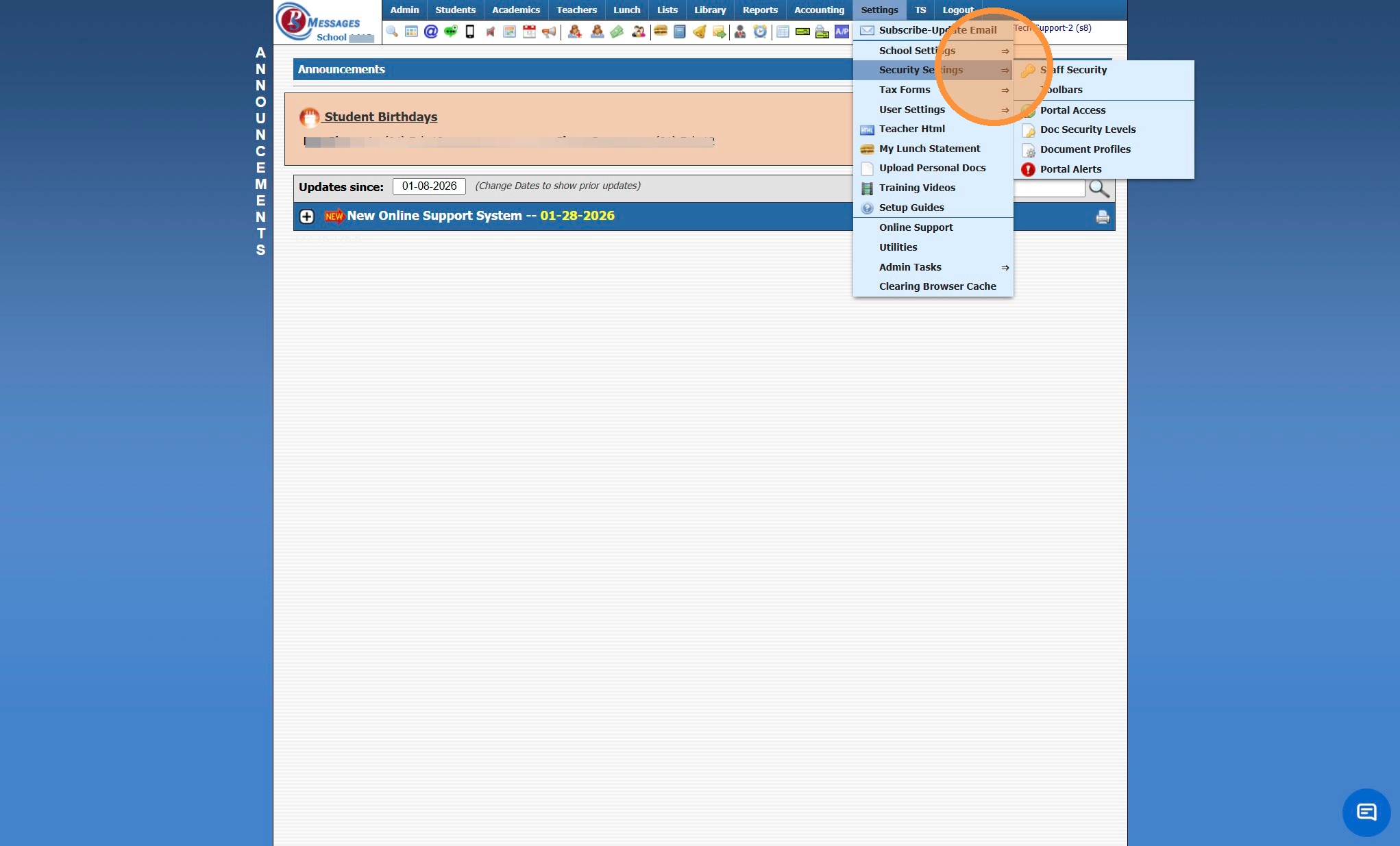
3. Click "Portal Alerts"
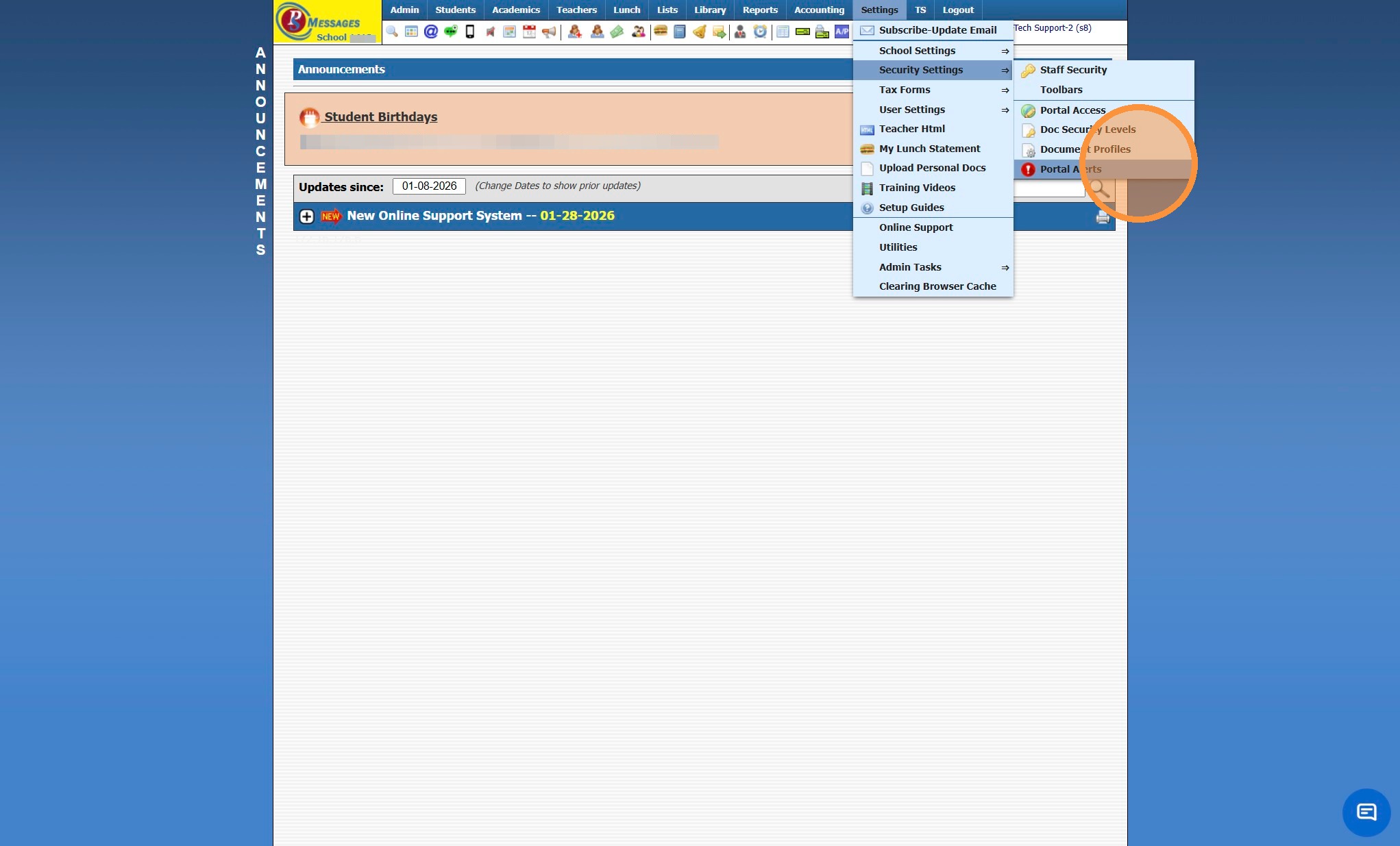
4. Select Alert
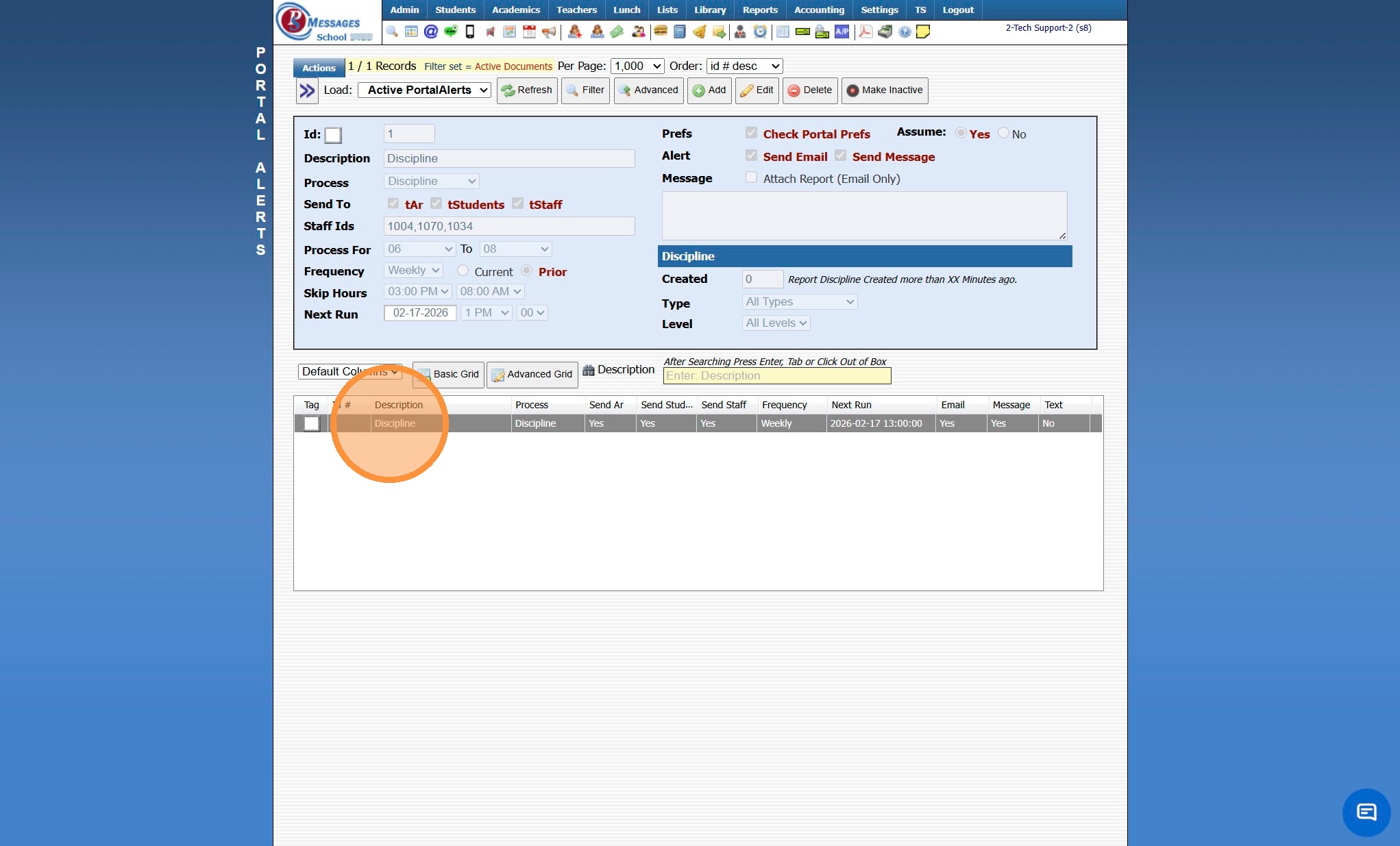
5. Click "Edit"
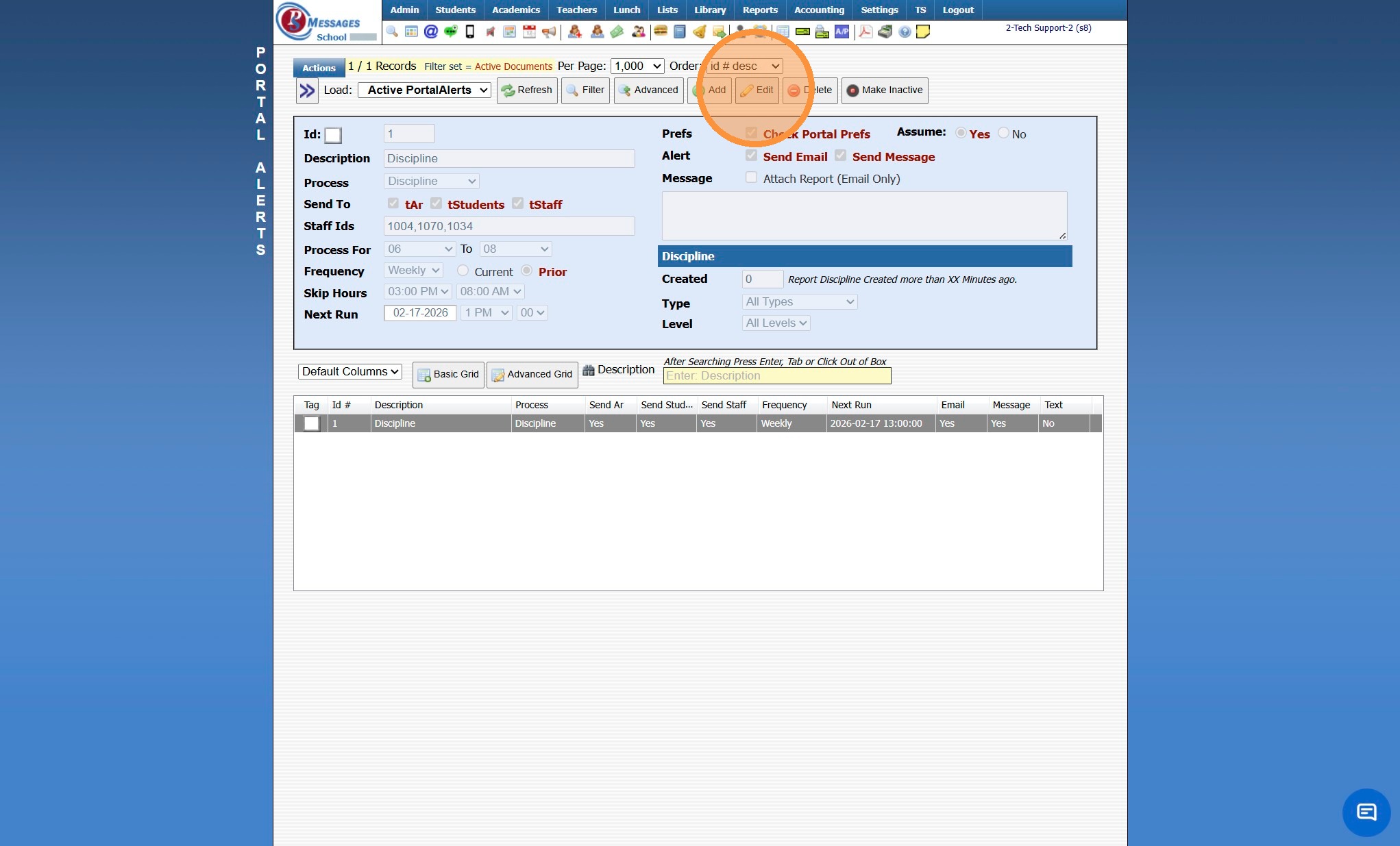
6. Select New Frequency
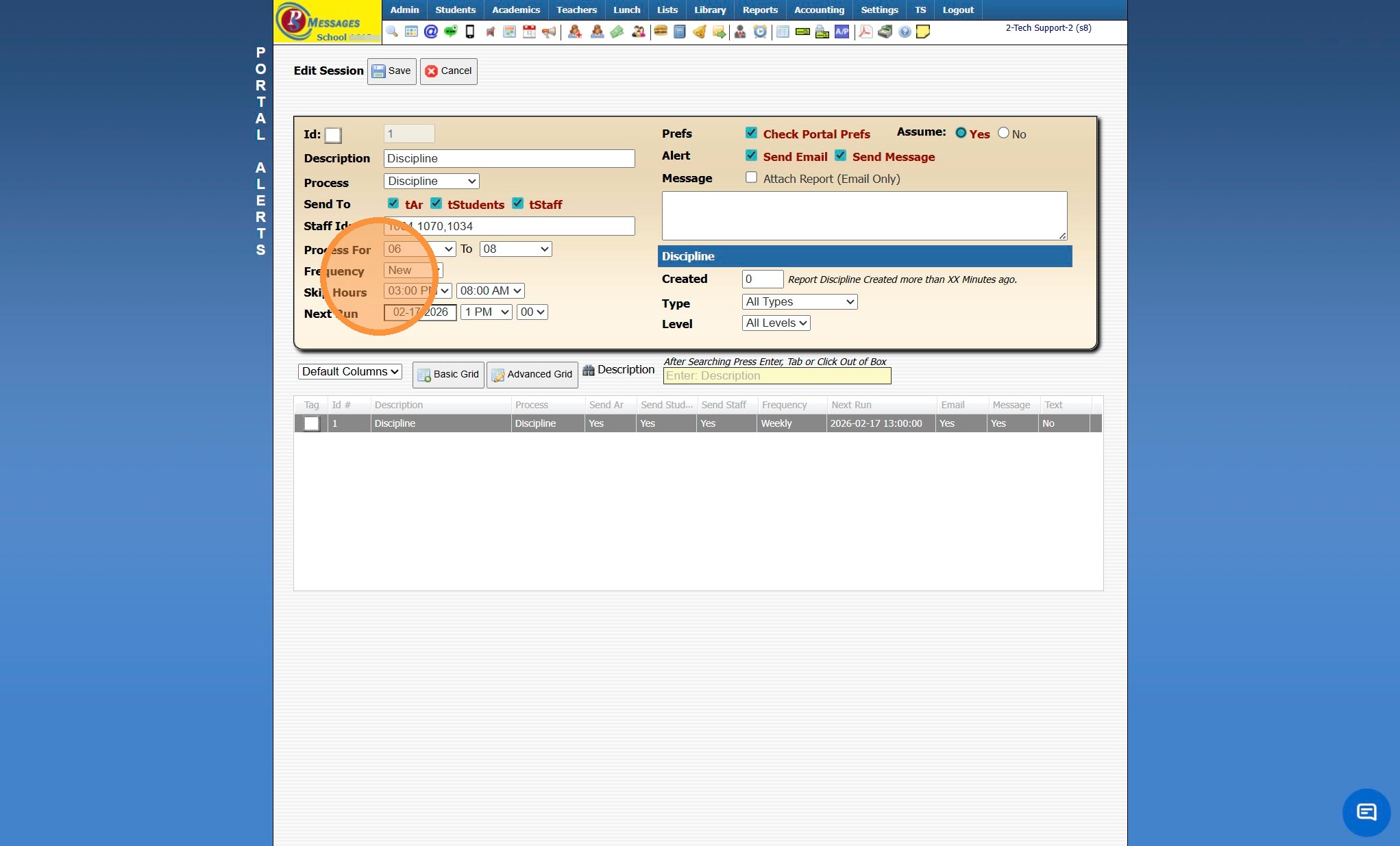
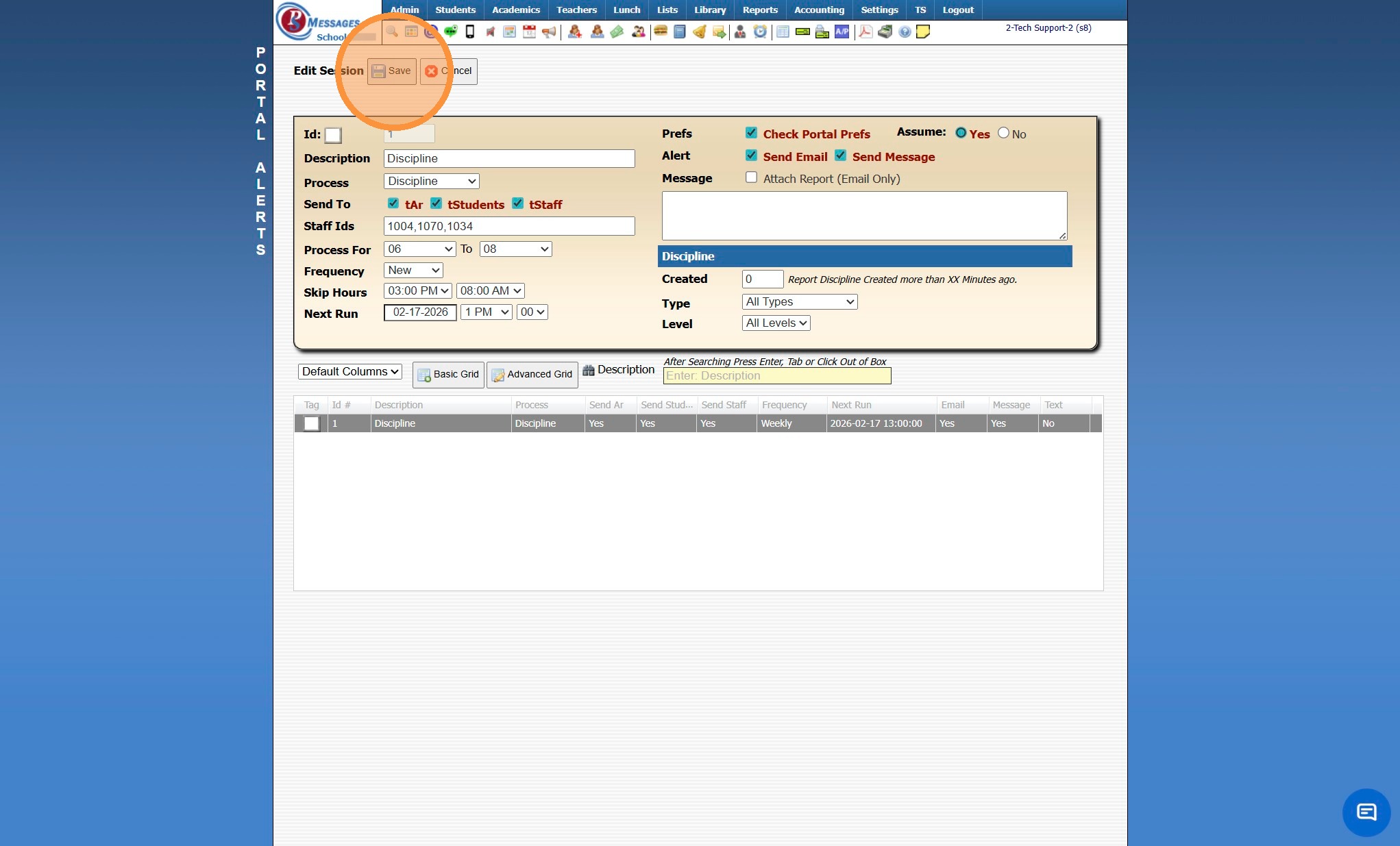
7. Click "Save"
6500.3.3.1
Related Articles
Clock Alerts
Clock Alerts 1. Log into PraxiSchool 2. Click "Admin" 3. Click "Clock" 4. Click "Clock Alerts" 5. Set Date From and Date To & Click "Refresh" 6. Click "Add" 7. Select Alert For Option: All - All Students, Staff and Family will receive the Alert ...Setting up Recurring Payments from the Student Portal
1. Navigate to the Student Portal & Log In 2. Click on the Menu Bars 3. Click "Billing" 4. Select Recurring Payments 5. Click "Create New Account" 6. Enter Billing Address, Email & Phone for the Payment Type 7. Check the "Save As New Payment Account" ...Staff Directory Portal Options
Staff Directory Portal Options 1. Click "Reports" 2. Click "Staff Directory" 3. If Ignore Directory Preferences is not Selected, Options Selected by Administration and Selected by Staff will be visible on the Parent / Student Portal If Ignore ...Accessing School Specific Portal Pages
Accessing School Specific Portal Pages 1. Click "Settings" 2. Click "School Settings" 3. Click "Portal" 4. School Specific Student Portal Link 5. School Specific Parent Portal Link 6. School Specific Applicant Portal Link 6500.2.88Student Directory Portal Options
Student Directory Portal Options 1. Click "Reports" 2. Click "Student Directory" 3. Select Sort & Filter Option 4. If Ignore Directory Preferences is not Selected, Options Selected by Administration and Selected by Parent / Student will be visible on ...