Transcript only Show the Letter Grade & not the Numeric Grade
1. Click "Academics"
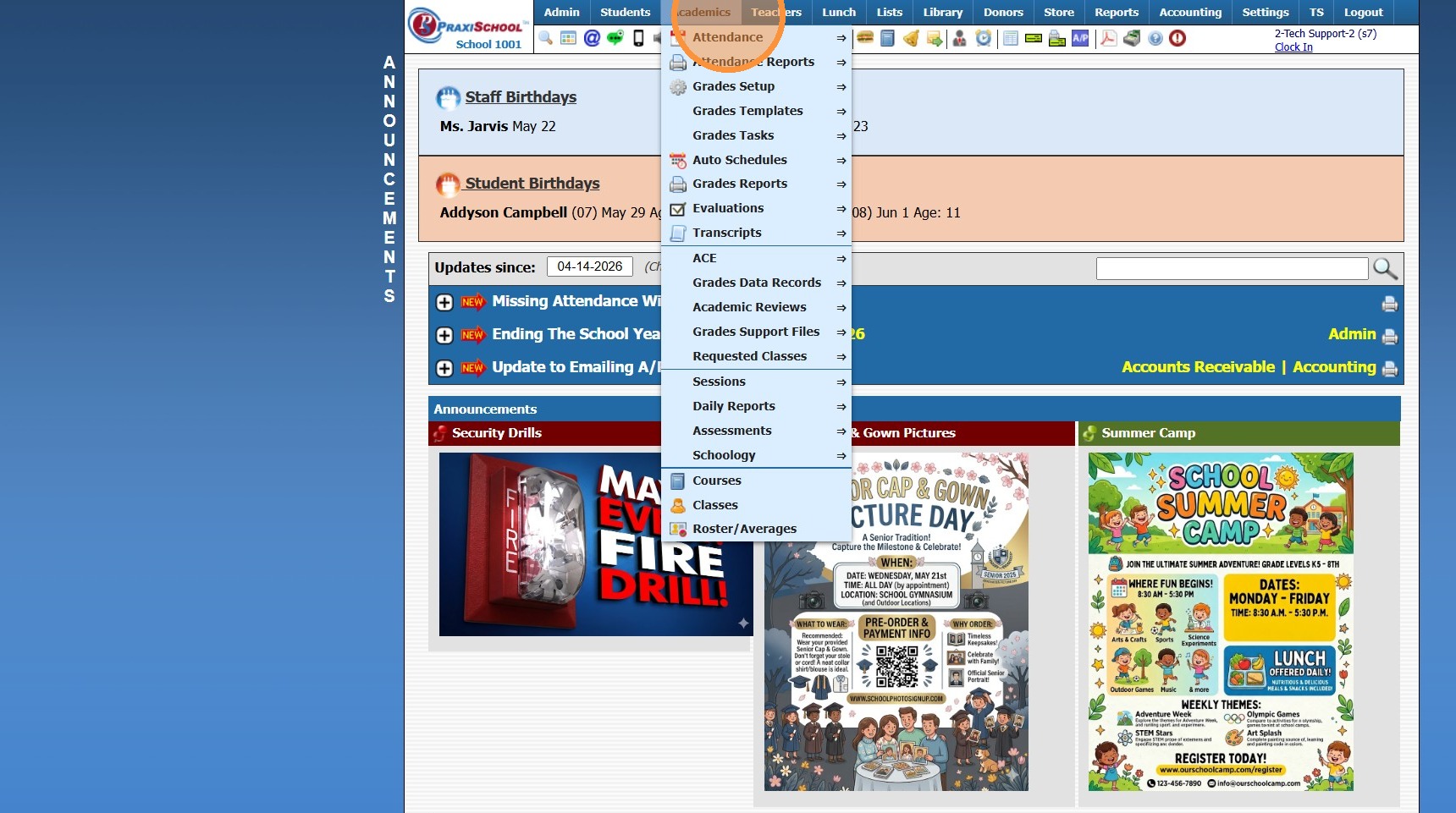
2. Click "Transcripts"
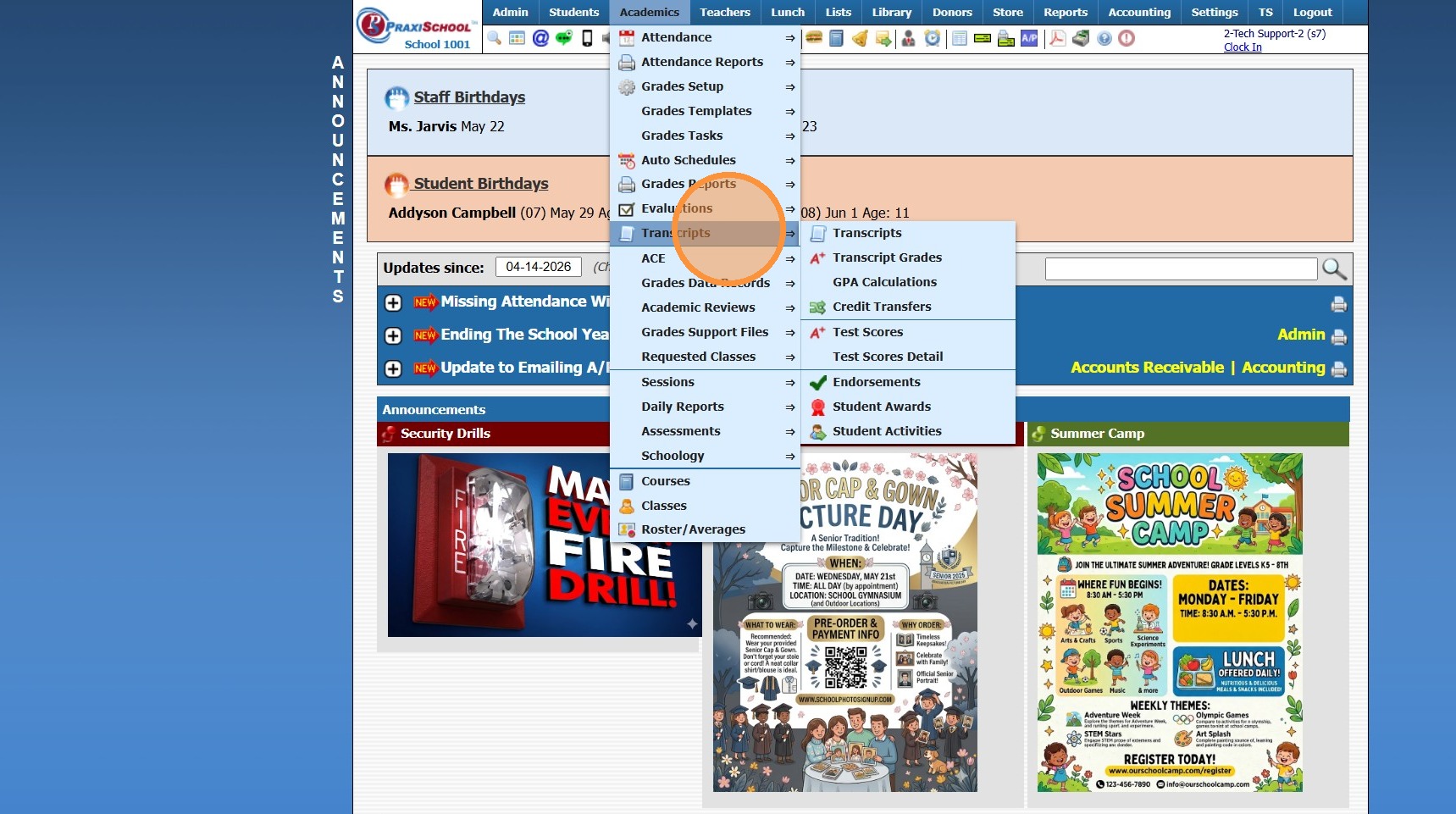
3. Click "Transcripts"
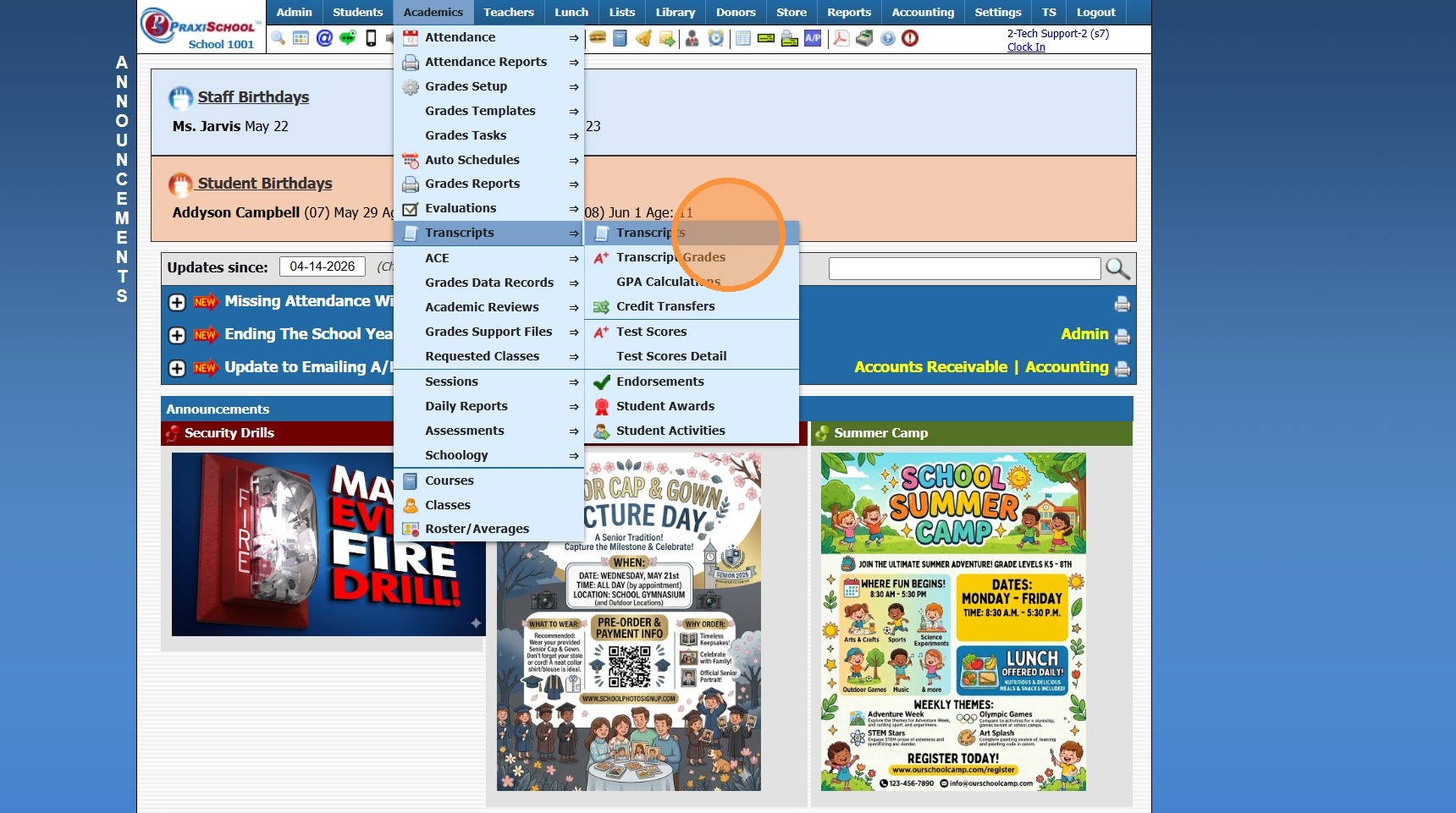
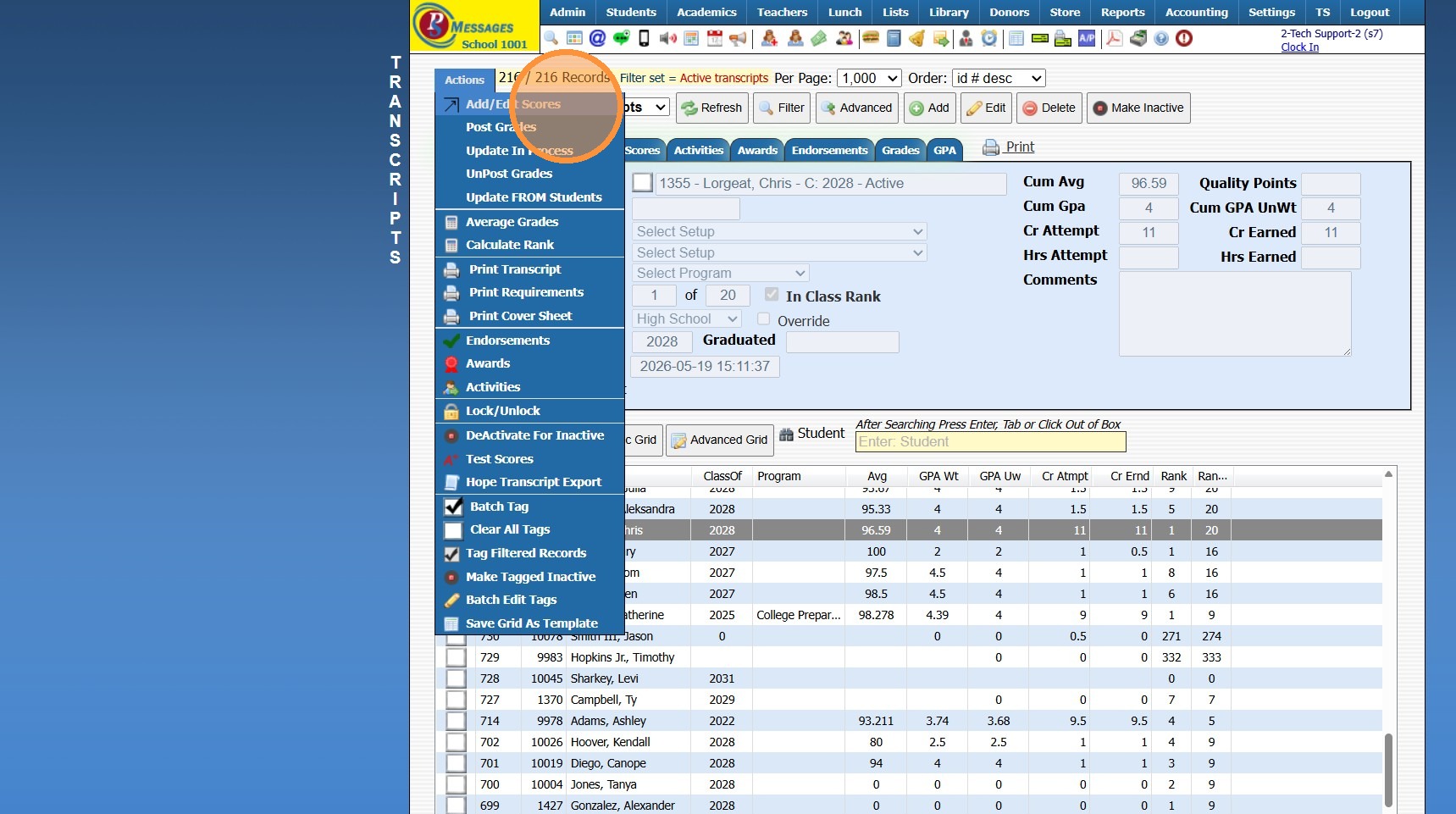
4. Click "Actions"
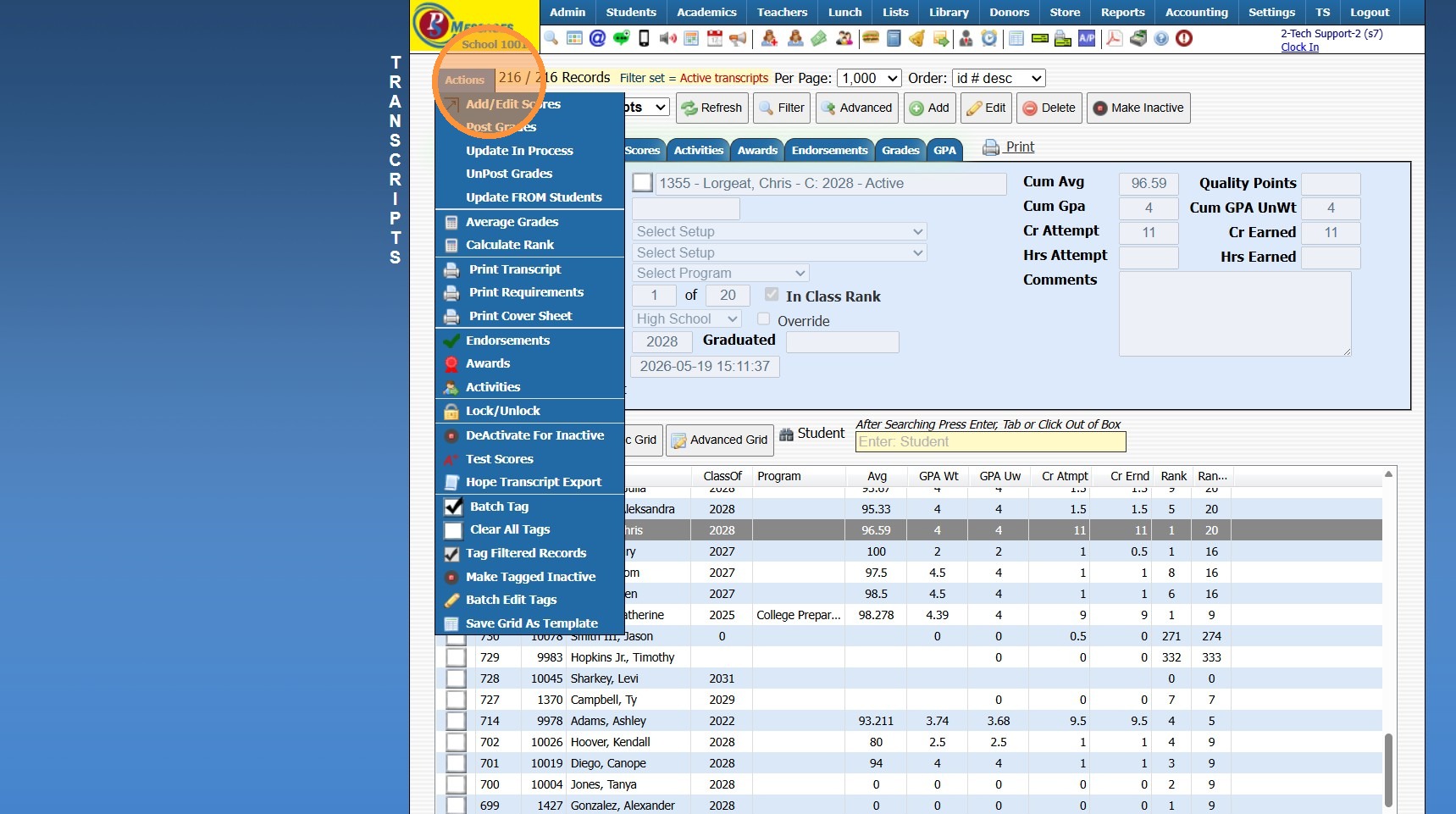
5. Click "Add/Edit Scores"
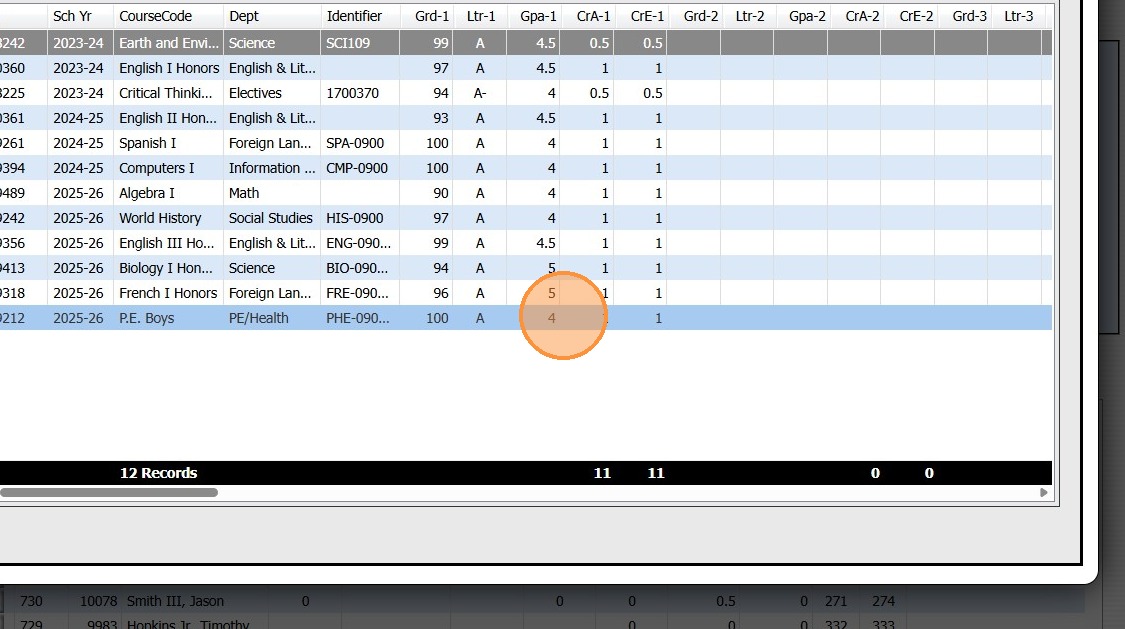
6. Select Course
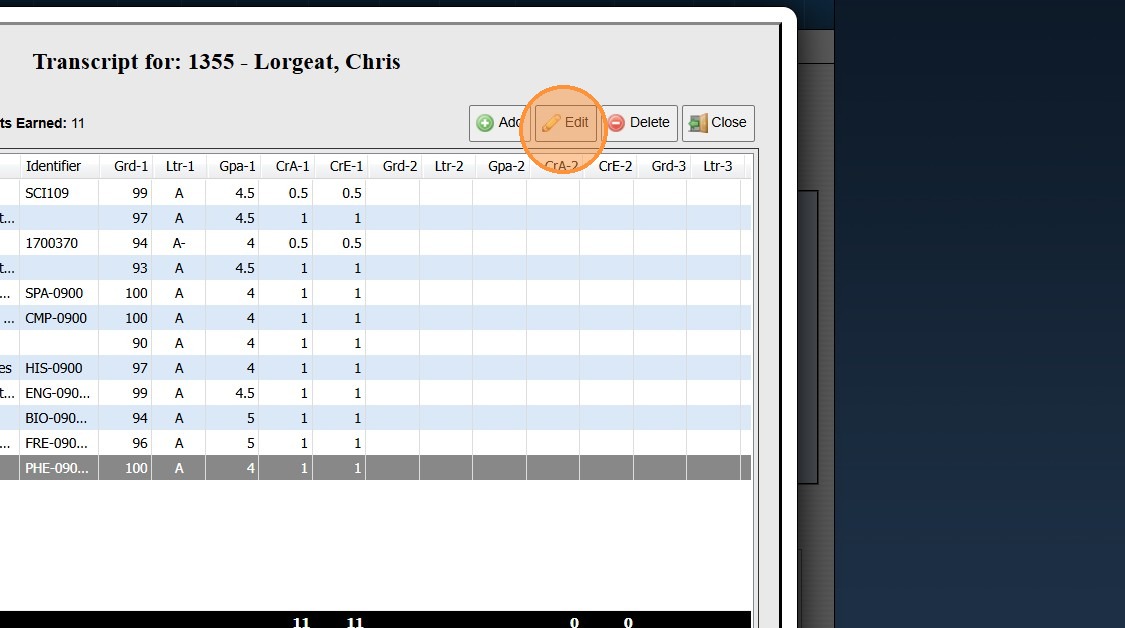
7. Click "Edit"
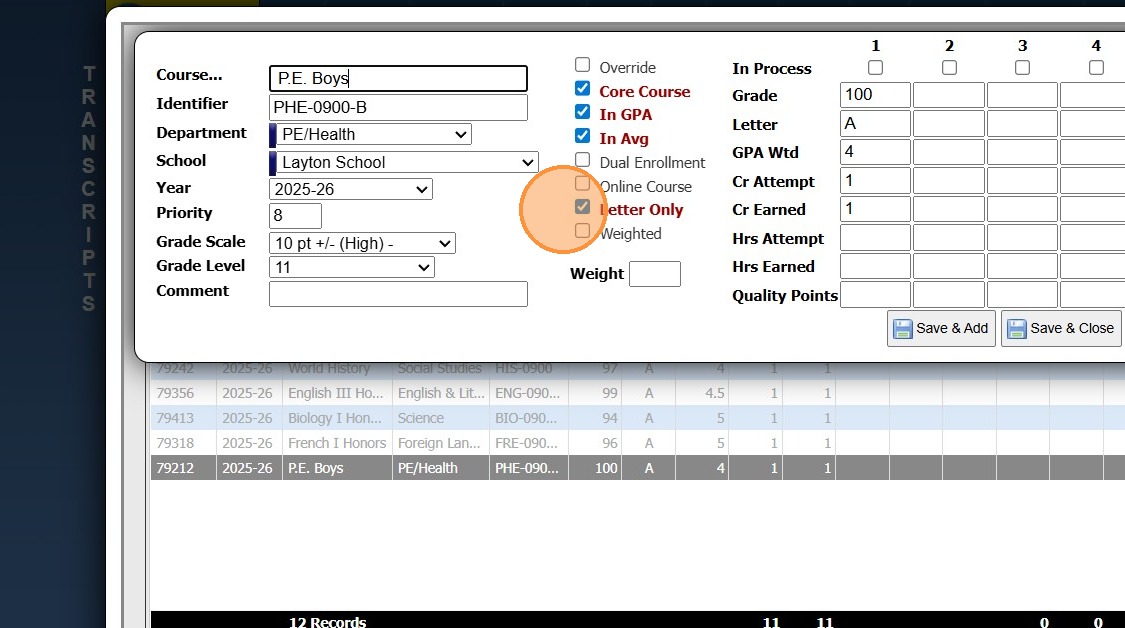
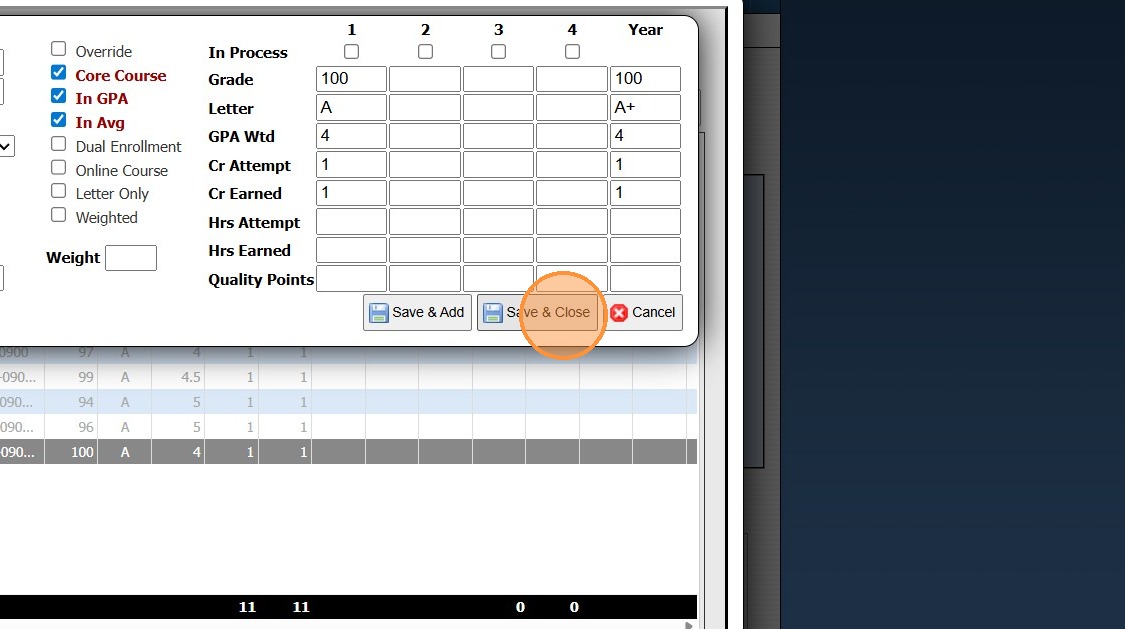
8. Uncheck the Letter Only Box
9. Click "Save & Close"
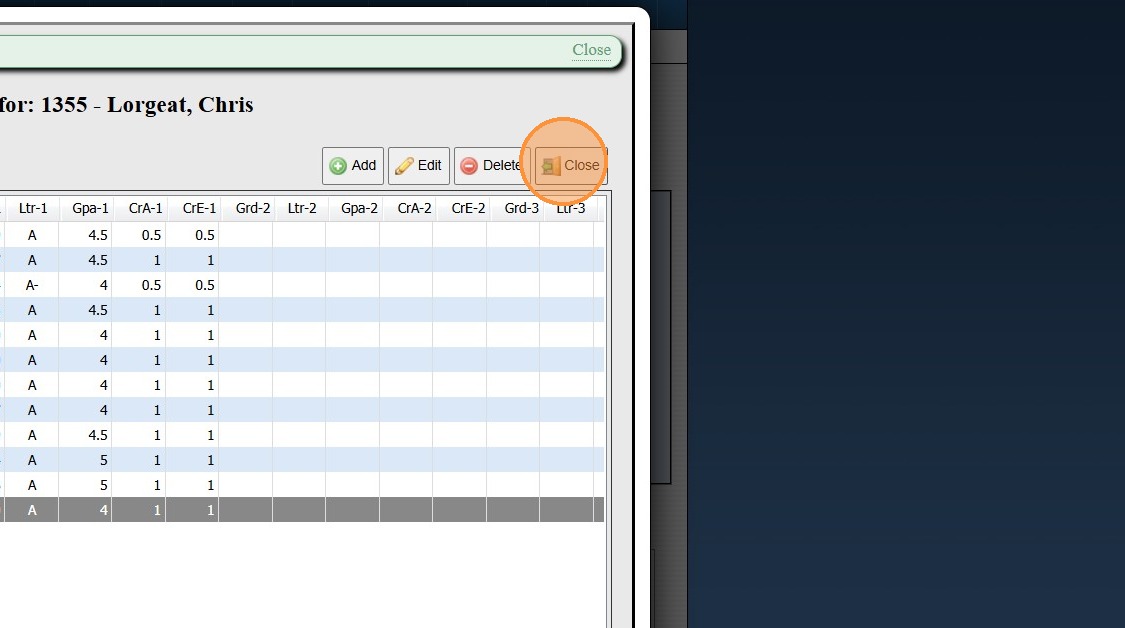
10. Click "Close"
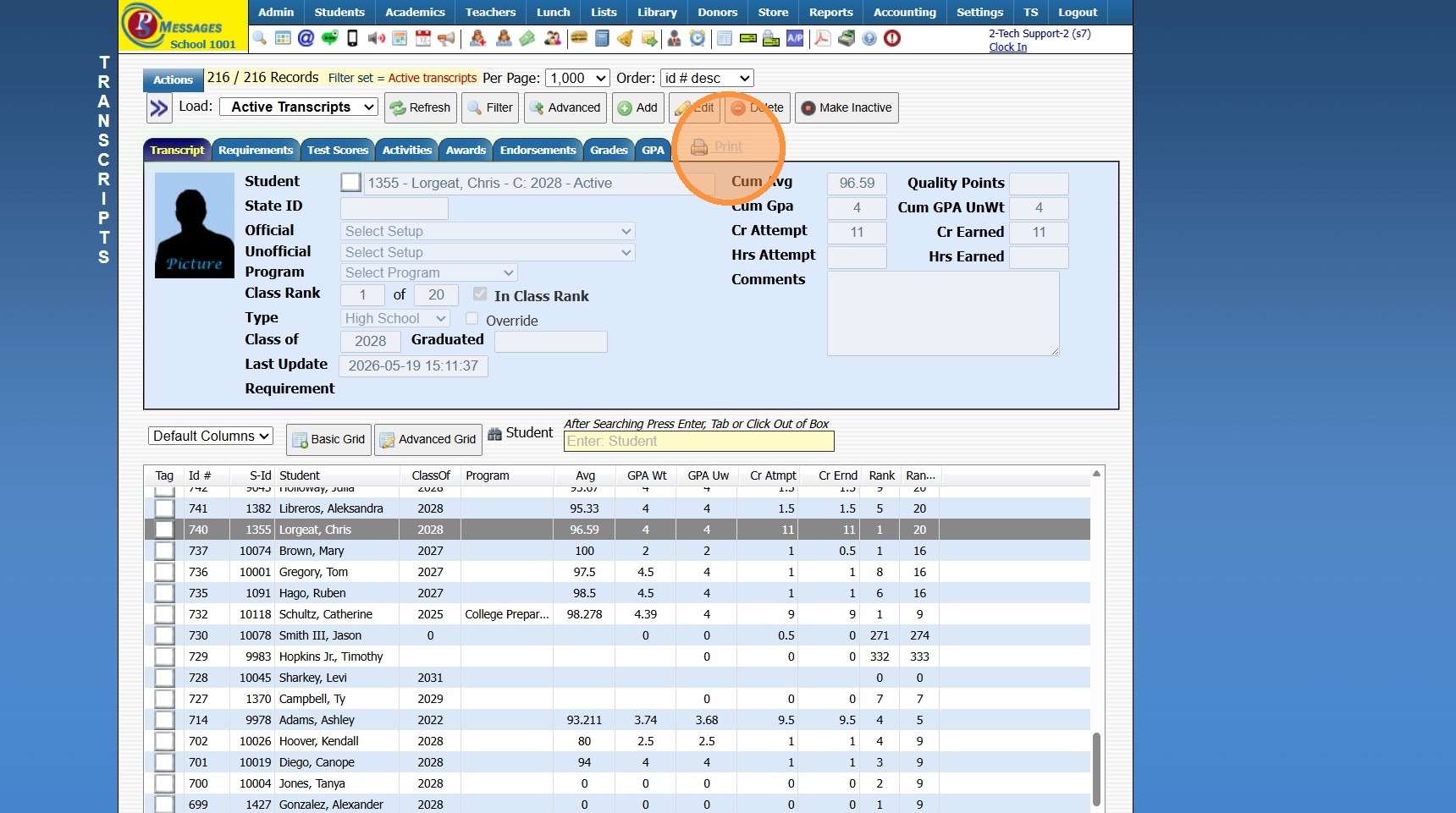
11. Click "Print"
12. Click "Print"
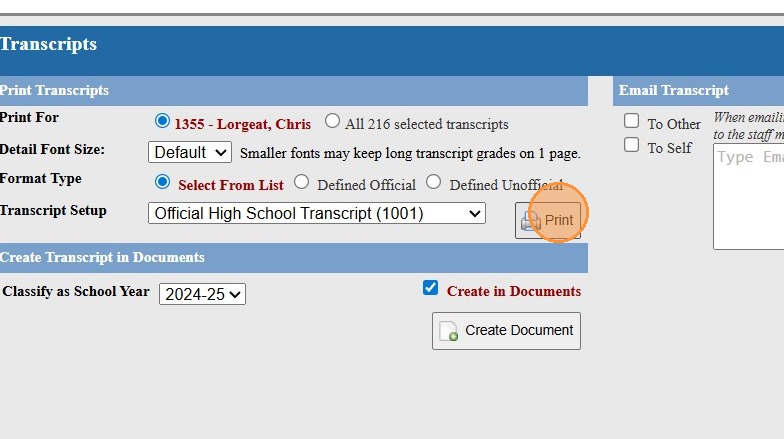
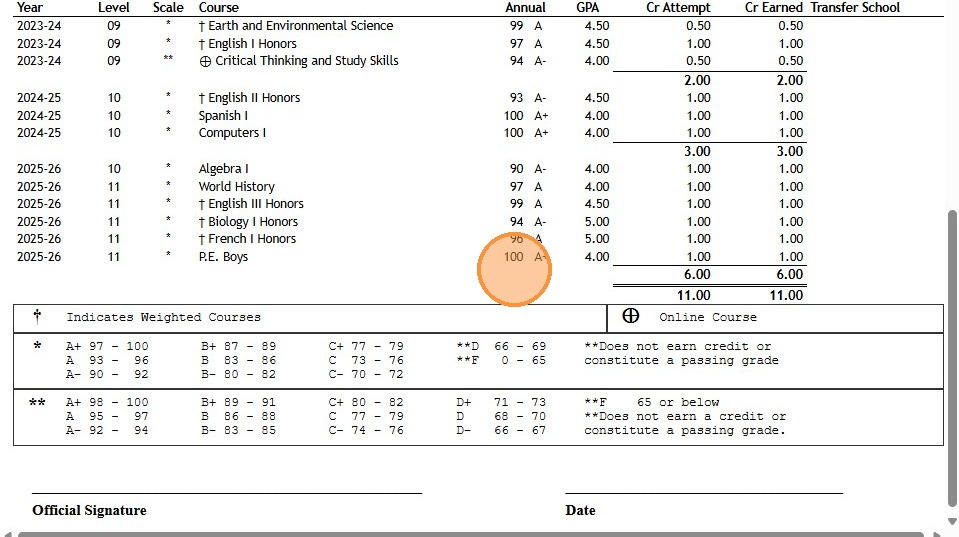
13. Numeric Grade is Populating
8000.40
Related Articles
Updating Grade Book Letter Grades for a Grade Period
1. Click "Settings" 2. Click "Utilities" 3. Select Grade Period 4. Click "Update GradeBook Letter Grades for Grade Period" 6500.12.4Entering an ACE PACE Grade
Entering an ACE PACE Grade 1. Click "Teachers" 2. Click "Classroom" 3. Select Learning Center Course in Grid 4. Click "Grade Book" 5. Select Student 6. Click on the Line "-" Under the Issued PACE Number to Enter Grade 7. Enter "Points" (Numeric ...Adding Transcript Grades (Final Grades Only)
1. Click "Academics" 2. Click "Transcripts" 3. Click "Transcripts" 4. Highlight Student Transcript, making sure to select proper level: Middle School, High School etc. 5. Click "Actions" 6. Click "Add/Edit Scores" 7. Click "Add" 8. Enter Course Title ...Adding Transcript Grades from Prior School
1. Click "Academics" 2. Click "Transcripts " 3. Click "Transcripts" 4. Highlight Student Transcript, making sure to select proper level: Middle School, High School etc. 5. Click "Actions" 6. Click "Add/Edit Scores" 7. Click "Add" 8. Enter Course ...Why does my School Name & Address not Show on the Transcript?
Tip: When the School Name & Address do not appear on the Transcripts, it is because the School Name & Address have not been entered in the Transcript Setup. See Instructions Below. 1. Click "Academics" 2. Click "Grades Setup" 3. Click "Transcript ...