Submitting a Helpdesk Ticket
1. Log into Praxi
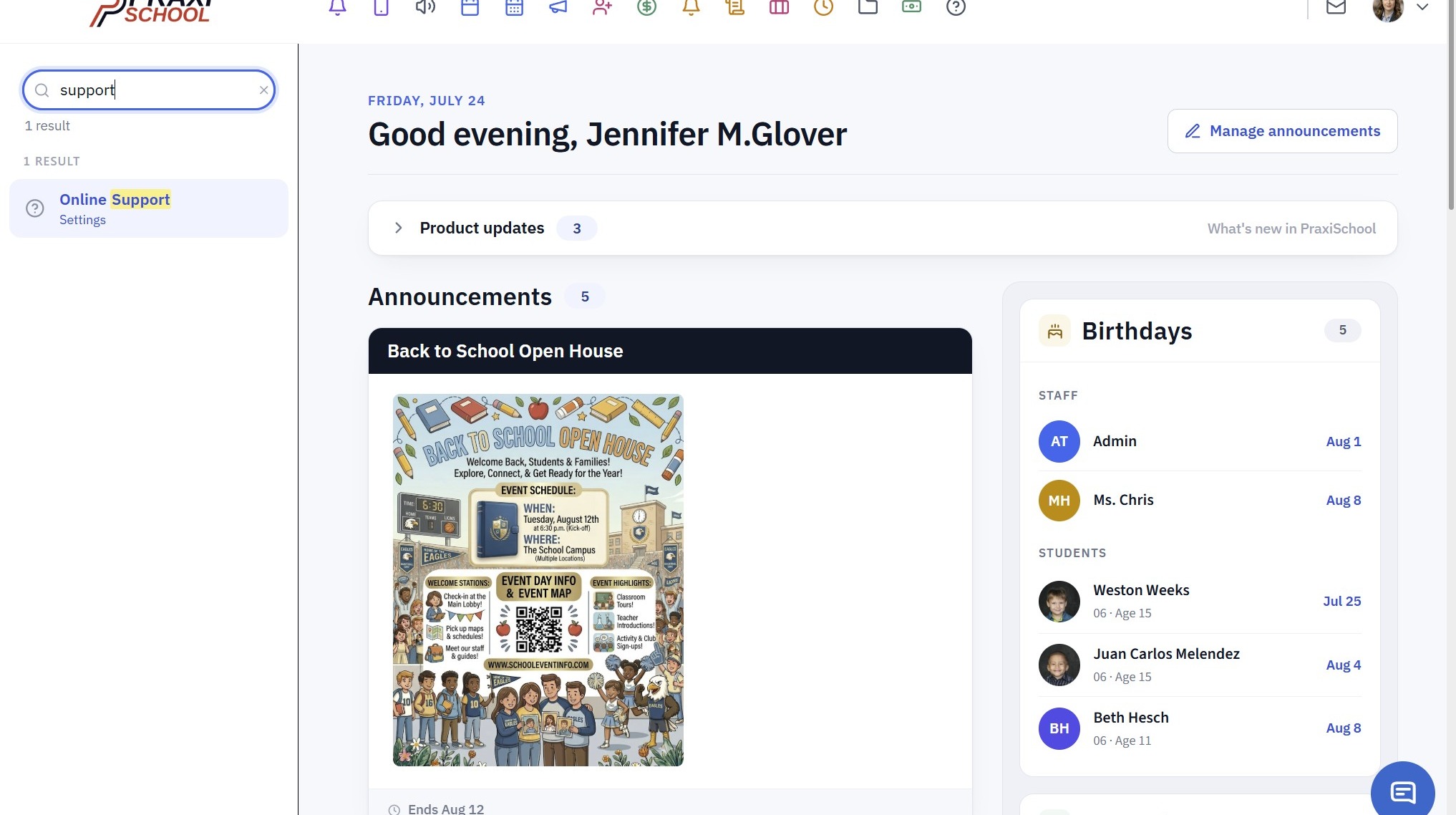
2. Click in the Search Box
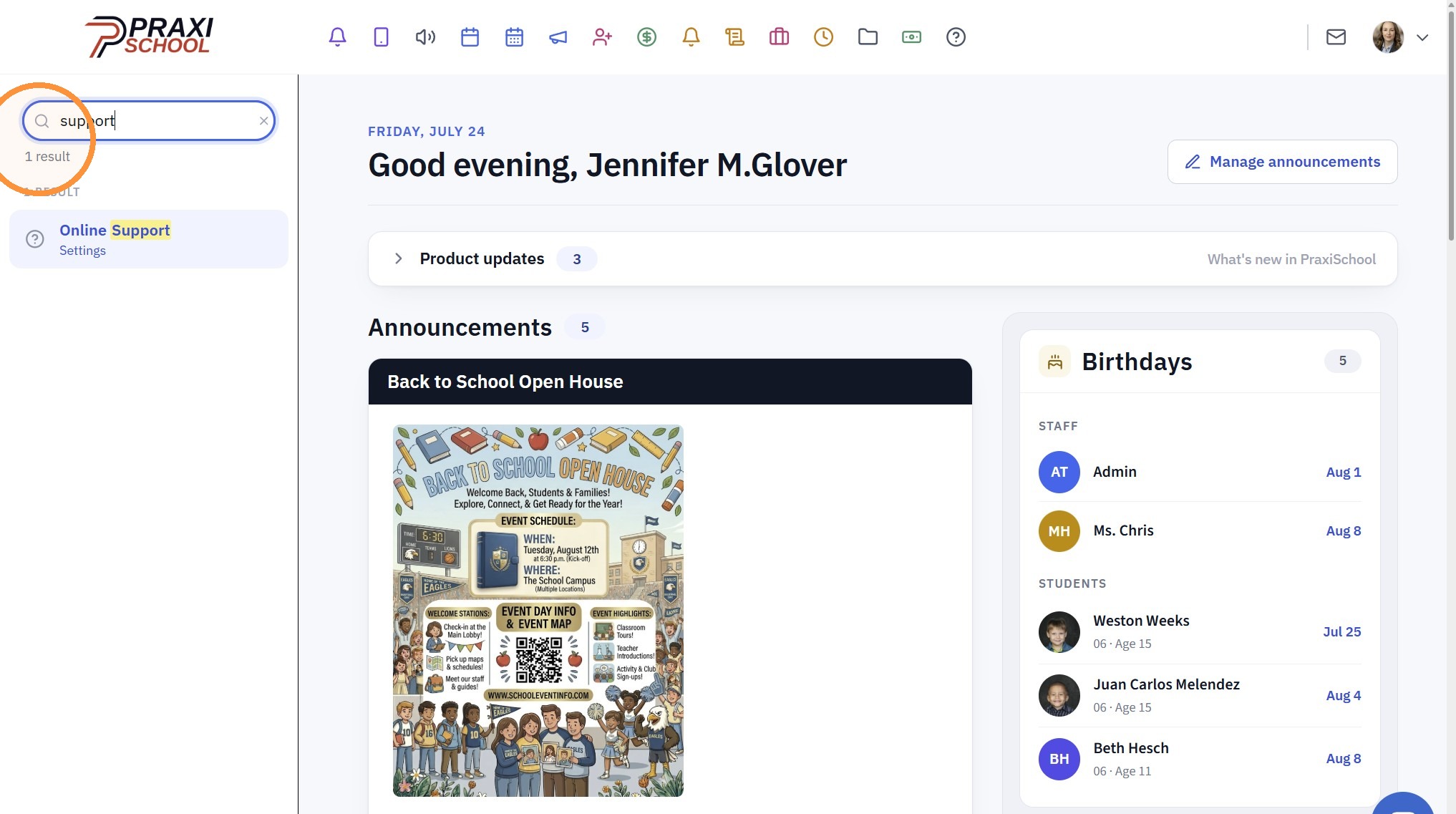
3. Click "Online Support"
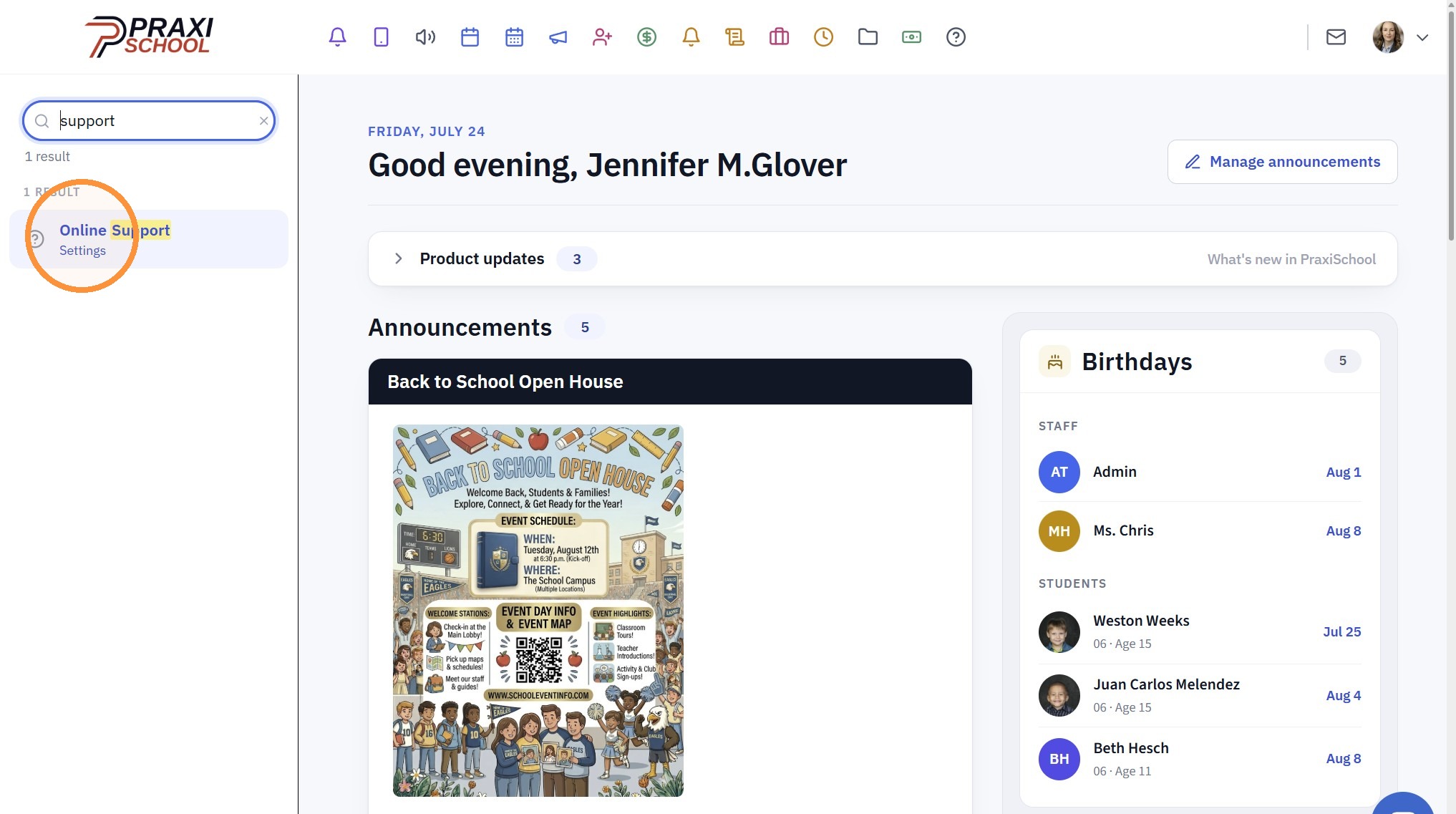
4. Click "Open Ticket Form"
5. Enter Contact Information
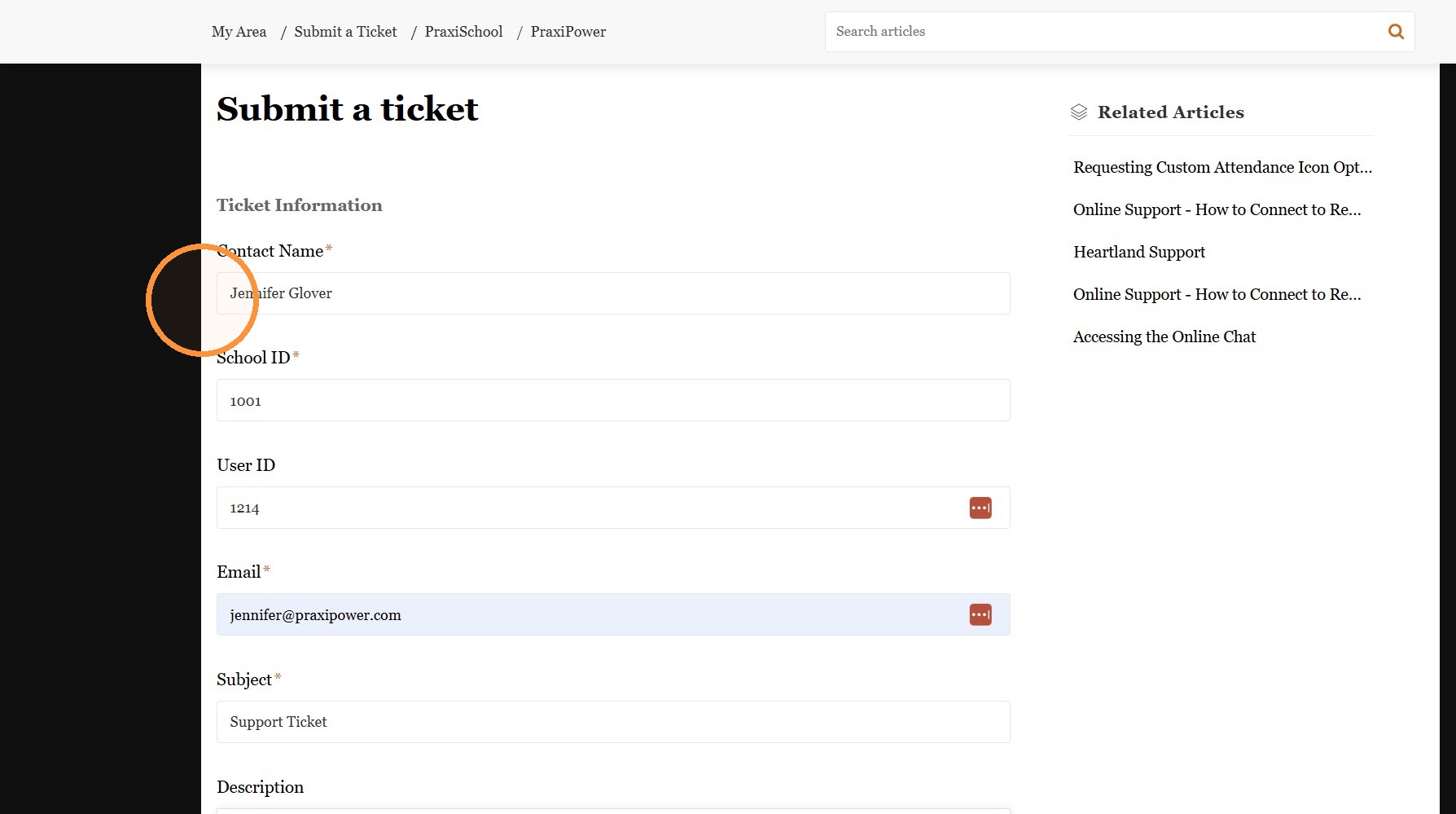
6. Enter Subject & Description
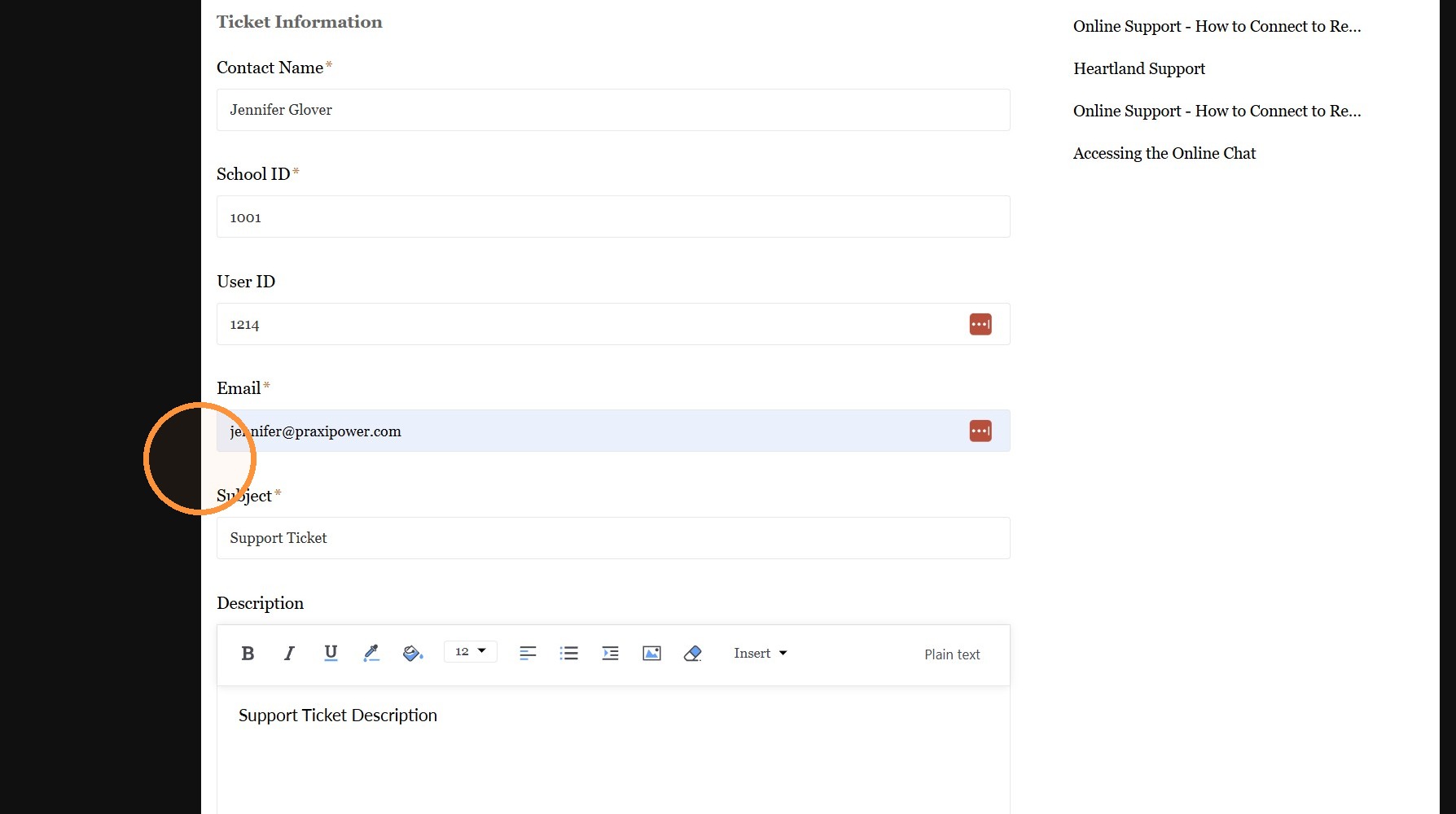
7. Select Priority & Classification (Optional)
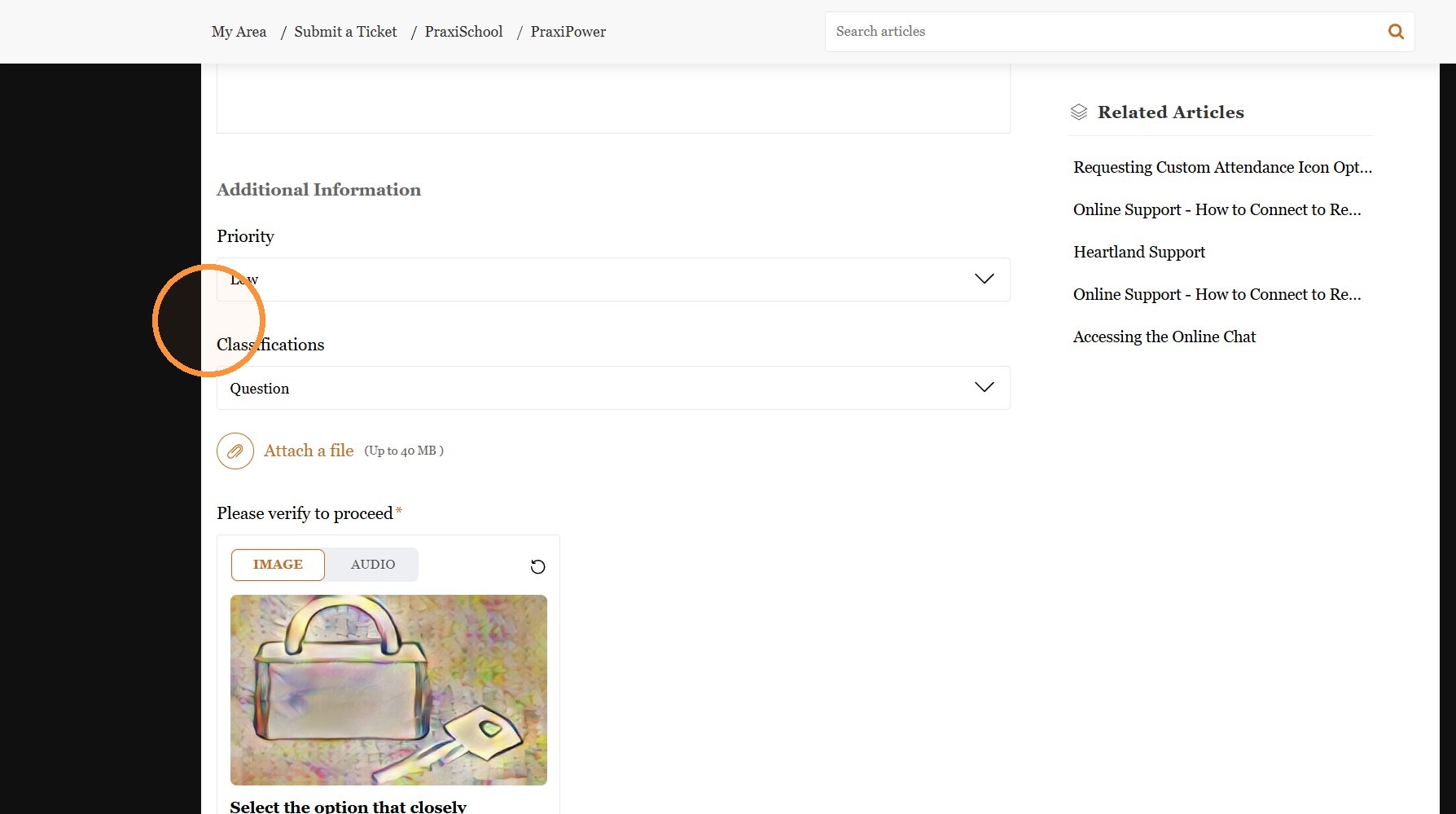
8. Attach a File (Optional)
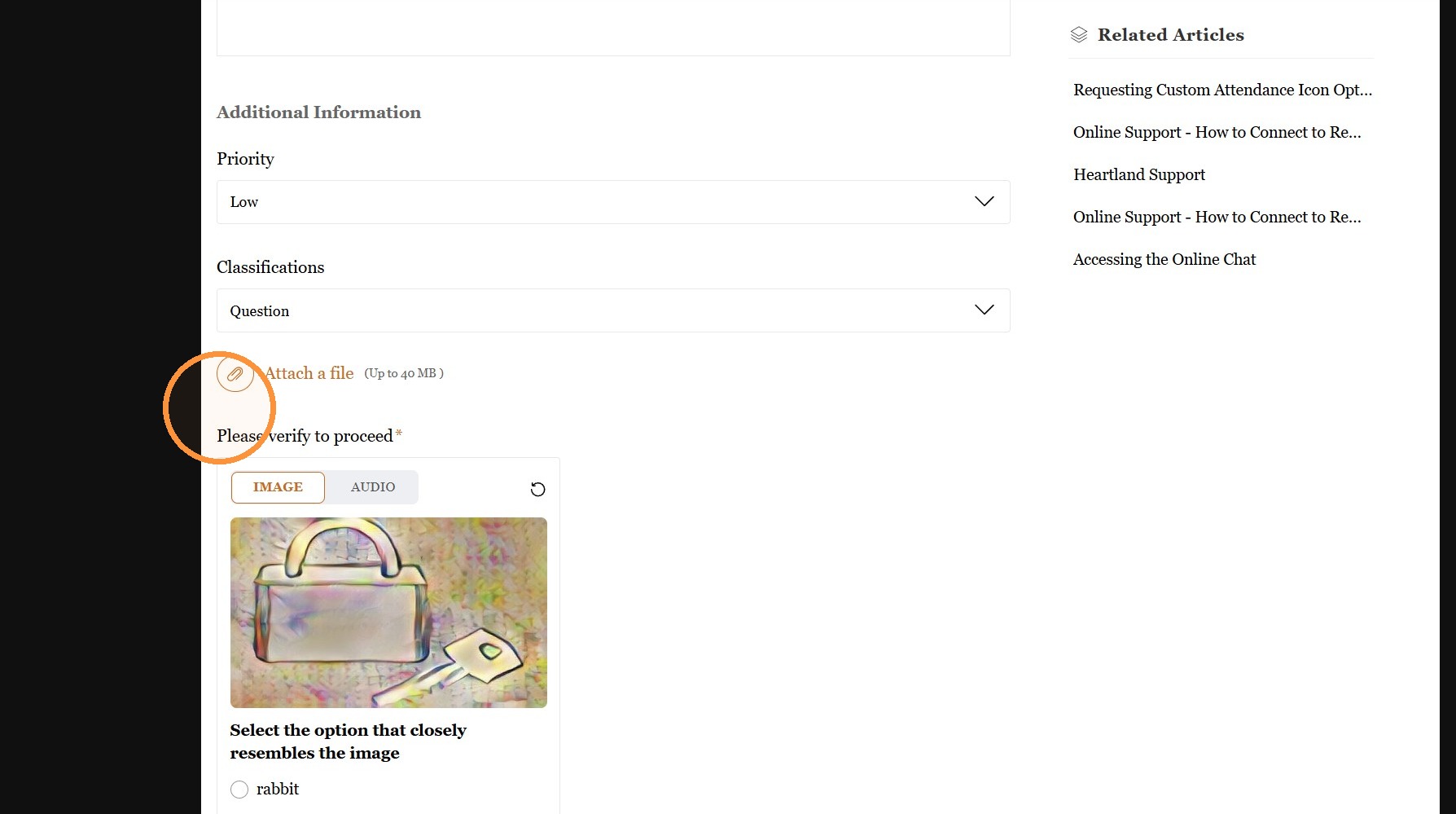
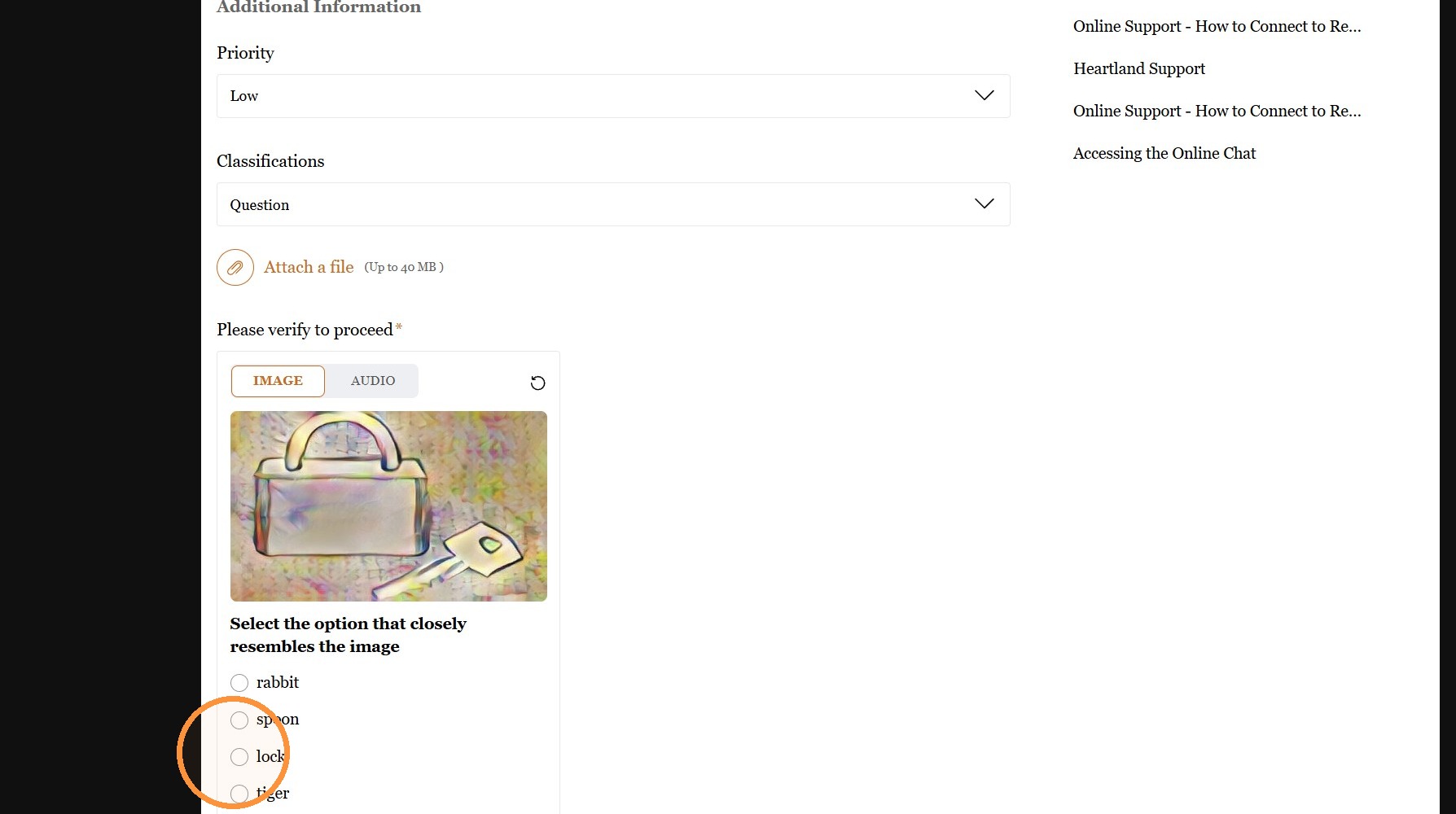
9. Select Option that Matches the Image
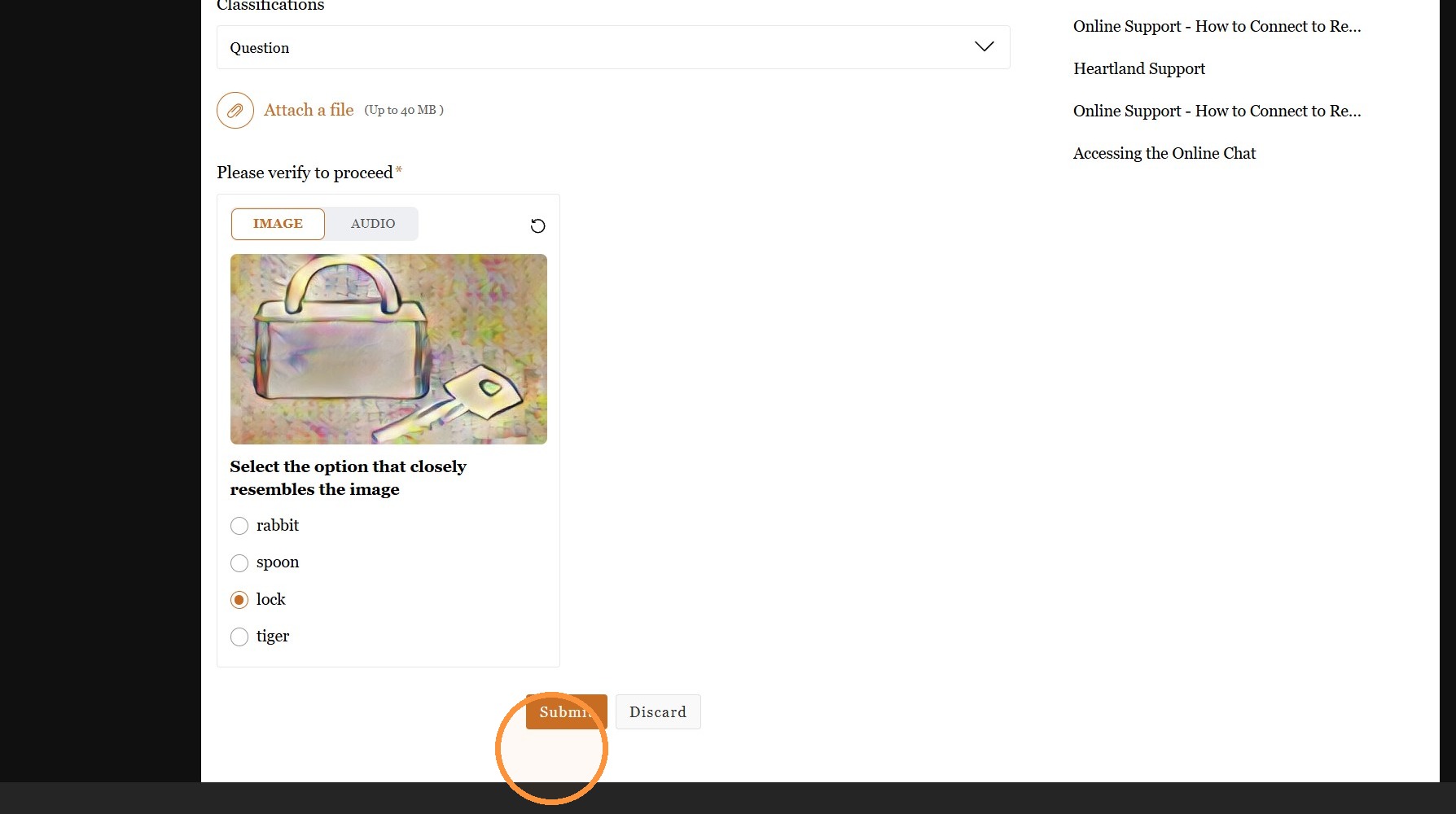
10. Click "Submit"
Related Articles
Submitting a Time Off Request
Submitting a Time Off Request 1. Click "Settings" 2. Click "User Settings" 3. Click "Vacations" 4. Click "Add" 5. Verify Staff Name is Selected 6. Enter Start & End Dates for Requested Time Off 7. Enter Request Notes (Optional) 8. Click "Save" 9. ...Creating & Submitting an ID Card Order
Creating & Submitting an ID Card Order 1. Click "Reports" 2. Click "Id Cards" 3. Select Database (Ex. Students, Student/Family, Staff or Family) 4. Select ID Card Format 5. Click "Refresh" 6. Tag Individuals to Add to Order 7. Click "Create New ...Requesting Custom Attendance Icon Options
Please submit a Ticket to support@praxipower.com to request up to 4 custom attendance options. Once Custom Attendance option(s) have been added, please refer to Setting Up Custom Attendance.Donor Pages Example Terms & Conditions
Online Donation Terms By making an online donation to our school, you agree that: All donations are voluntary and non-refundable. Donations will be used to support school programs and operations. Payments are processed securely through a third-party ...