Showing Current Year & Next Year Contracts on Portal
1. Click "Settings"
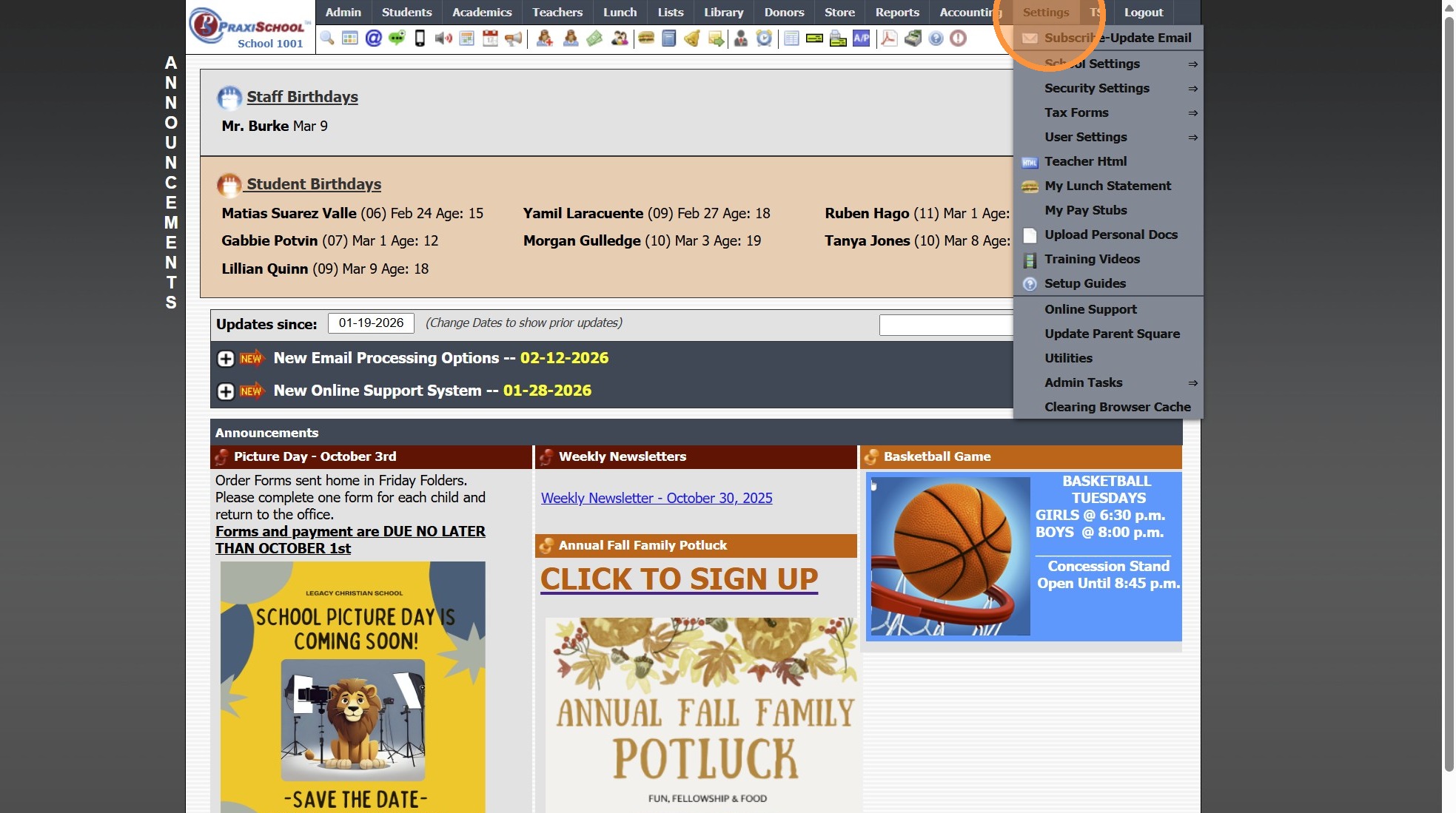
2. Click "Security Settings"
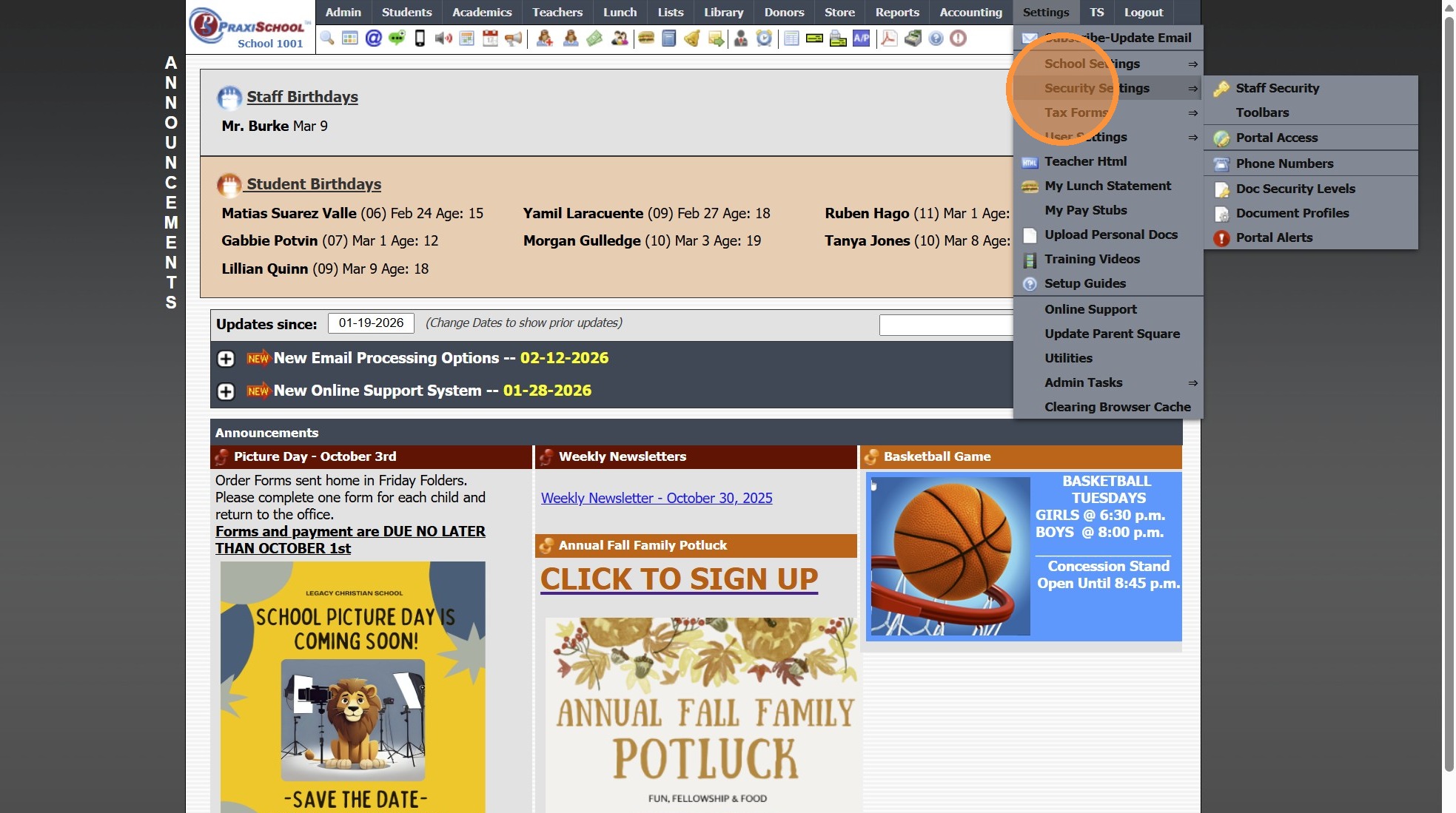
3. Click "Portal Access"
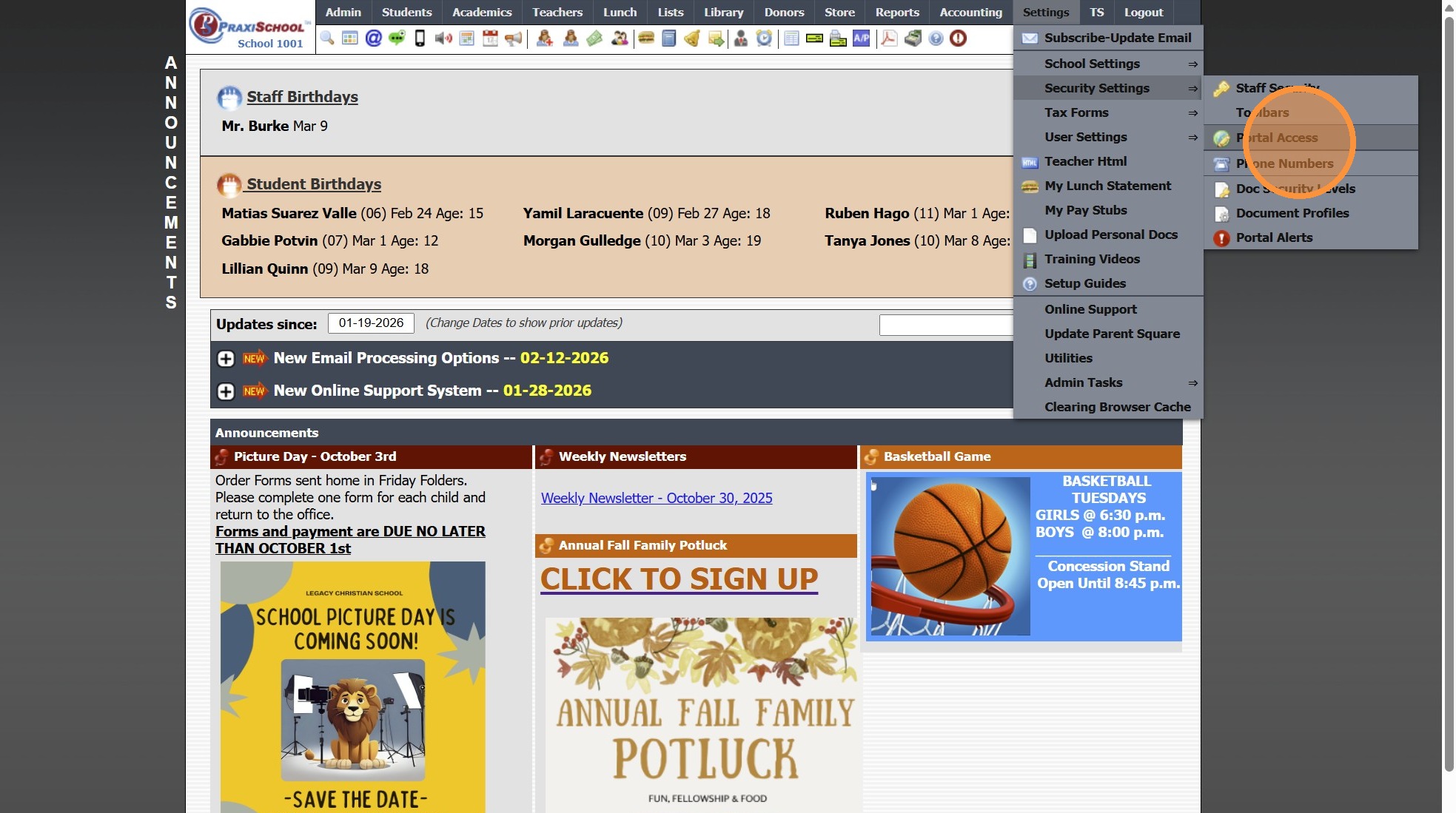
4. Select Parent Portal Access to Update
5. Click "Billing" Tab
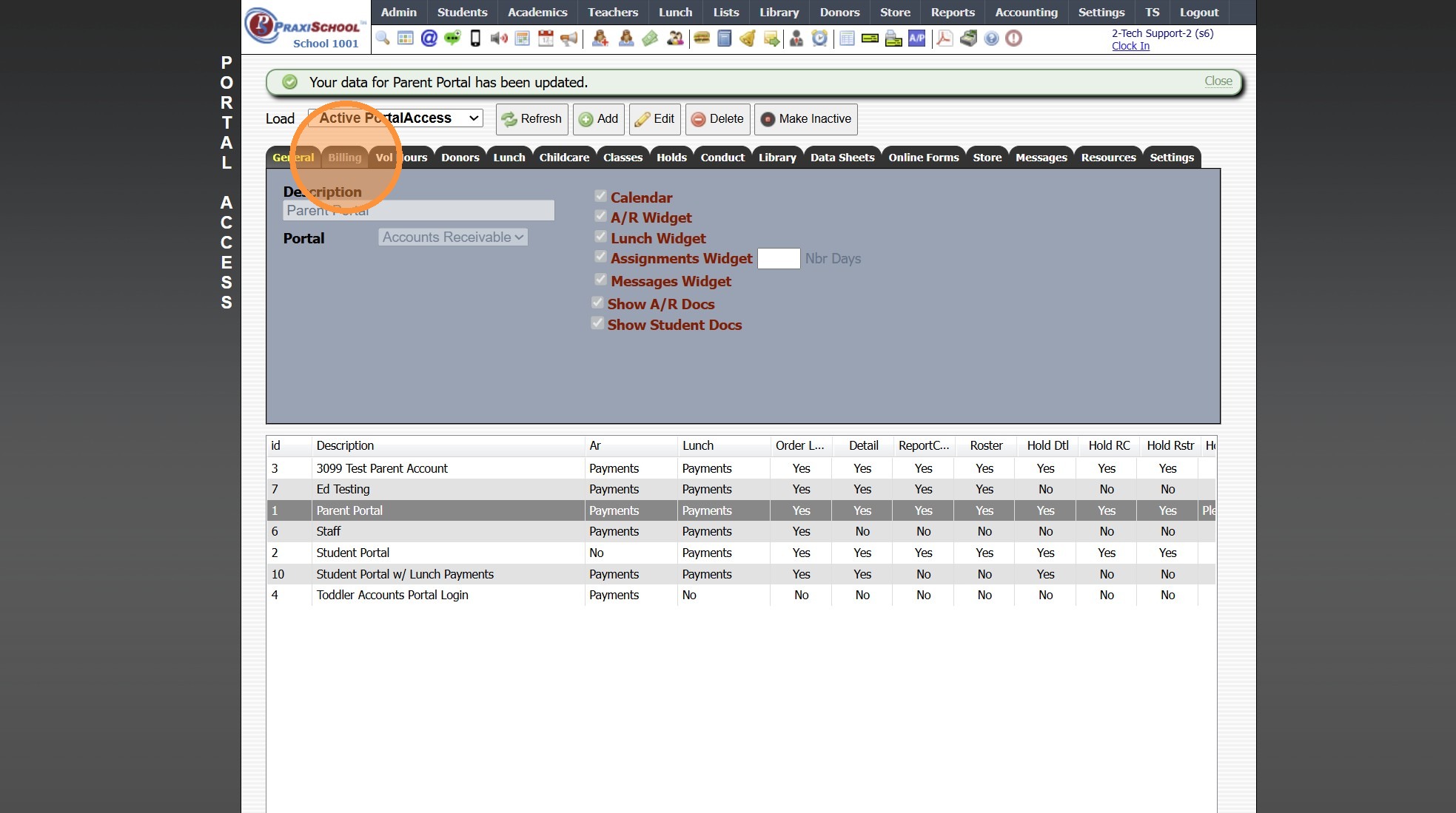
6. Click "Edit"
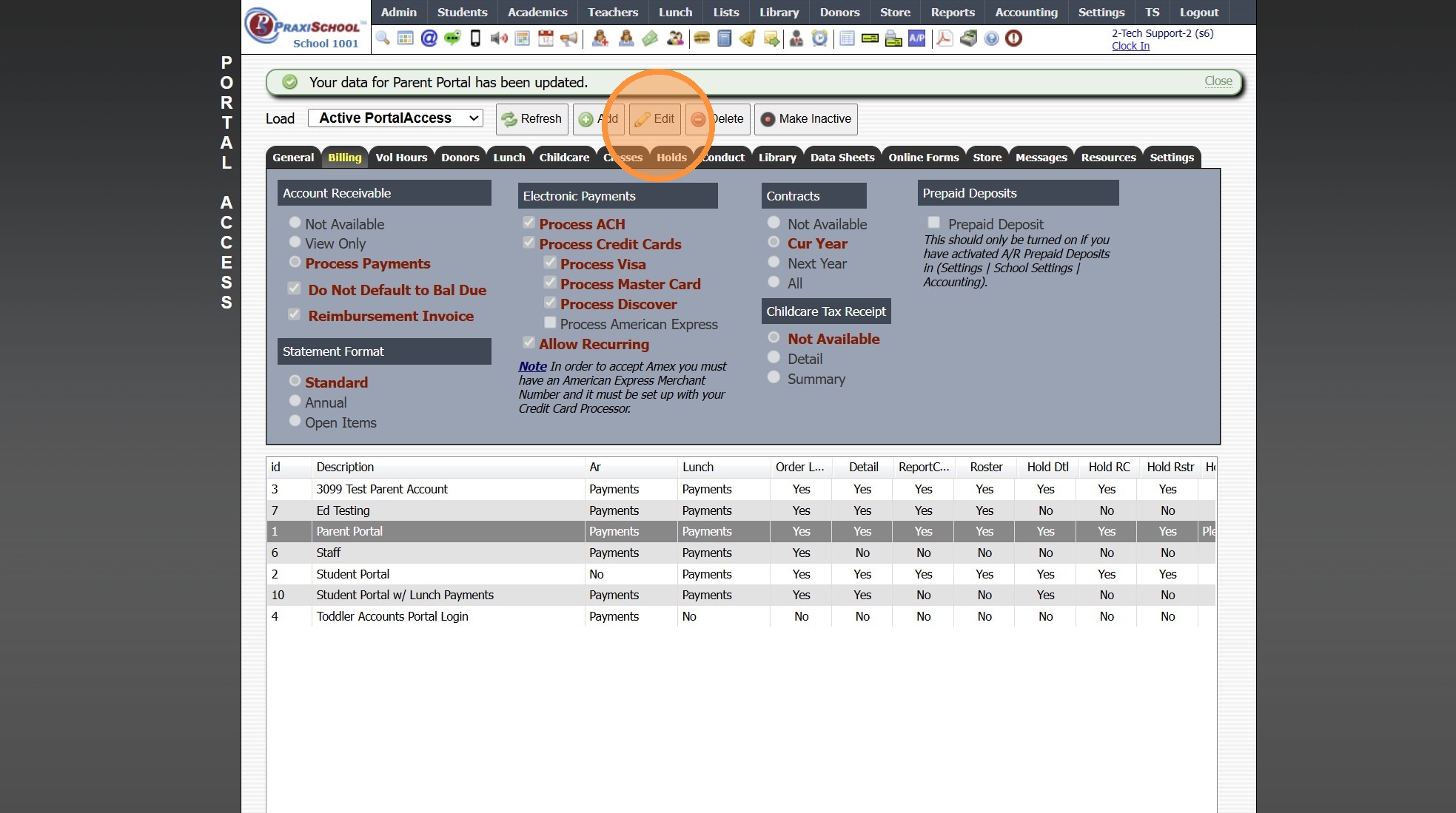
7. Select All to show Current Year and Next Year Contracts
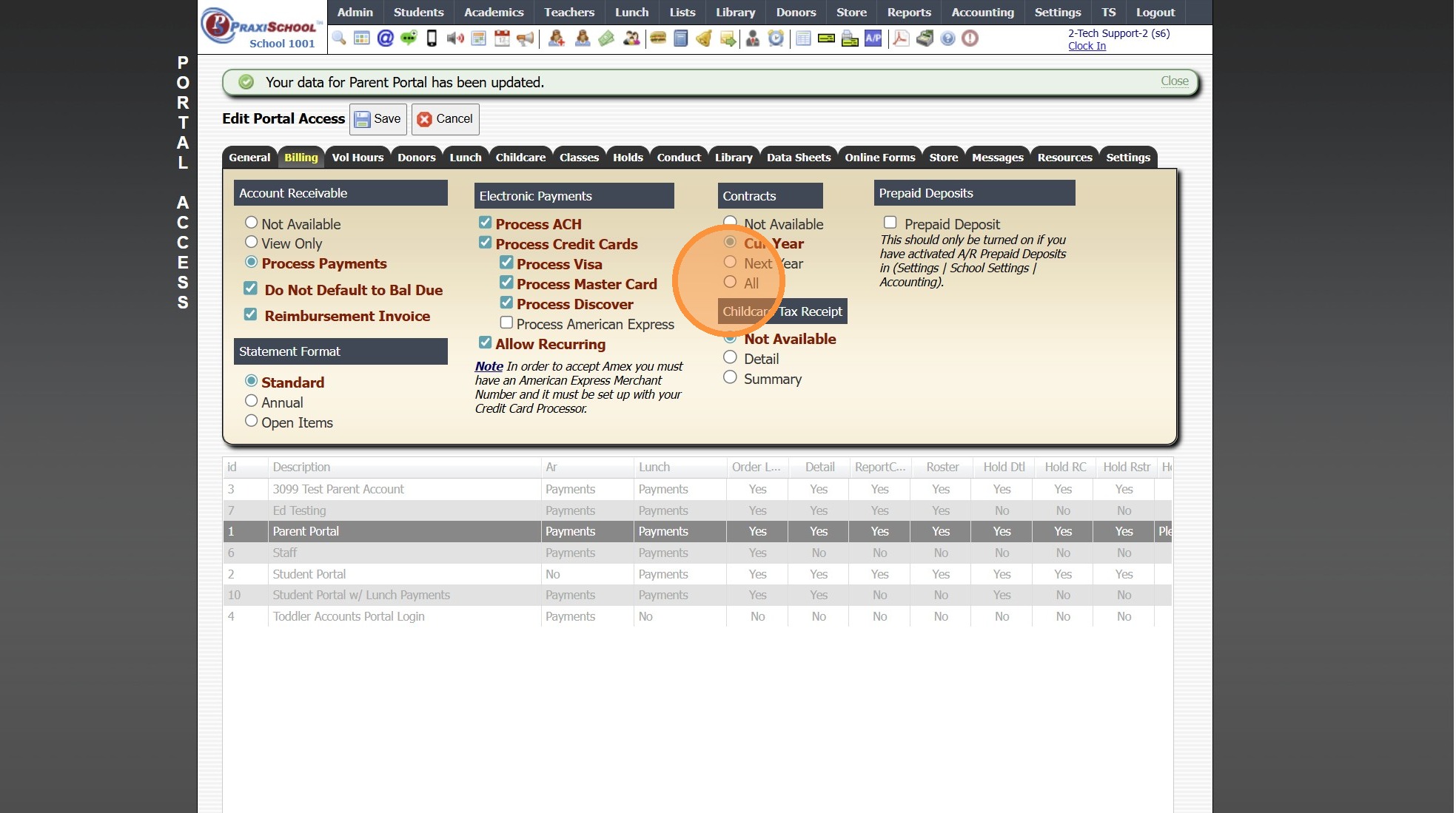
8. Click "Save"
1000.1.4.1
Related Articles
Replicating AR Contracts into the New School Year
1. Click "Lists" 2. Click "A/R Accounting" 3. Click "Contract Templates" 4. Click "Actions" 5. Click "Replicate Templates" 6. Select the School Year to Replicate the Contract Template Into 7. Set the Next Date for the Contracts to Start Billing (If a ...Session Close Tasks - Accounting: Replicating AR Contracts into the New School Year
1. Click "Lists" 2. Click "A/R Accounting" 3. Click "Contract Templates" 4. Click "Actions" 5. Click "Replicate Templates" 6. Select the School Year to Replicate the Contract Template Into 7. Set the Next Date for the Contracts to Start Billing (If a ...Students: Viewing Billing Contracts
Students: Viewing Billing Contracts 1. Click "Students" 2. Click "Students" 3. Select Student 4. Click "A/R" tab 5. Summary - Default View View Contract Amounts by Billing Frequency 6. Detail View View Contract Details (Comment, General Ledger ...Creating an AR Portal Form
1. Click "Admin" 2. Click "Online Forms" 3. Click "Forms" 4. Click "Add" 5. Add Form Name, Description and Portal Form Name 6. Select the For Portal Option: "Parent - A/R Portal" 7. Click "Test" to put in Test Mode until Form is Built 8. Select ...Creating a Site Portal Form
1. Click "Admin" 2. Click "Online Forms" 3. Click "Forms" 4. Click "Add" 5. Add Form Name, Description and Portal Form Name 6. Select the For Portal Option: "Application Site (Only new registration)" 7. Click "Test" to put in Test Mode until Form is ...