Printing Student Contacts in the Classroom - Family & Medical
1. Click "Teachers"
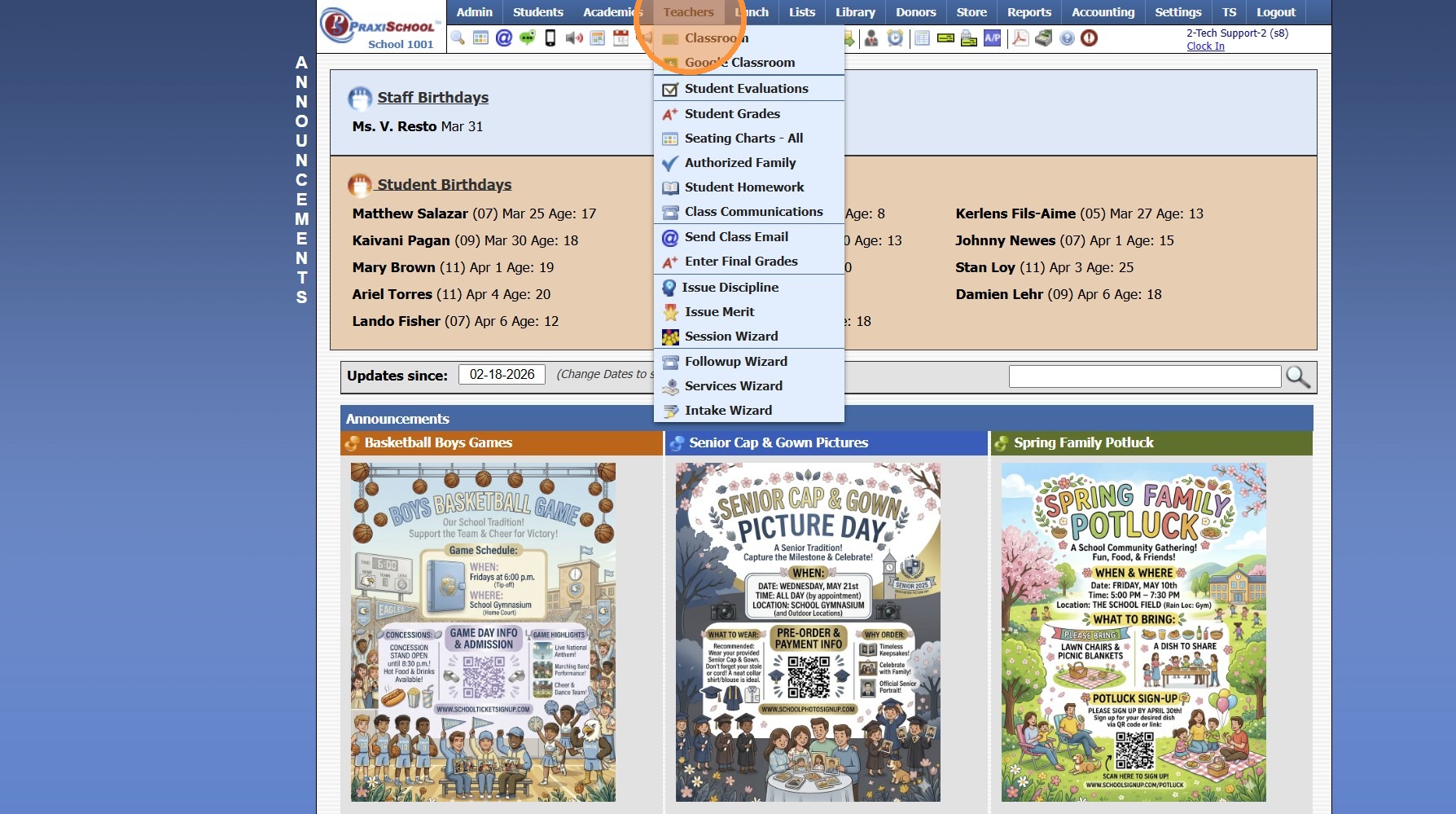
2. Click "Classroom"
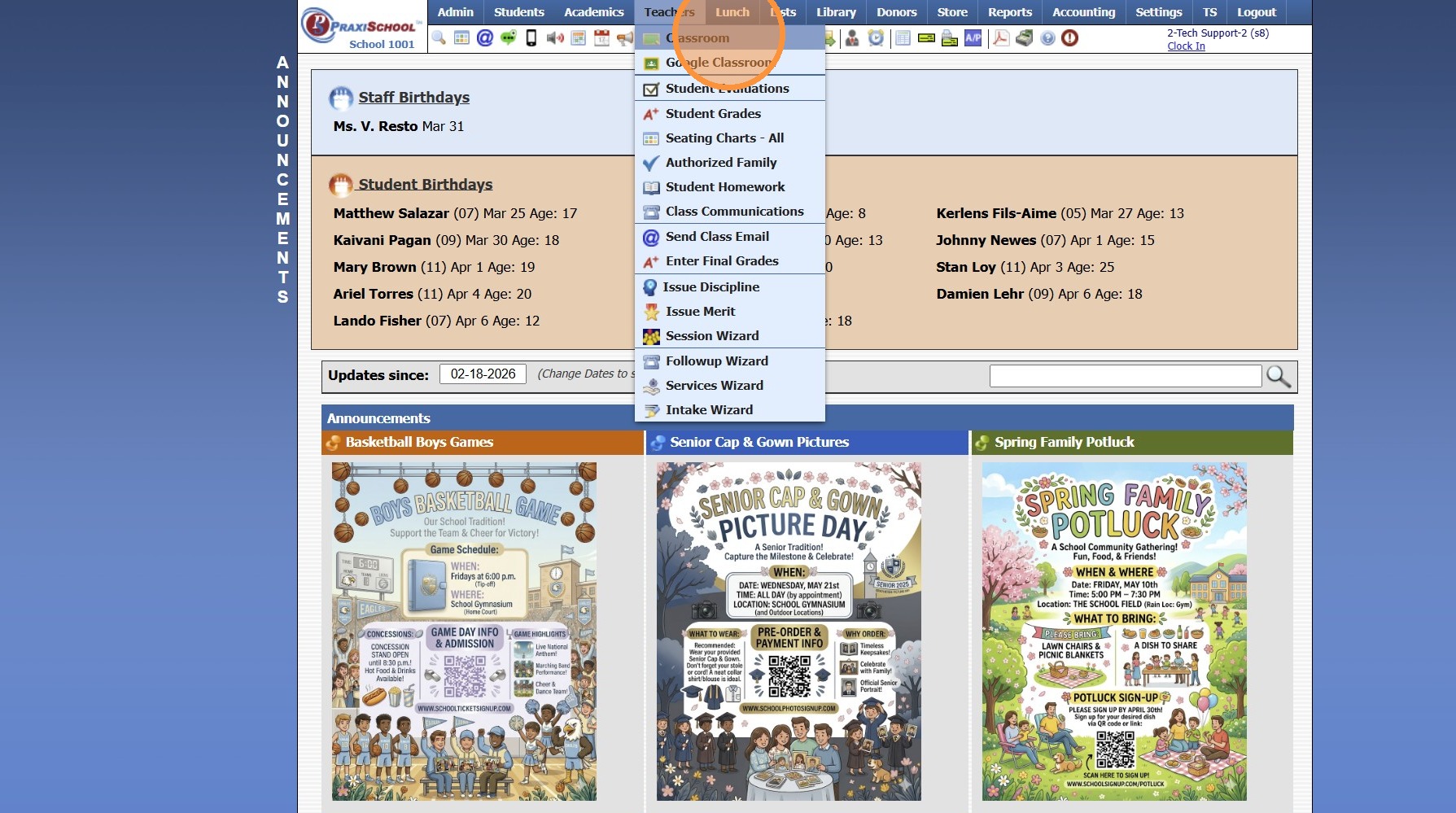
3. Select Class
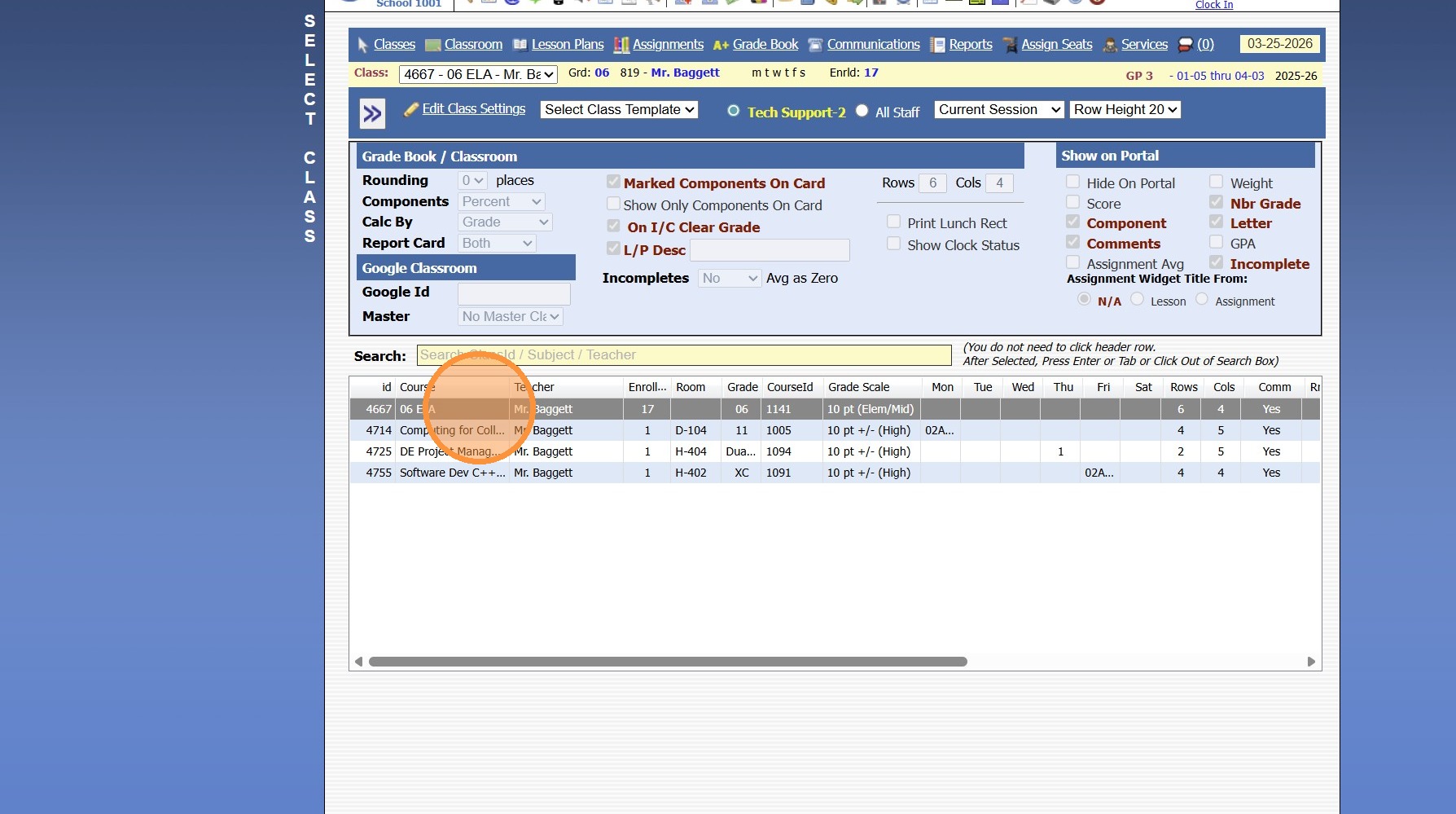
4. Click "Reports"
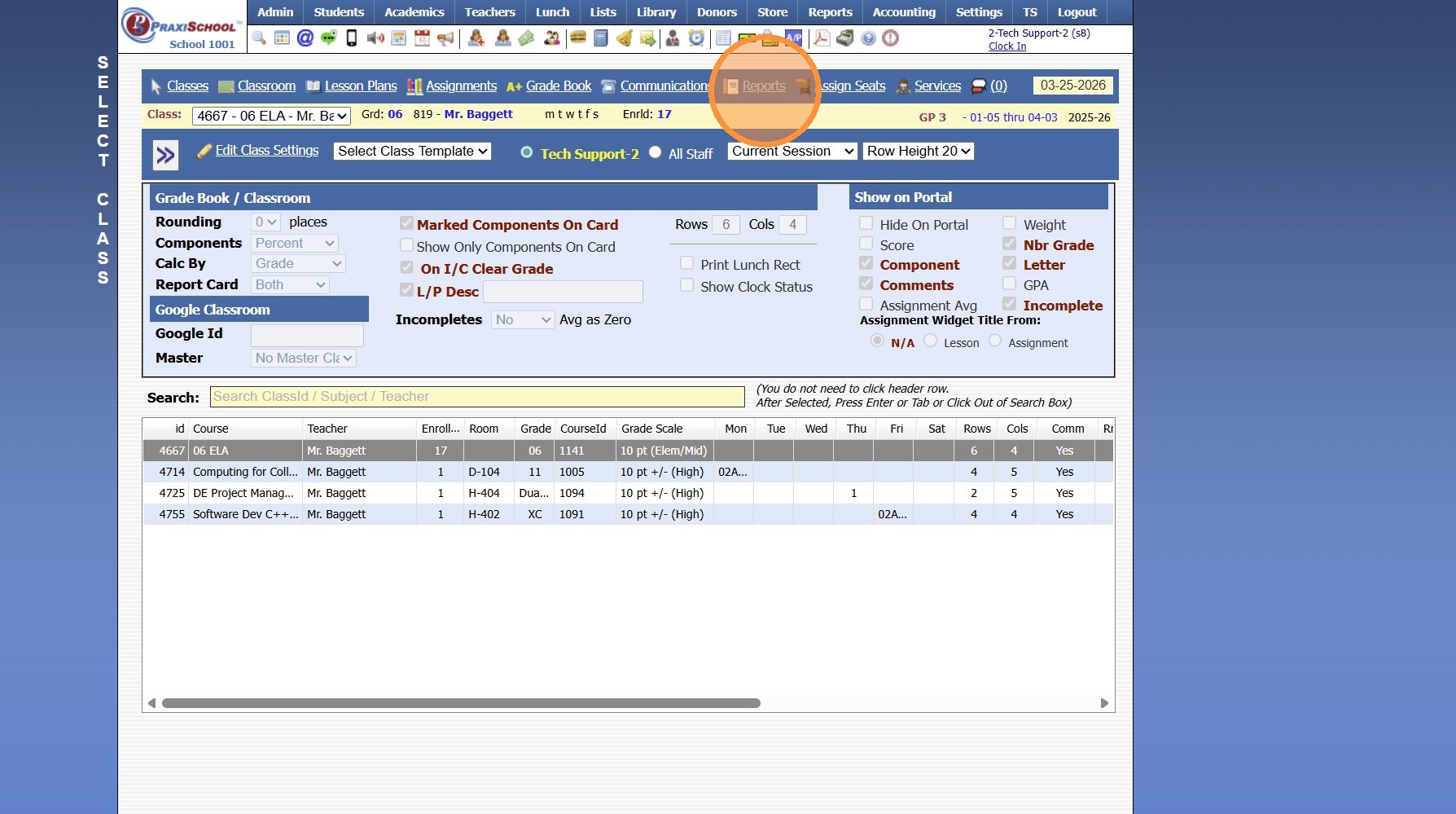
5. Select "Family Contacts / Medical"
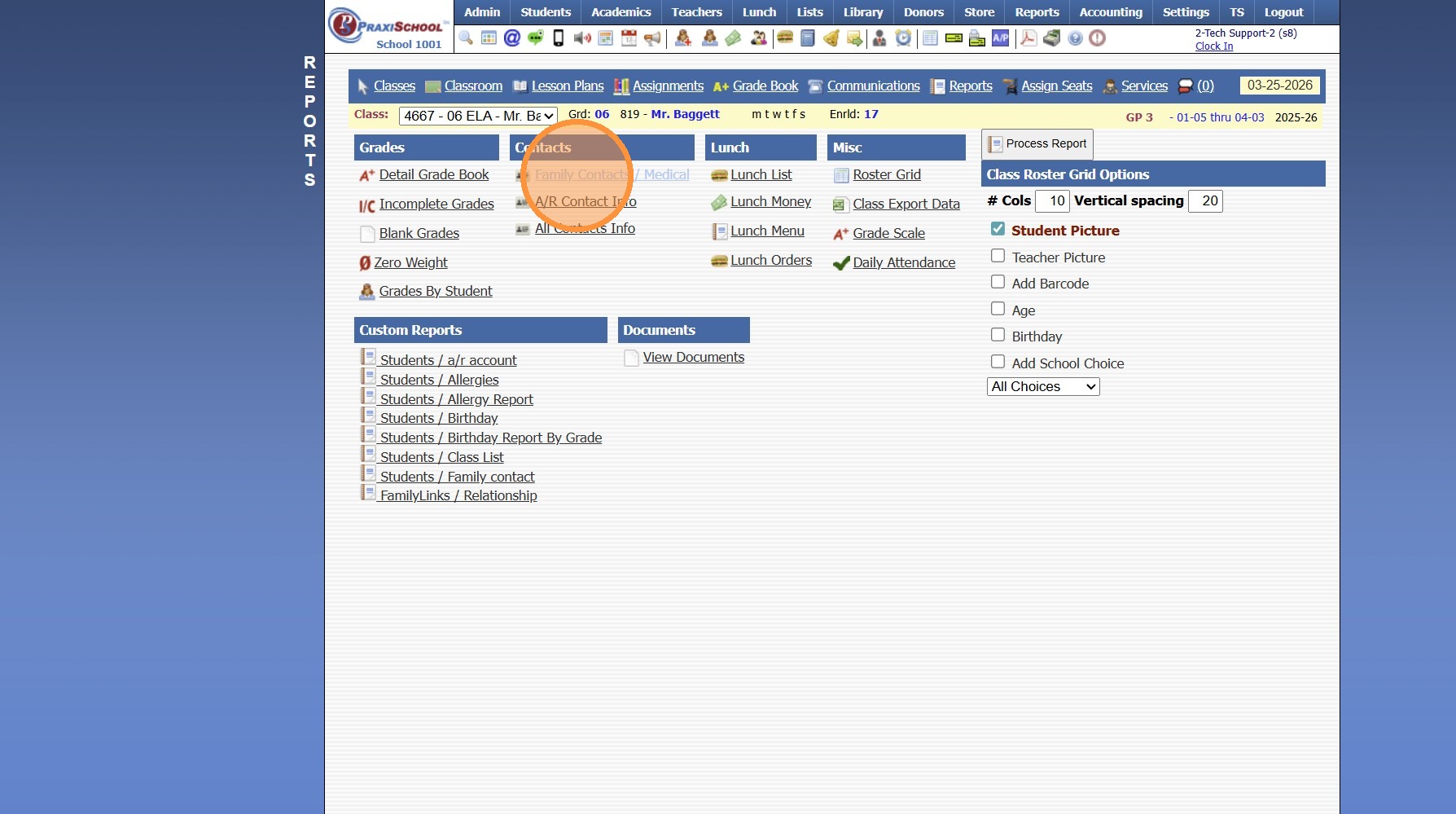
6. Select Options to Appear on Contact Report
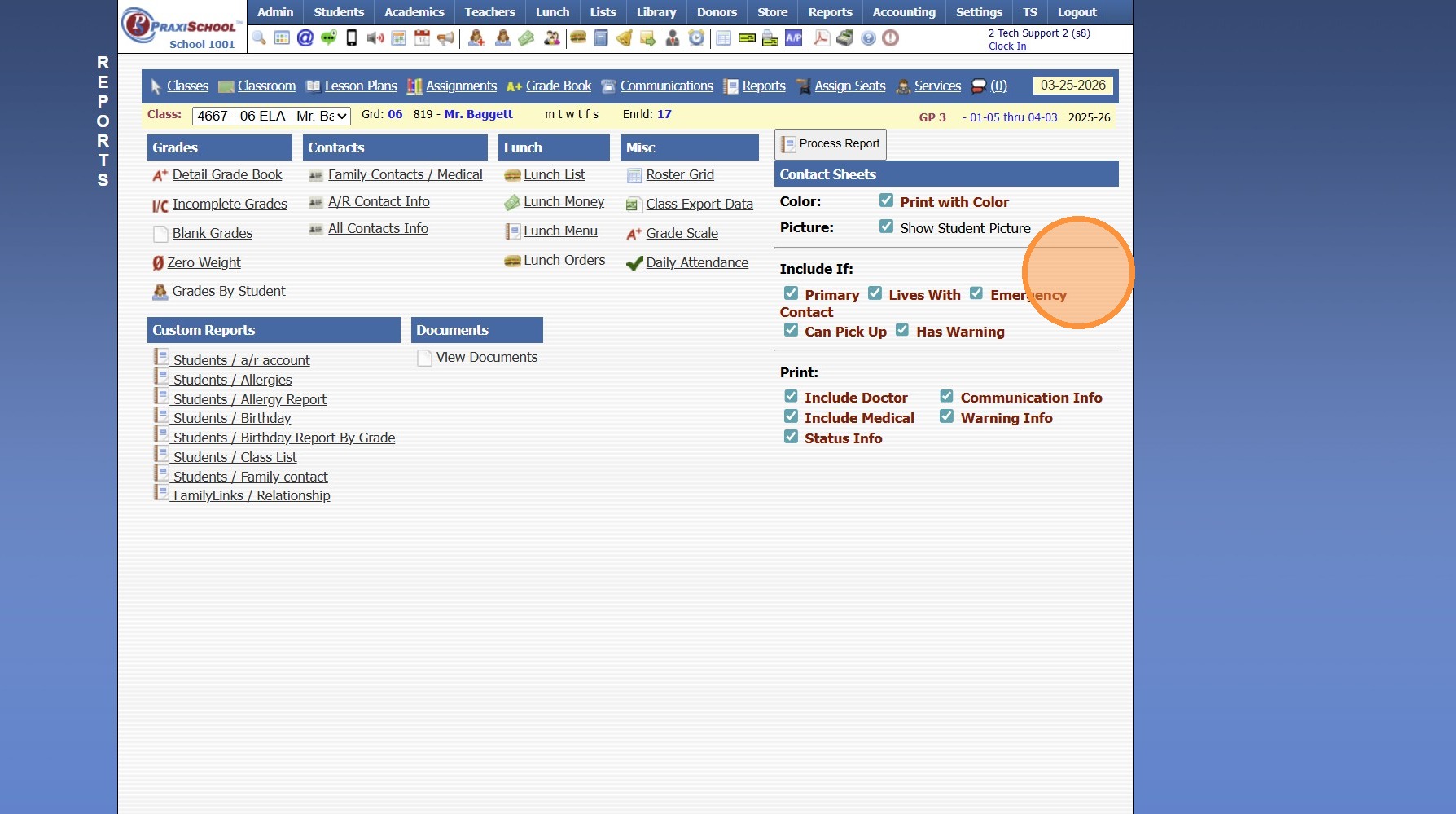
7. Click "Process Report"
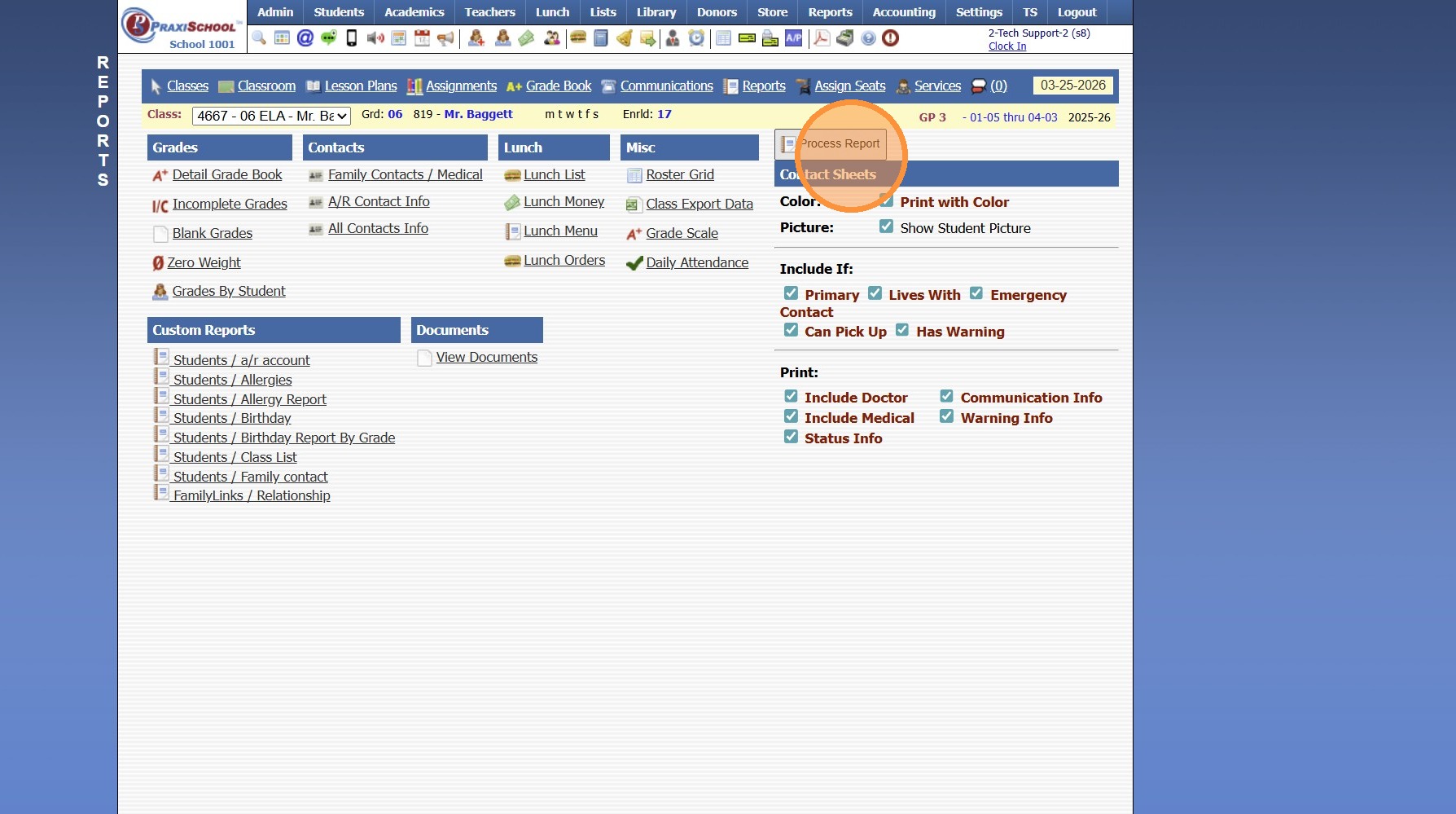
8. Report will Generate to Print, Email or Export to PDF
2500.1.36
Related Articles
Printing Student Family Contacts Report
Printing Student Family Contacts Report 1. Click "Reports" 2. Click "Family Contact" 3. Select to Print by Homeroom Teacher, Grade Level or Class 4. Select All to Print for All Homeroom Teacher, Grade Level or Class 5. Report can be printed for one ...Printing Student Family Contacts Report
Printing Student Family Contacts Report 1. Click "Reports" 2. Click "Family Contact" 3. Select to Print by Homeroom Teacher, Grade Level or Class 4. Select All to Print for All Homeroom Teacher, Grade Level or Class 5. Report can be printed for one ...Accessing/Printing Student Family Contact Lists
Accessing/Printing Student Family Contact Lists 1. Log into PraxiSchool 2. Click "Students" 3. Click "Students" 4. Select Student 5. Click "Actions" 6. Click "Family Contacts" 7. Student Contact Sheet Options: Print, Email or Download to a PDF ...Printing Student Contacts in the Classroom - All Contact Info
1. Click "Teachers" 2. Click "Classroom" 3. Select Class 4. Click "Reports" 5. Select "All Contacts Info" 6. To Add Student Pictures, Check the Show Pics Box 7. Click "Process Report" 8. Report will Generate to Print, Email or Export to PDF 2500.1.36Viewing Student Medical Information in the Classroom
Viewing Student Medical Information in the Classroom 1. Login to PraxiSchool 2. Click "Teachers" 3. Click "Classroom" 4. Click "Classroom" 5. Click "Class Info" 6. Left Click the Student Profile 7. Click "Medical" 8. Click "Dr Info" to View ...