Printing a Student Barcode Report
1. Click "Students"
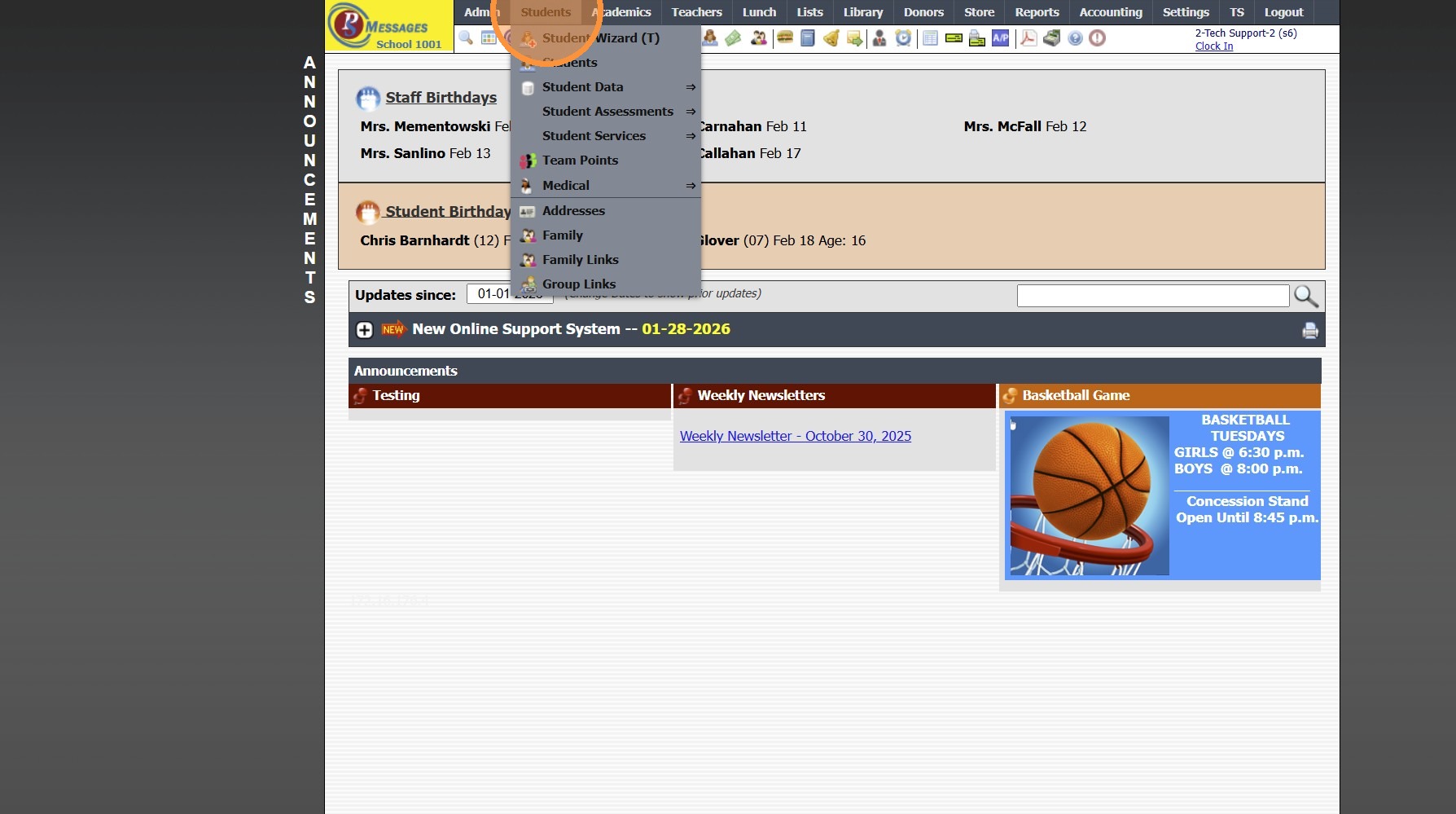
2. Click "Students"
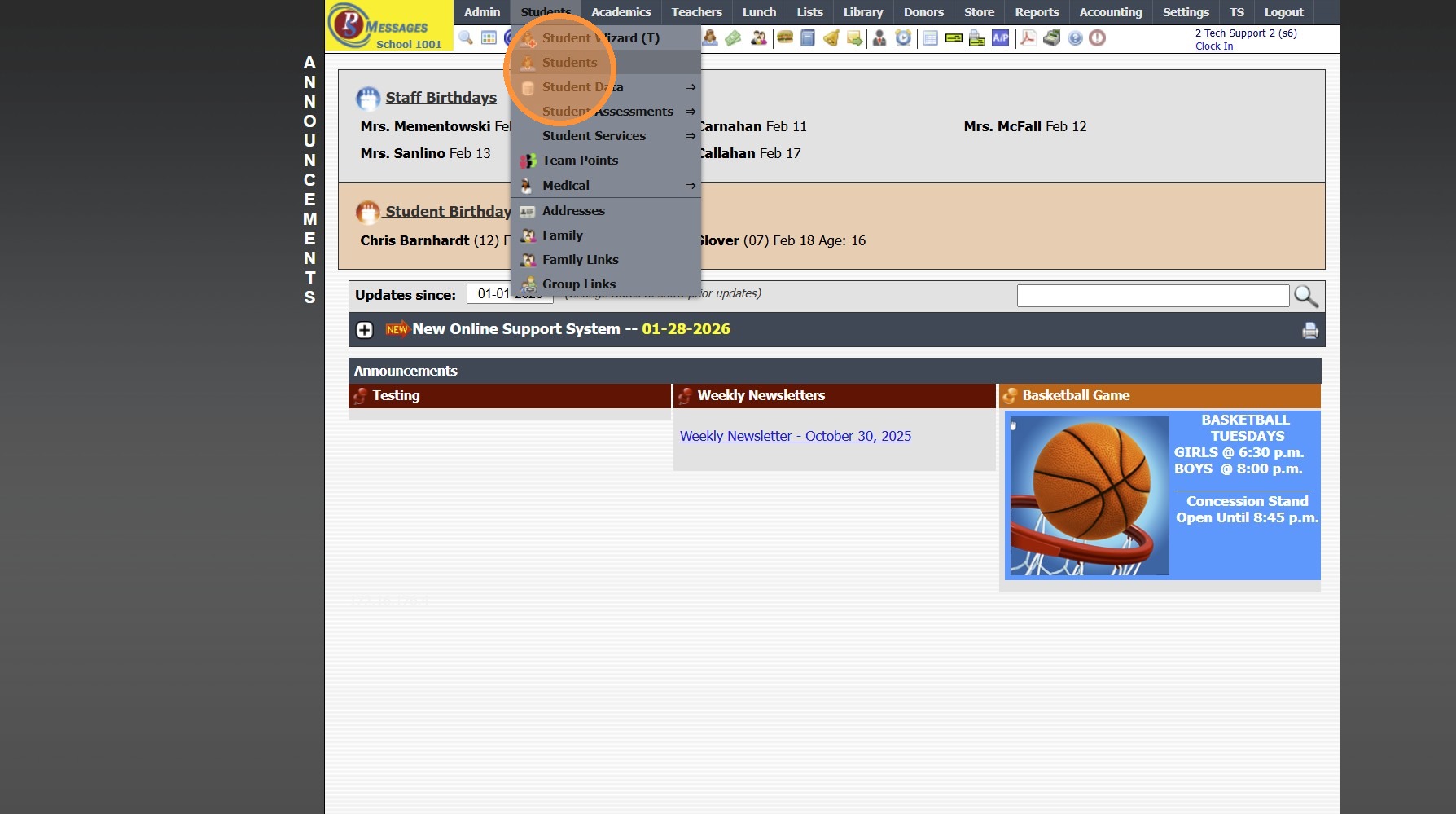
3. Click "Actions"
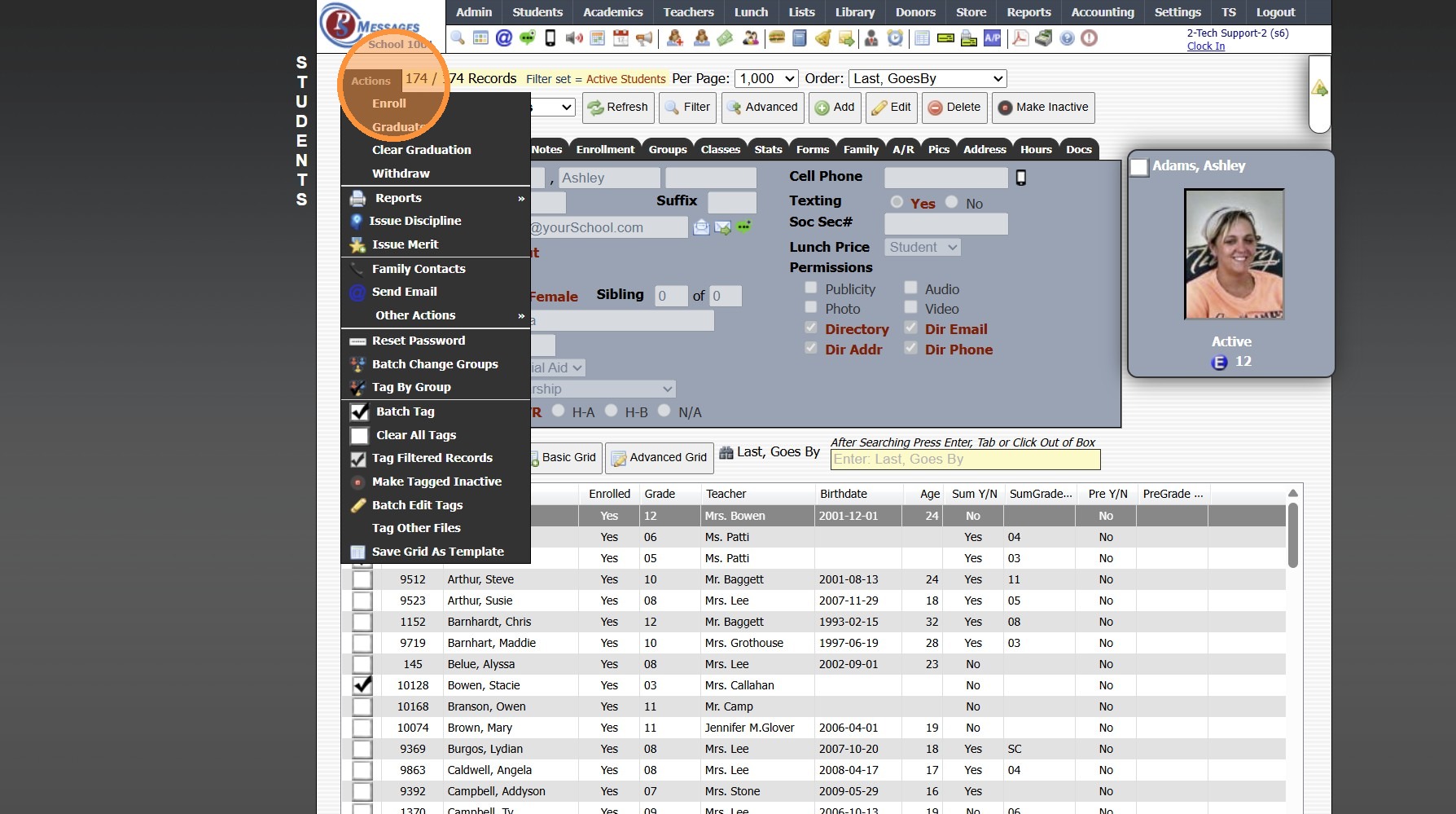
4. Click "Reports"
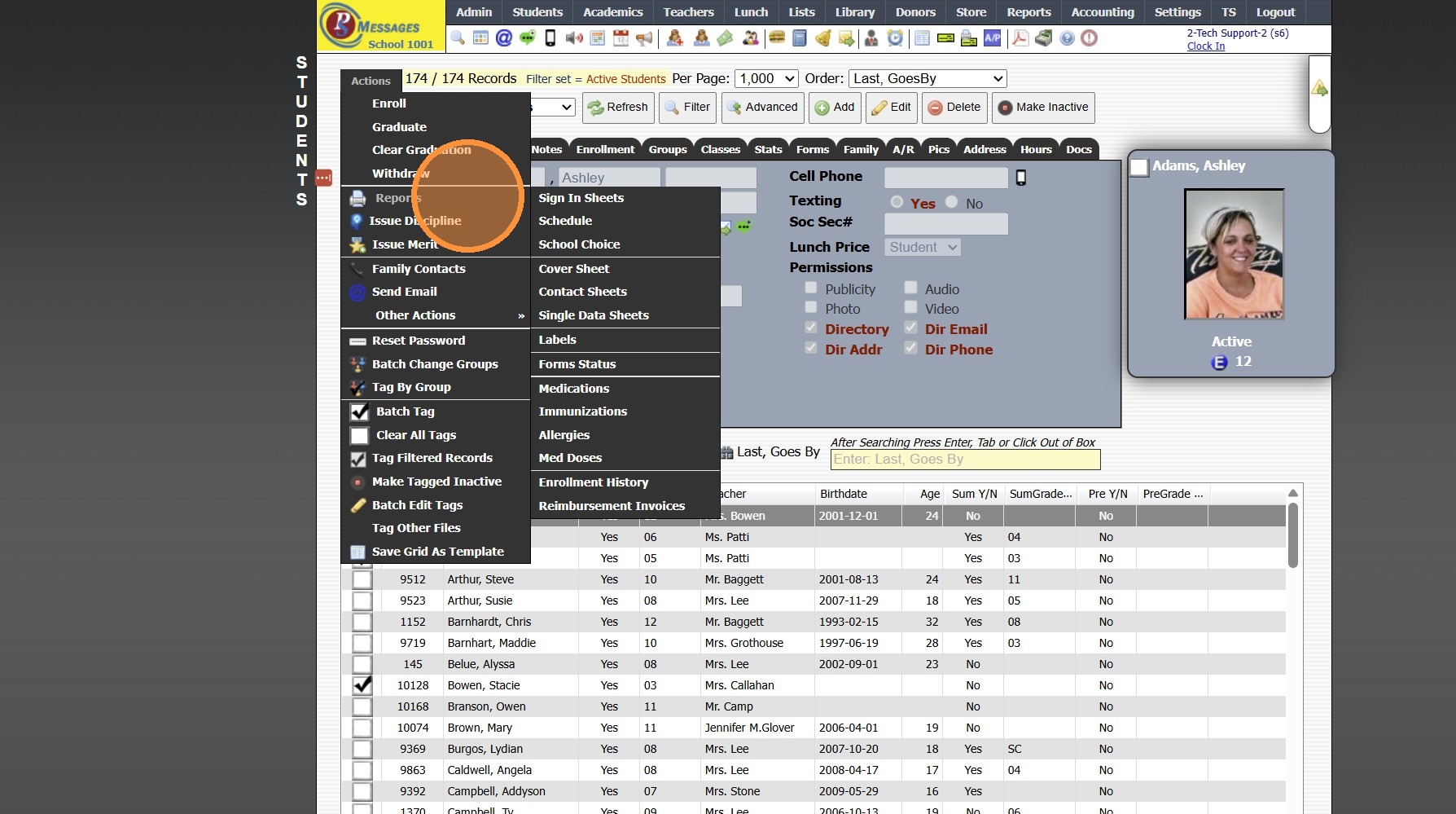
5. Click "Sign In Sheets"
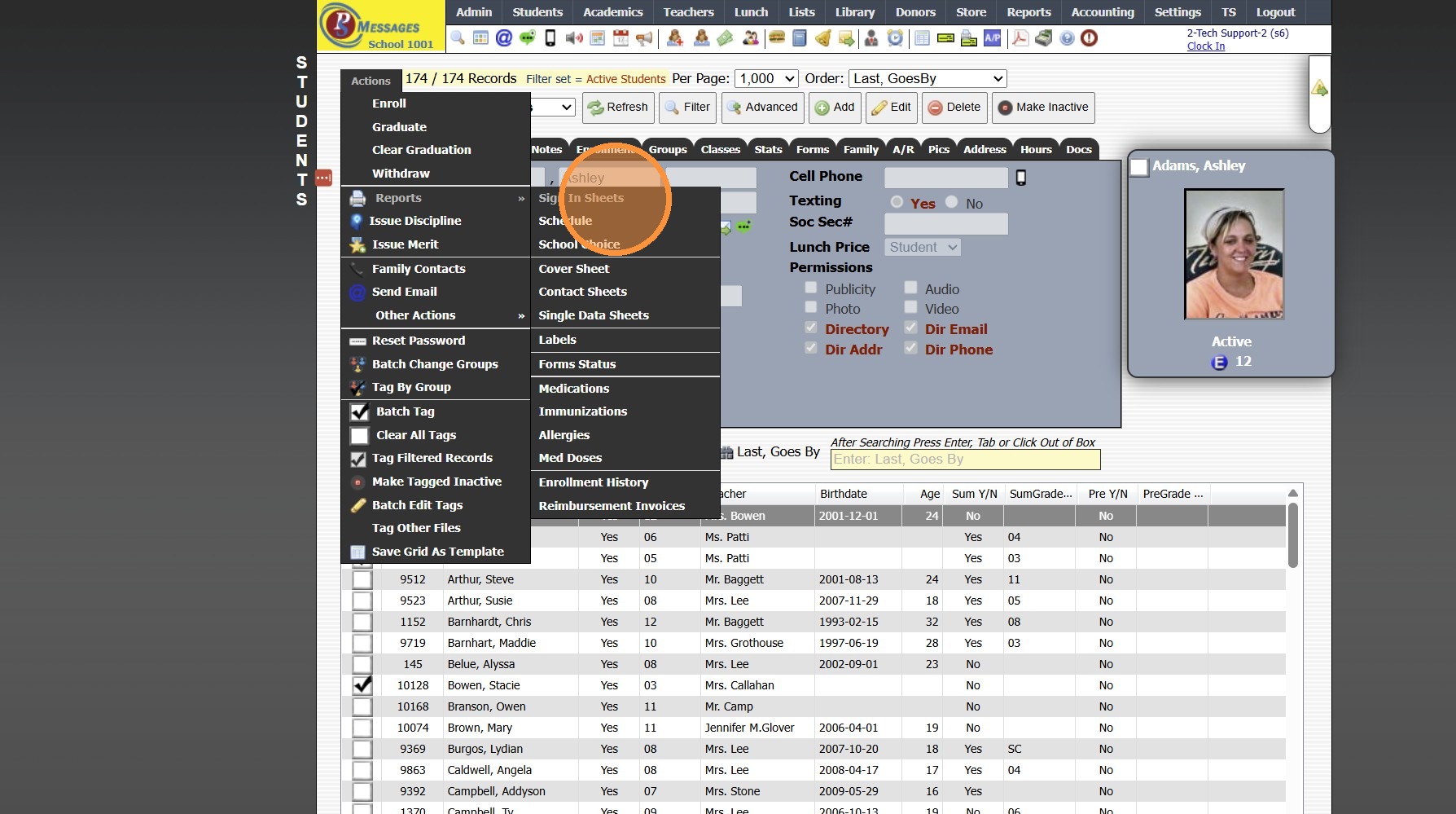
6. Click "Barcode Report"
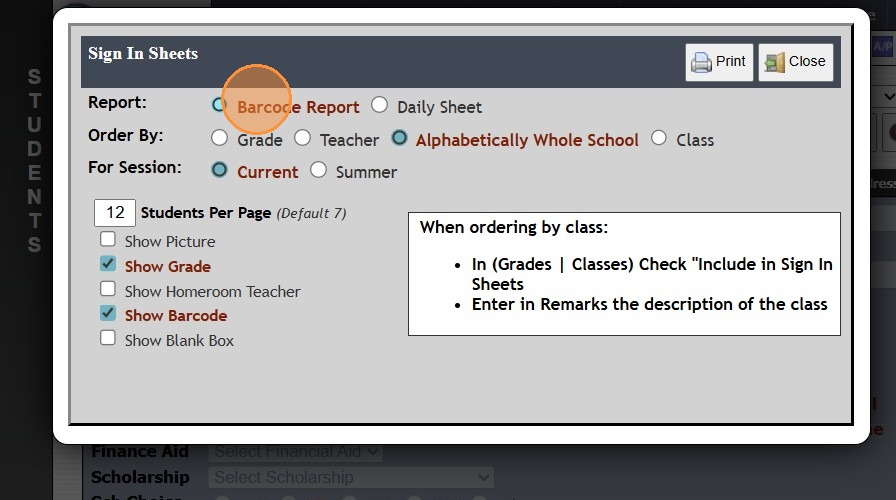
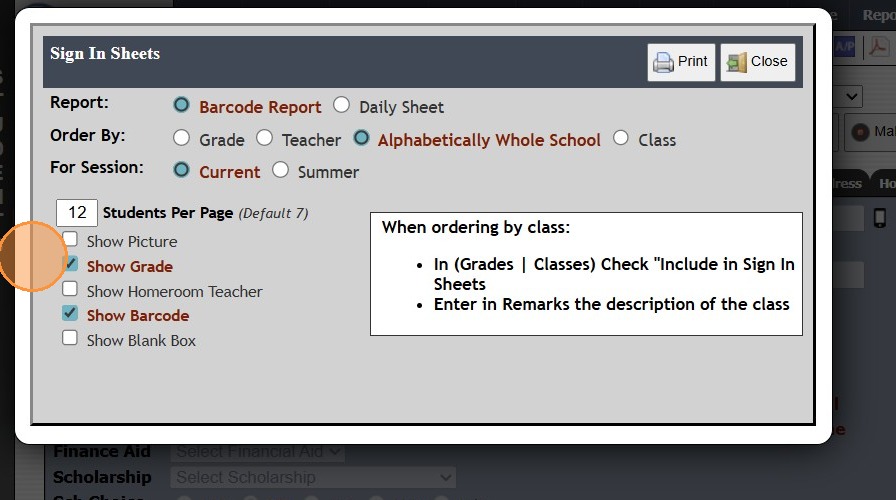
7. Select Order By Preference
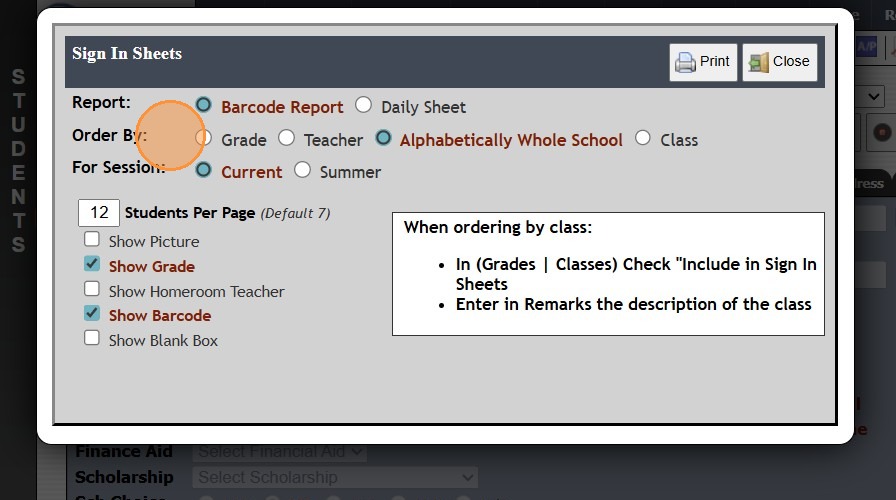
8. Select For Session Preference
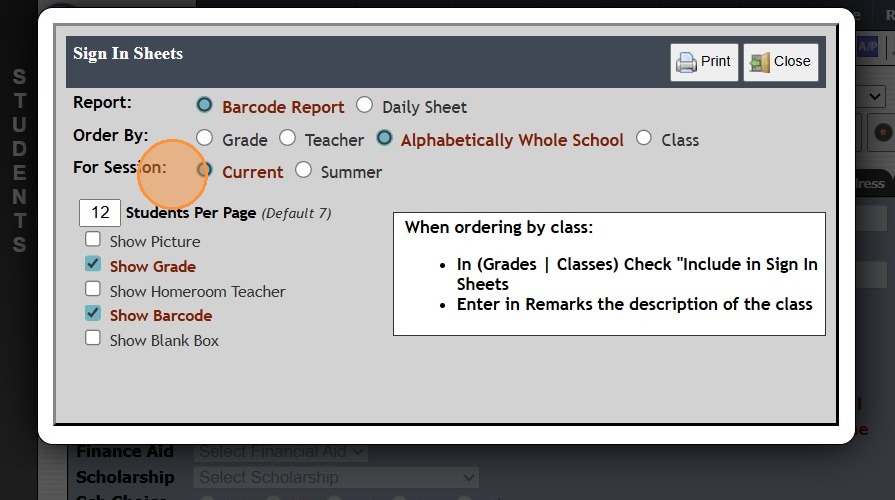
9. Select Student Per Page Option & Other Print Options
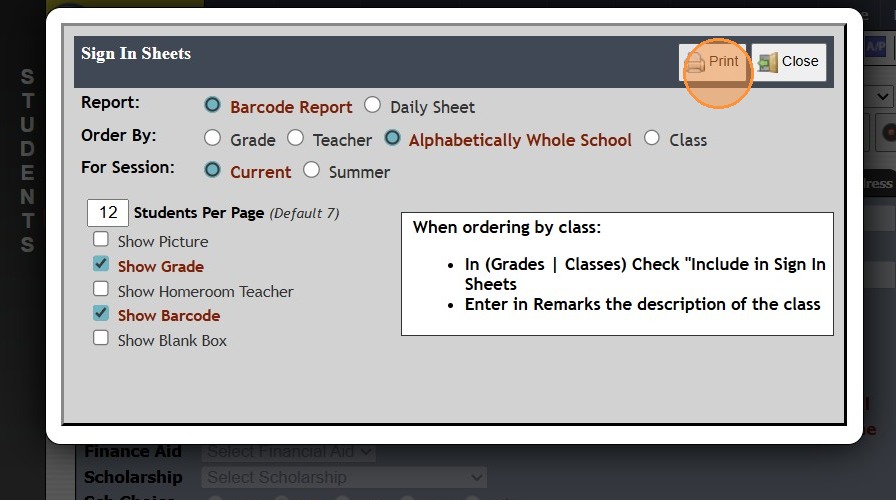
10. Click "Print"
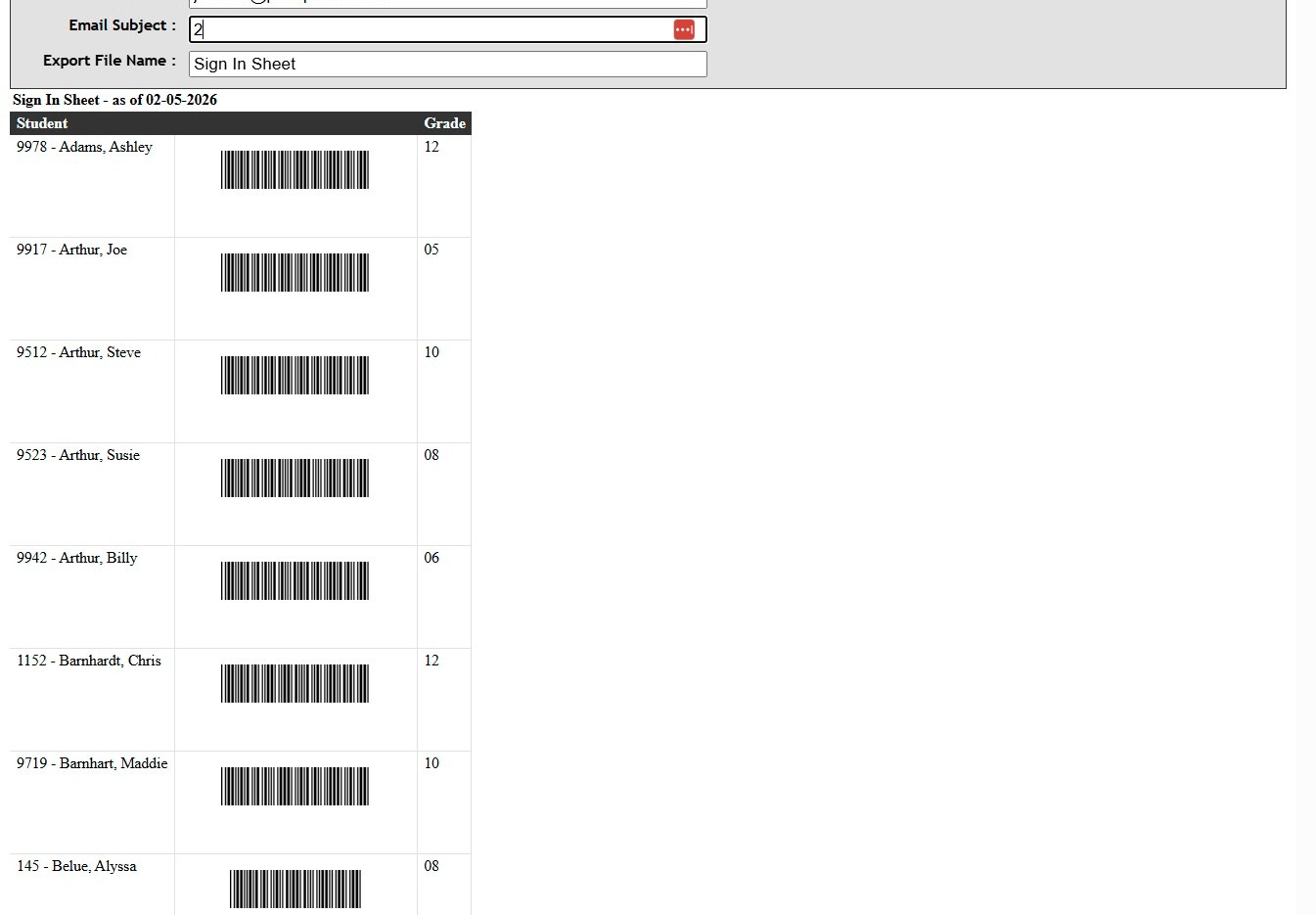
11. Barcode Report will Generate to Print
12. 1500.4.26
Related Articles
Printing Student Sign In Sheets
Printing Student Sign In Sheets 1. Log into PraxiSchool 2. Click "Students" 3. Click "Students" 4. Click "Actions" 5. Click "Reports" 6. Click "Sign In Sheets" 7. Select Report Type (Barcode Report or Daily Sheet) 8. Select Order By Option (Grade, ...Printing Student Family Contacts Report
Printing Student Family Contacts Report 1. Click "Reports" 2. Click "Family Contact" 3. Select to Print by Homeroom Teacher, Grade Level or Class 4. Select All to Print for All Homeroom Teacher, Grade Level or Class 5. Report can be printed for one ...Printing Student Family Contacts Report
Printing Student Family Contacts Report 1. Click "Reports" 2. Click "Family Contact" 3. Select to Print by Homeroom Teacher, Grade Level or Class 4. Select All to Print for All Homeroom Teacher, Grade Level or Class 5. Report can be printed for one ...Printing Student Parent Contact (A/R) Report
Printing Student Parent Contact (A/R) Report 1. Click "Reports" 2. Click "Parent Contacts (A/R)" 3. Select to Print by Homeroom Teacher, Grade Level or Class 4. Select All to Print for All Homeroom Teacher, Grade Level or Class 5. Report can be ...Printing the Student Directory
Printing the Student Directory 1. Click "Reports" 2. Click "Student Directory" 3. Select Sort & Filter Options 4. Check "Ignore Directory Preferences" to Print Report based on Administration Preferences Only 5. Select Student Options to Print on ...