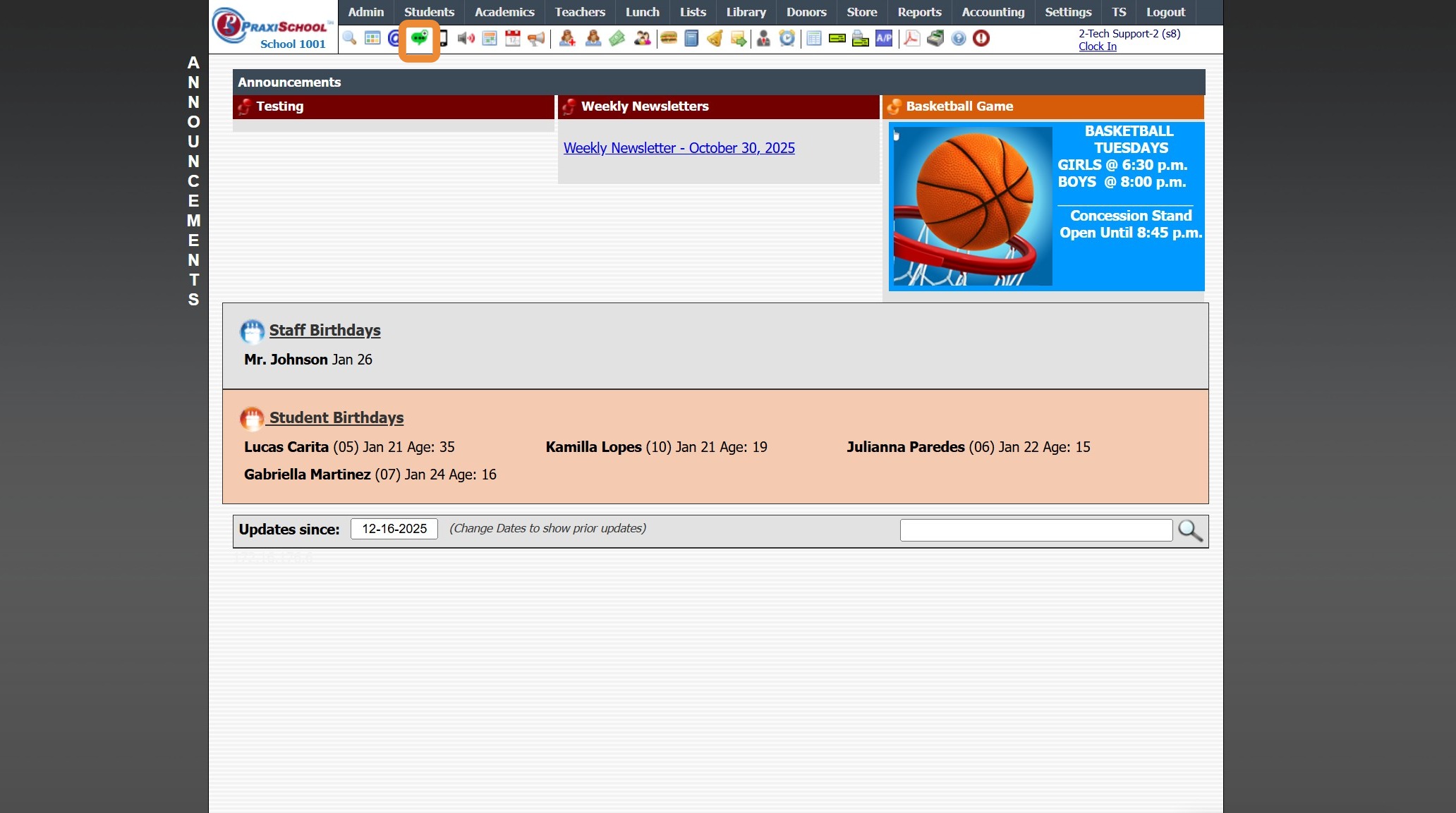
Icon Toolbar - Send Notifications
Icon Toolbar - Send Notifications Icon
Click on the Send Notifications Icon for Quick Access to Send Blast Messages
7500.1.4
Related Articles
Send Batch Texts from the Toolbar Icon (Simple)
Send Batch Texts from the Toolbar Icon (Simple) 1. Click Send Batch Text Icon 2. If More than One Texting Number, Select Texting Number to Send From 3. Select to Send To "Single User, Active, Tagged" 4. Select "Table" to Send To 5. Select AR Cell ...Icon Toolbar - Schoolwide Email Blast Icon
Icon Toolbar - Schoolwide Email Blast Icon Click on the Schoolwide Email Blast Icon for Quick Access to Send Schoolwide Emails 7500.1.3Icon Toolbar - Staff Icon
Icon Toolbar - Staff Icon Click on the Staff Icon for Quick Access to the Staff File 7500.1.18Icon Toolbar - Family Icon
Icon Toolbar - Family Icon Click on the Family Icon for Quick Access to the Student Contacts / Family File 7500.1.13Icon Toolbar - Student Wizard Icon
Icon Toolbar - Student Wizard Icon Click on the Student Wizard Icon for Quick Access the Student Wizard 7500.1.10