How to Attach a Resource to an Email
1. Open Send Email Screen
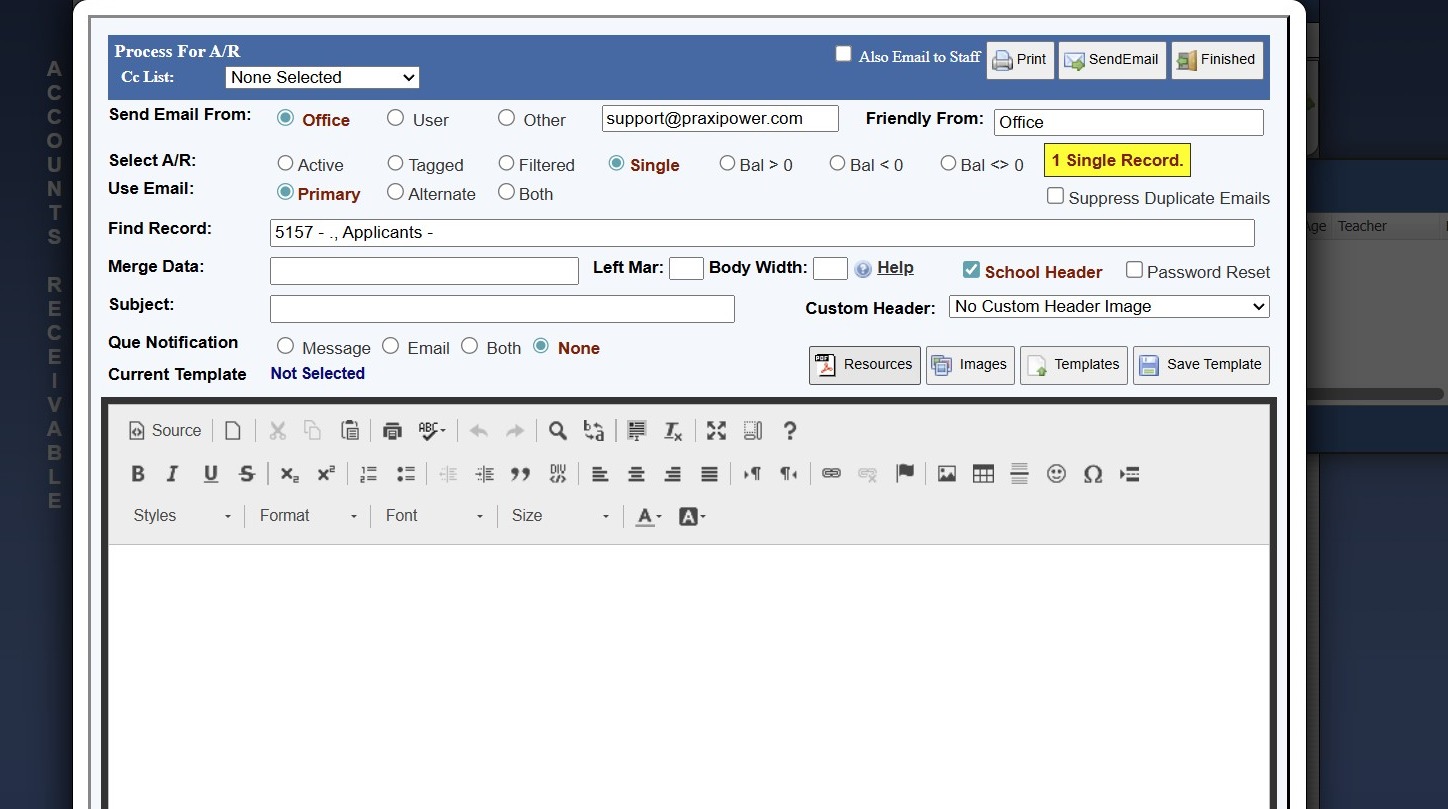
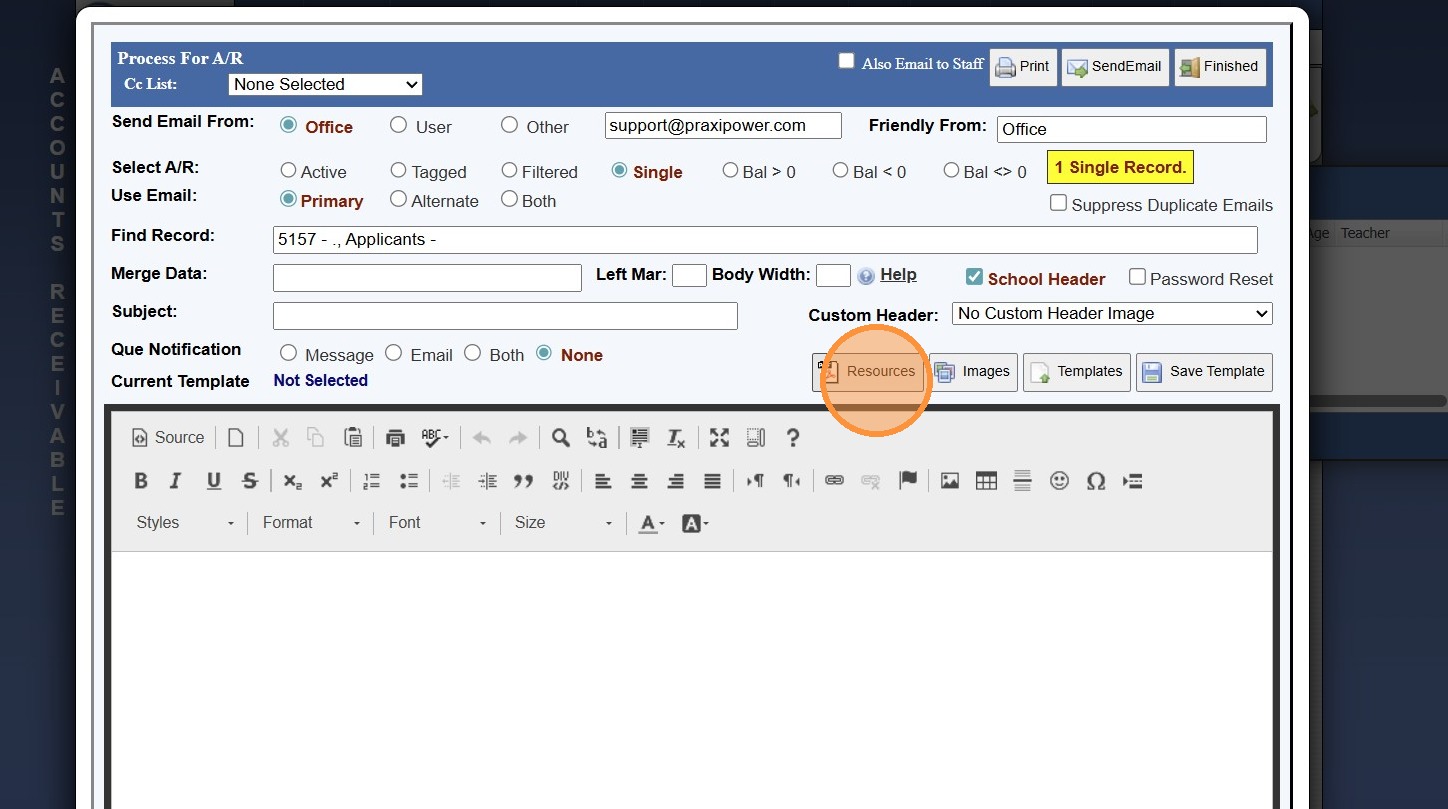
2. Click "Resources"
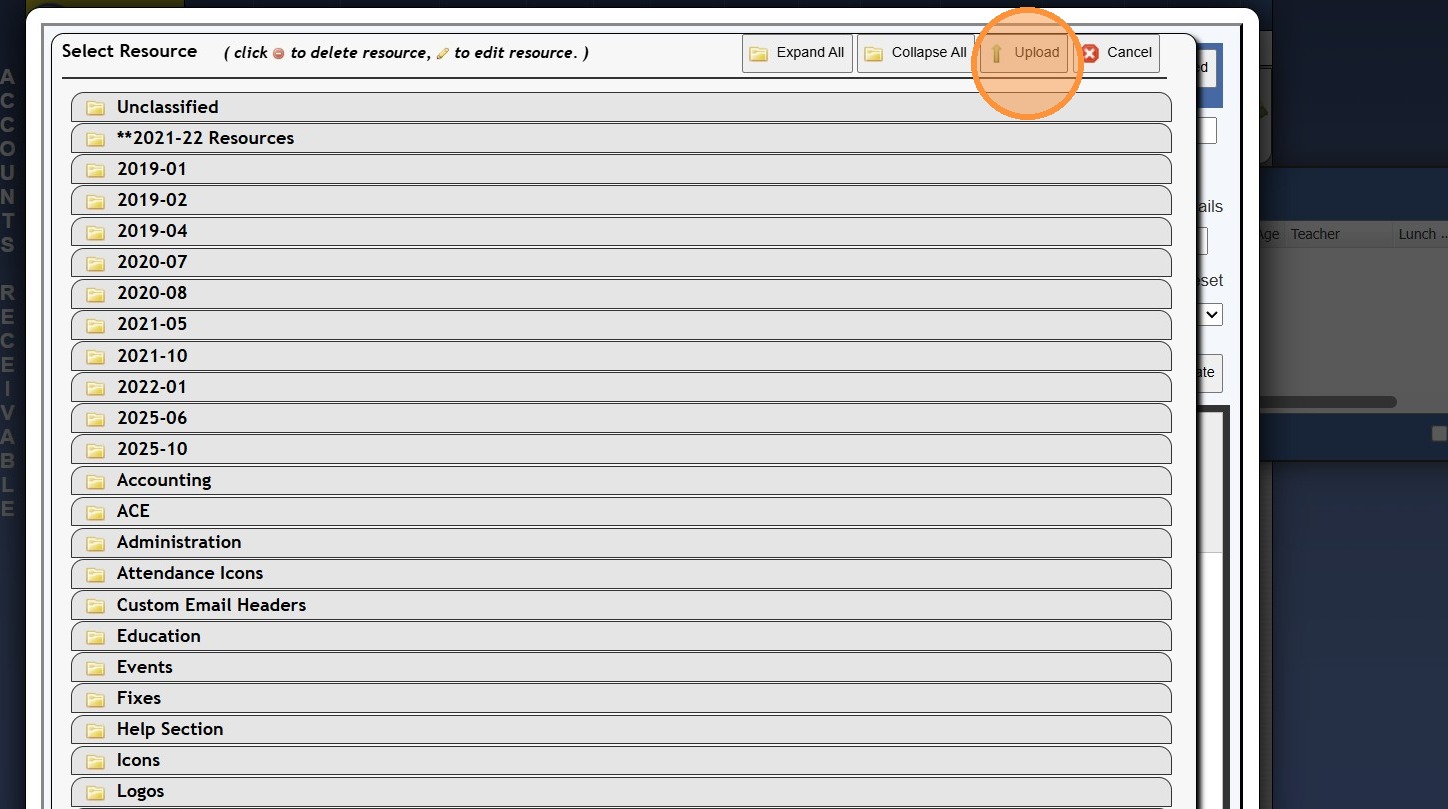
3. Click "Upload"
4. Enter Resource Name
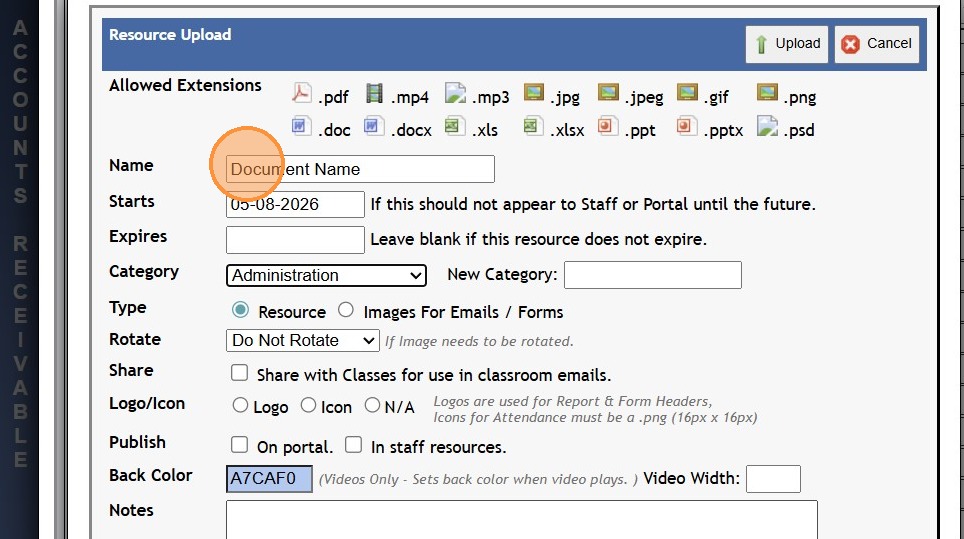
5. Select a Category or add a New Category
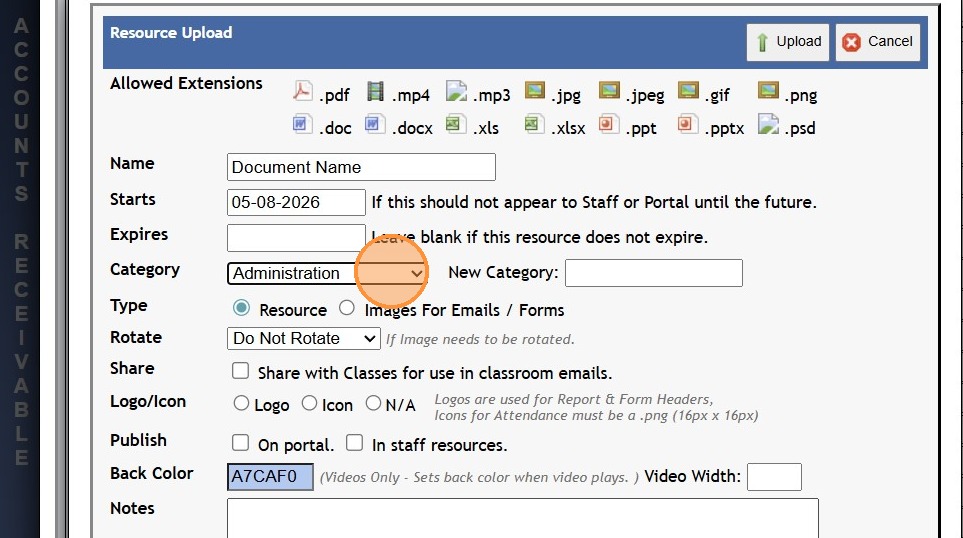
6. Select Share & Publish Options
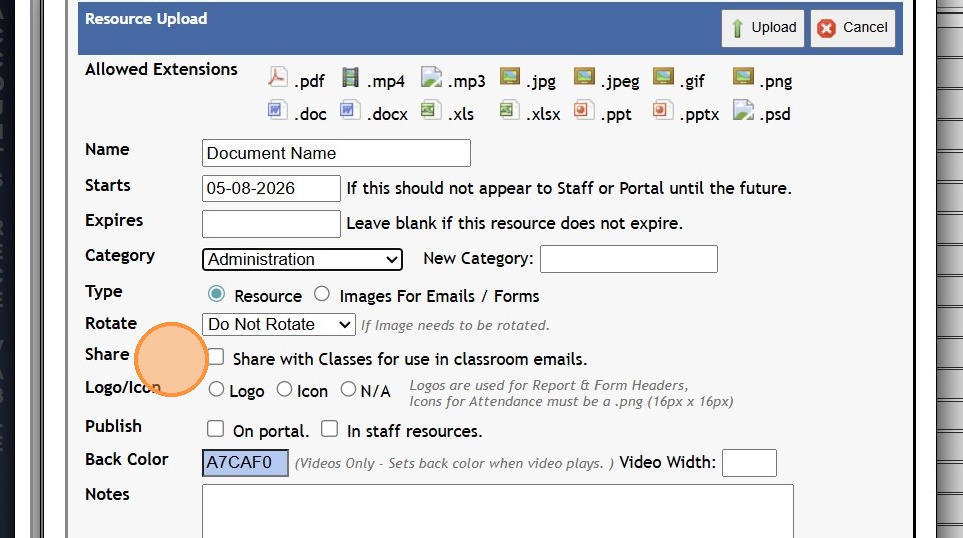
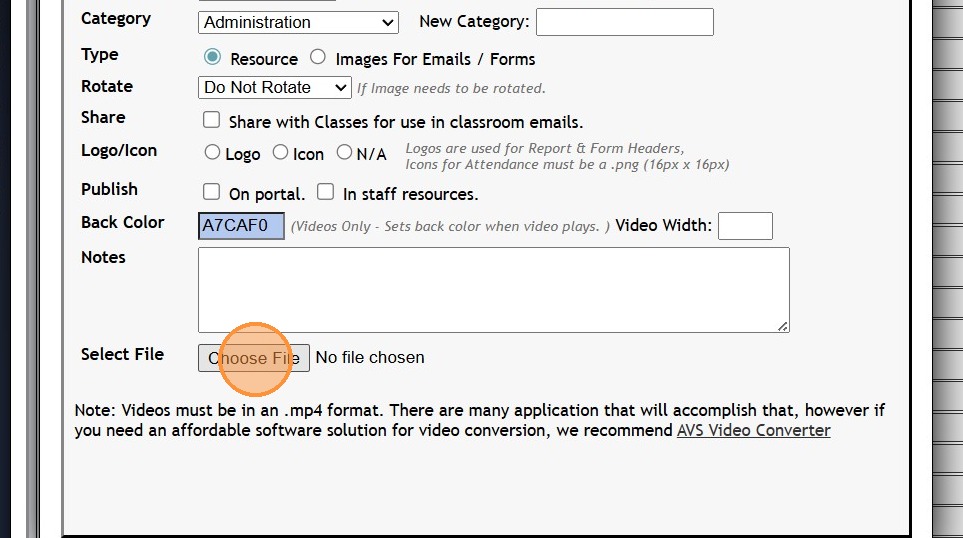
7. Click "Choose File" & Select Resource to Upload
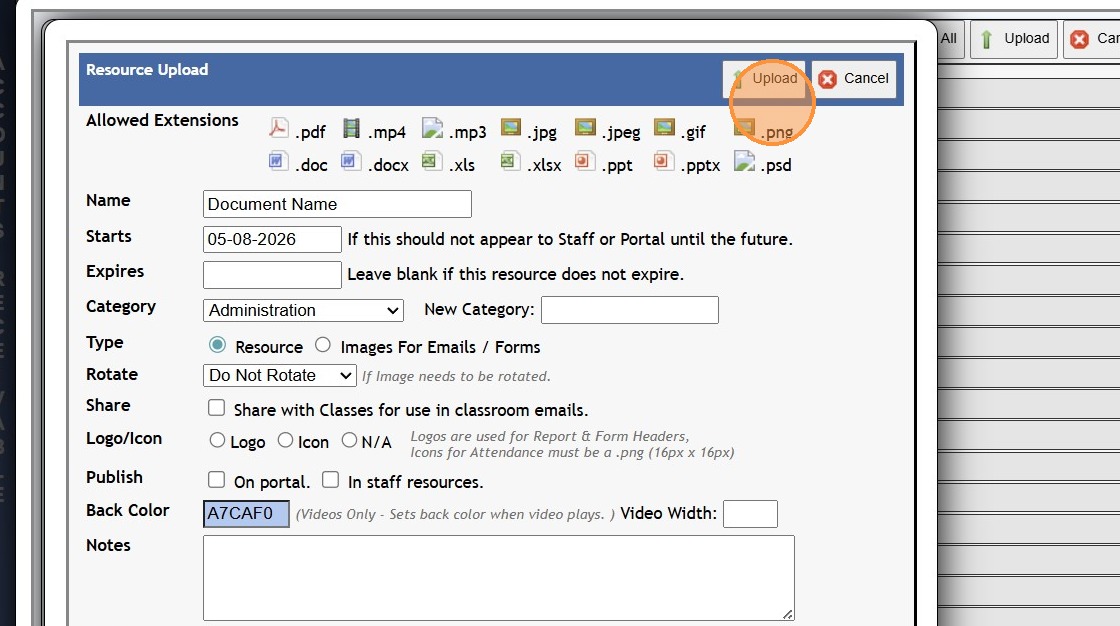
8. Click "Upload"
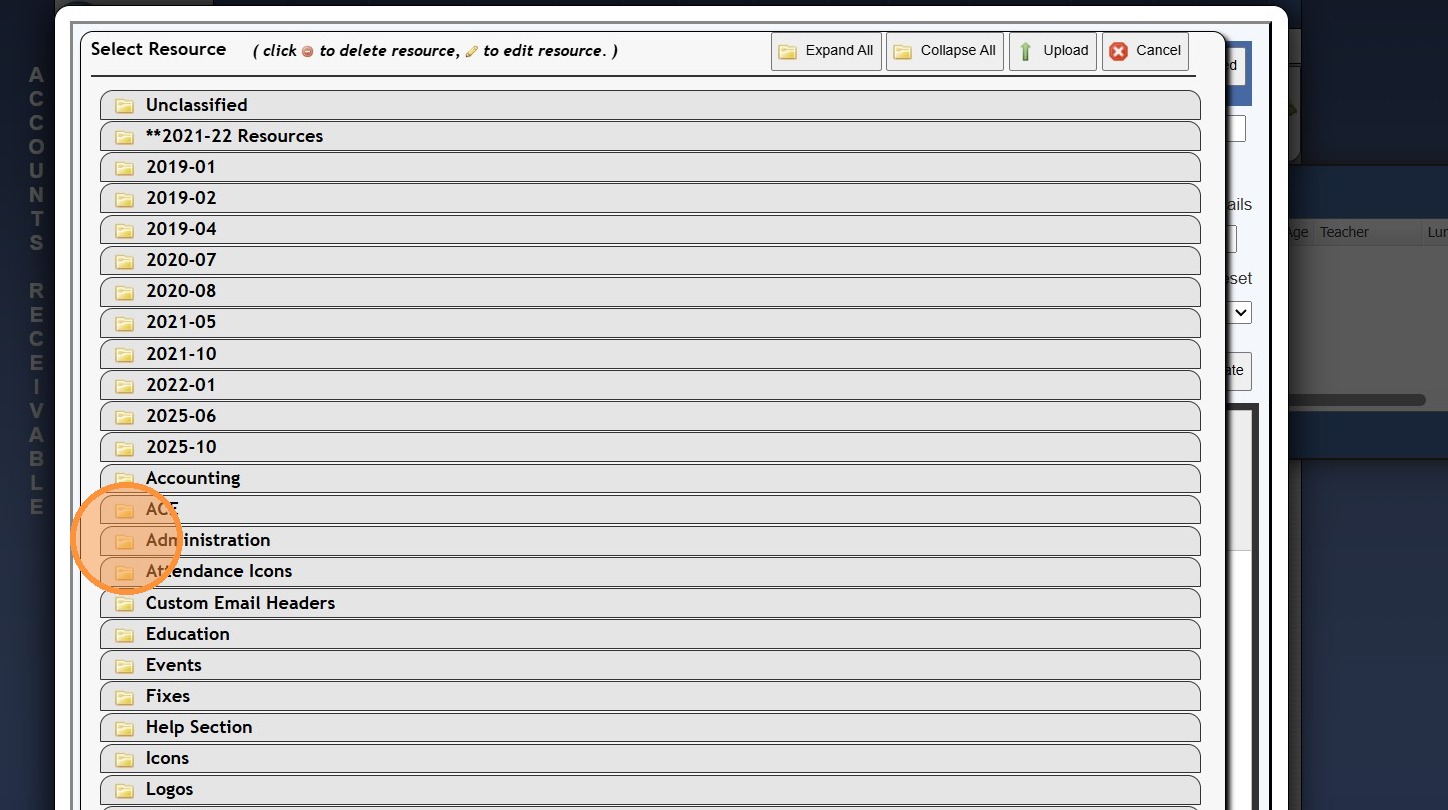
9. Click on Category to Expand
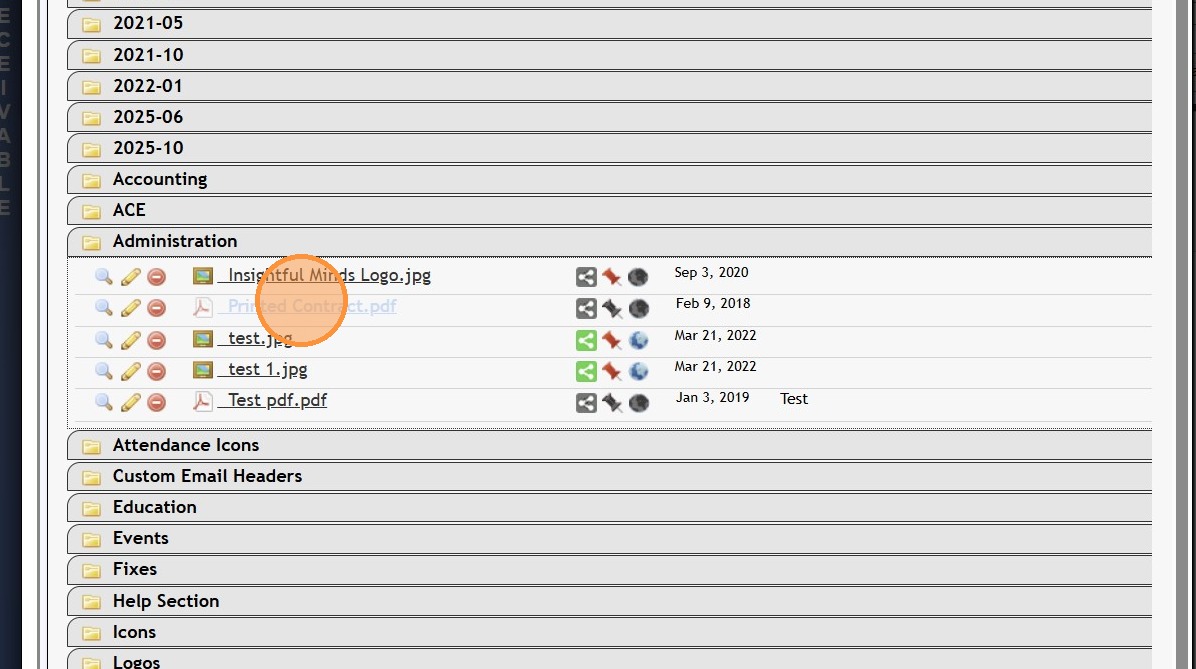
10. Select Resource to Attach to Email
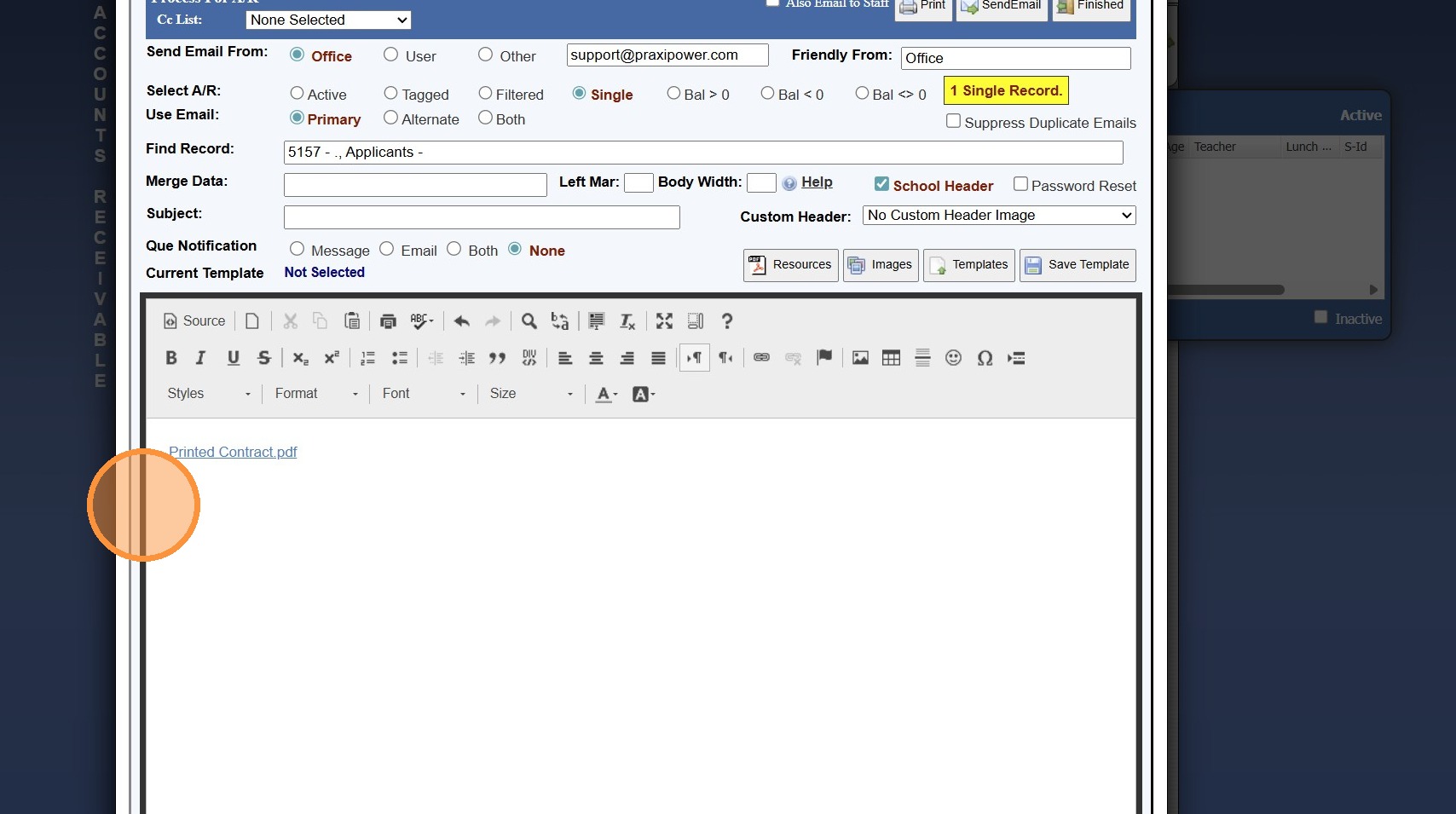
11. Resource will be added to Email where cursor was Placed
7000.3.6
Related Articles
Email Suppressions
Email Suppressions 1. Login to PraxiSchool 2. Click "Reports" 3. Click "Email Suppressions" 4. Click "Suppressed Emails" 5. Select Date Range 6. Red Check Mark Indicates if Email has been Blocked, Bounced, Marked Spam or is Invalid (Click Red Check ...Creating Email Categories
Creating Email Categories 1. Log into PraxiSchool 2. Click "Lists" 3. Click "Misc Lists" 4. Click "Email Categories" 5. Click "Add" 6. Enter Email Category Description 7. Click "Save" 3500.4.9Viewing Send Email History
1. Click "Admin" 2. Click "Communications" 3. Click "Send Email History" 4. Select Email 5. Number of Emails Sent/Read & the Percent of Sent Email Read is Visible 6. Click "Recipients" 7. Under the Recipient tab, the Last Date & Time the Email was ...Invalid Email Report
Invalid Email Report 1. Login to PraxiSchool 2. Click "Reports" 3. Click "Email Suppressions" 4. Click the "Invalid Emails in Database" field 5. Invalid Email List provides Necessary Information for Locating Invalid Email Address for Correction. ...Creating Email Groups
Creating Email Groups 1. Log into PraxiSchool 2. Click "Lists" 3. Click "Misc Lists" 4. Click "Email Groups" 5. Click "Add" 6. Enter Description & Select Category Enter Order & Group Notes (Optional) 7. Click "Save" 3500.4.8