Discounting Childcare for Students by Percent
1. Click "Students"
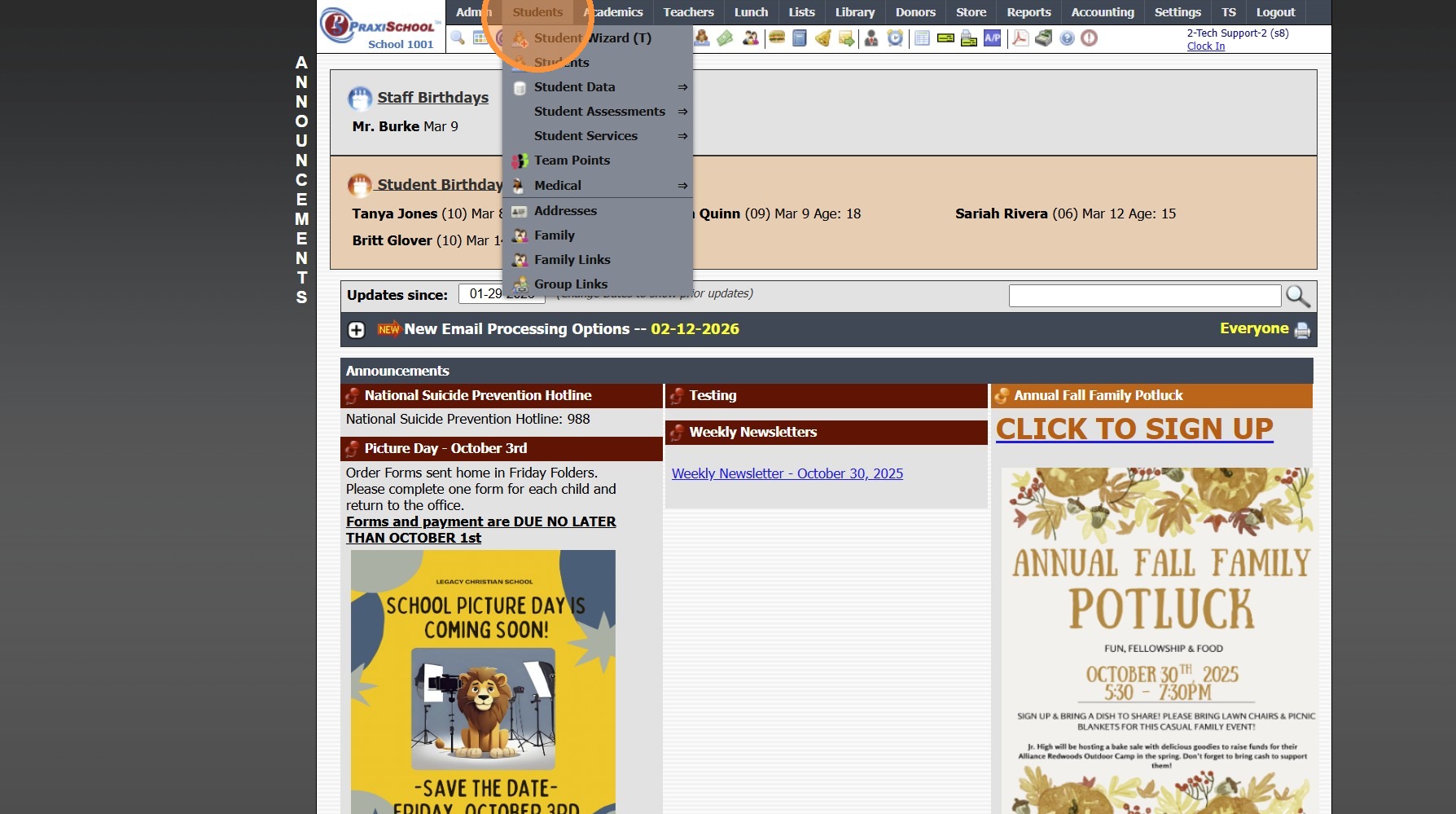
2. Click "Students"
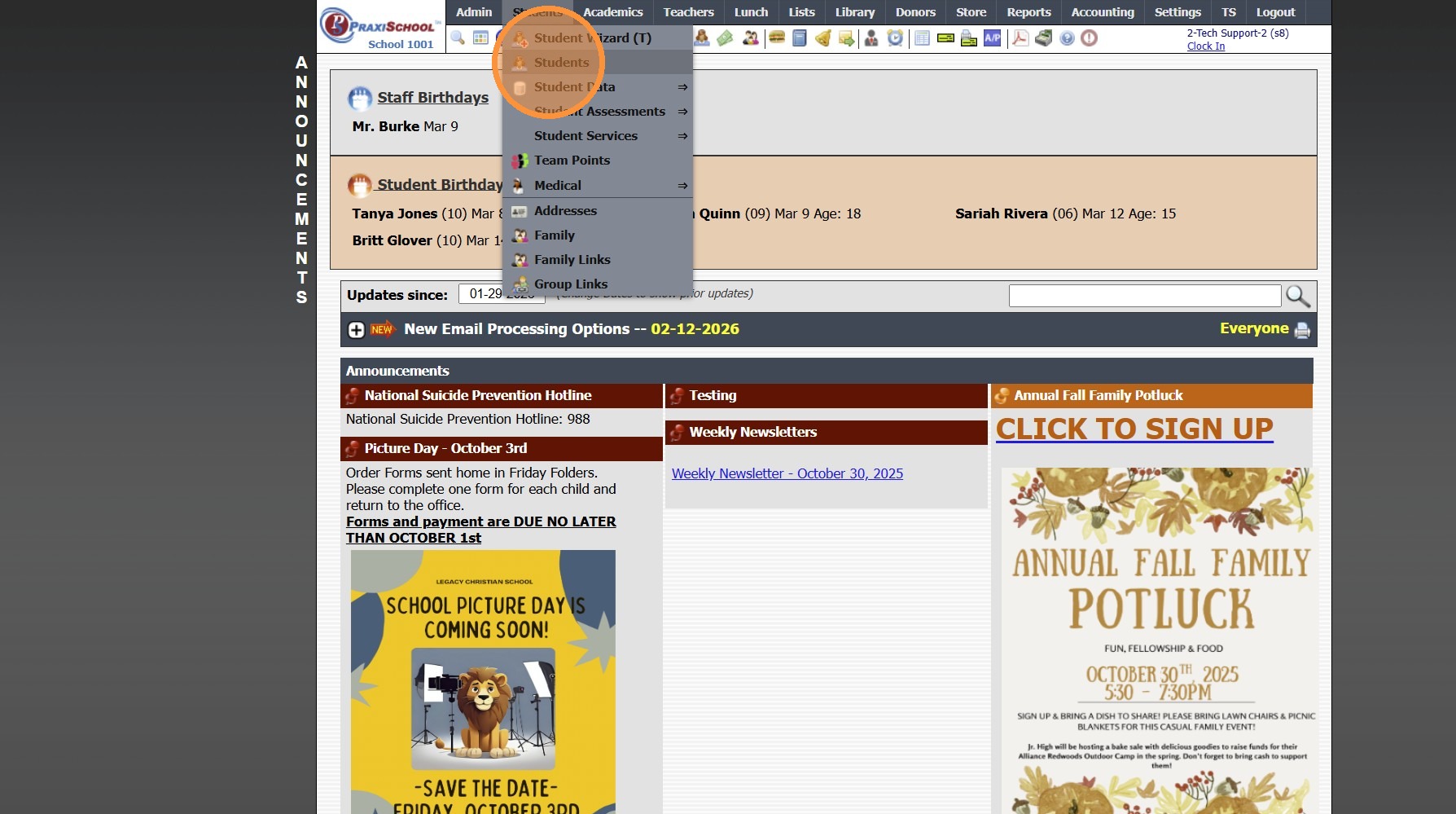
3. Select Student
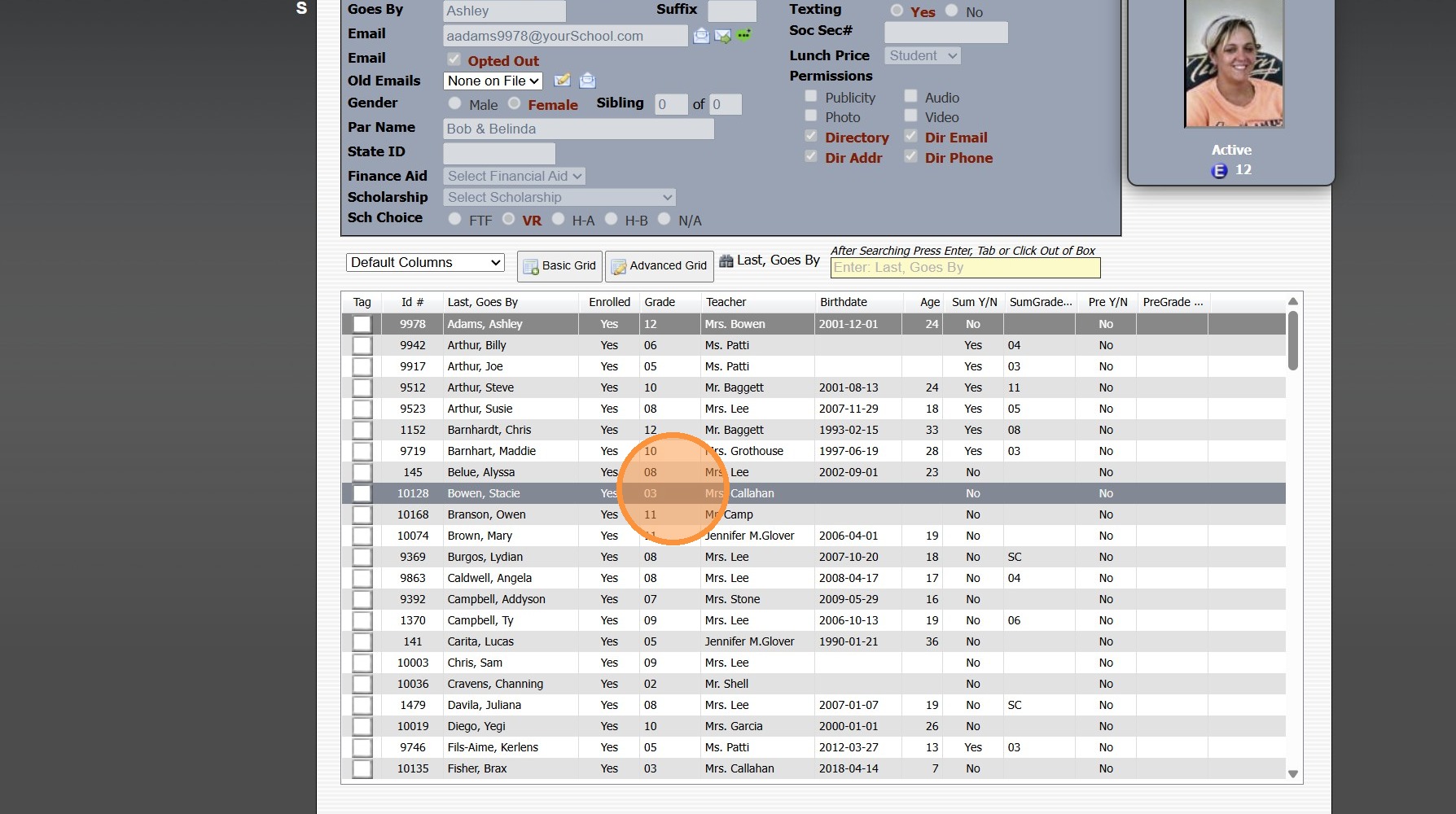
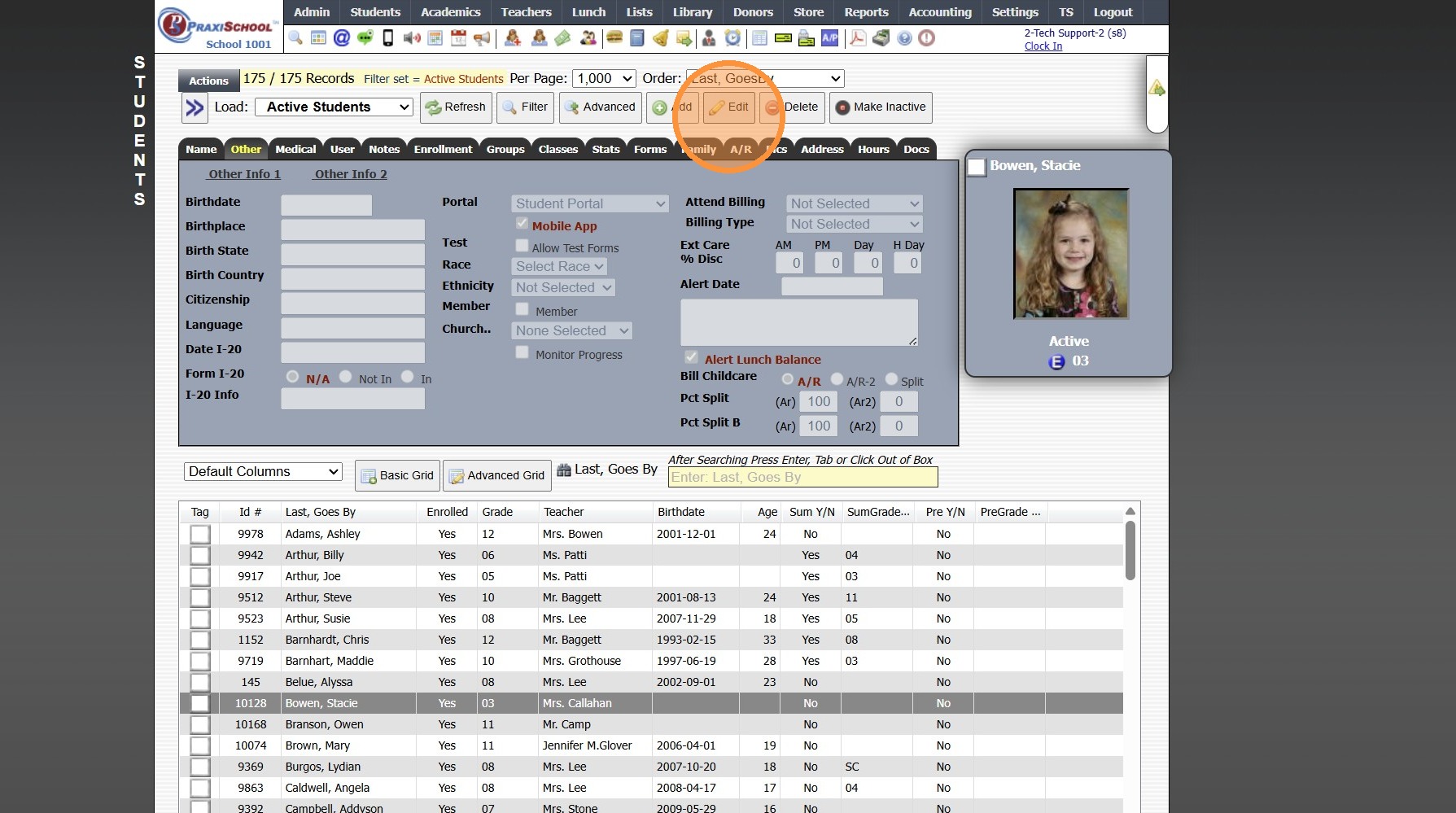
4. Click the "Other" Tab
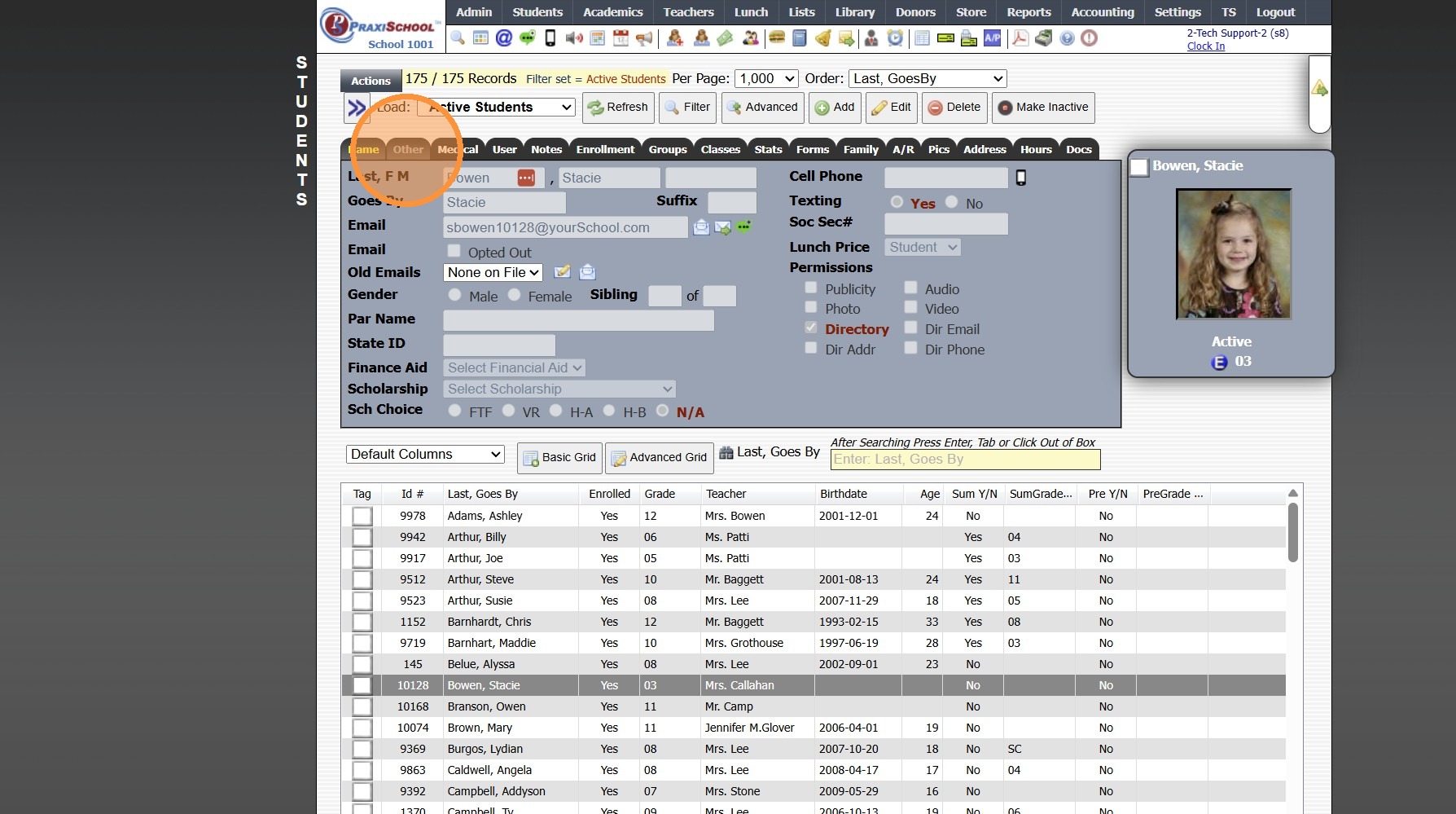
5. Click "Edit"
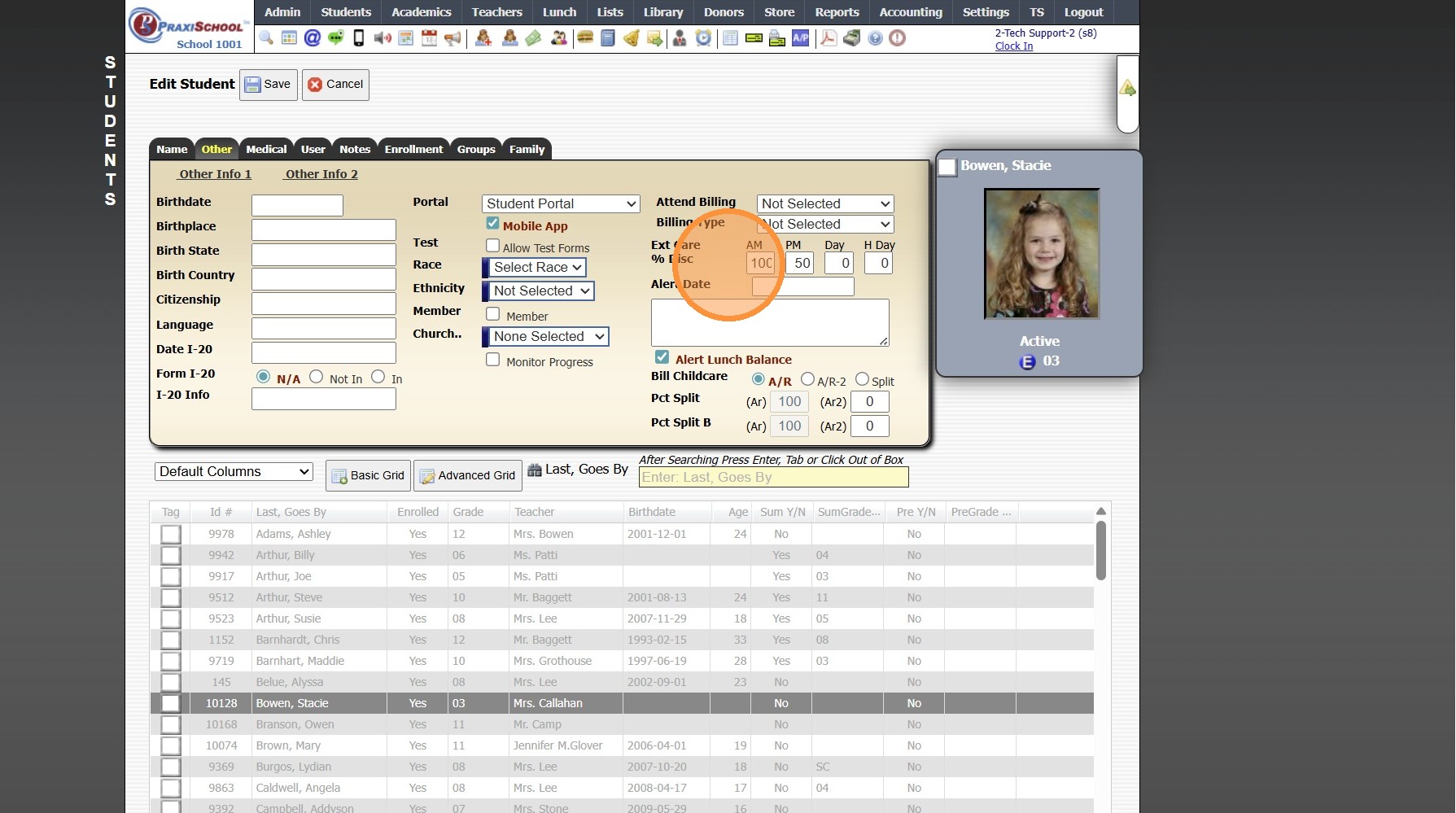
6. Enter Percent of Discount for AM, PM Day and/or Holiday
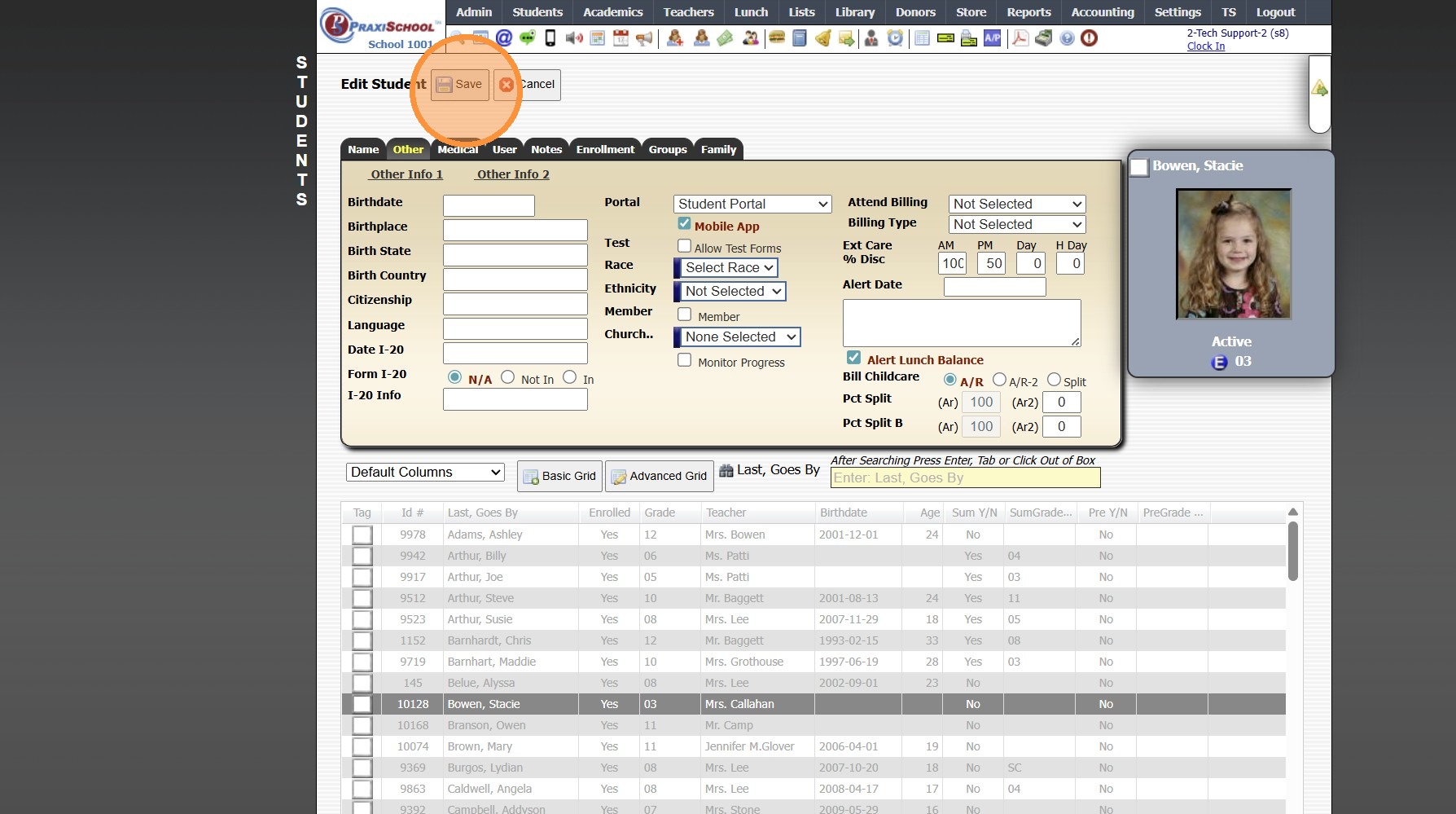
7. Click "Save"
1500.4.31
Related Articles
Archiving Students in Batch
Archiving Students in Batch 1. Click "Students" 2. Click "Students" 3. Tag Student Records to Archive 4. Click "Actions" 5. Click "Other Actions" 6. Click "Archive Students" 7. Click "Select All" 8. Click "Archive Checked Students", Click "Ok" & ...Students: Viewing AR Connections
Students: Viewing AR Connections 1. Click "Students" 2. Click "Students" 3. Select Student 4. Click "A/R" tab 5. Primary AR Account w/Hyperlink to AR Account 6. Secondary AR Account w/Hyperlink to AR Account 1500.4.17Students: Viewing Family Connections
Students: Viewing Family Connections 1. Click "Students" 2. Click "Students" 3. Select Student 4. Click "Family" tab 5. View Connected Family (Family Member Name, Relationship to Student and Permissions) 1500.4.18Assigning Students to Districts
1. Click "Students" 2. Click "Students" 3. Tag Students to Add to District 4. Click "Actions" 5. Click "Batch Edit Tags" 6. Select the Data Field "District" 7. Select the District 8. Click "Submit" 1500.17.1Assigning Students to Teams
Teams are use to Track Student Merit & Discipline Points based on Teams of Students 1. Click "Students" 2. Click "Students" 3. Tag Students to Assign to a Team 4. Click "Actions" 5. Click "Batch Edit Tags" 6. Select the "Team" Data Field 7. Select ...