Creating School Years
1. Click "Lists"
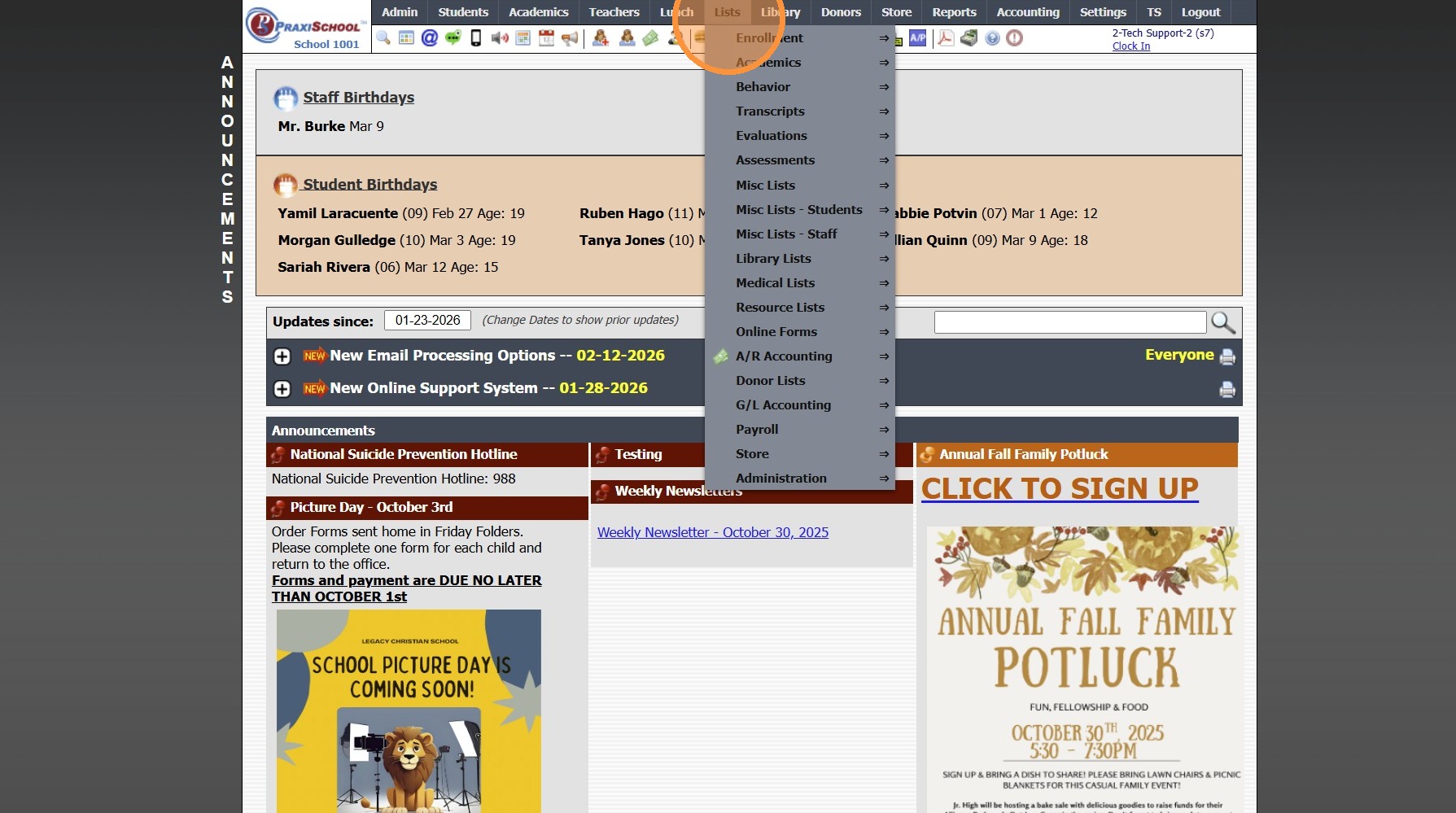
2. Click "Enrollment"
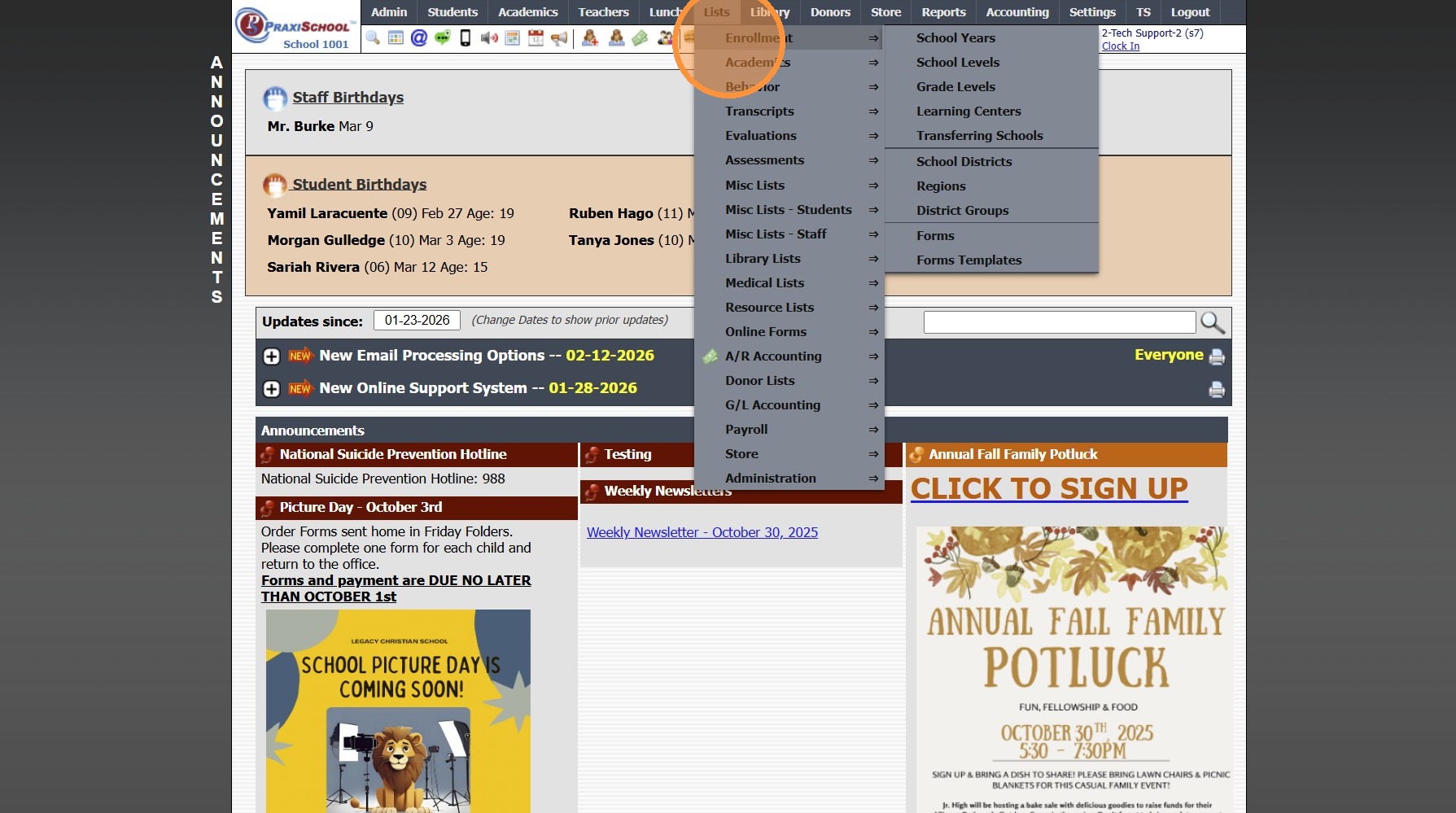
3. Click "School Years"
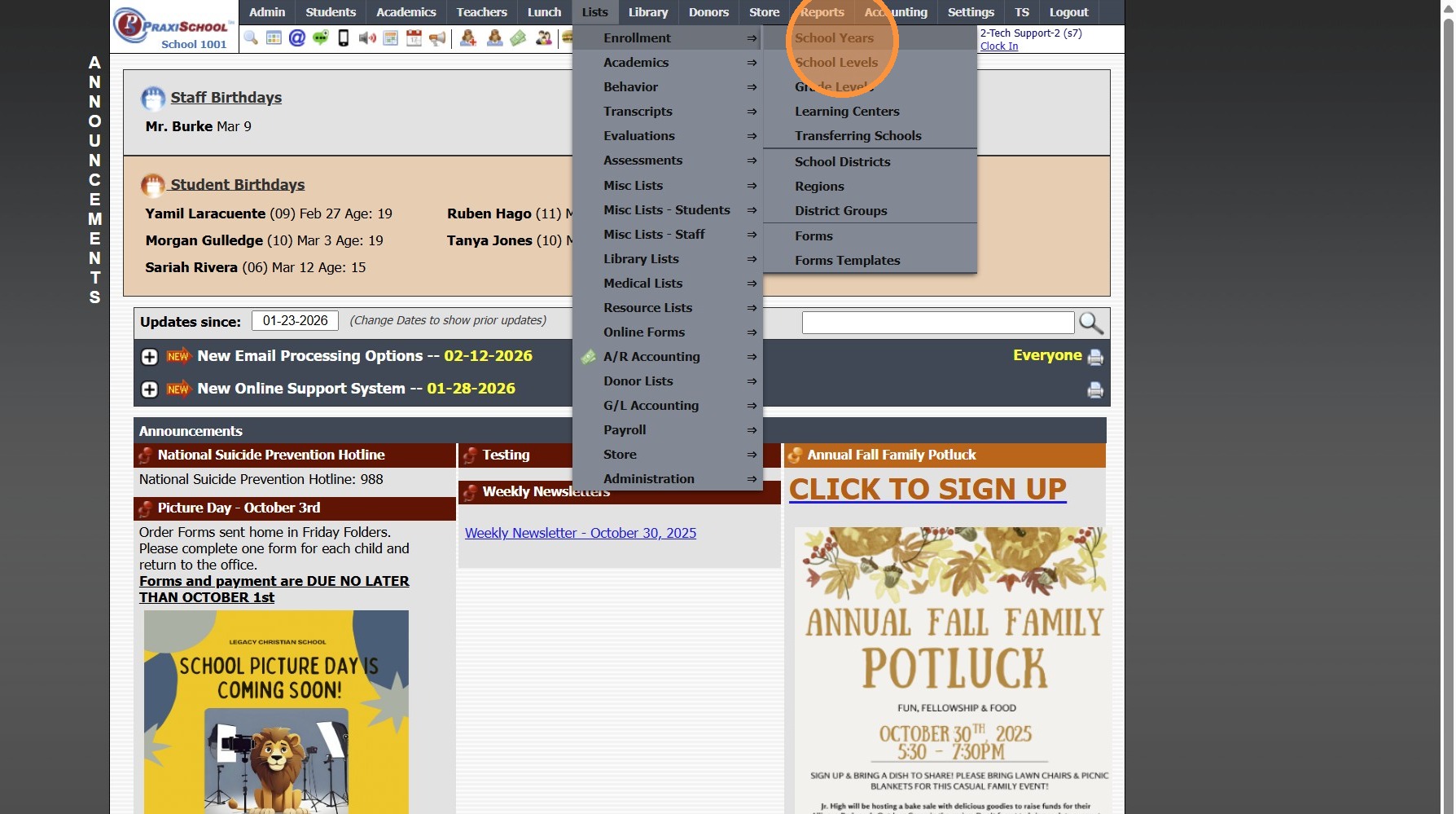
4. Click "Add"
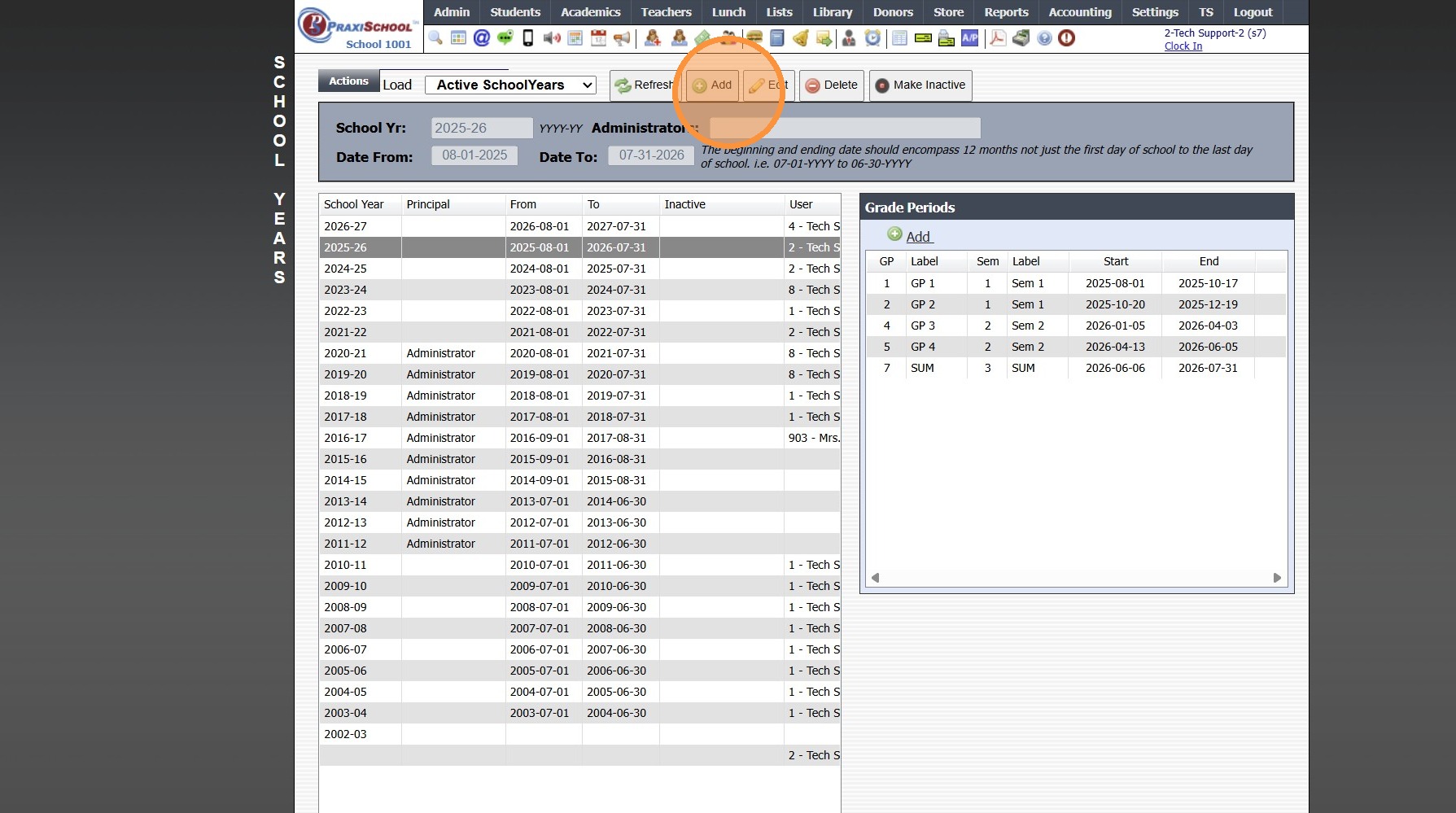
5. Enter School Year in a YYYY-YY Format
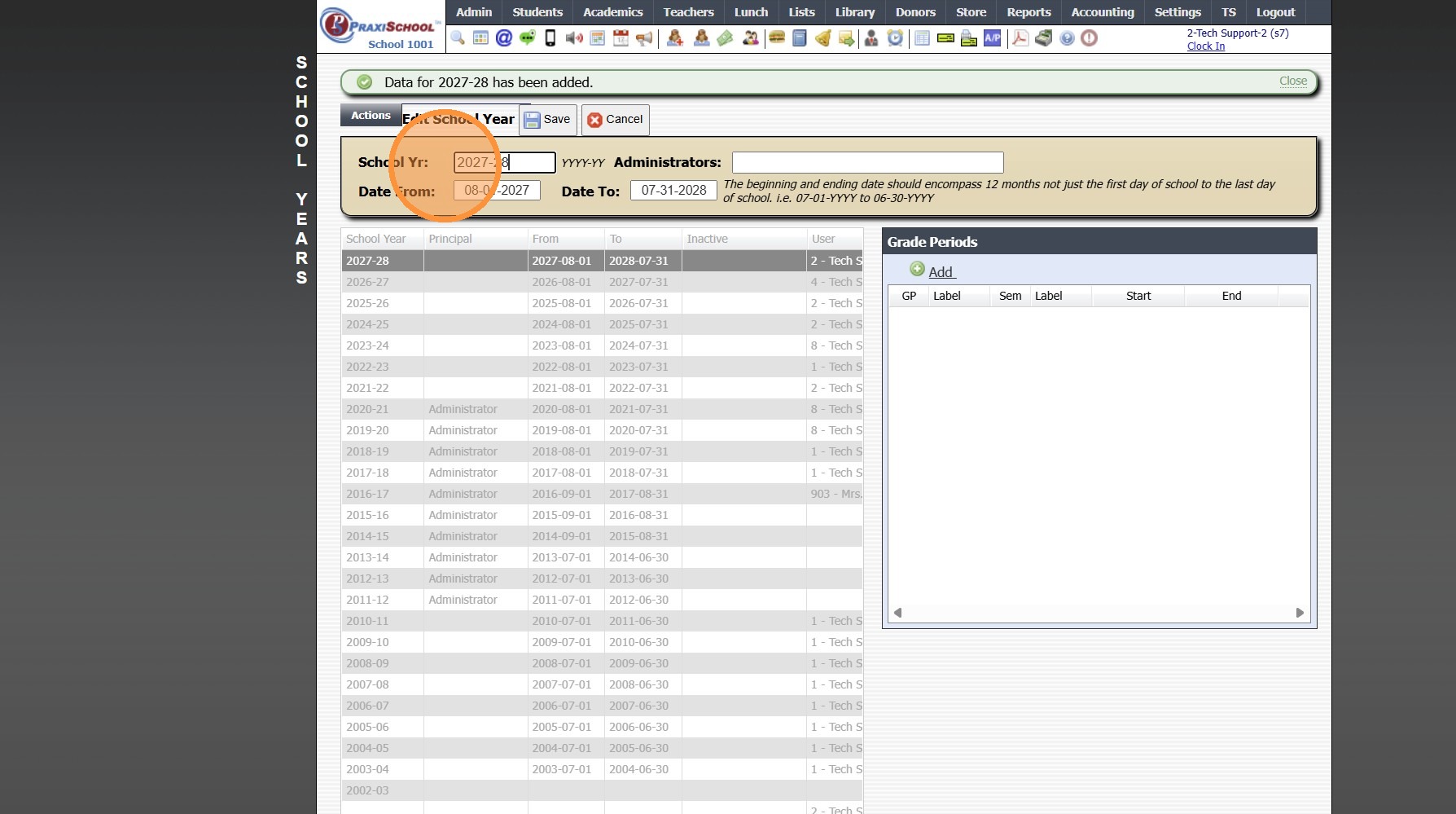
6. Enter School Year Dates
(School Year Dates MUST be a Full Calendar Year)
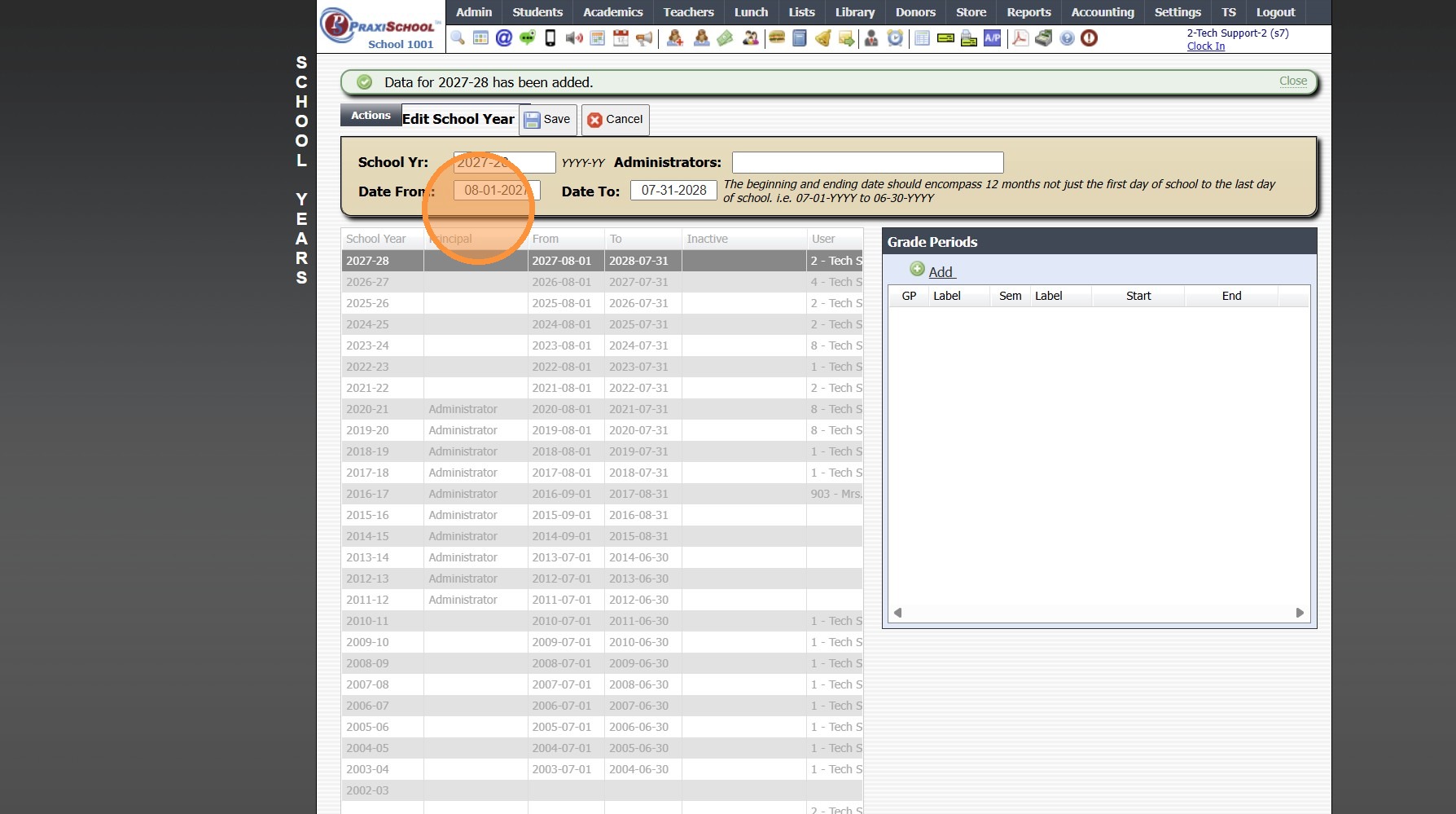
7. Click "Save"
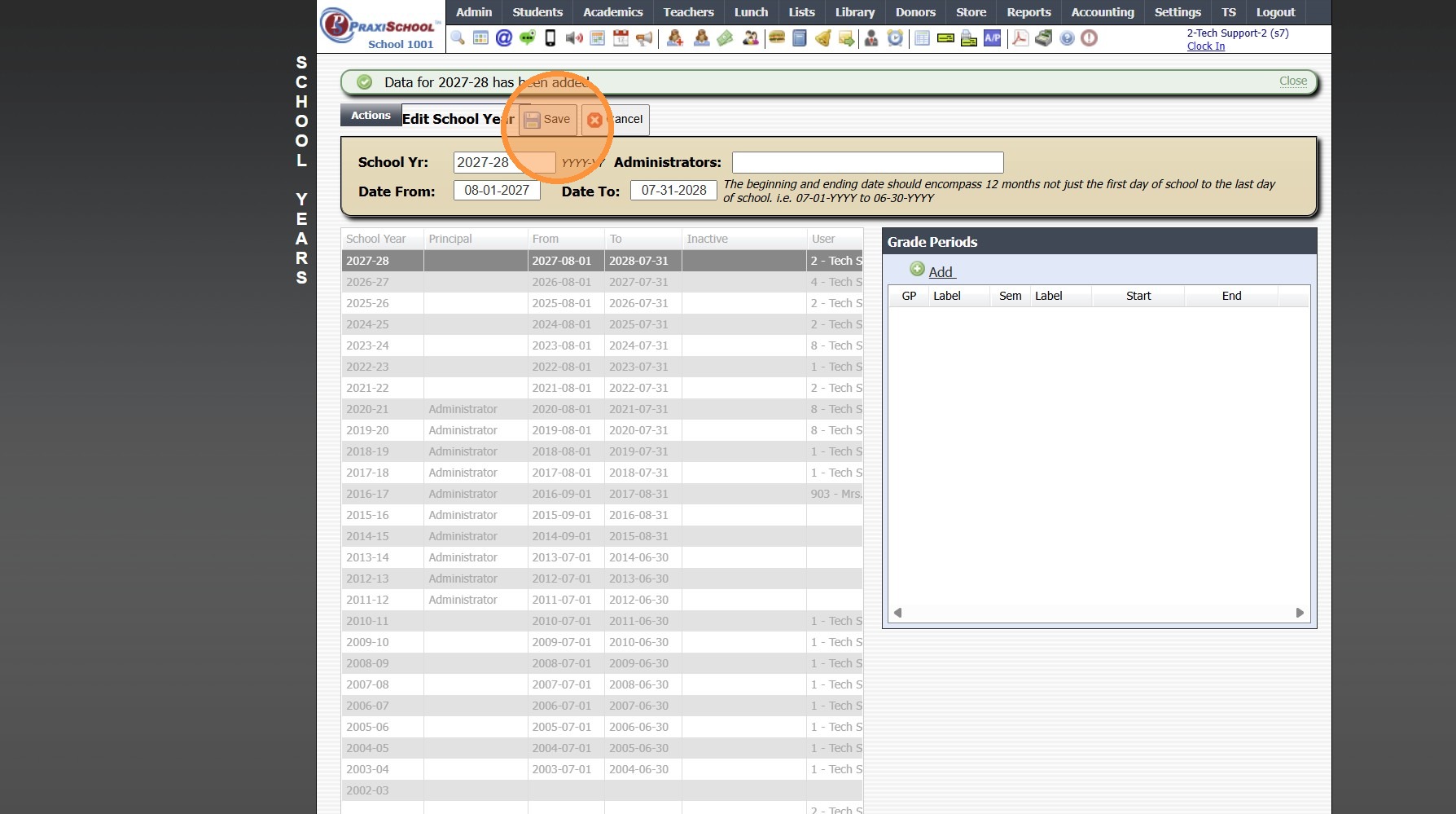
8. Click "Add"
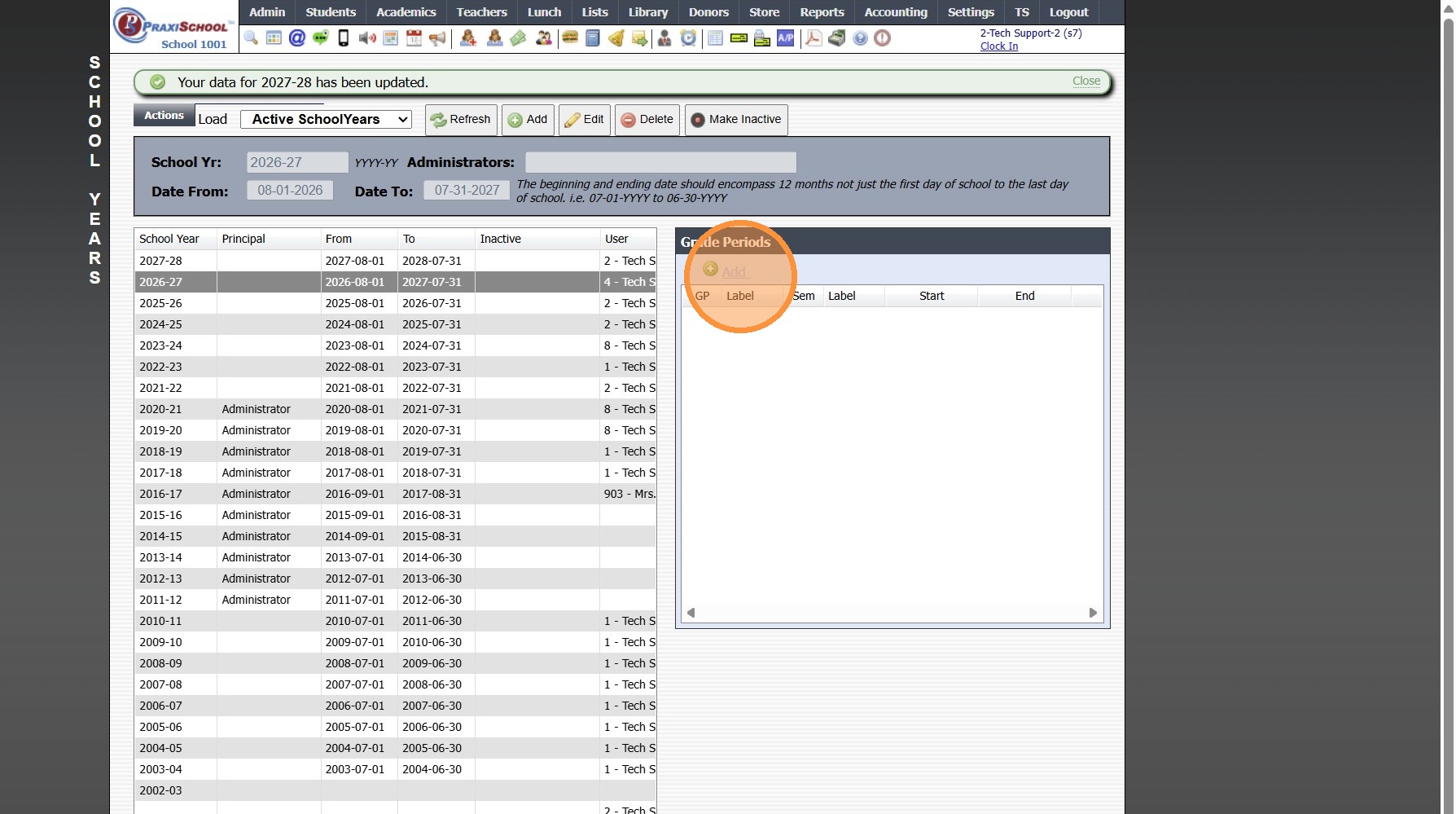
9. Select Grade Period & Enter Grade Period Label
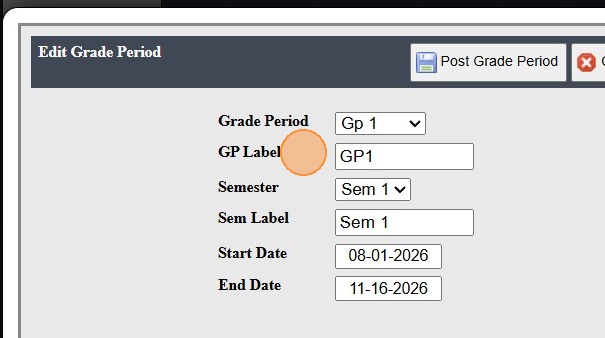
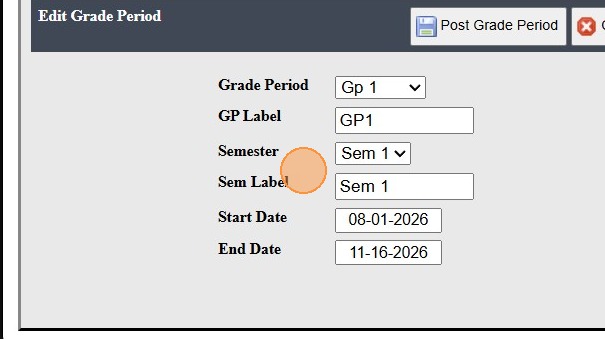
10. Select Semester & Enter Semester Label
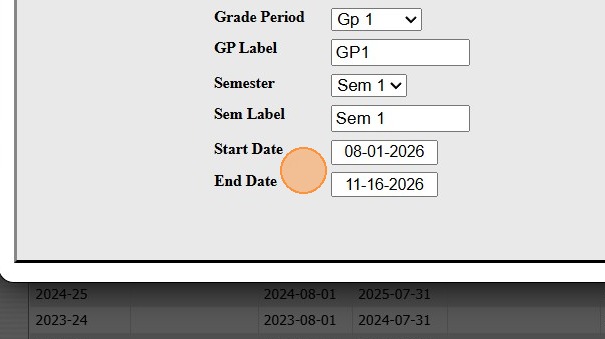
11. Enter Grade Period Start Date & Grade Period End Date
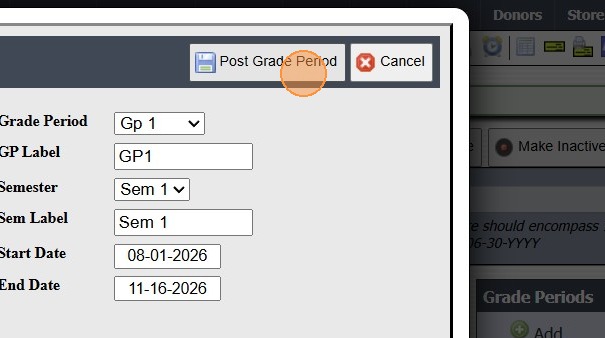
12. Click "Post Grade Period"
3500.1.1
Related Articles
Session Close Prep Step I: Creating the Next School Year
1. Click "Lists" 2. Click "Enrollment" 3. Click "School Years" 4. Click "Add" 5. Enter NEW School Year in YYYY-YY Format (Ex. 2026-27) 6. Enter Administrator's Name 7. Enter Date From & Date To (NOTE: The beginning & ending date MUST encompass 12 ...Creating School Calendar Items
Creating School Calendar Items 1. Log into PraxiSchool 2. Click "Admin" 3. Click "Resources" 4. Click "School Calendar" 5. Click "Add" 6. Enter the Calendar Item Description 7. Select Type (Public, No School, Make-Up, Staff) Public, No School and ...Creating School Levels
1. Click "Lists" 2. Click "Enrollment" 3. Click "School Levels" 4. Click "Add" 5. Enter School Level Description, Select Discipline Level & Conduct Level & Select Average Info 6. Select Schedule Print Type 7. Select Attendance 8. Click "Save" ...Creating Student Email Address Using School Domain
Creating Student Email Address Using School Domain 1. Click "Students" 2. Click "Students" 3. Click "Batch Tag" 4. Batch Tag by Grade Level or for All Grade Levels 5. Click "Tag Students" 6. Click "Close & Set Filter" 7. Click "Actions" 8. Click ...Editing School Year Dates
1. Click "Lists" 2. Click "Enrollment" 3. Click "School Years" 4. Select School Year 5. Select Grade Period 6. Click "Edit" 7. Set Start & End Dates 8. Click "Post Grade Period" 3500.1.1.1