Creating a Donor Page
1. Click "Donors"
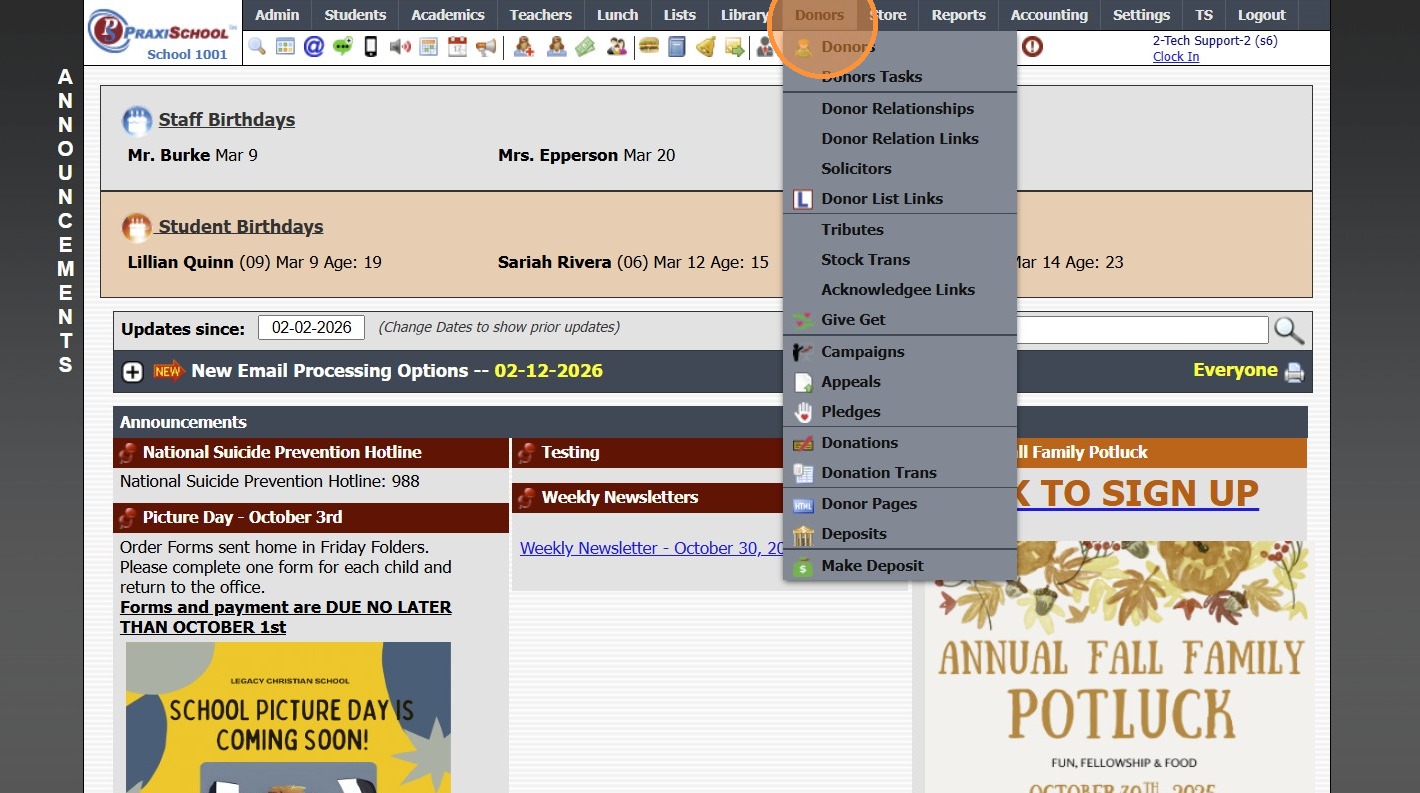
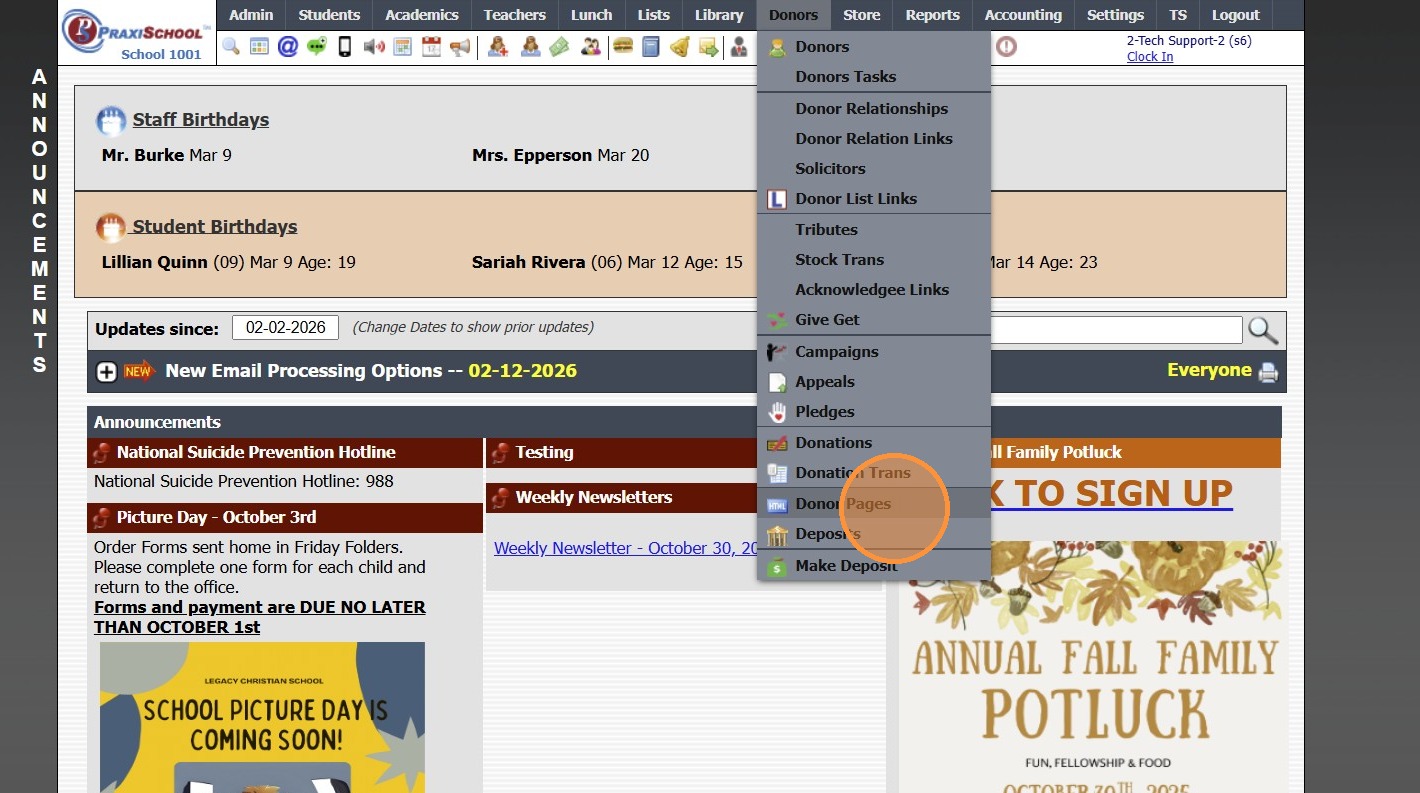
2. Click "Donor Pages"
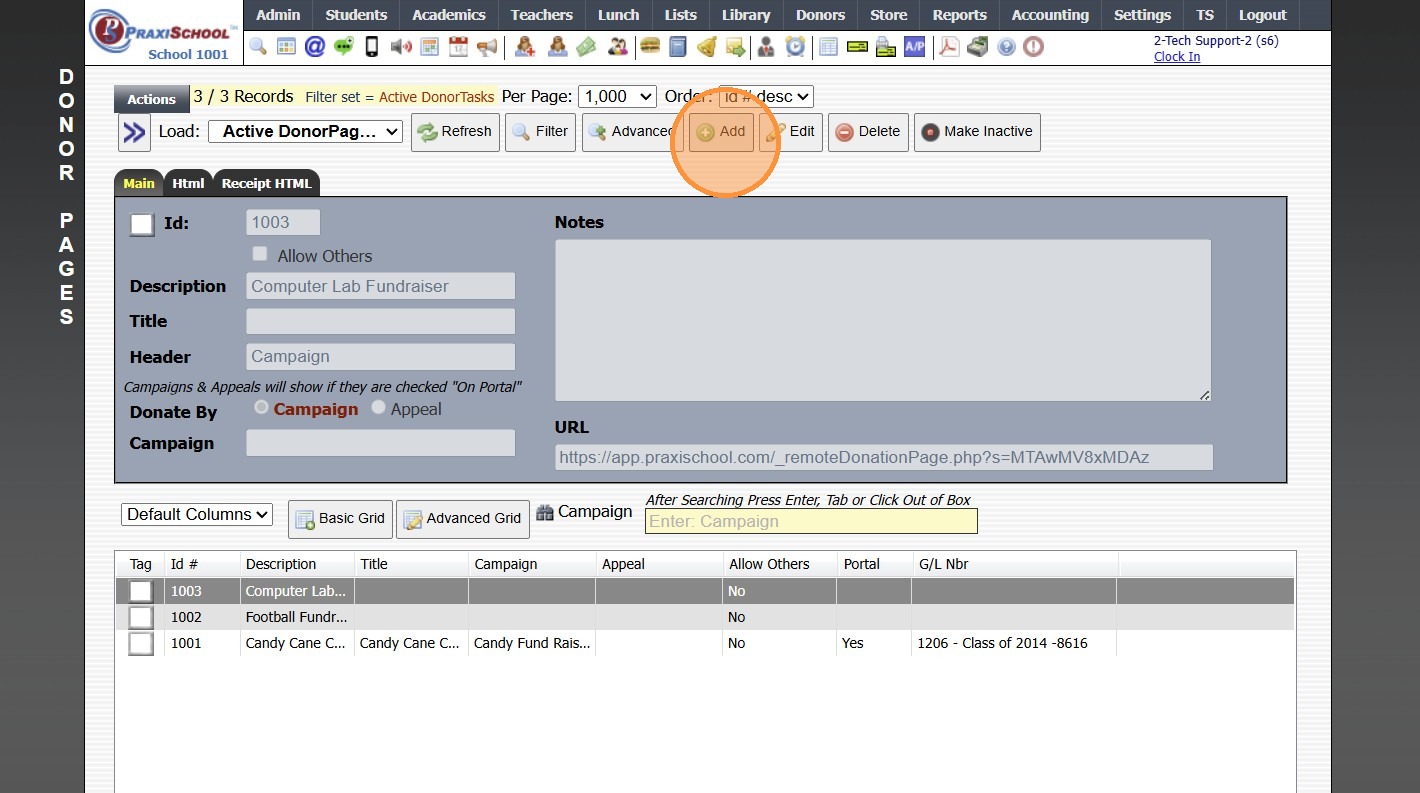
3. Click "Add"
4. Enter Donor Page Description & Title
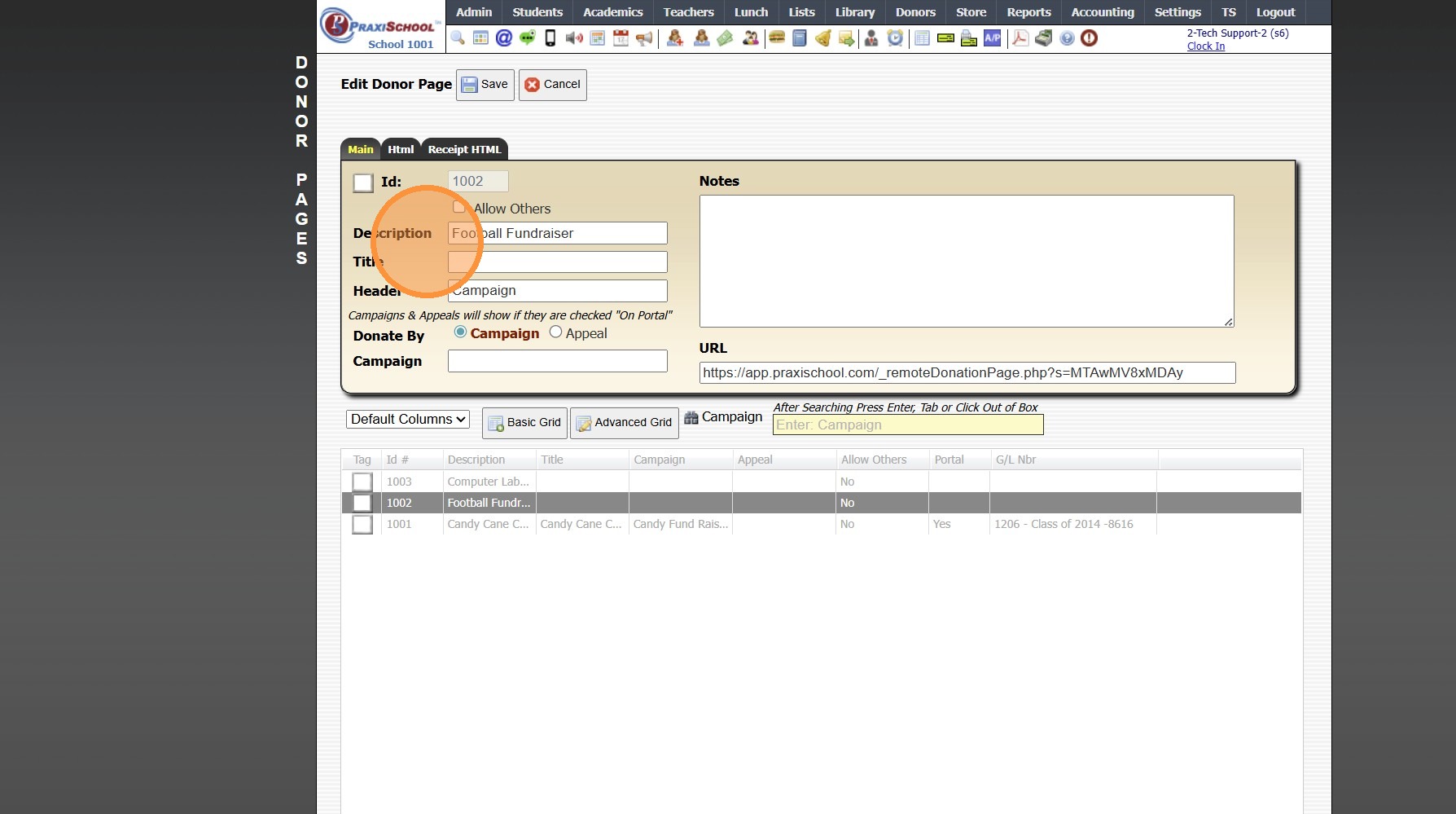
5. Select the Campaign
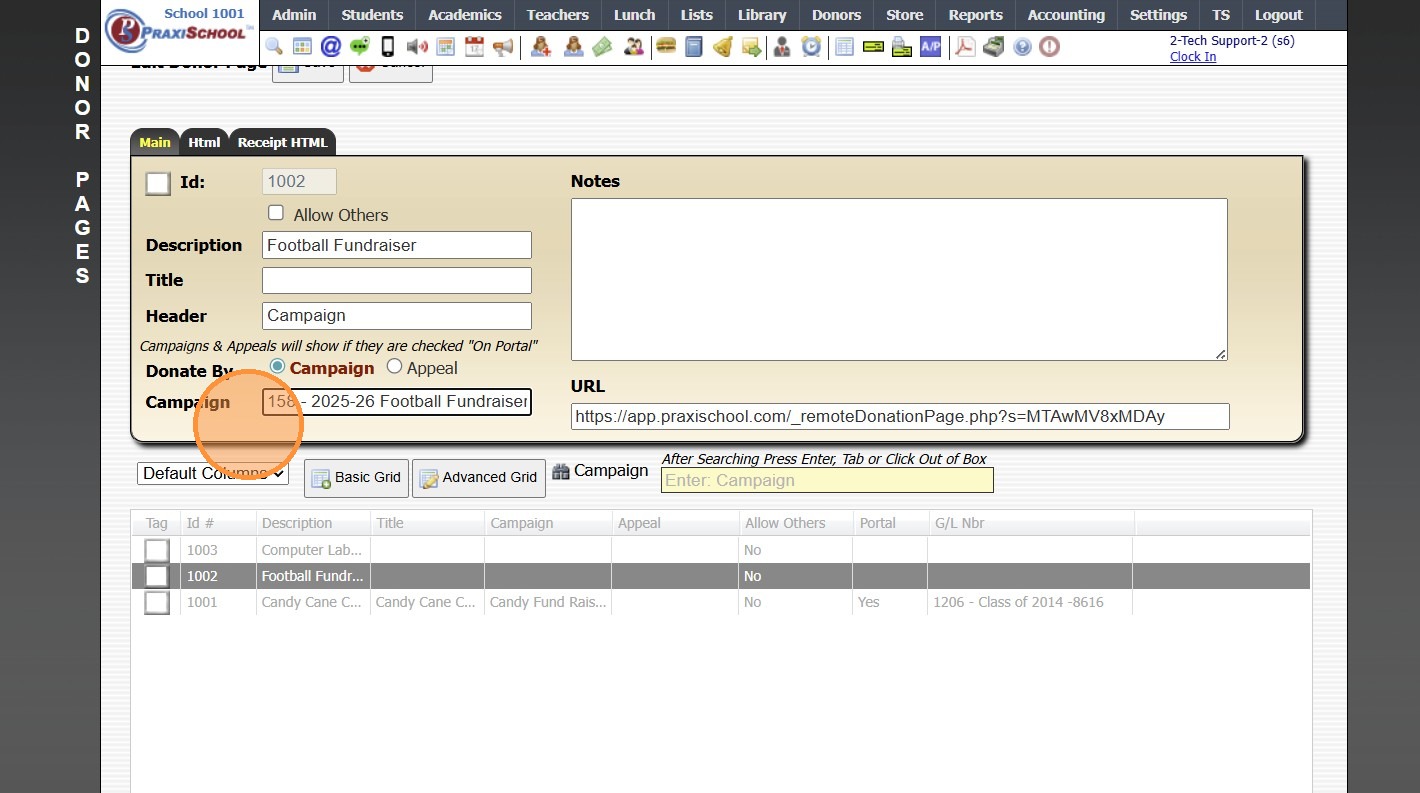
6. Click "Save"
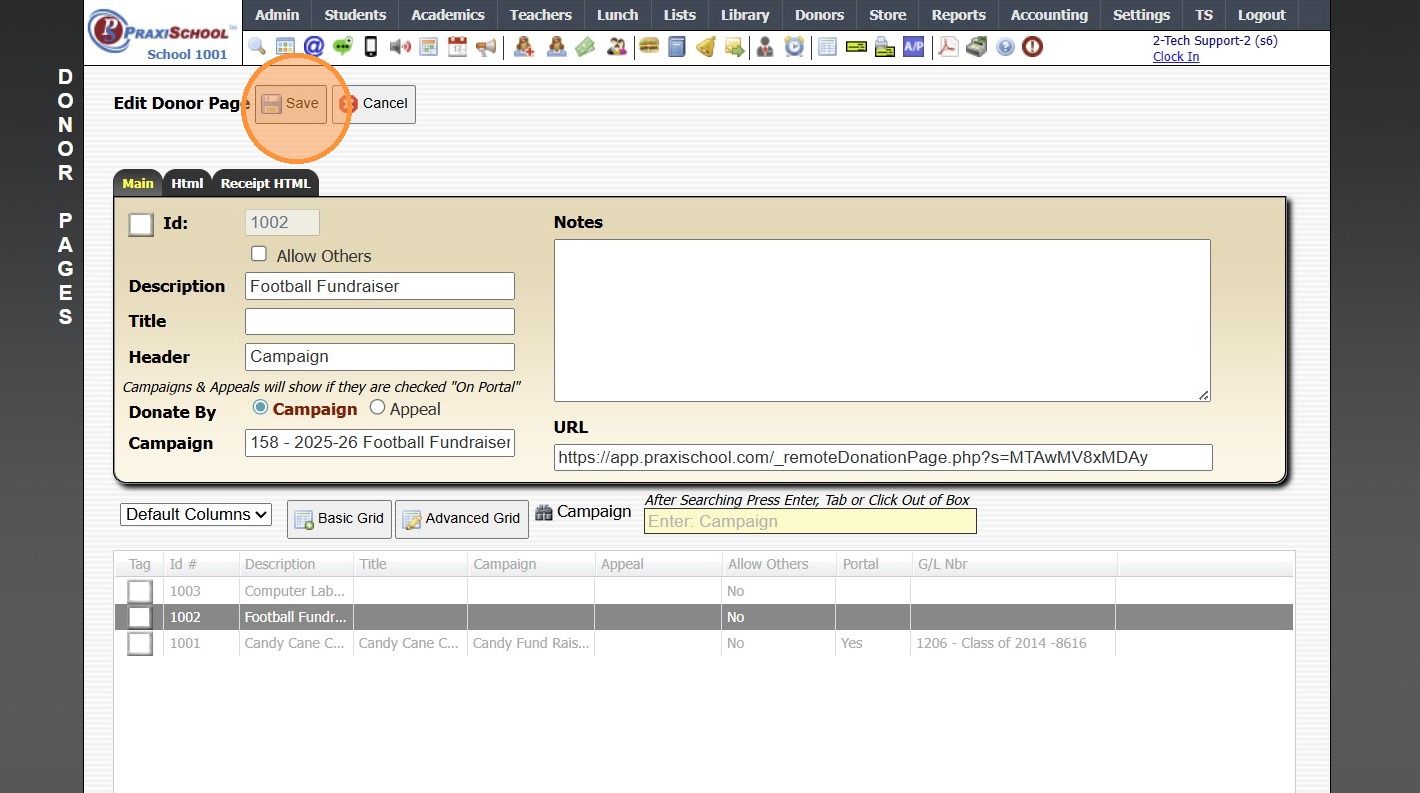
7. Click on the "Html" Tab
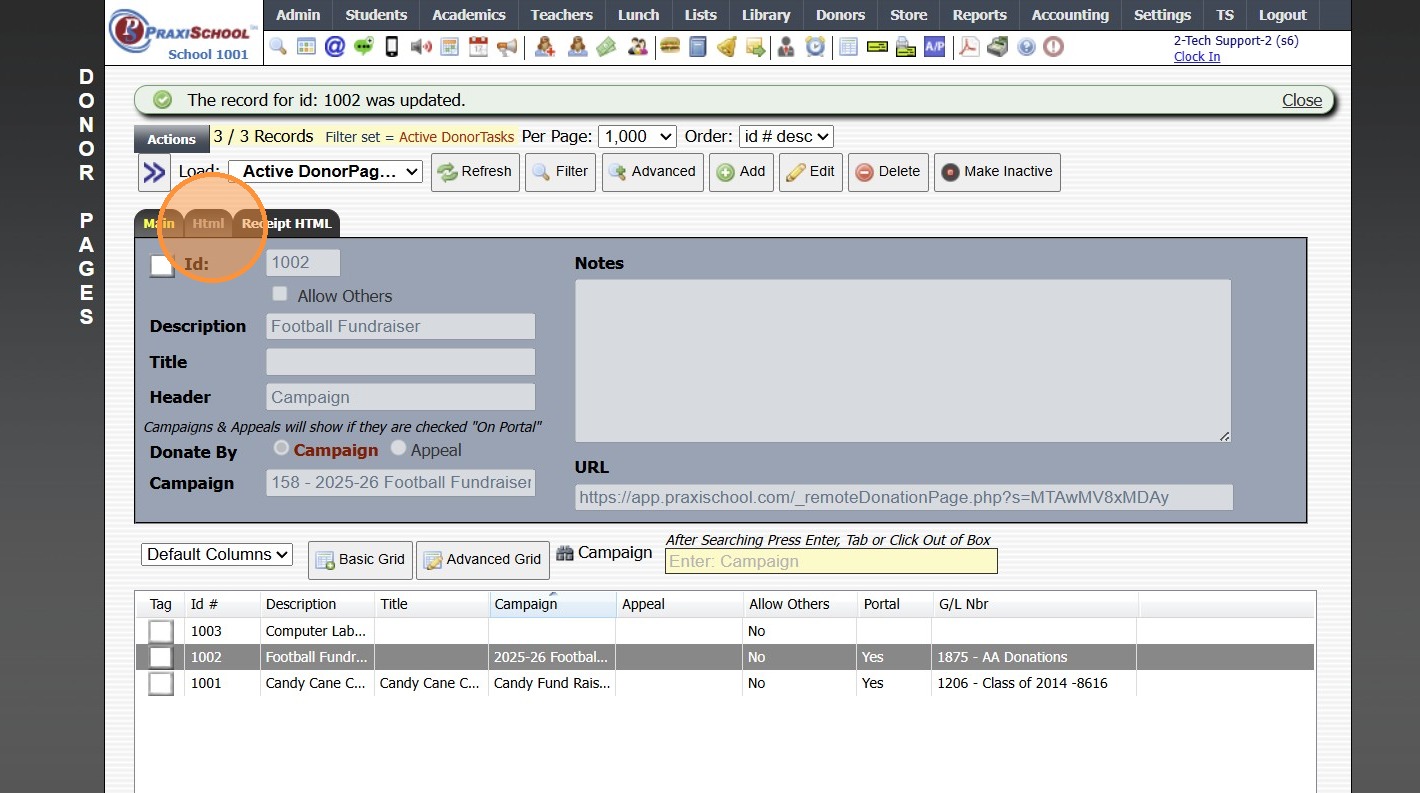
8. Click in the Box
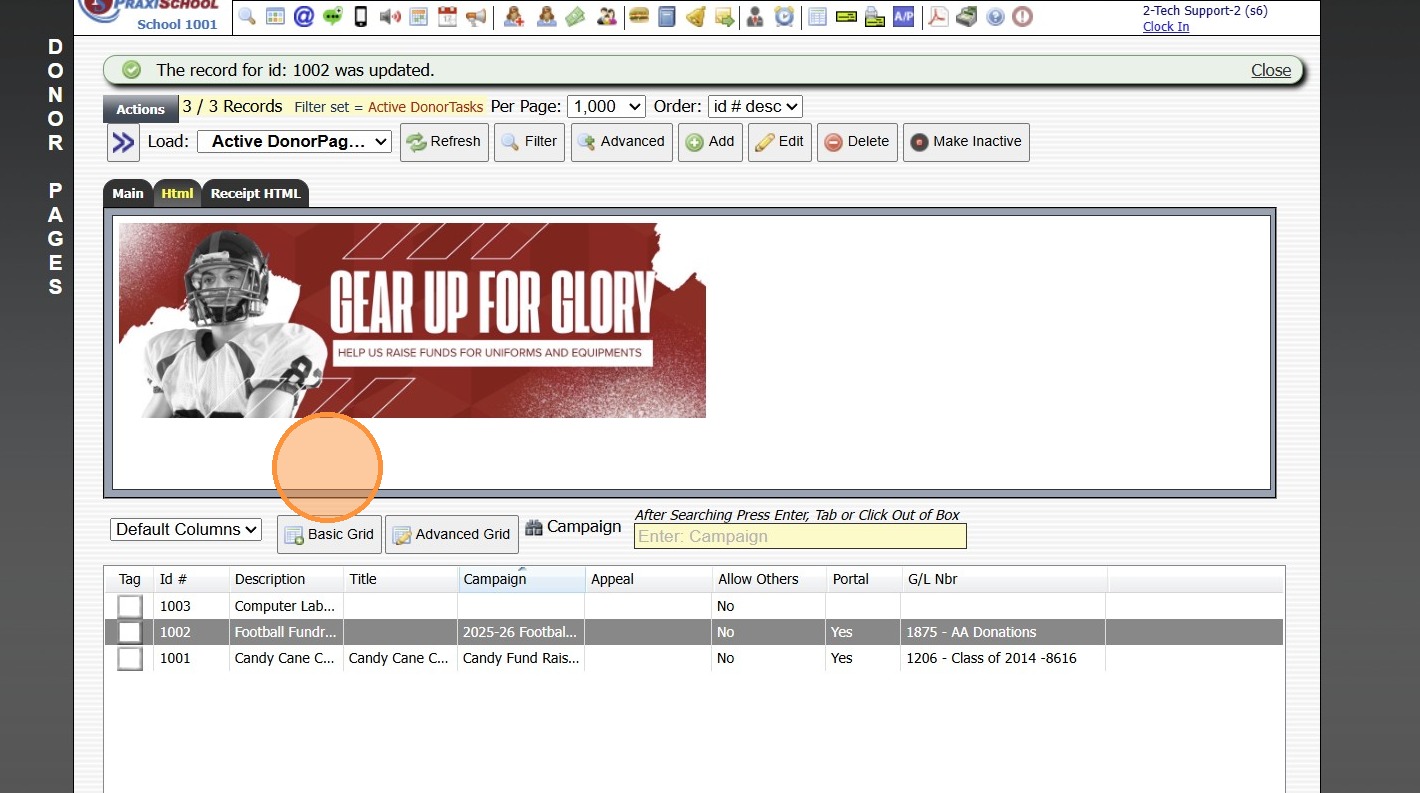
9. Create Donor Page HTML
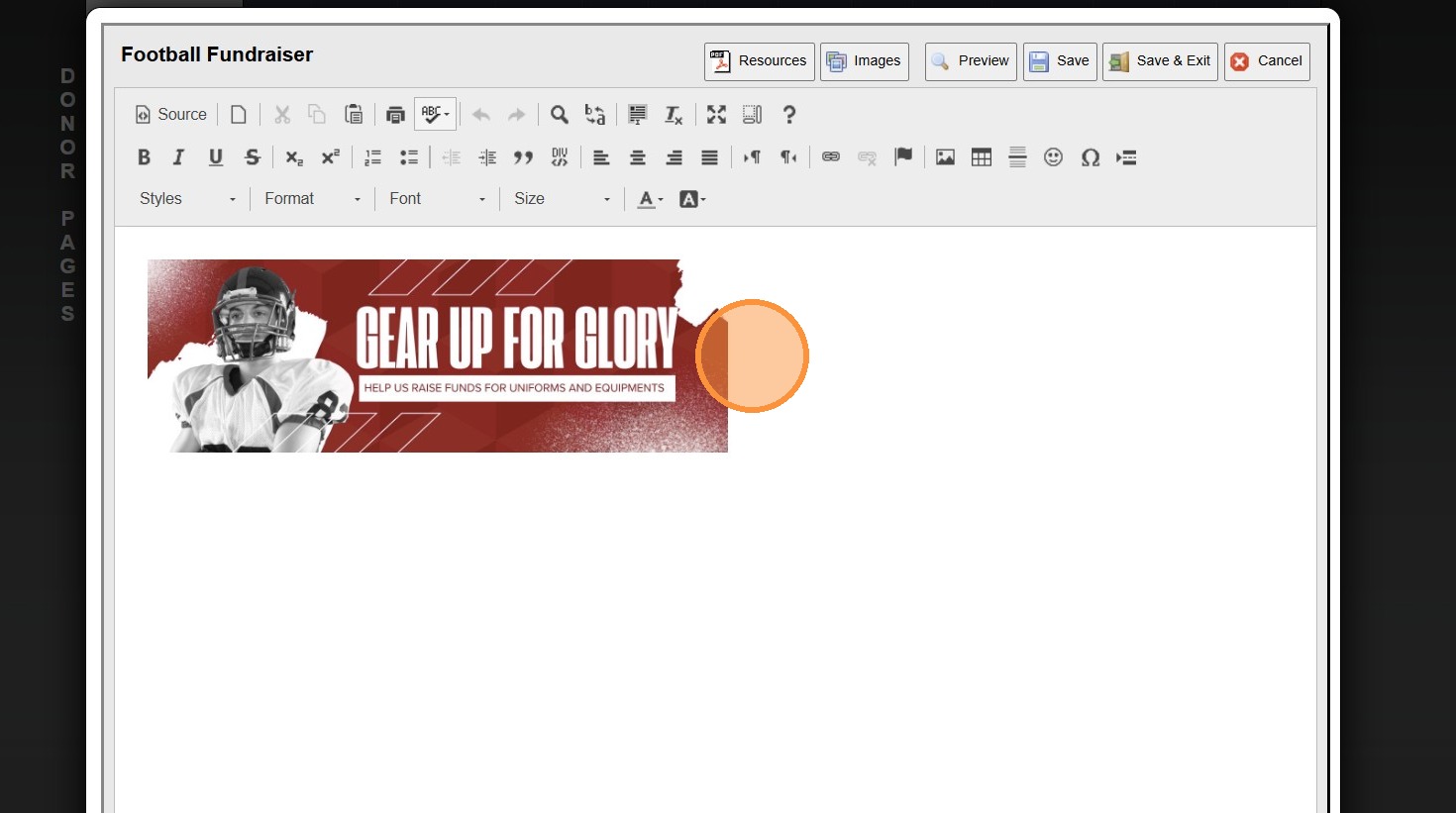
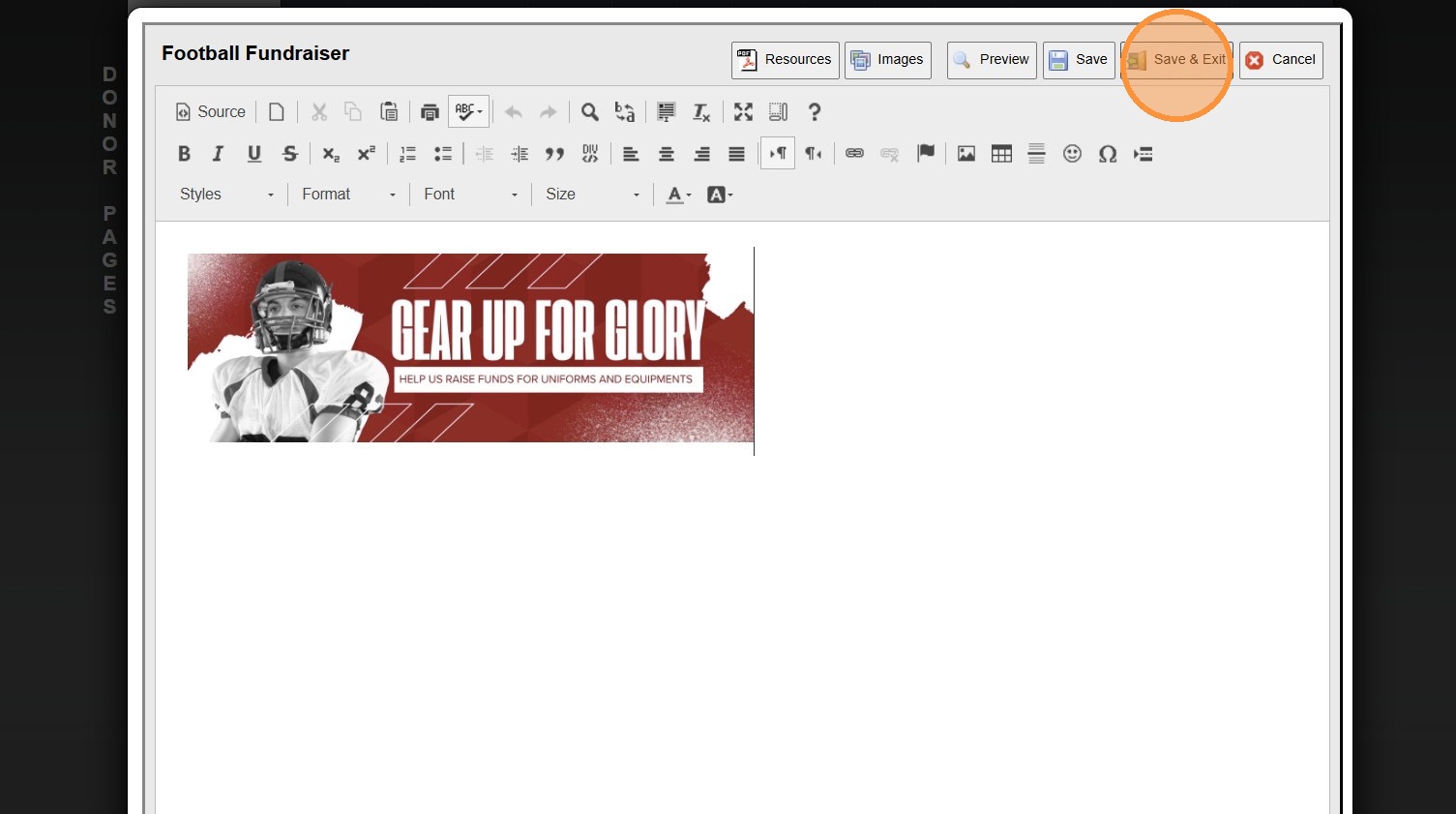
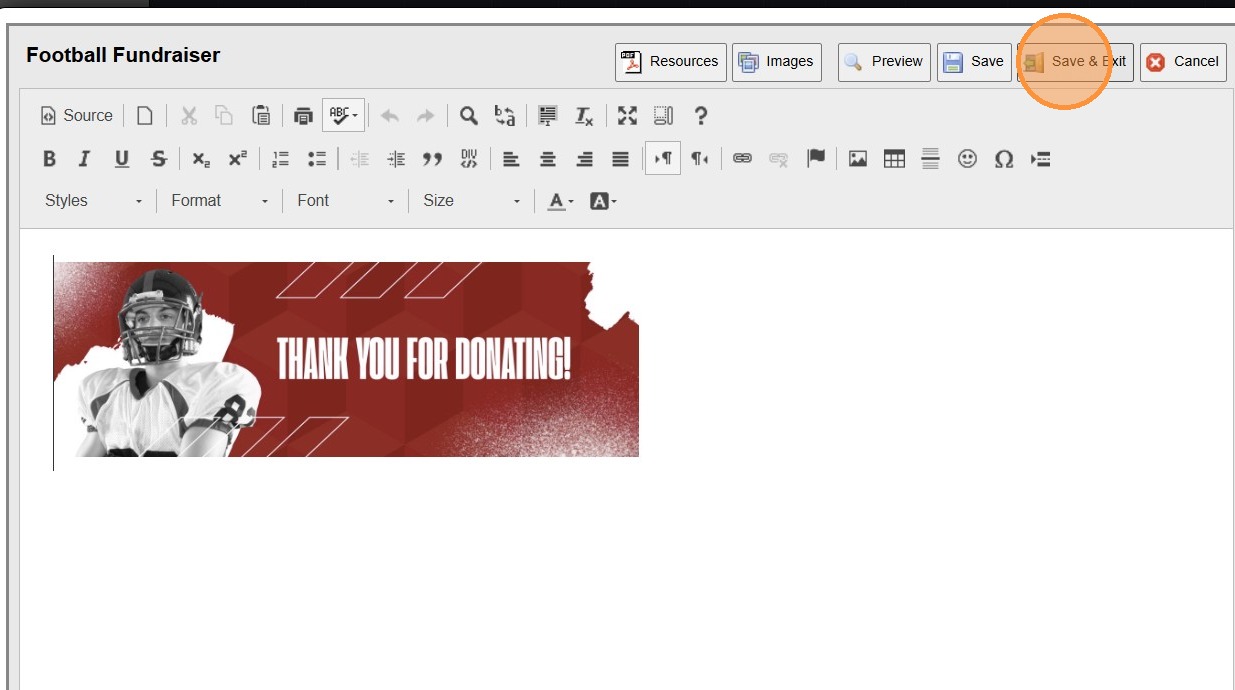
10. Click "Save & Exit"
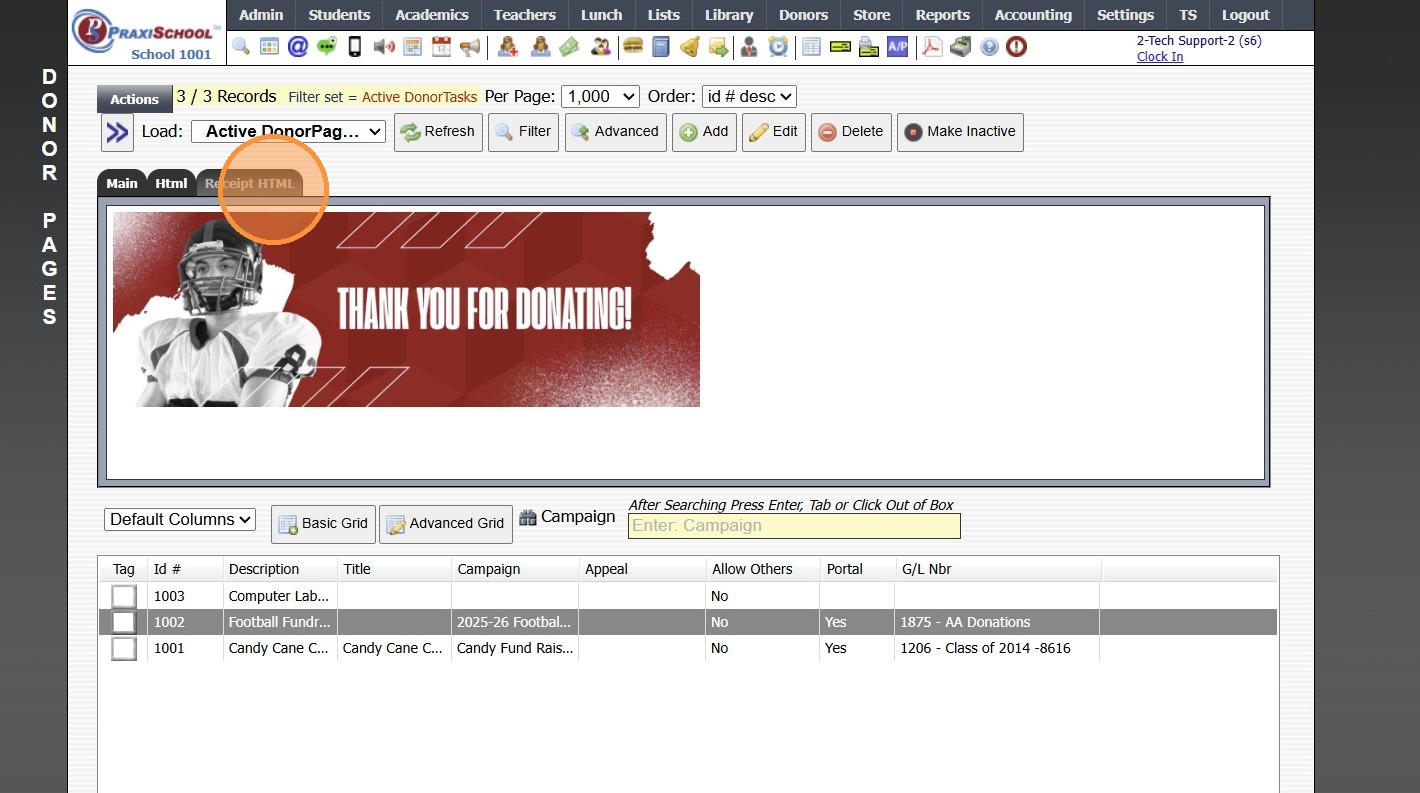
11. Click on the "Receipt HTML" Tab
12. Click in the Box
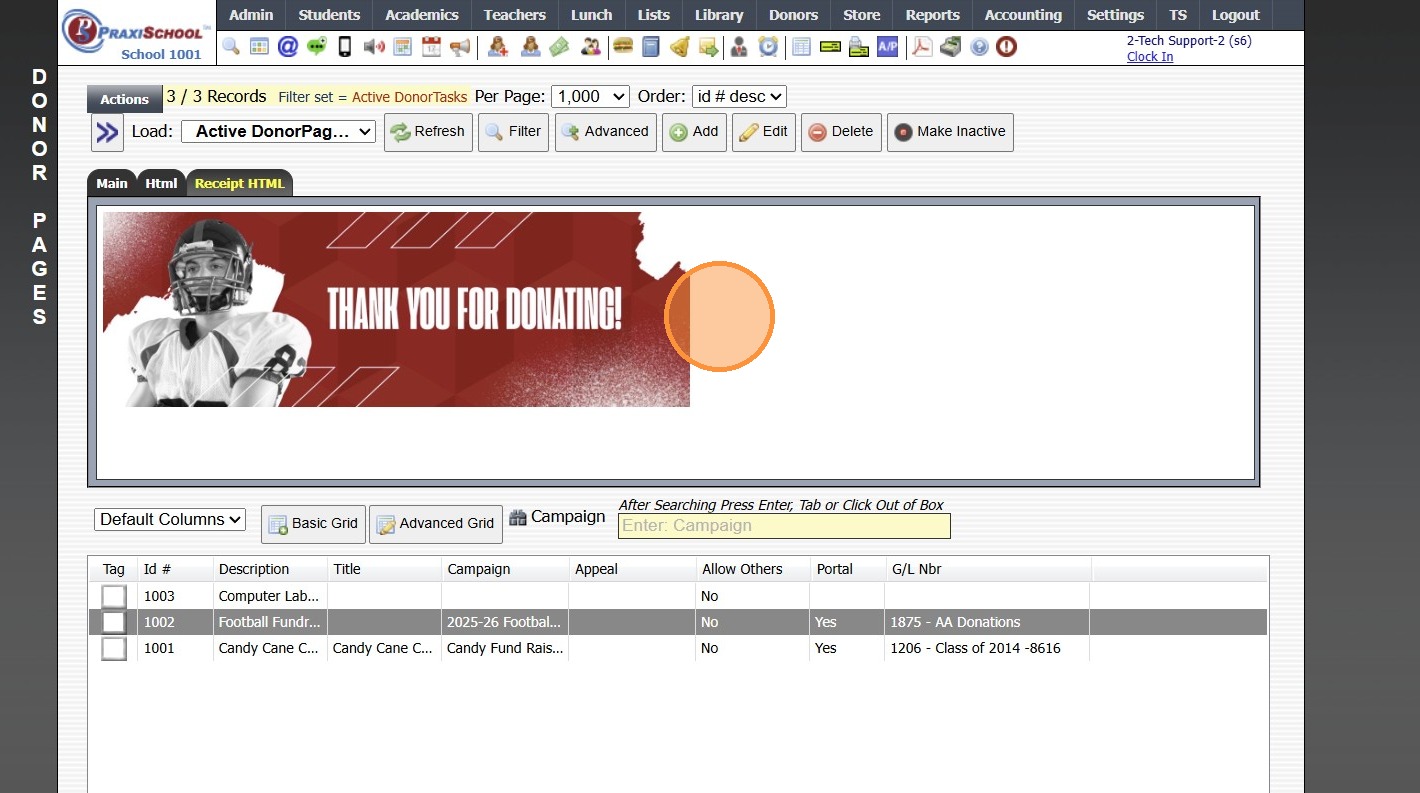
13. Create "Receipt HTML" (Optional)
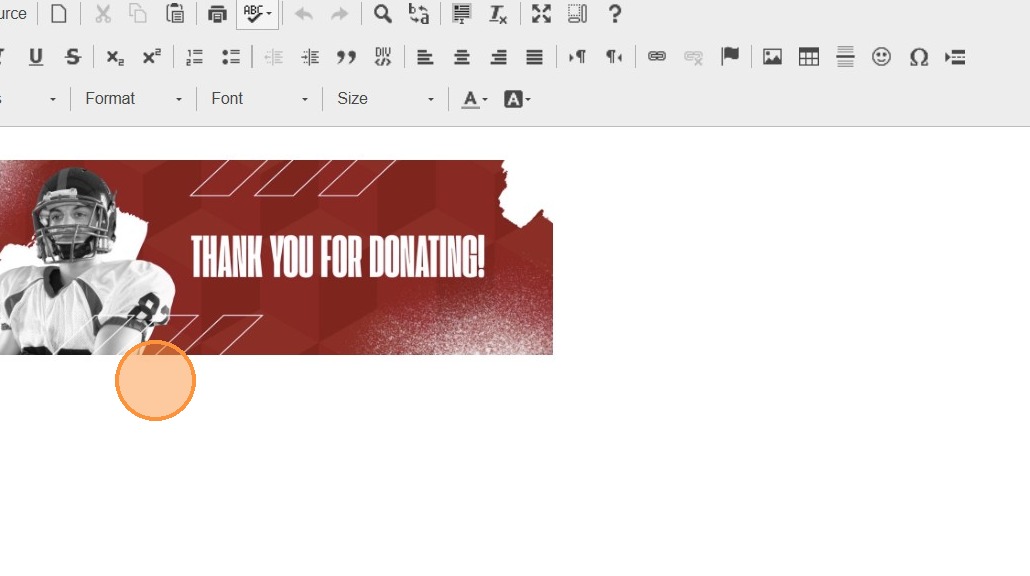
14. Click "Save & Exit"
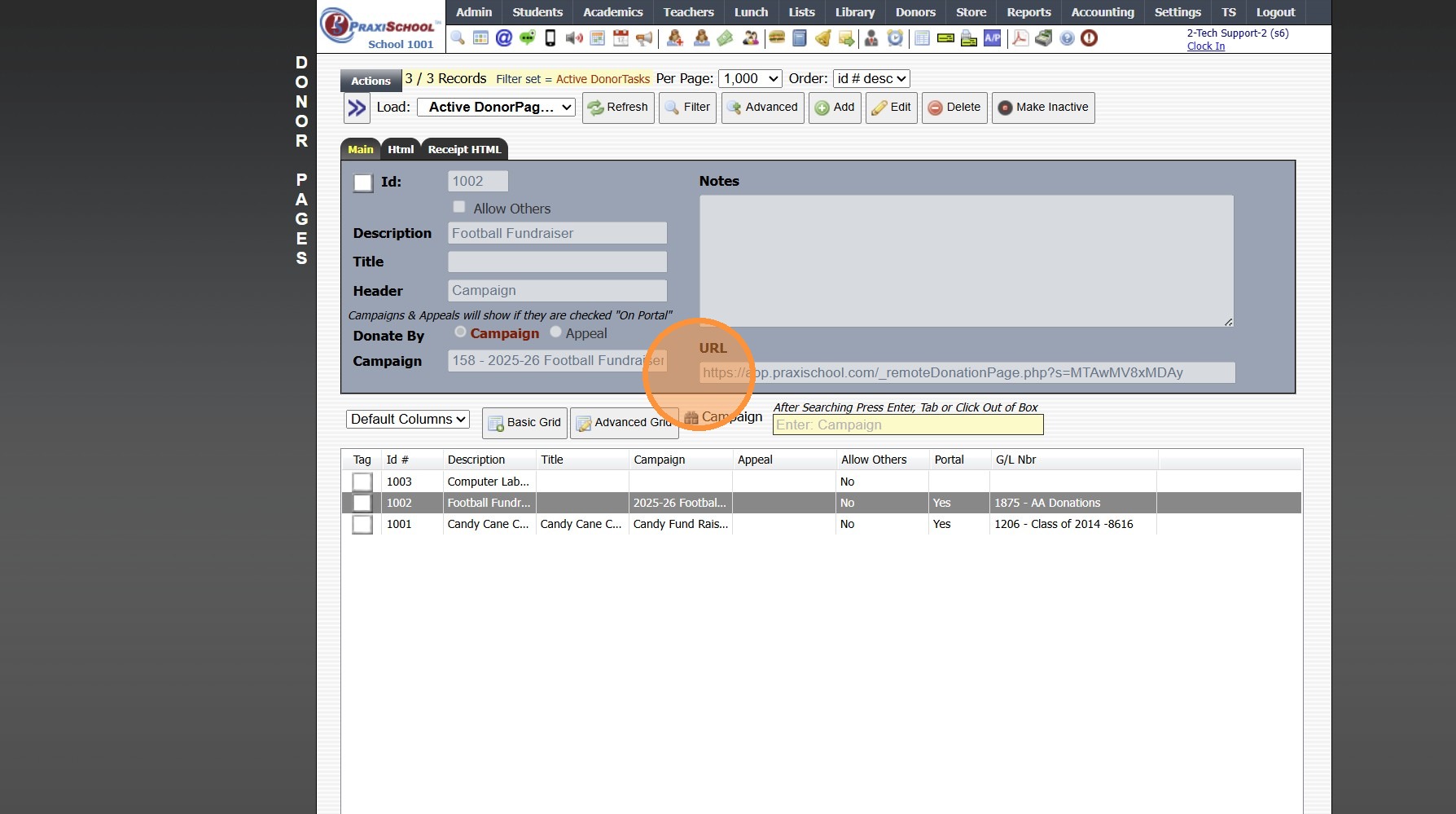
15. Donor Page URL is Available
4500.16.1
Related Articles
Creating a Donor Appeal
Creating a Donor Appeal 1. Log into PraxiSchool 2. Click "Donors" 3. Click "Appeals" 4. Click "Add" 5. Enter Appeal Description 6. Enter Start / End Dates 7. Select the Campaign 8. Select Show On Portal Order & Enter Notes (Optional) 9. Click this ...Creating a Donor Campaign
Creating a Donor Campaign 1. Log into PraxiSchool 2. Click "Donors" 3. Click "Campaigns" 4. Click "Add" 5. Enter the Campaign ID Name & Portal Name (Optional) 6. Select the General Ledger Number. Department, Receivable General Ledger Number and Notes ...Re-Enrollment Forms - Creating a Family Page
1. Click the "+" Icon to Add a Page 2. Enter the Order Number & Enter Page Name (Recommendation: Set Order Numbers in Increments of 5 or 10 to Allow Additional Pages to be added in-between) 3. Click "This is a family page and will repeat" (Checking ...Creating a Report Card Cover Page
1. Click "Students" 2. Click "Students" 3. Click "Actions" 4. Click "Send Email" 5. Create Cover Page Layout 6. Click "Save Template" 7. Enter Template Name 8. Select Category or Add New Category 9. Click "Save As" 2000.2.12Donor Pages Example Terms & Conditions
Online Donation Terms By making an online donation to our school, you agree that: All donations are voluntary and non-refundable. Donations will be used to support school programs and operations. Payments are processed securely through a third-party ...