Adding a New Course
1. Click "Academics"

2. Click "Courses"
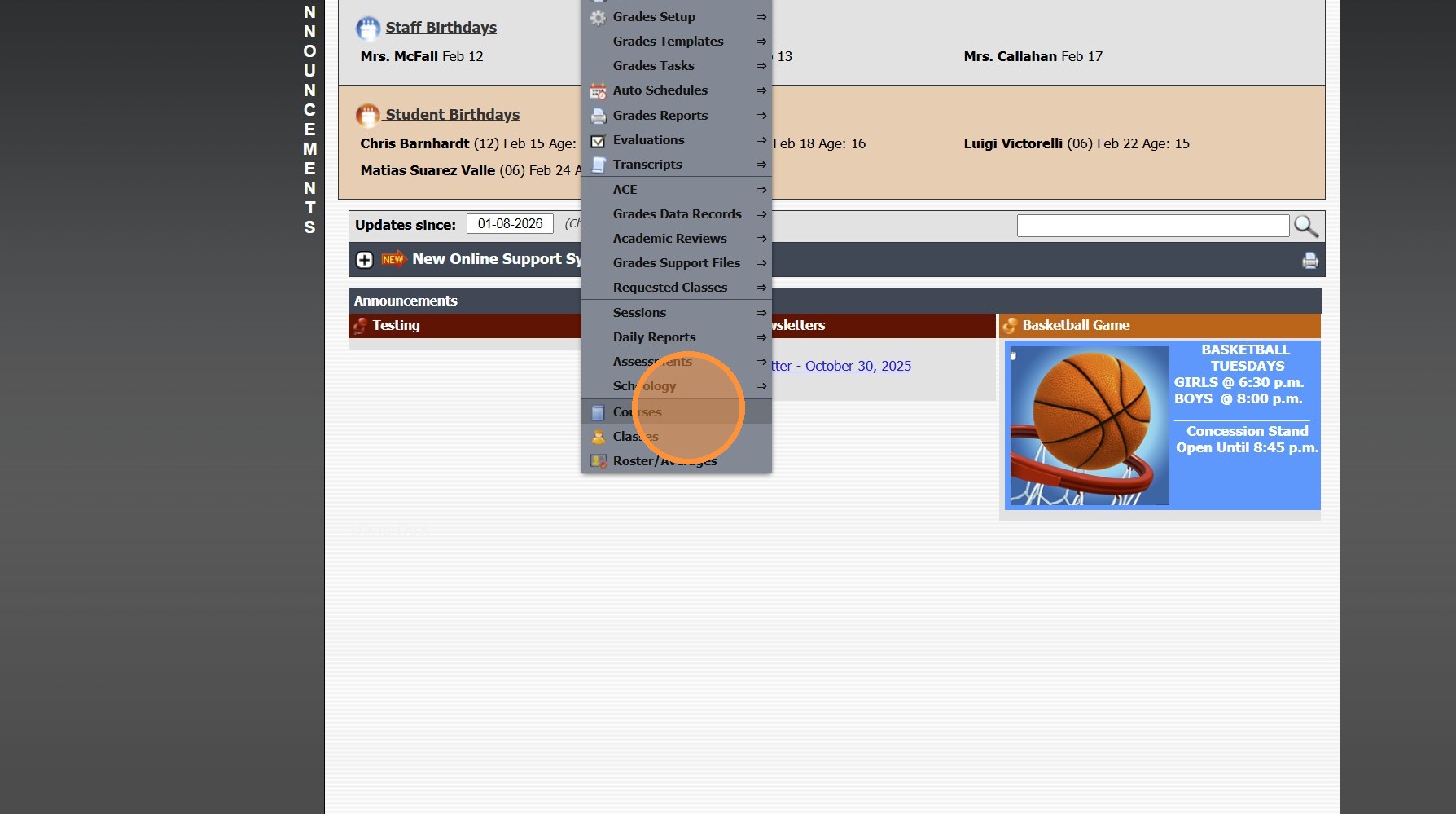
3. Click "Add"

4. Enter Course Description & Course Code
(Typically these will be the Same)

5. Enter Identifier (Optional)
(Ex. Math 09 - MAT-101)
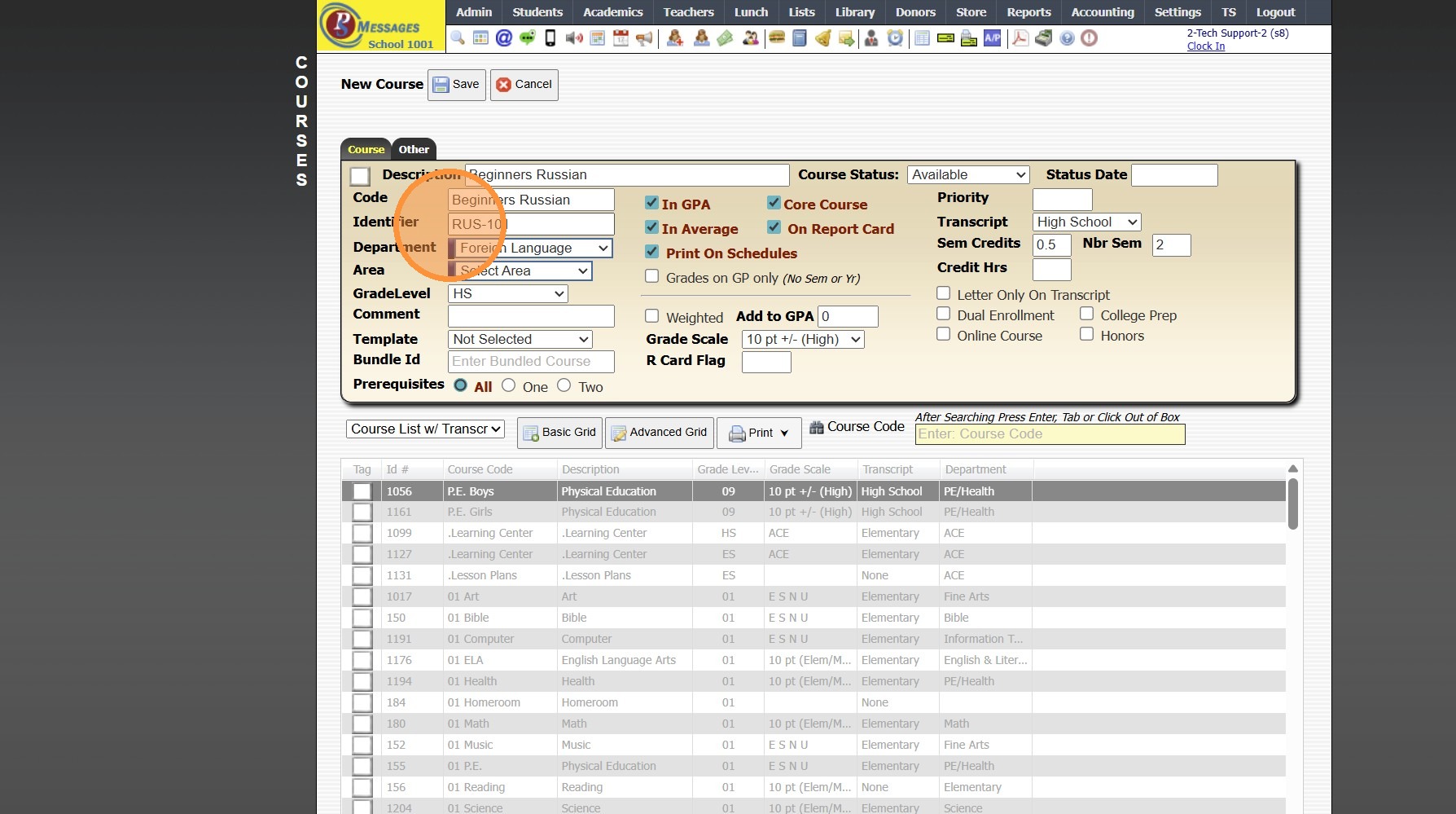
6. Select Department (Optional)
(Ex. Mathematics, English, Social Studies, etc)
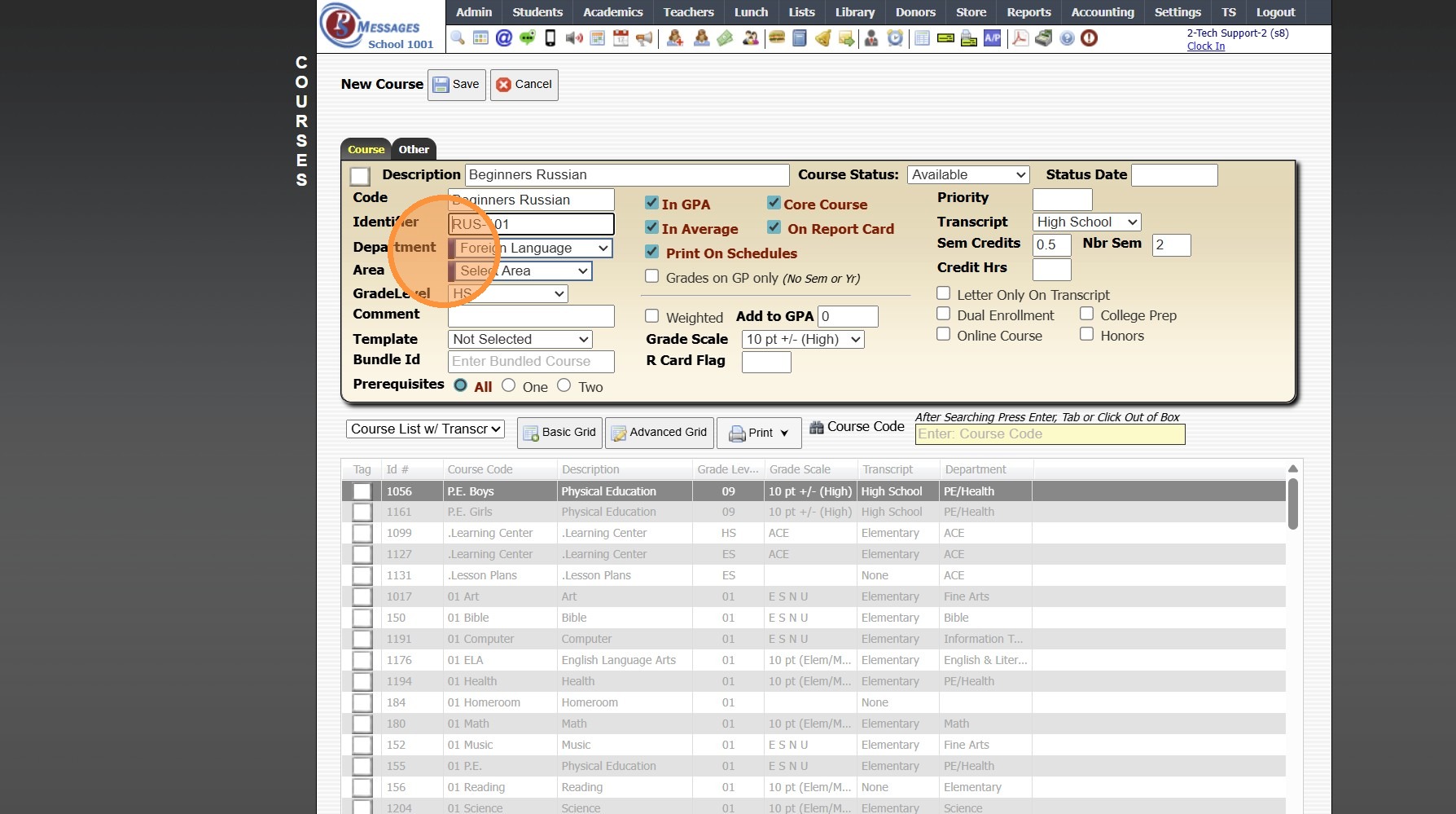
Tip: In order to Produce Graduation Requirements, the Courses MUST be Assigned to a Department
7. Select Grade Level for Course
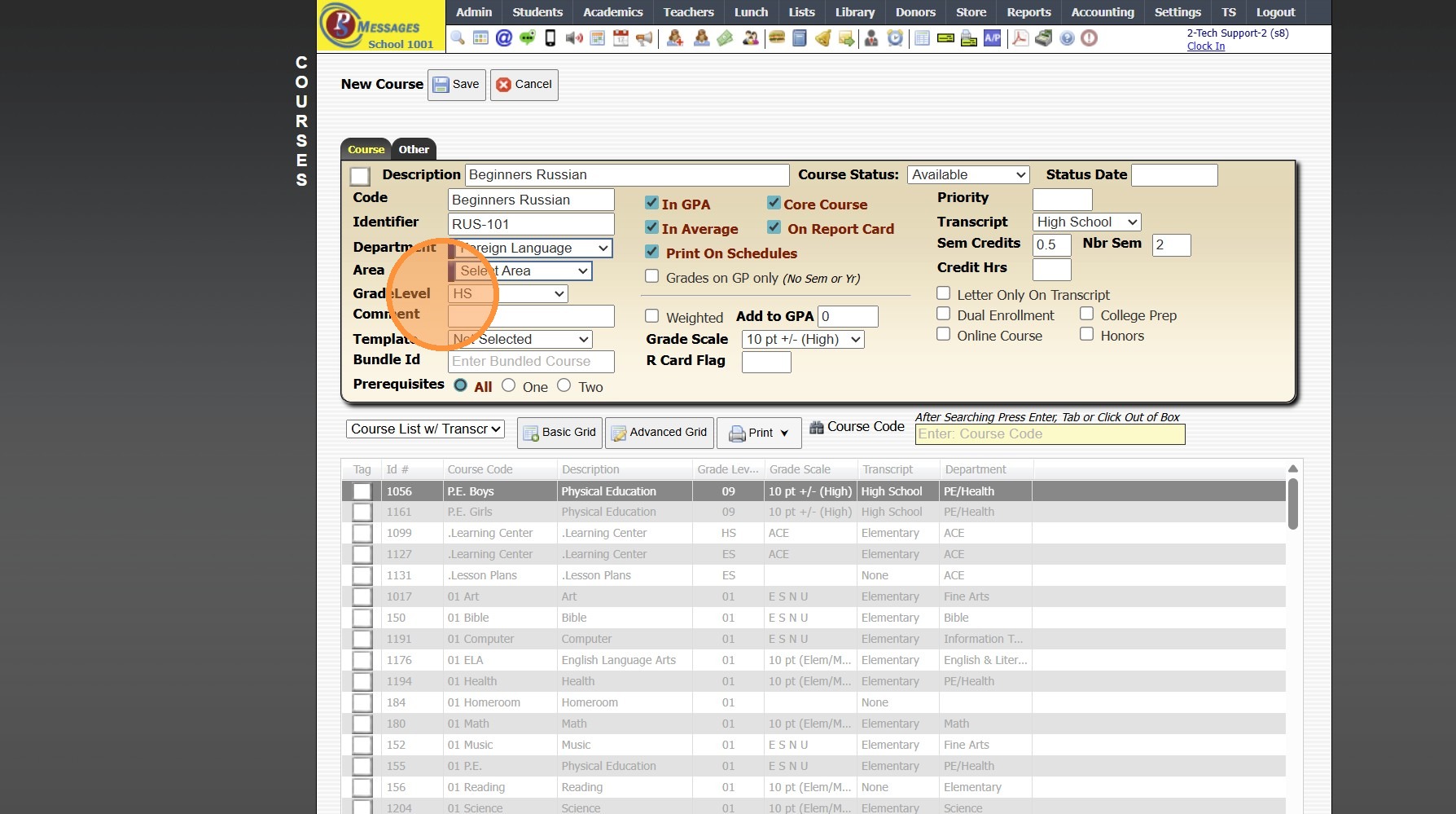
8. Verify Default Selected Options
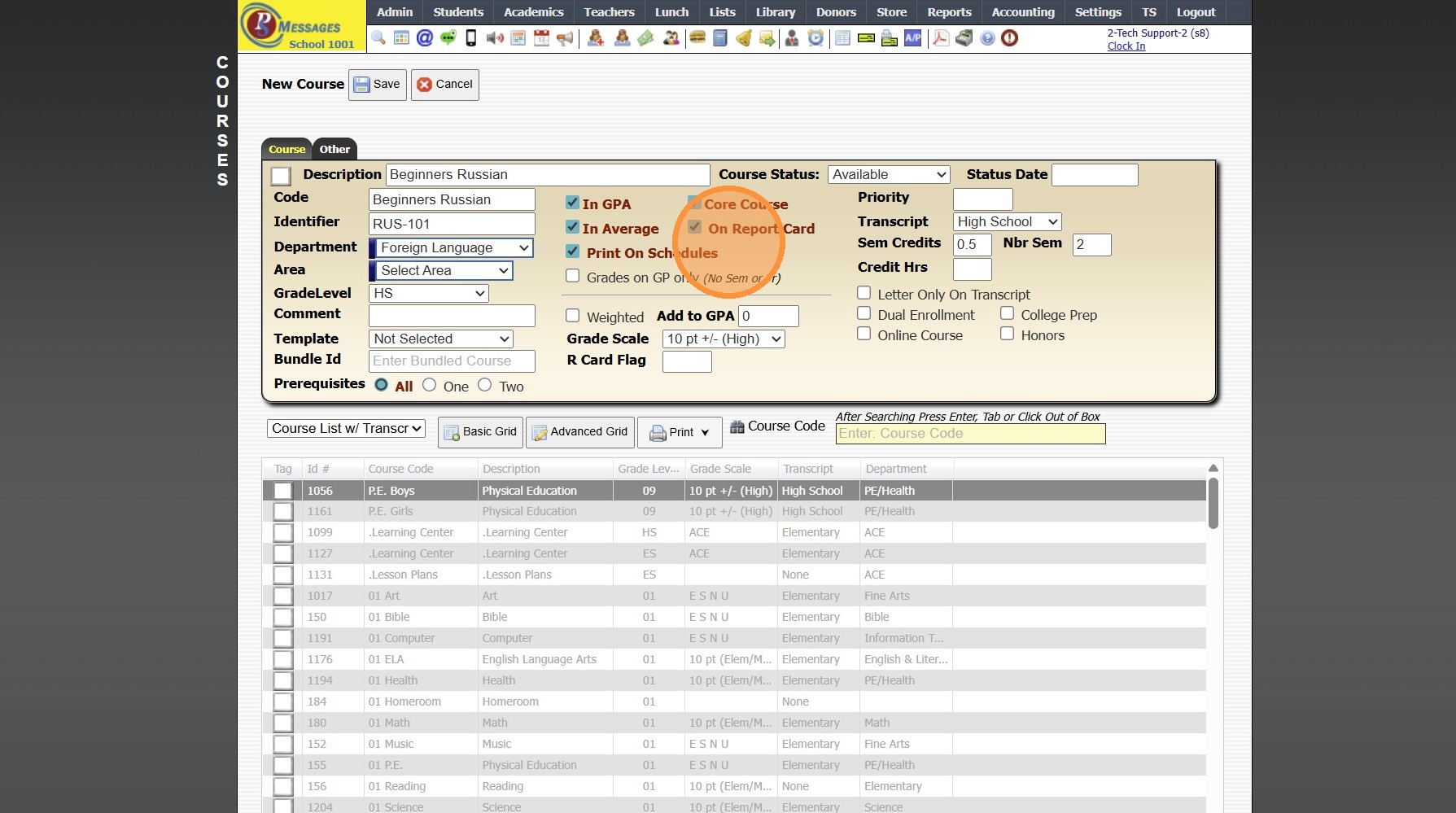
Weighted Courses
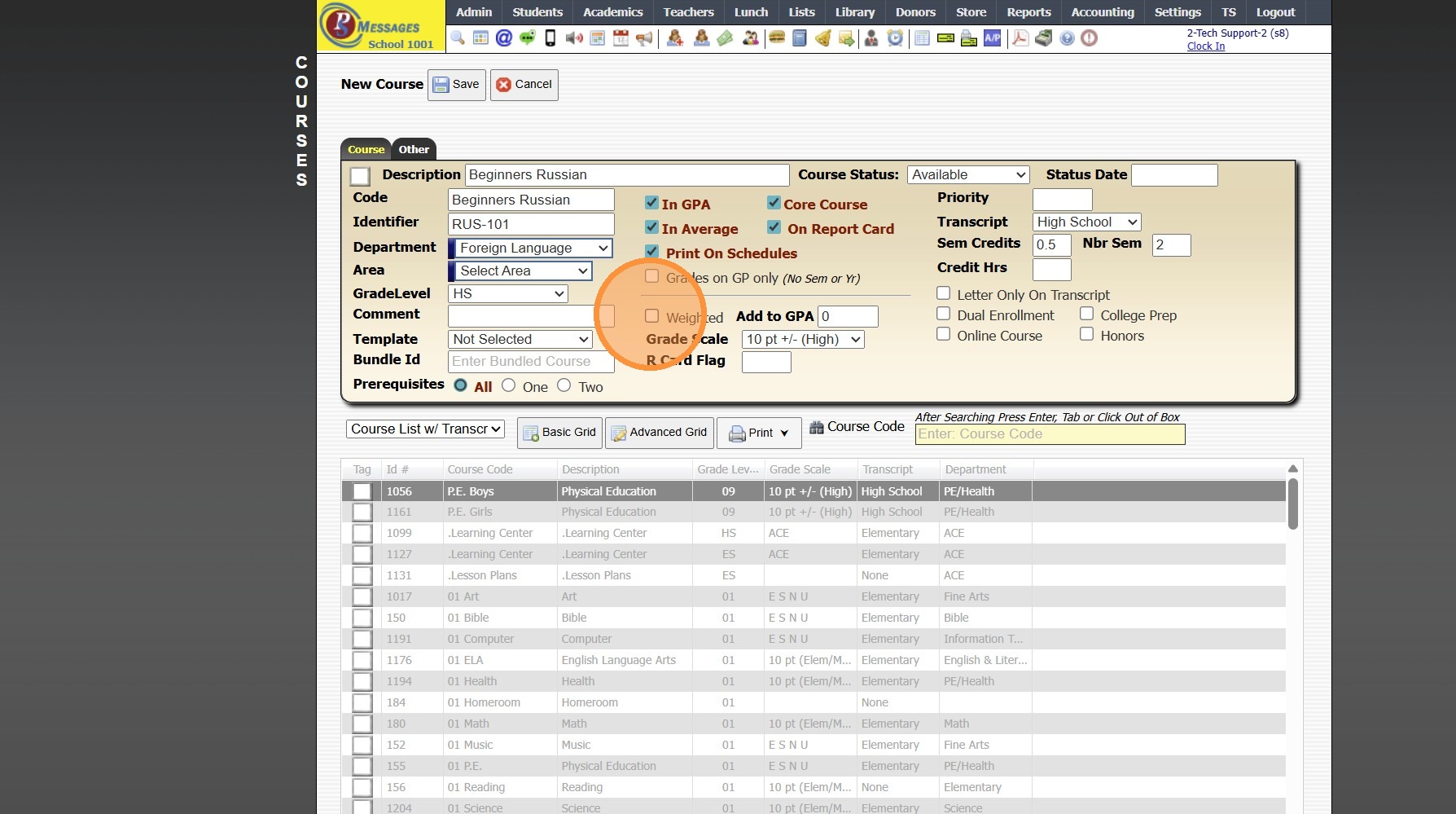
9. Check the "Weighted" Box
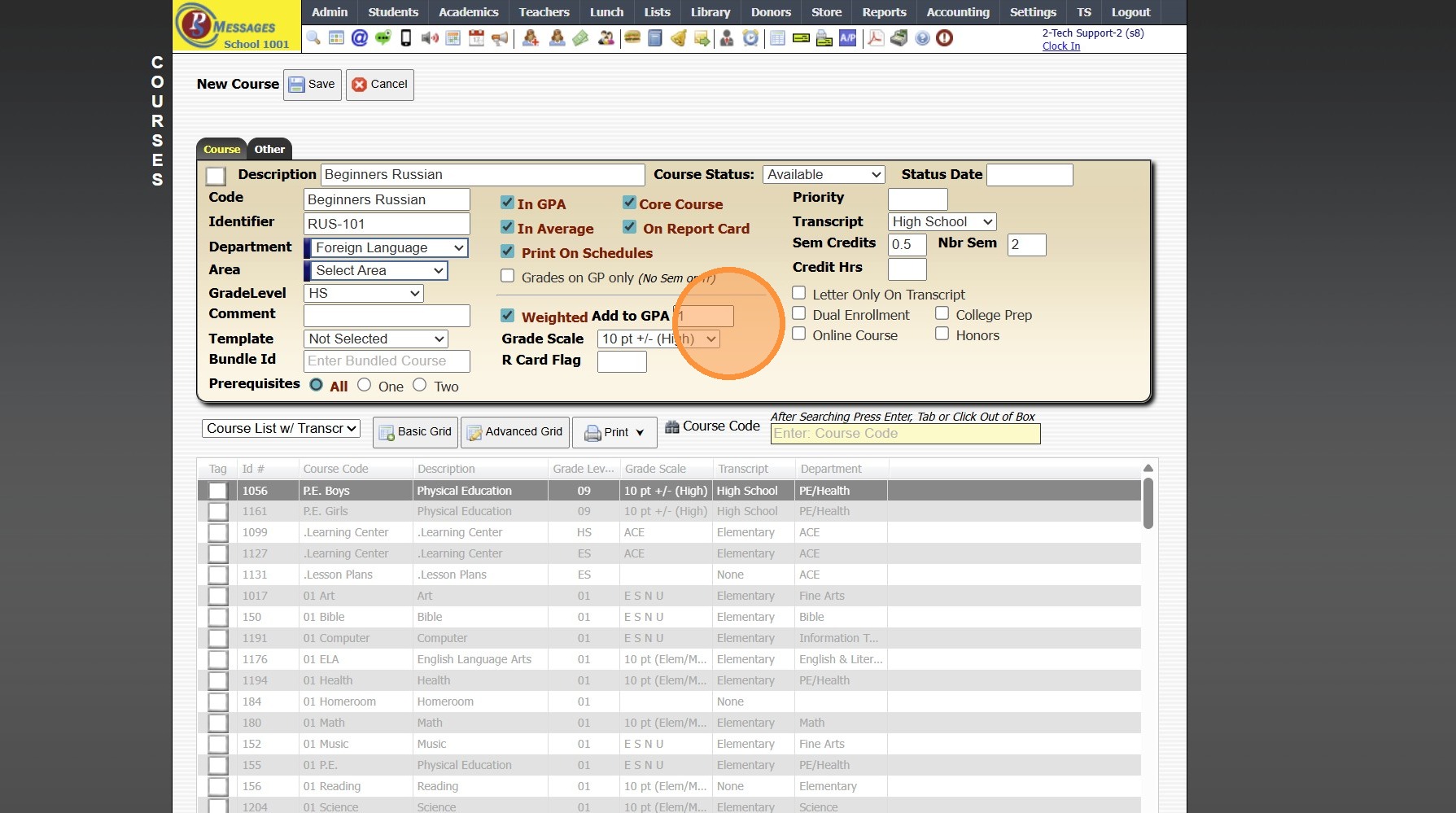
10. Enter the Additional Weight
(Ex. For a 5.0 Course, Enter 1)
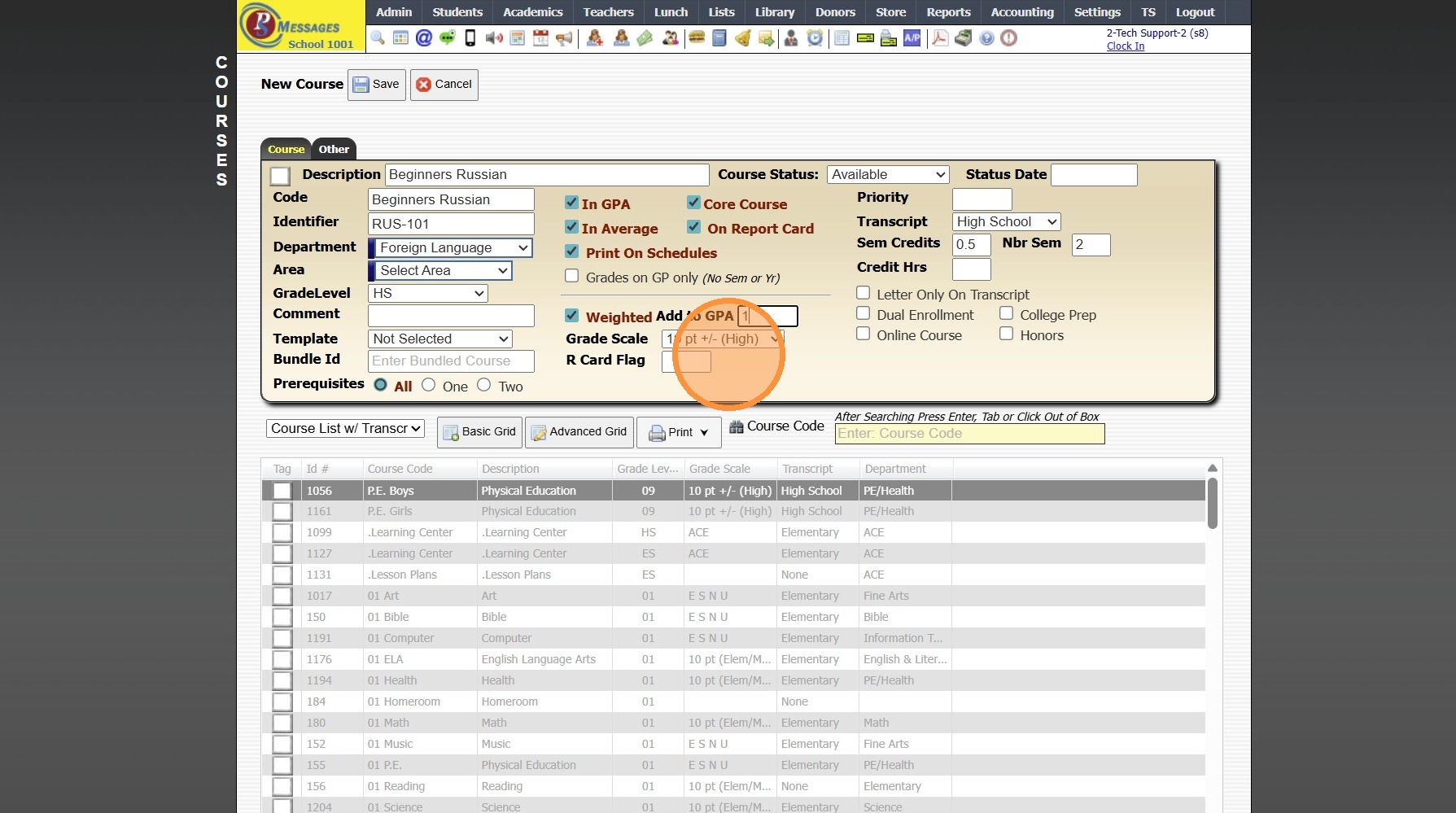
11. Select Corresponding Grade Scale
12. Enter a Priority Number (Optional)
(Setting Priority Numbers Determines the Course Order on the Report Card)
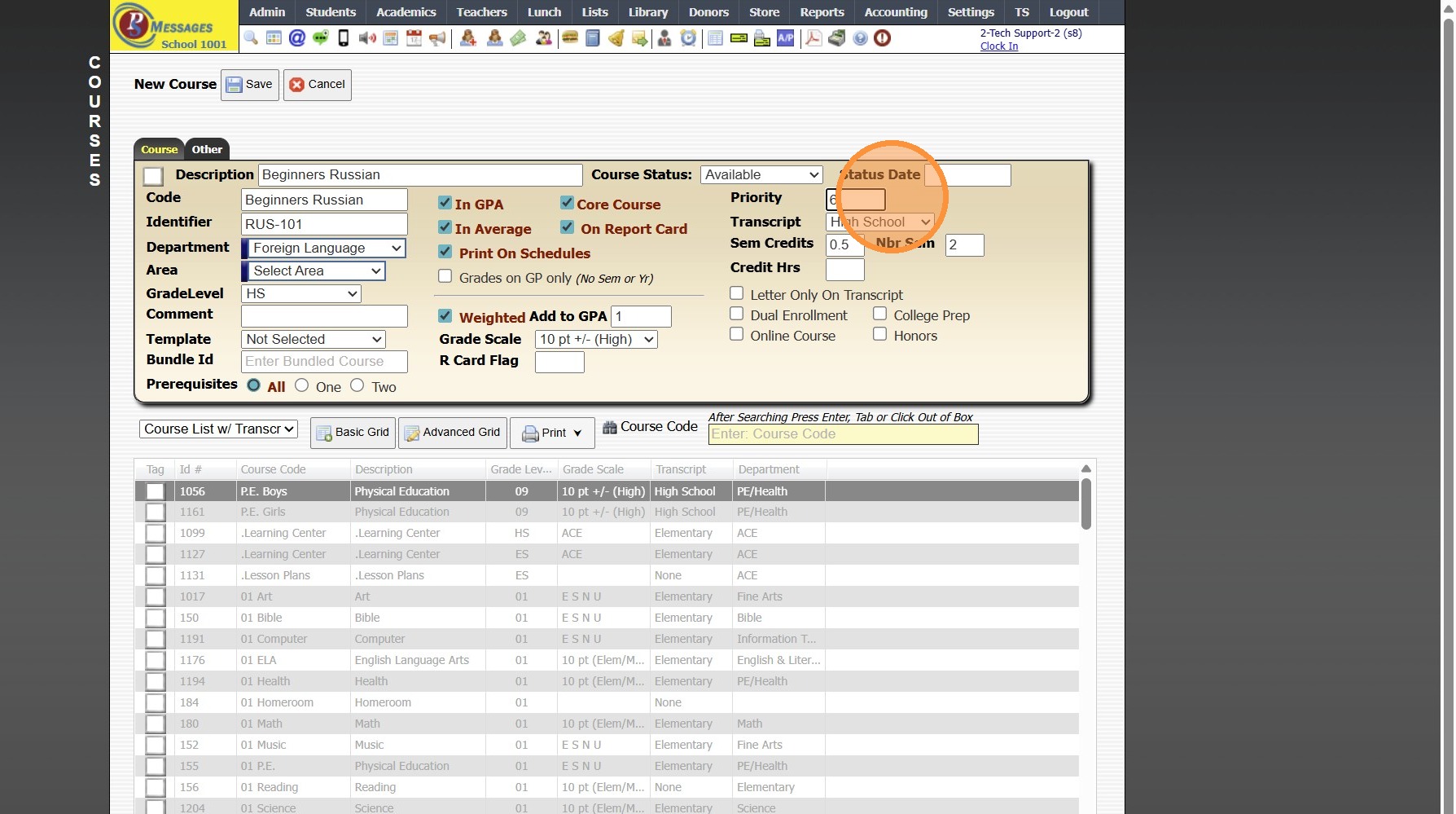
13. Select Corresponding Transcript
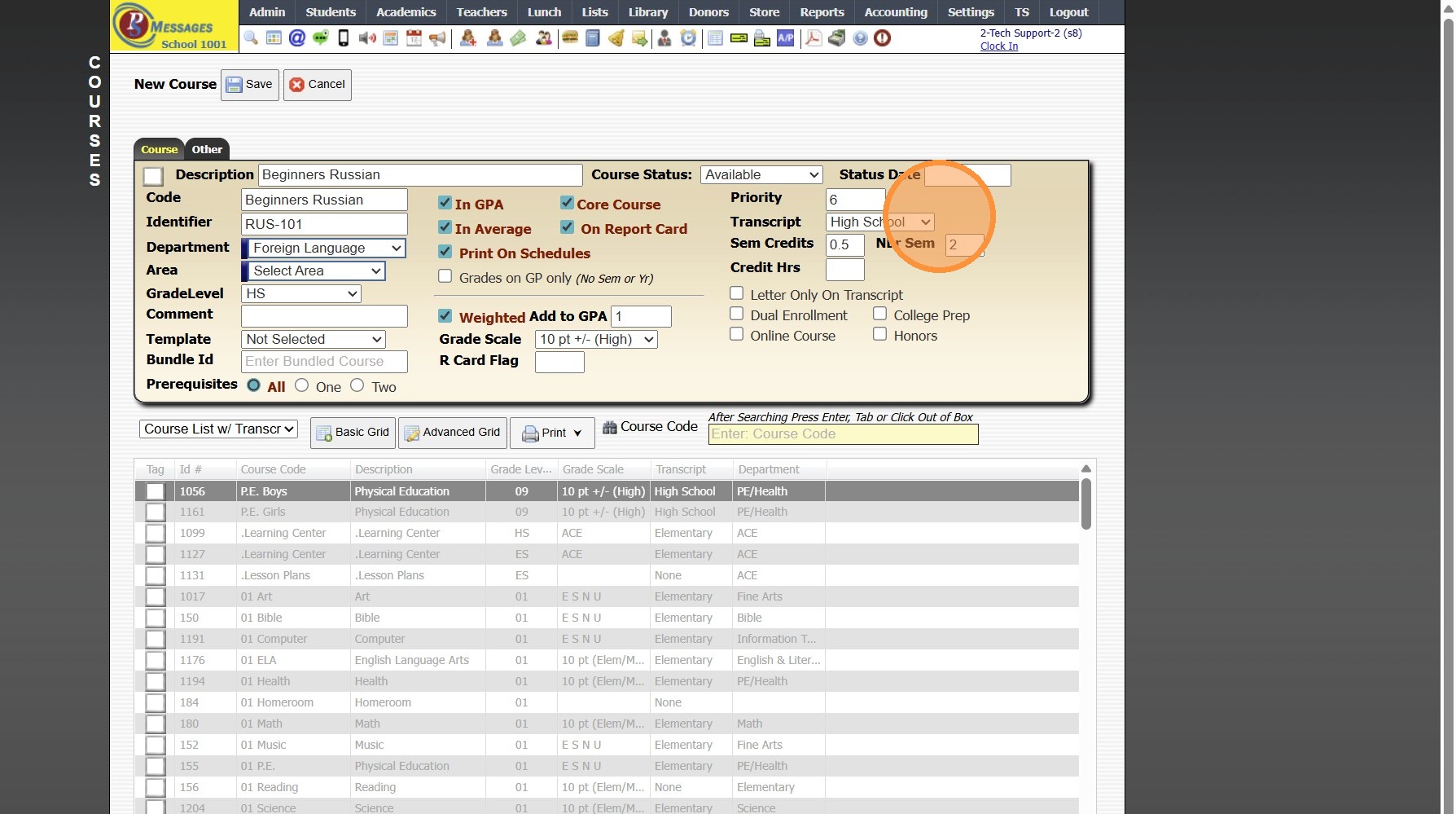
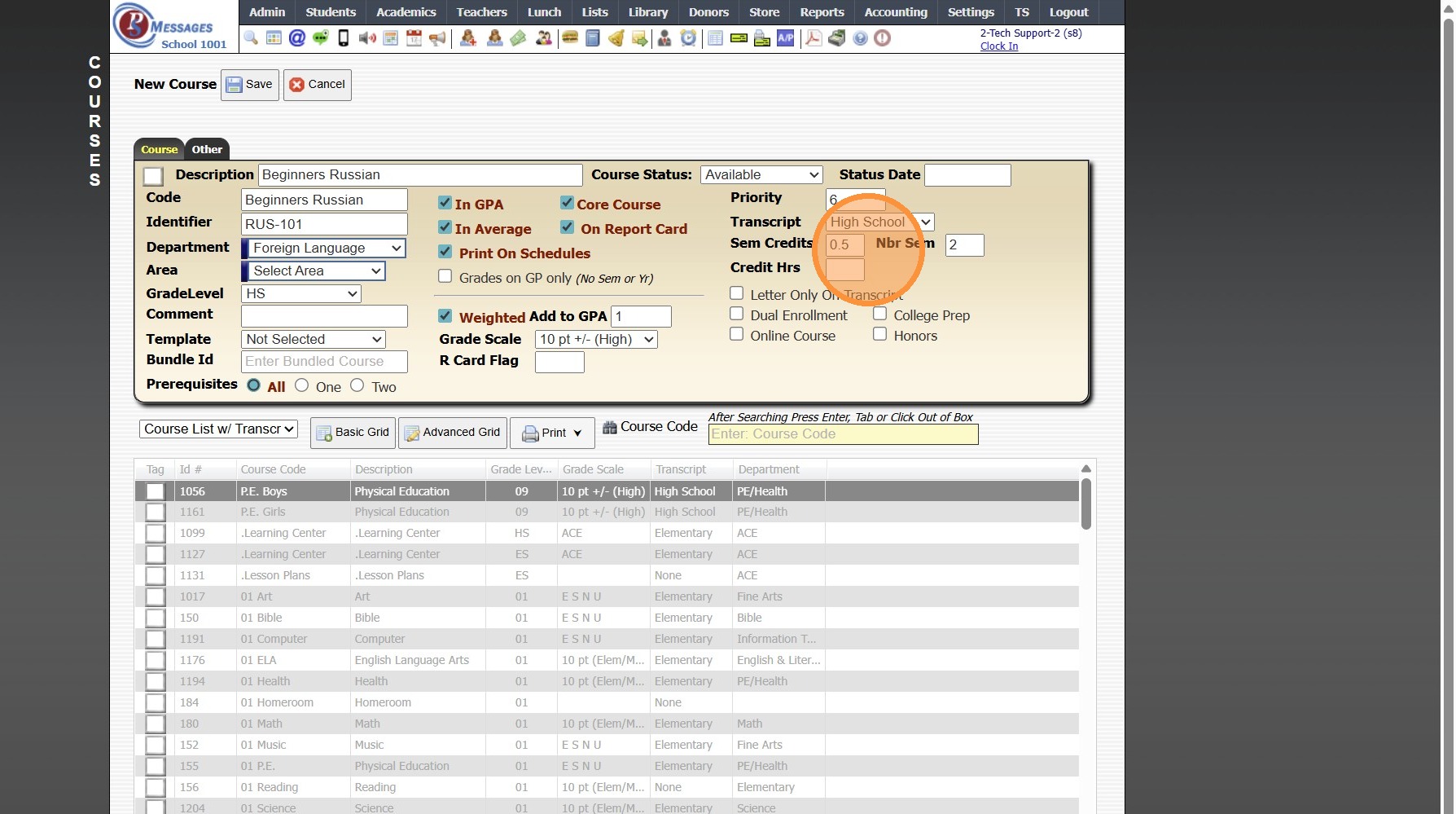
14. Enter Number of Semester Credits
(Ex. A Course that Earns 1 Credit for the Year would Earn 0.5 Credits for each Semester)
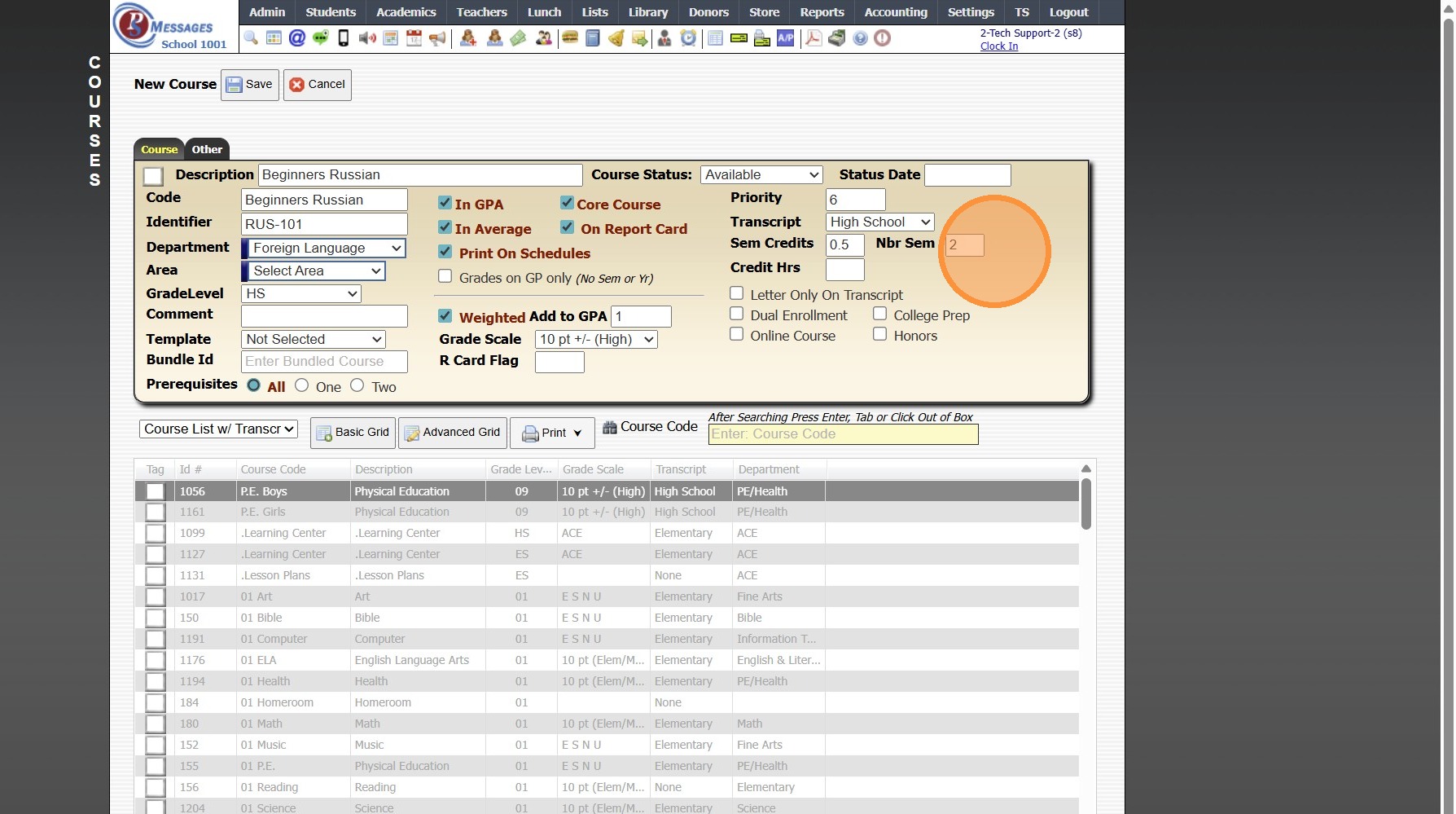
15. If Number of Semesters is NOT 2, Update Accordingly
16. Select all Appropriate Options for Transcript
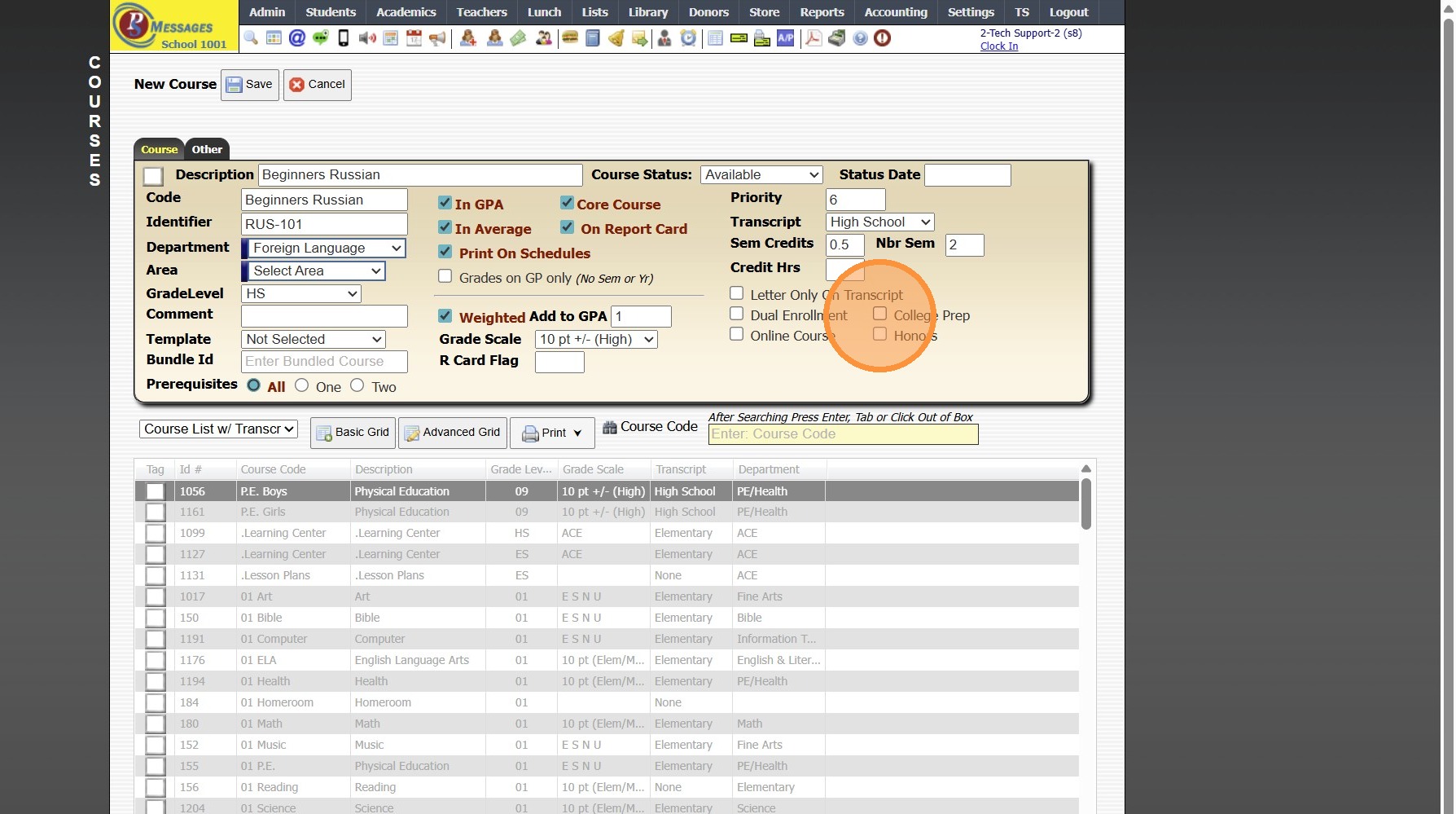
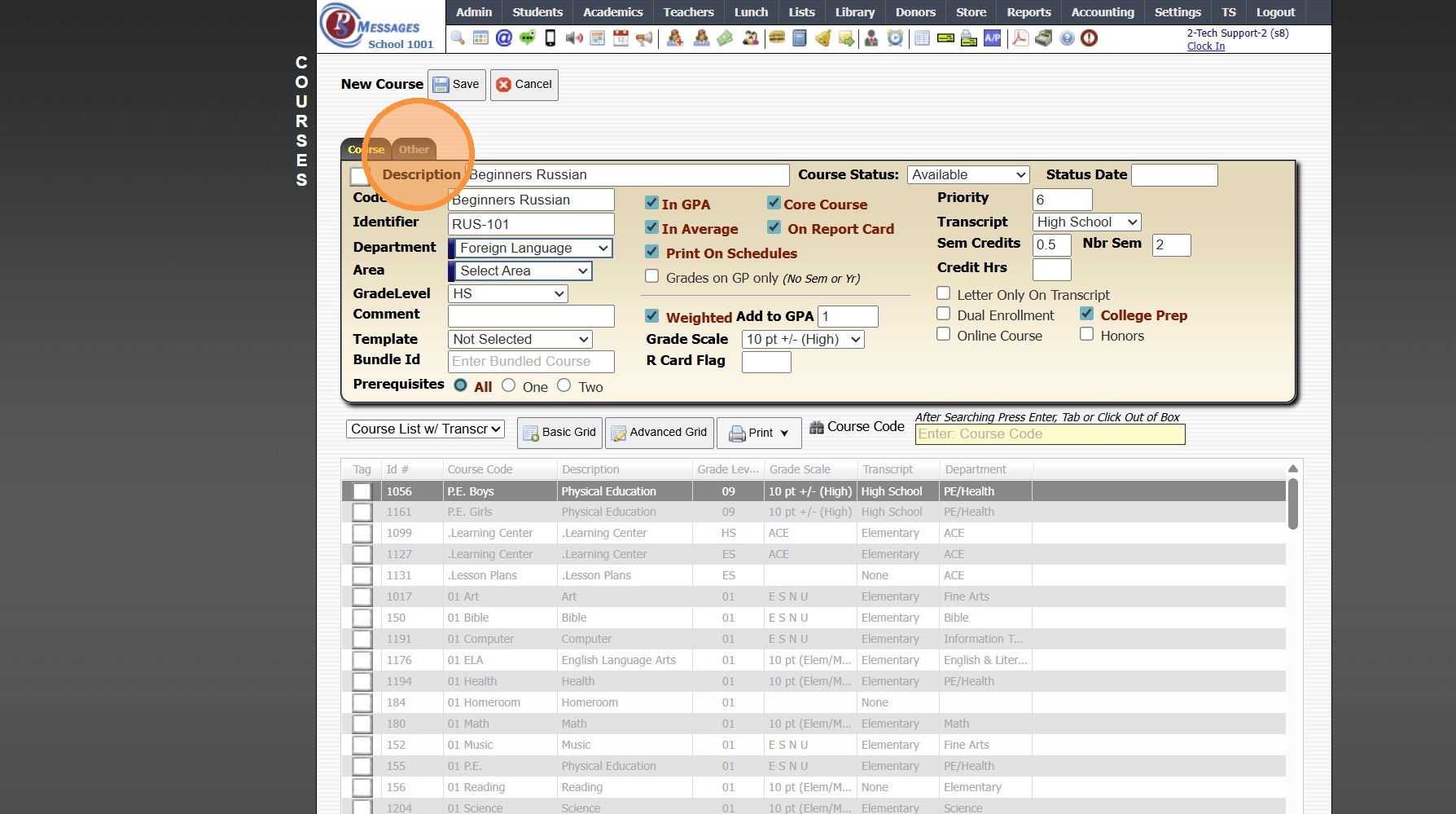
17. Click "Other"
18. Enter Course Textbook Information (Optional)
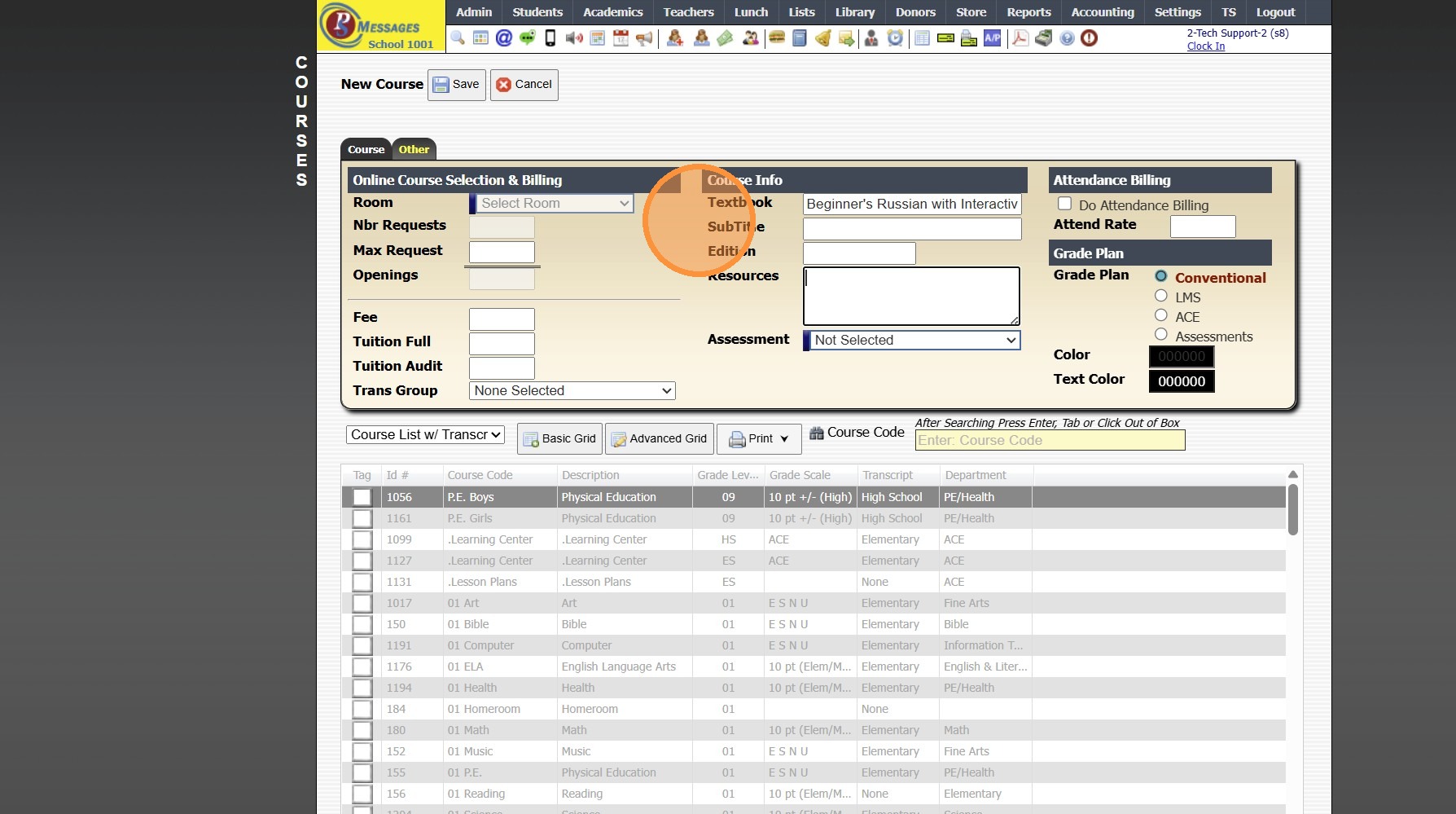
19. Enter Course Resources (Optional)
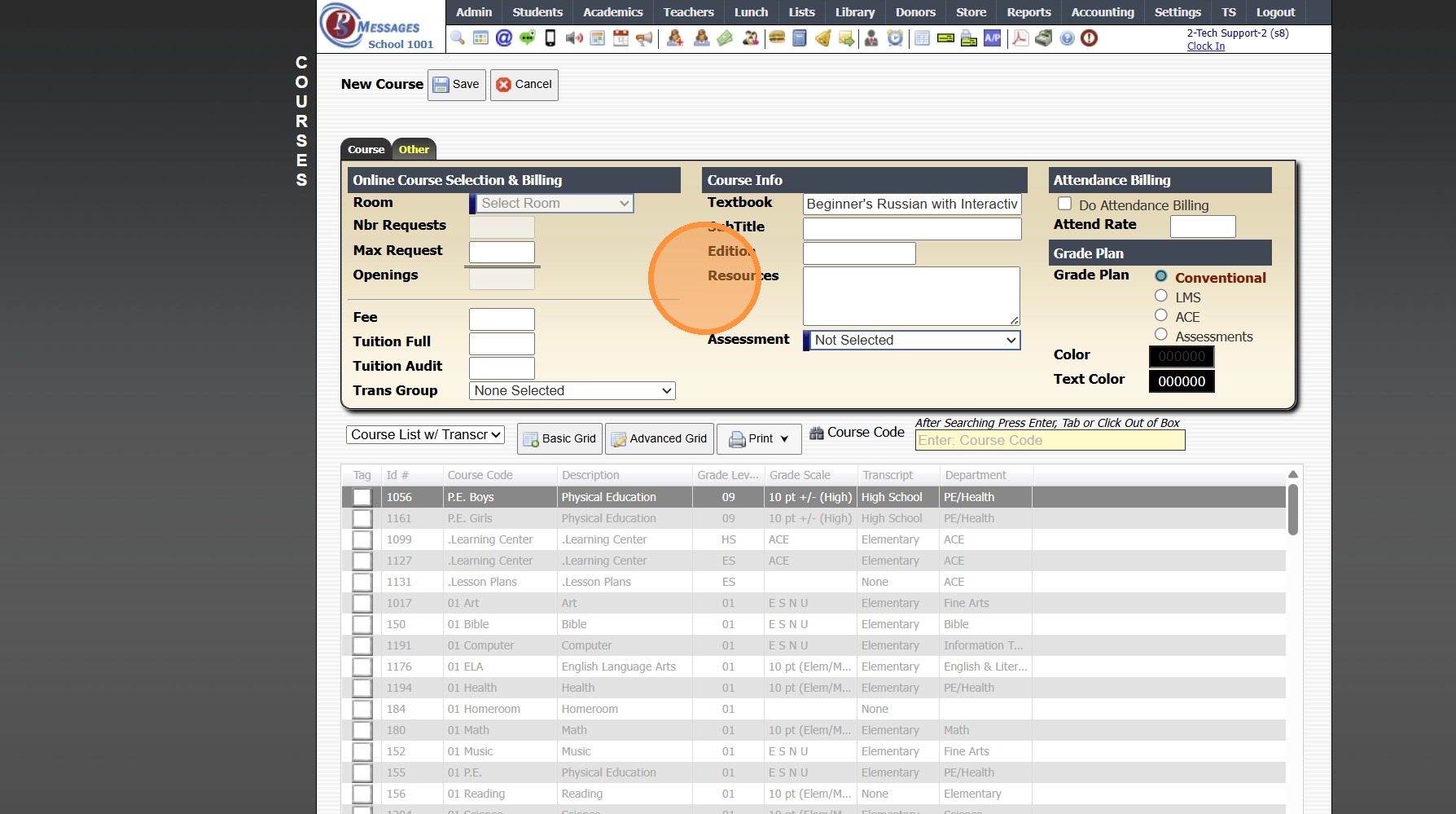
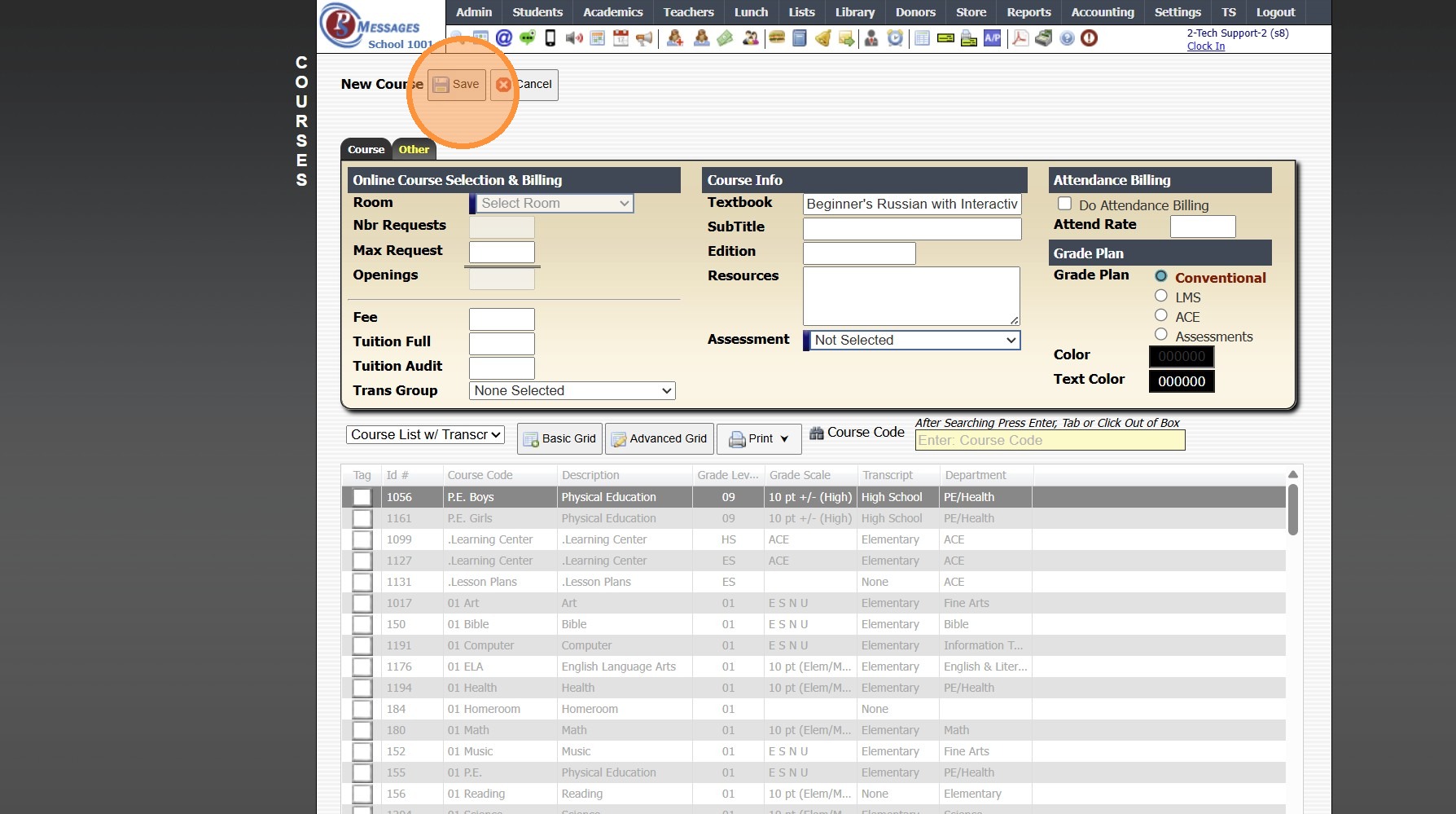
20. Click "Save"
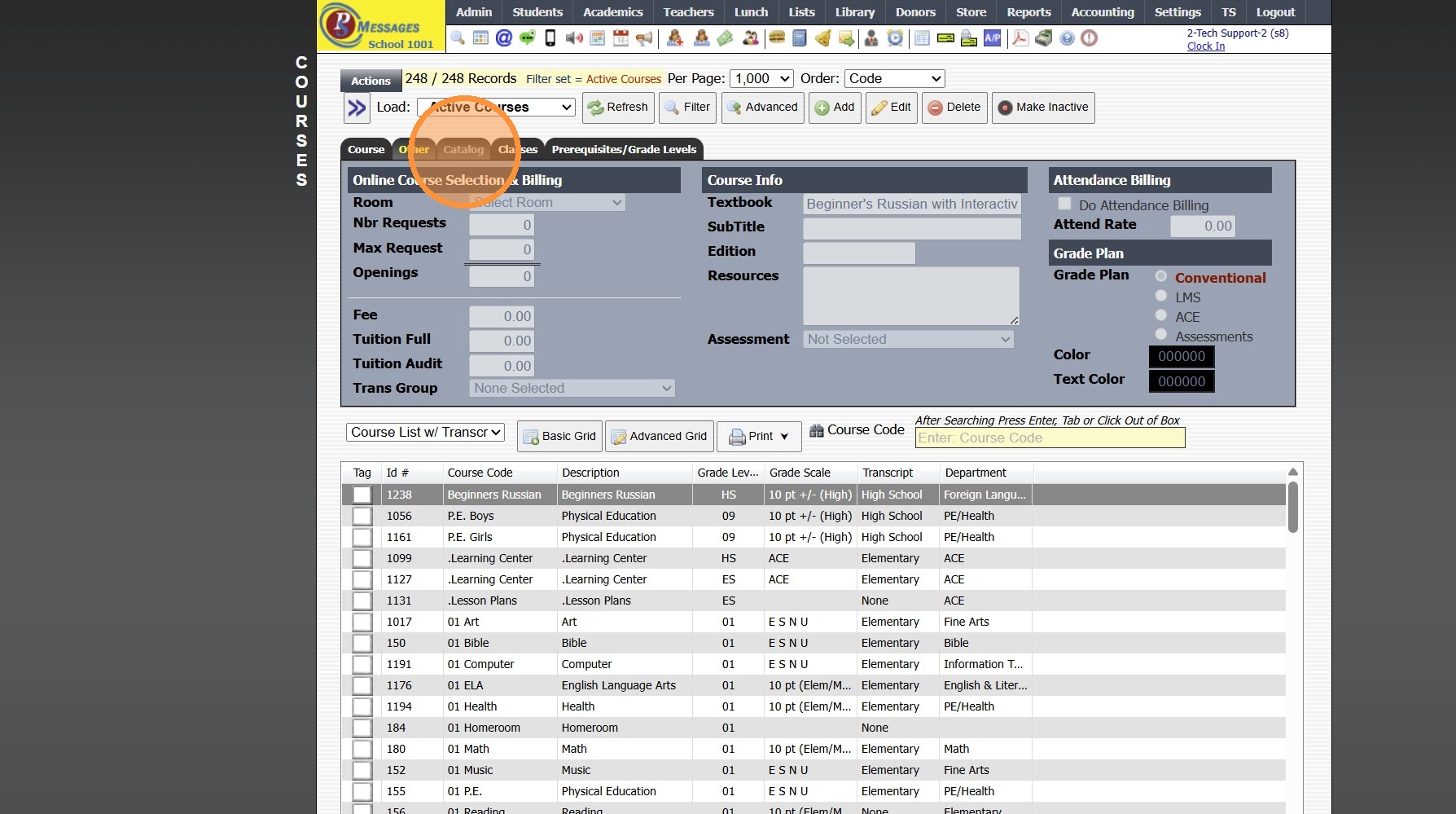
21. Click the "Catalog" Tab
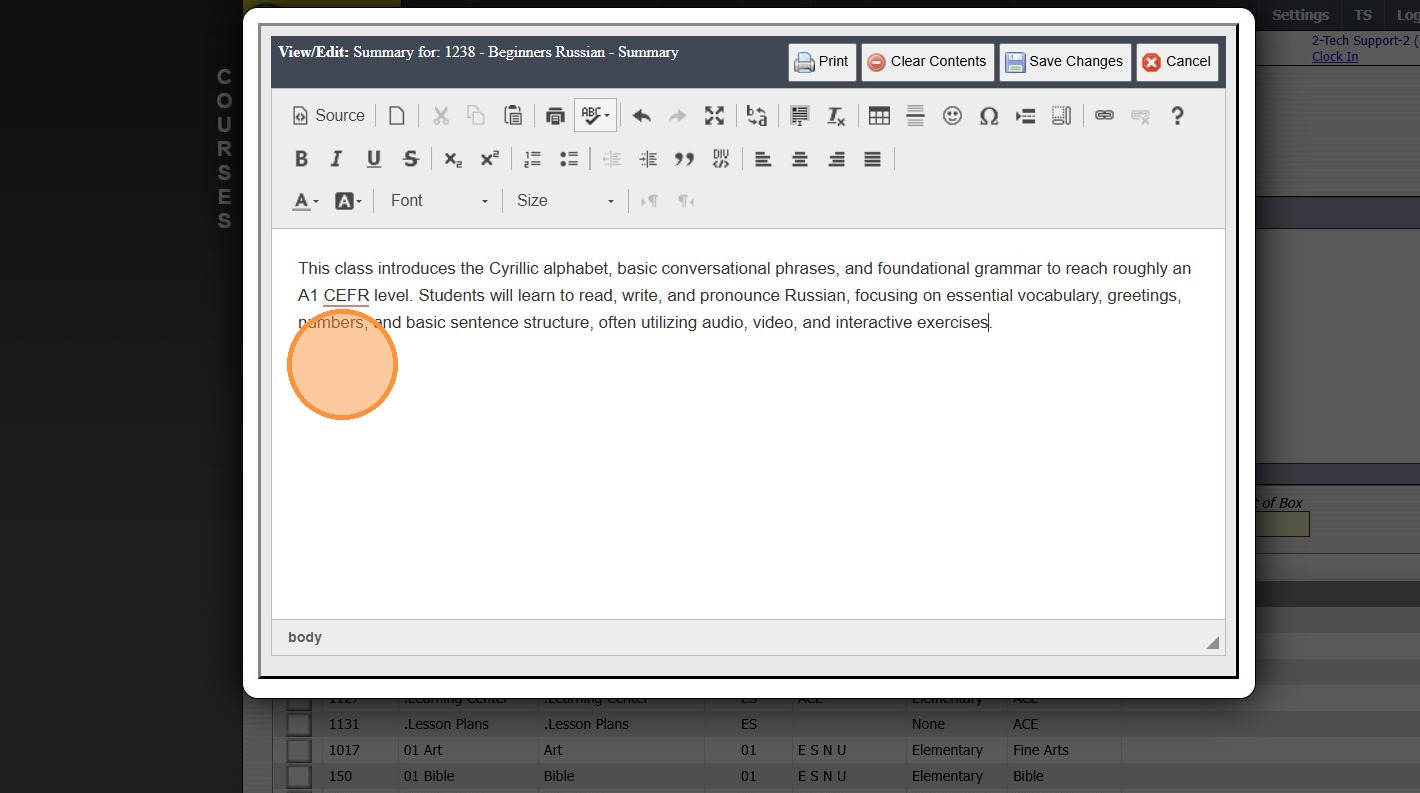
22. Click "Edit Summary" (Optional)

23. Enter Course Summary (Optional)
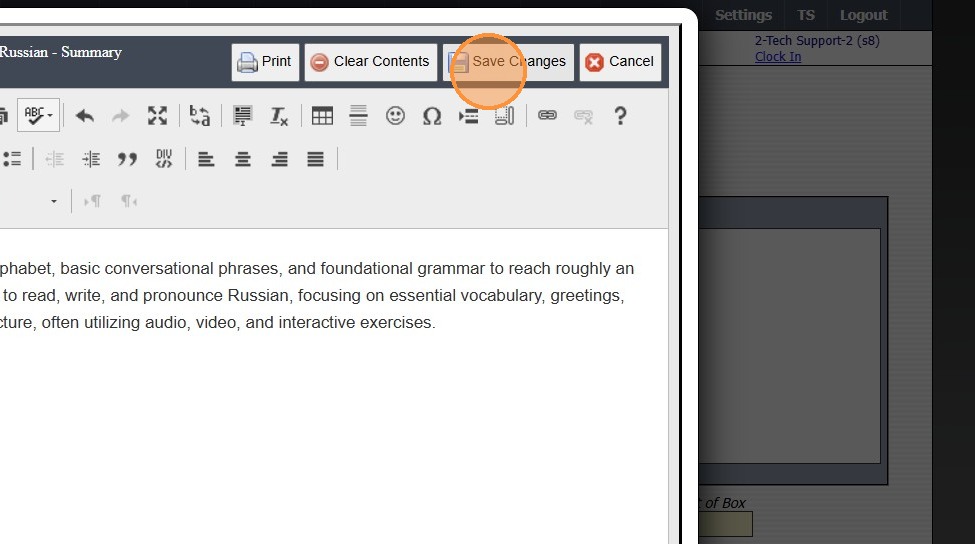
24. Click "Save Changes"
25. Click "Edit Prerequisite" (Optional)
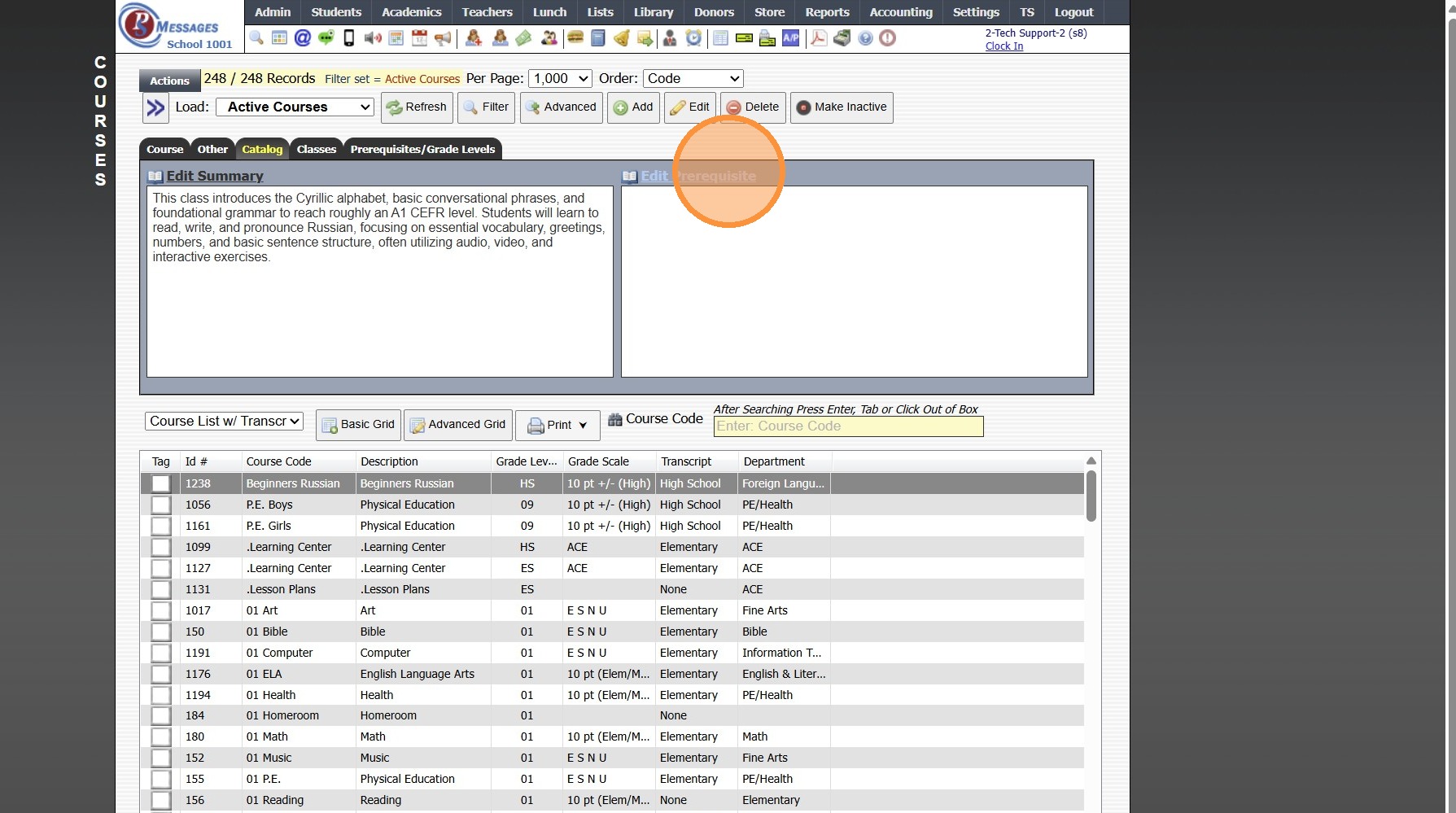
26. Enter Prerequisites (Optional)

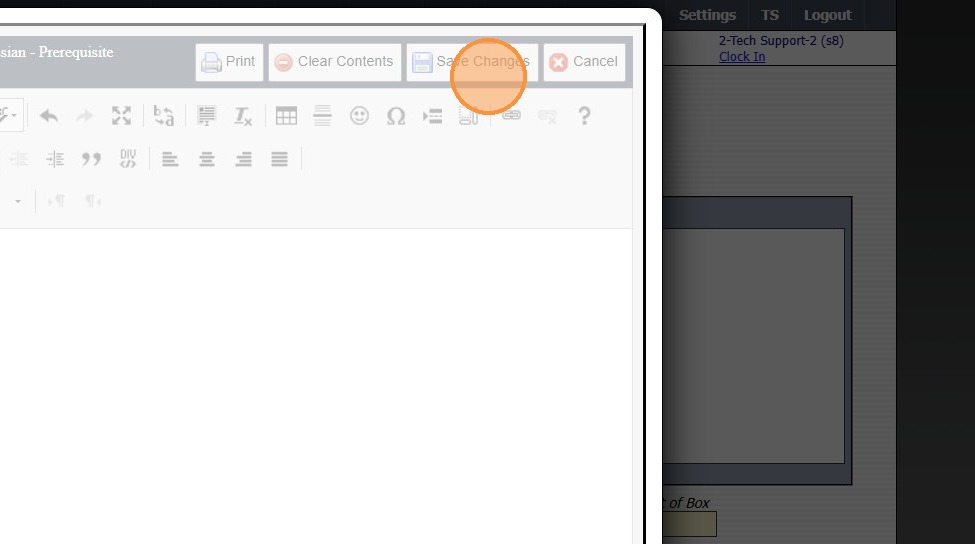
27. Click "Save Changes"
Related Articles
Adding New ACE Courses or Setting Up ACE Courses
Adding New ACE Courses or Setting Up ACE Courses 1. Click "Academics" 2. Click "Courses" Tip: ACE Courses are Pre-Loaded into the Course File. Additional Courses or Conventional Courses can be added if necessary. 3. Select a Course 4. Click "Edit" 5. ...Adding / Removing PACES to ACE Courses
Adding / Removing PACES to ACE Courses 1. Click "Academics" 2. Click "Courses" 3. Click "Actions" 4. Click "Manage Paces" 5. Search the Course 6. Click "Create Paces" to Add New Paces or Select a Pace and Click "Delete Pace" to remove a Pace 7. If ...Adding Personal Course Qualifications
Adding Personal Course Qualifications 1. Click "Settings" 2. Click "User Settings" 3. Click "Course Qualification" 4. Click "Add" 5. Select Course 6. Select Qualification Level 7. Check Teach Course if Qualified to teach the Course 8. Check Sub if ...Adding Transcript Grades (Final Grades Only)
1. Click "Academics" 2. Click "Transcripts" 3. Click "Transcripts" 4. Highlight Student Transcript, making sure to select proper level: Middle School, High School etc. 5. Click "Actions" 6. Click "Add/Edit Scores" 7. Click "Add" 8. Enter Course Title ...Adding Transcript Grades from Prior School
1. Click "Academics" 2. Click "Transcripts " 3. Click "Transcripts" 4. Highlight Student Transcript, making sure to select proper level: Middle School, High School etc. 5. Click "Actions" 6. Click "Add/Edit Scores" 7. Click "Add" 8. Enter Course ...