Batch Updating Homeroom Teachers in the Student File
1. Click "Students"
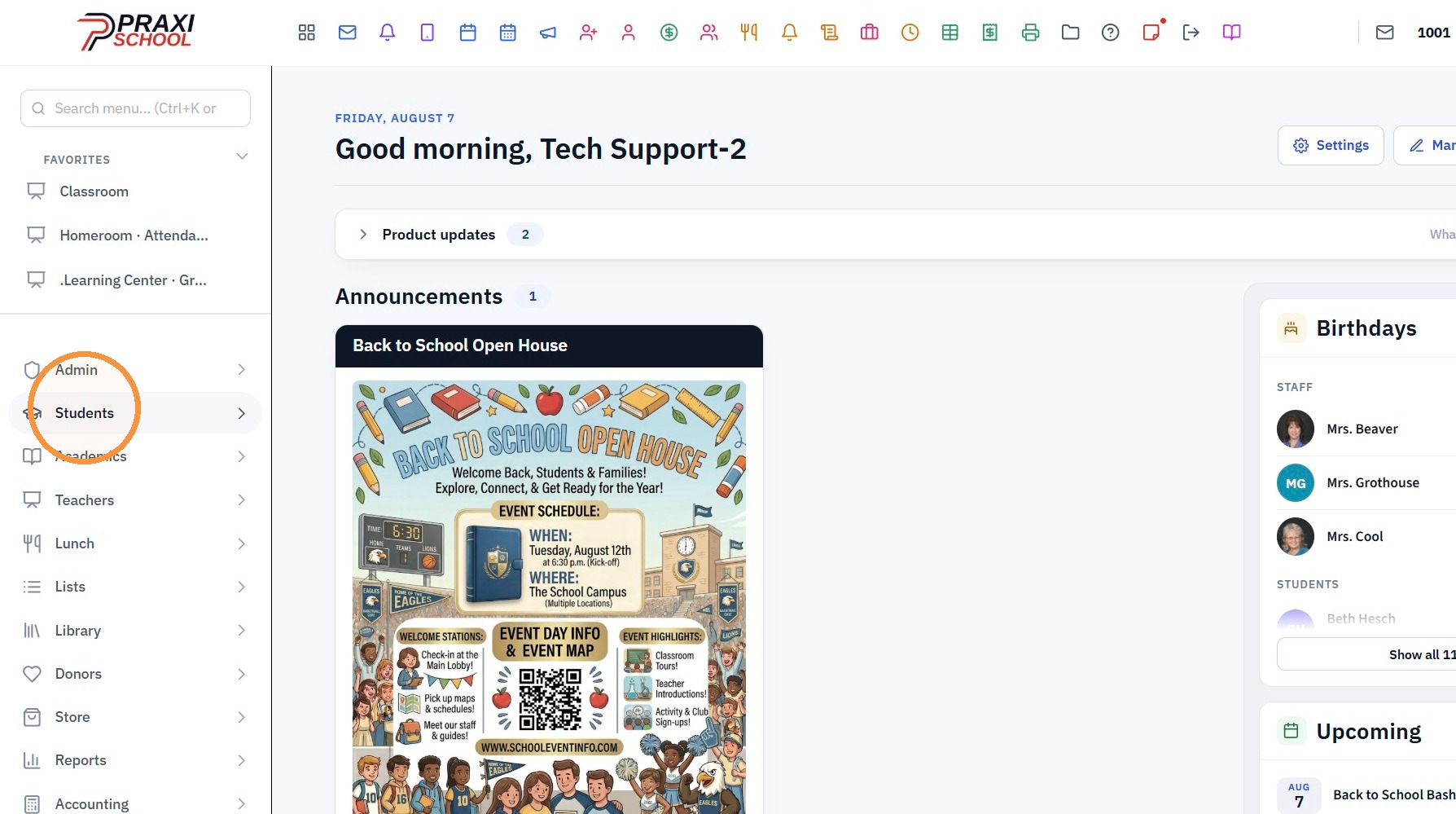
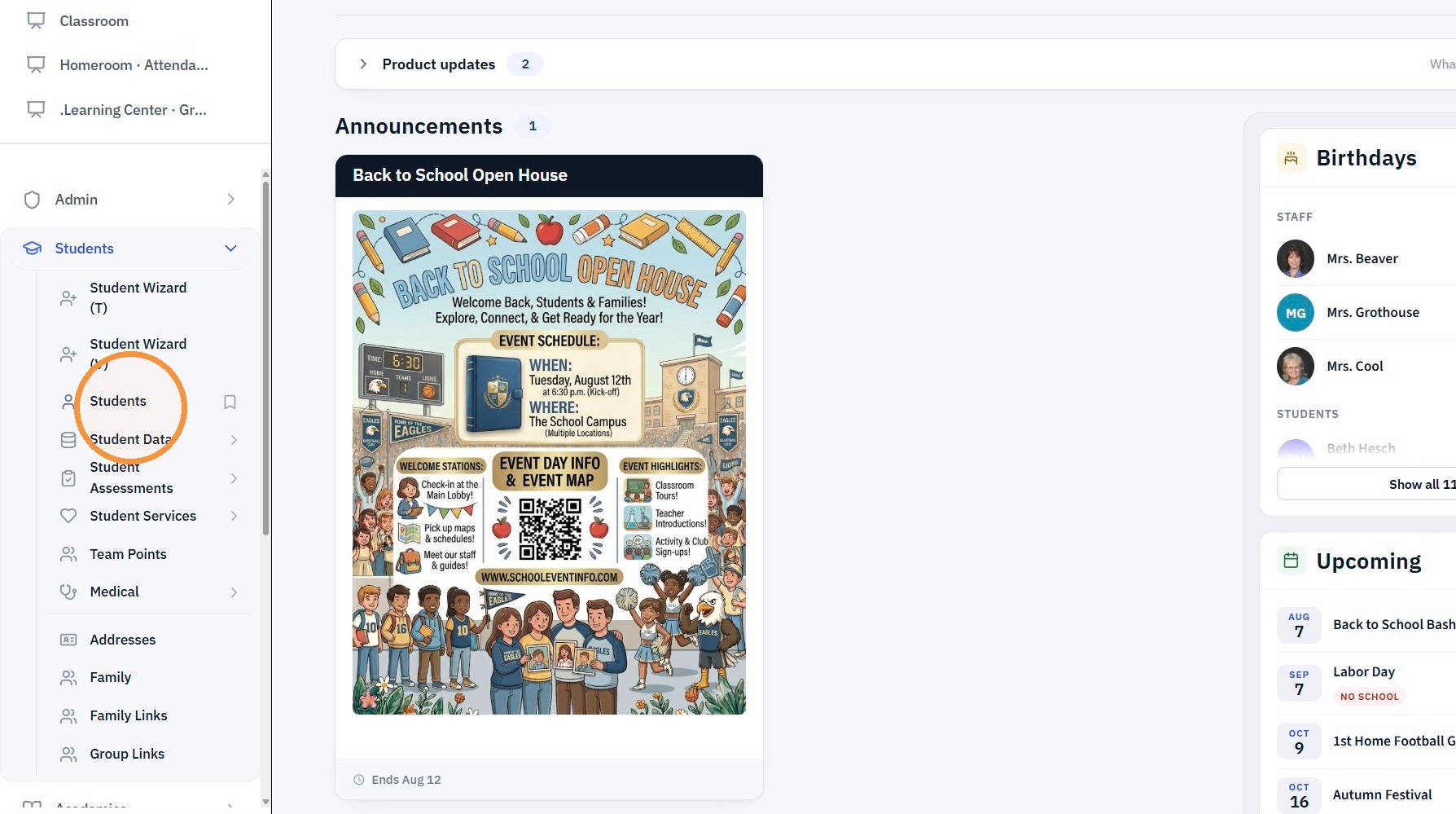
2. Click "Students"
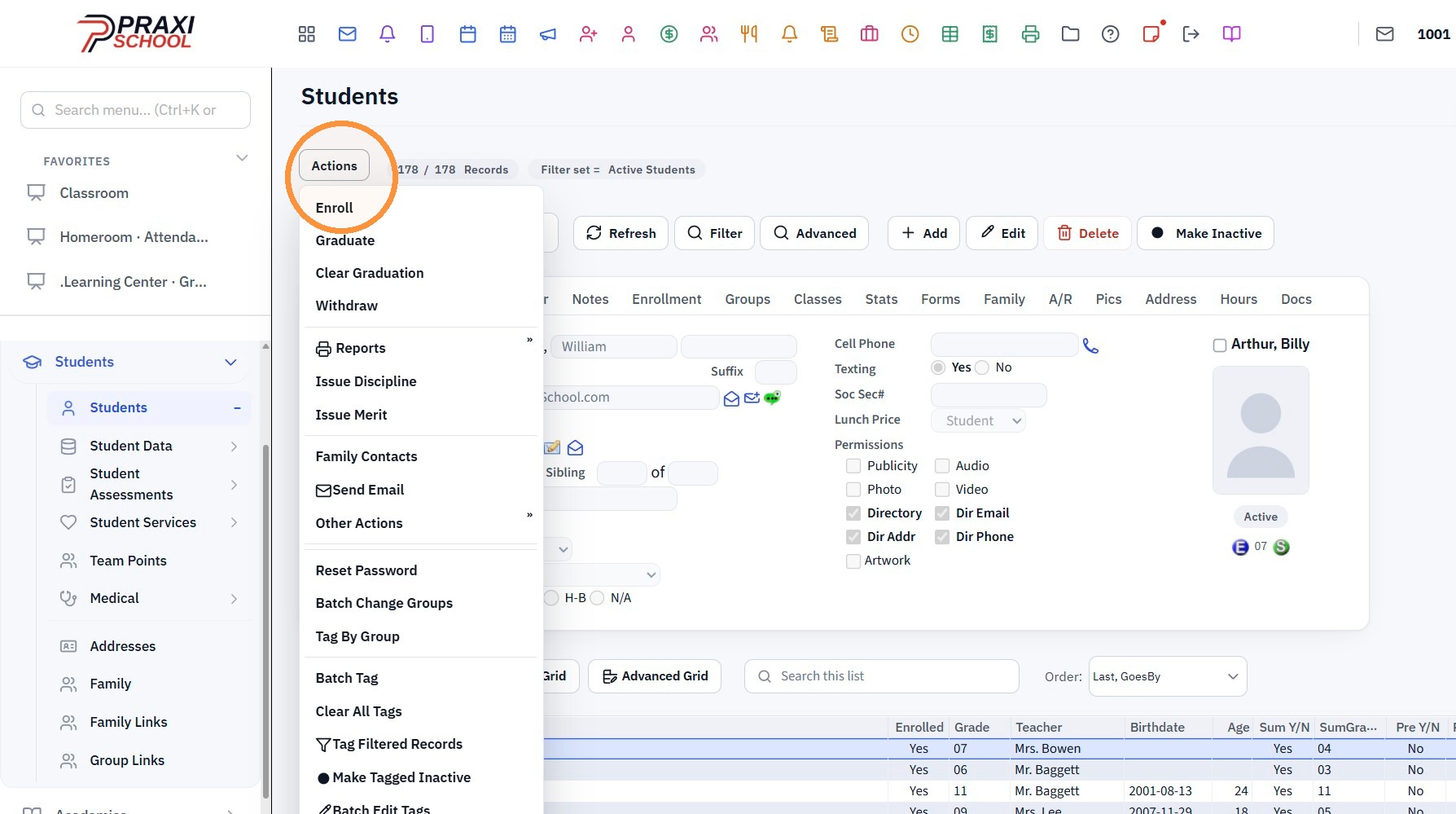
3. Click "Actions"
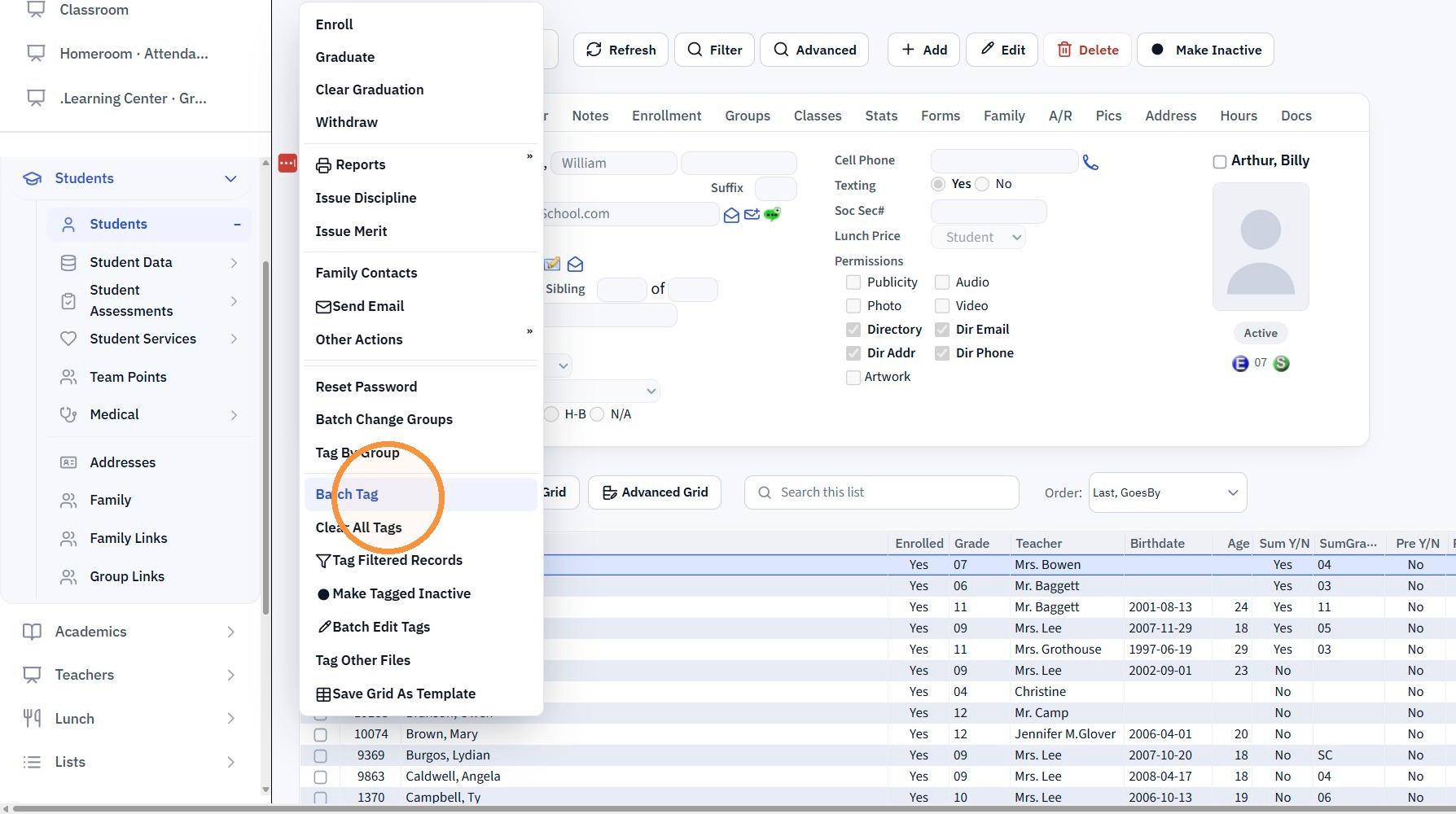
4. Click "Batch Tag"
5. Select the Grade Level
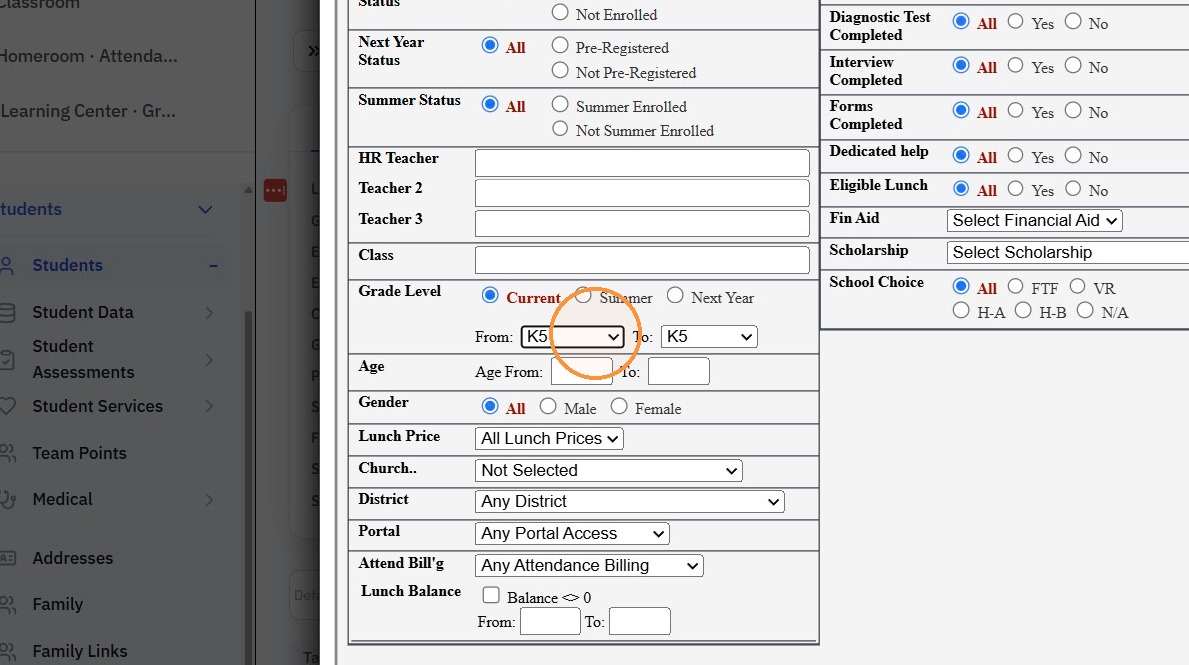
6. Click "Tag Students"
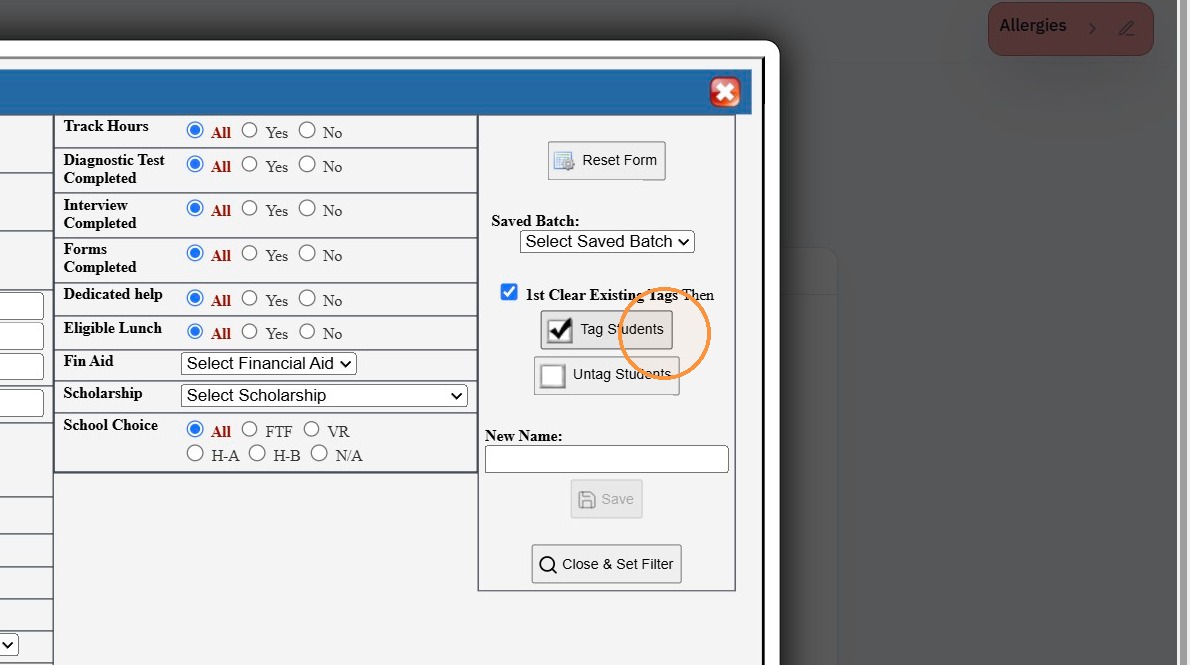
7. Click "Close & Set Filter"
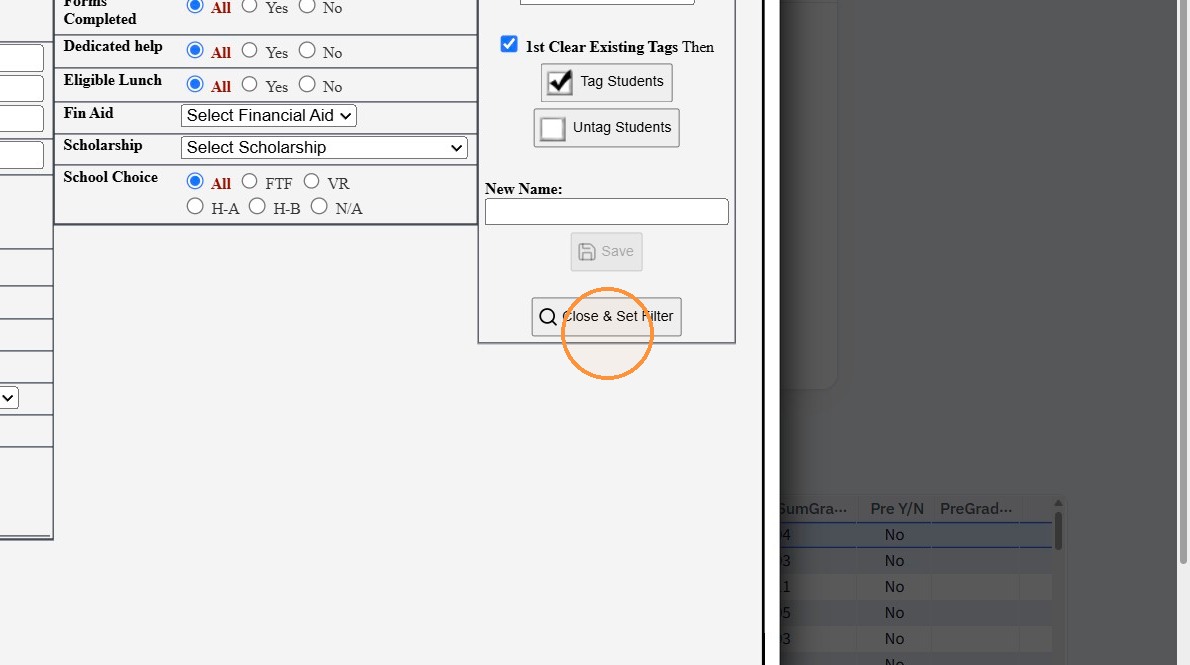
8. Click "Actions"
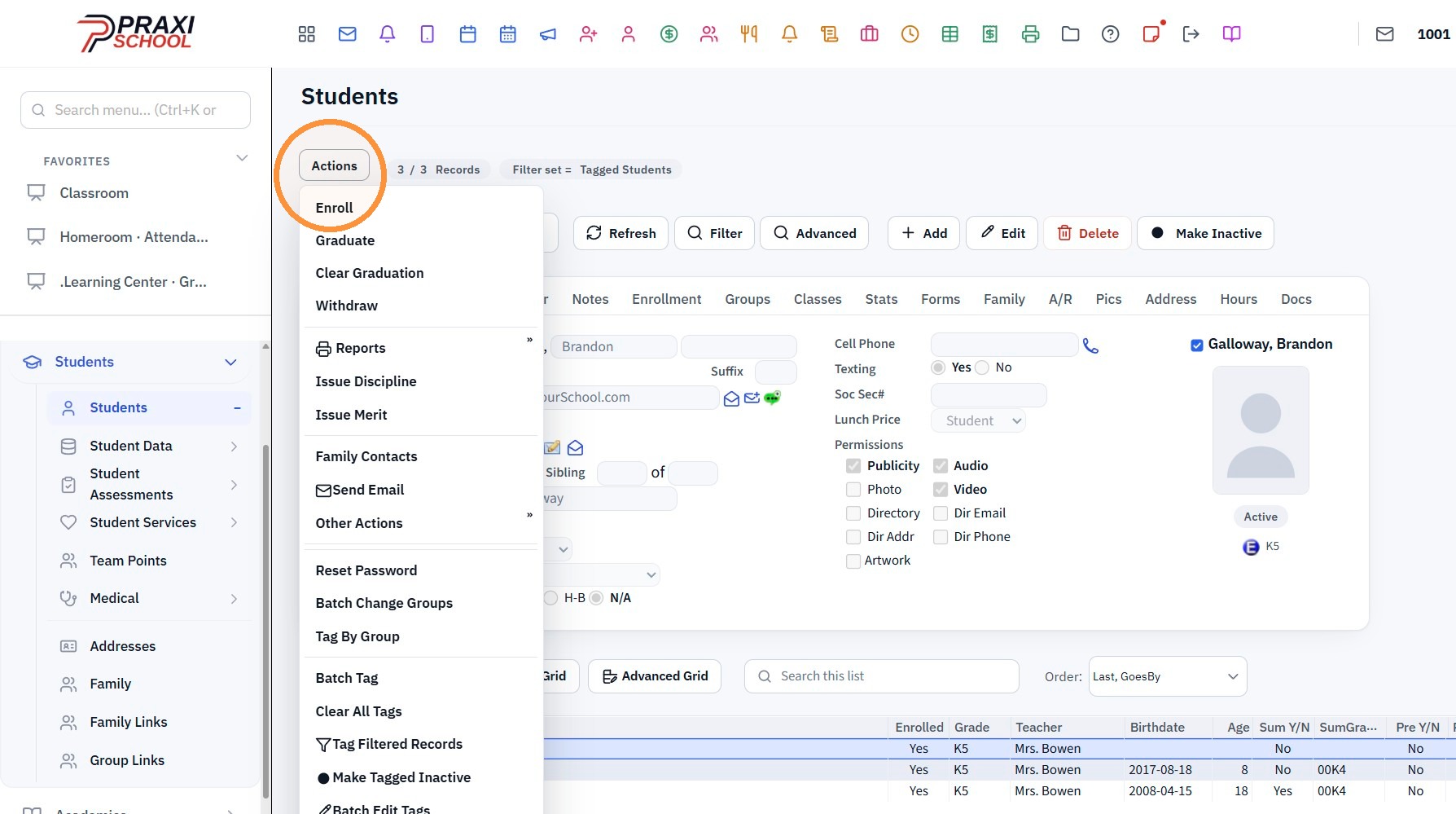
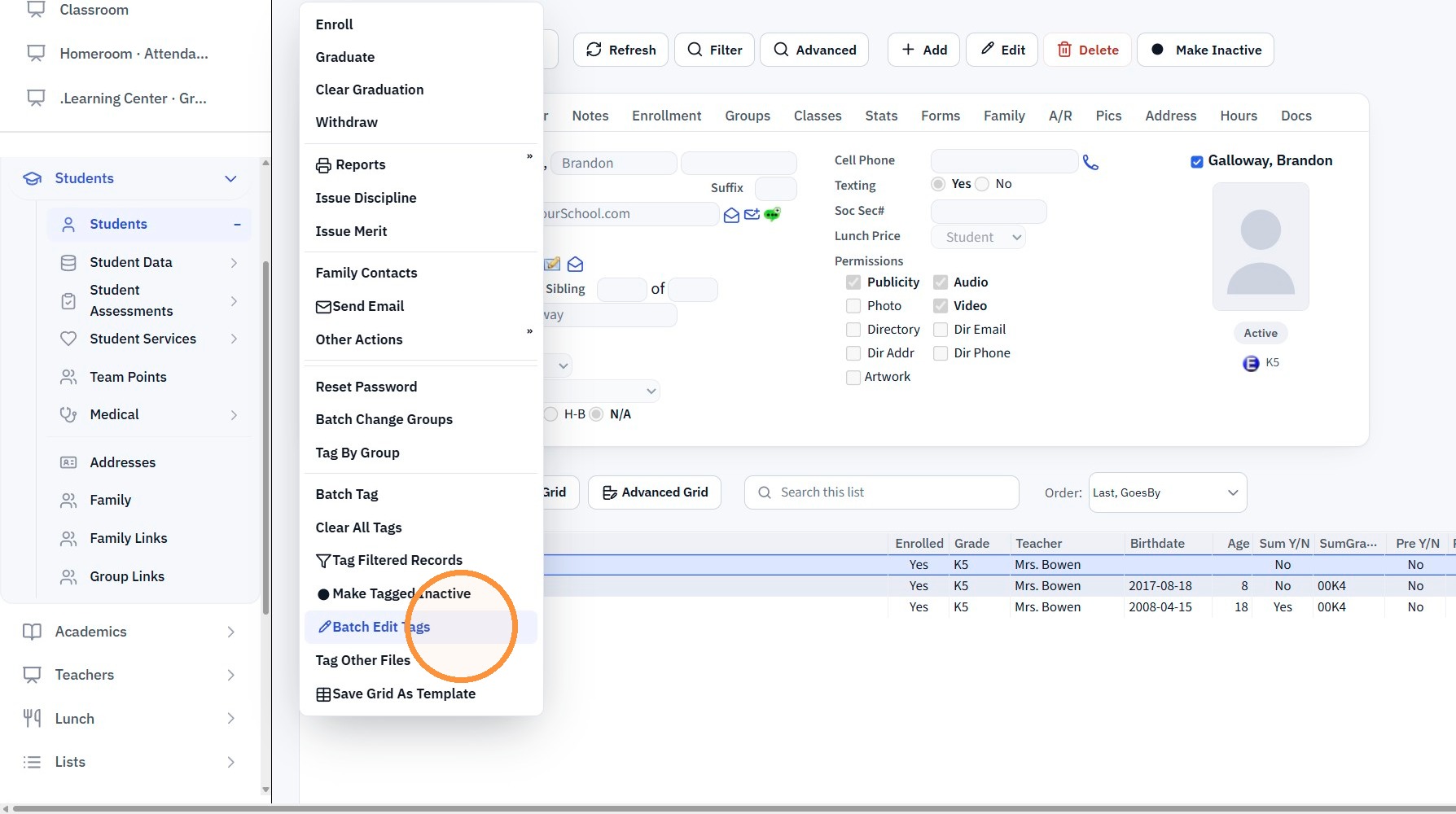
9. Click "Batch Edit Tags"
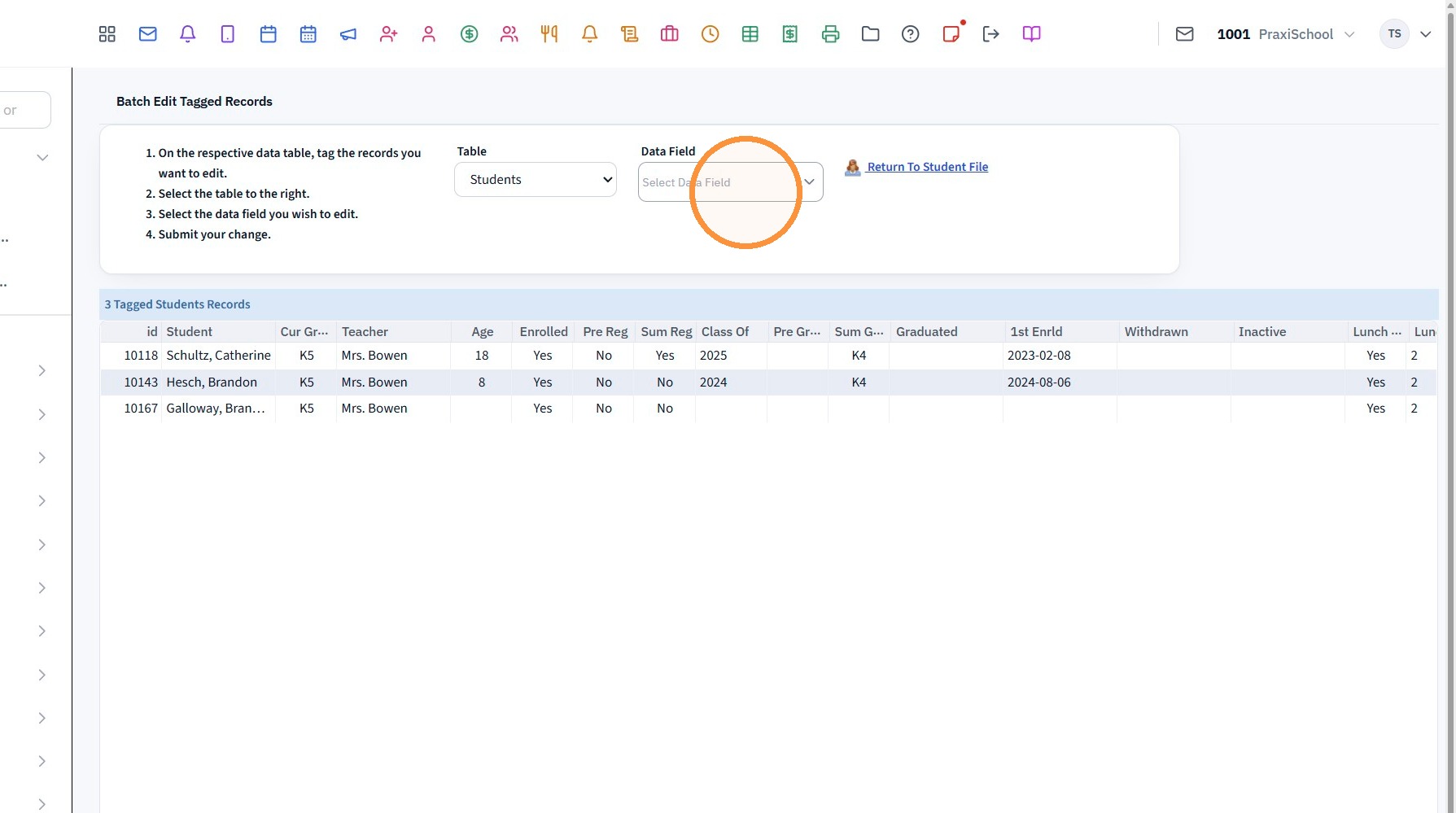
10. Click "Select Data Field"
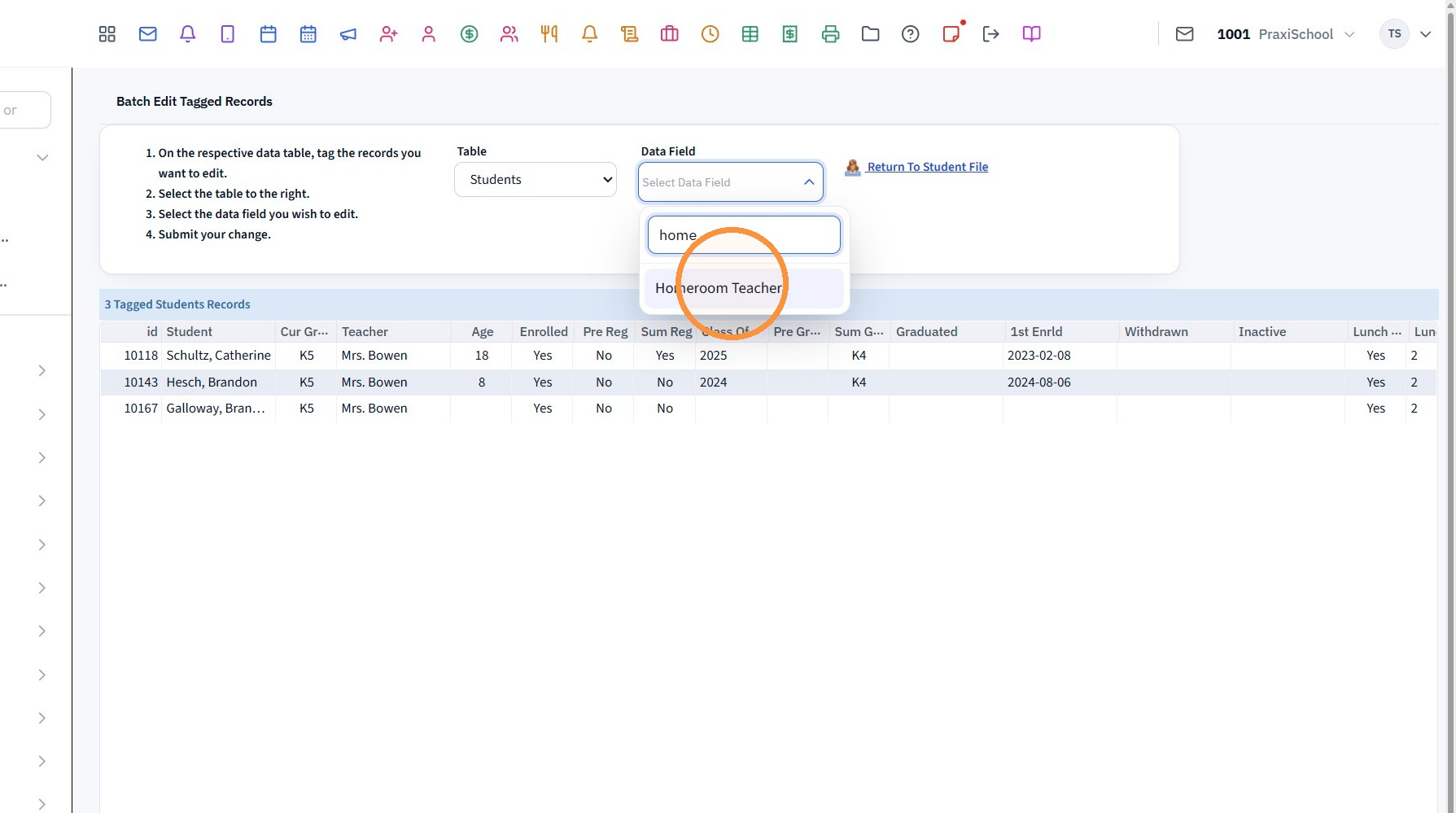
11. Select "Homeroom Teacher"
12. Select the New Teacher
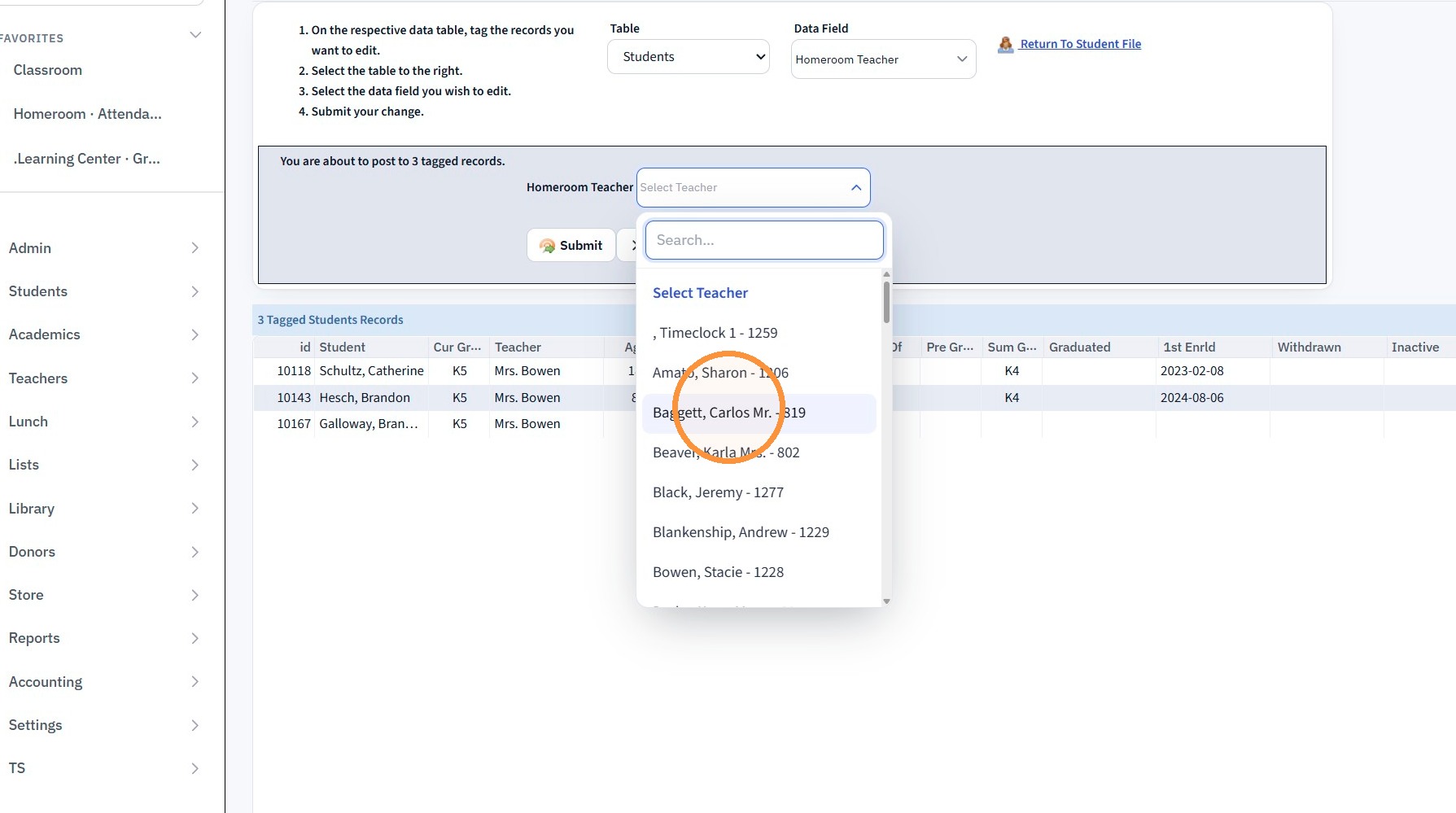
13. Click "Submit" & type "yes"
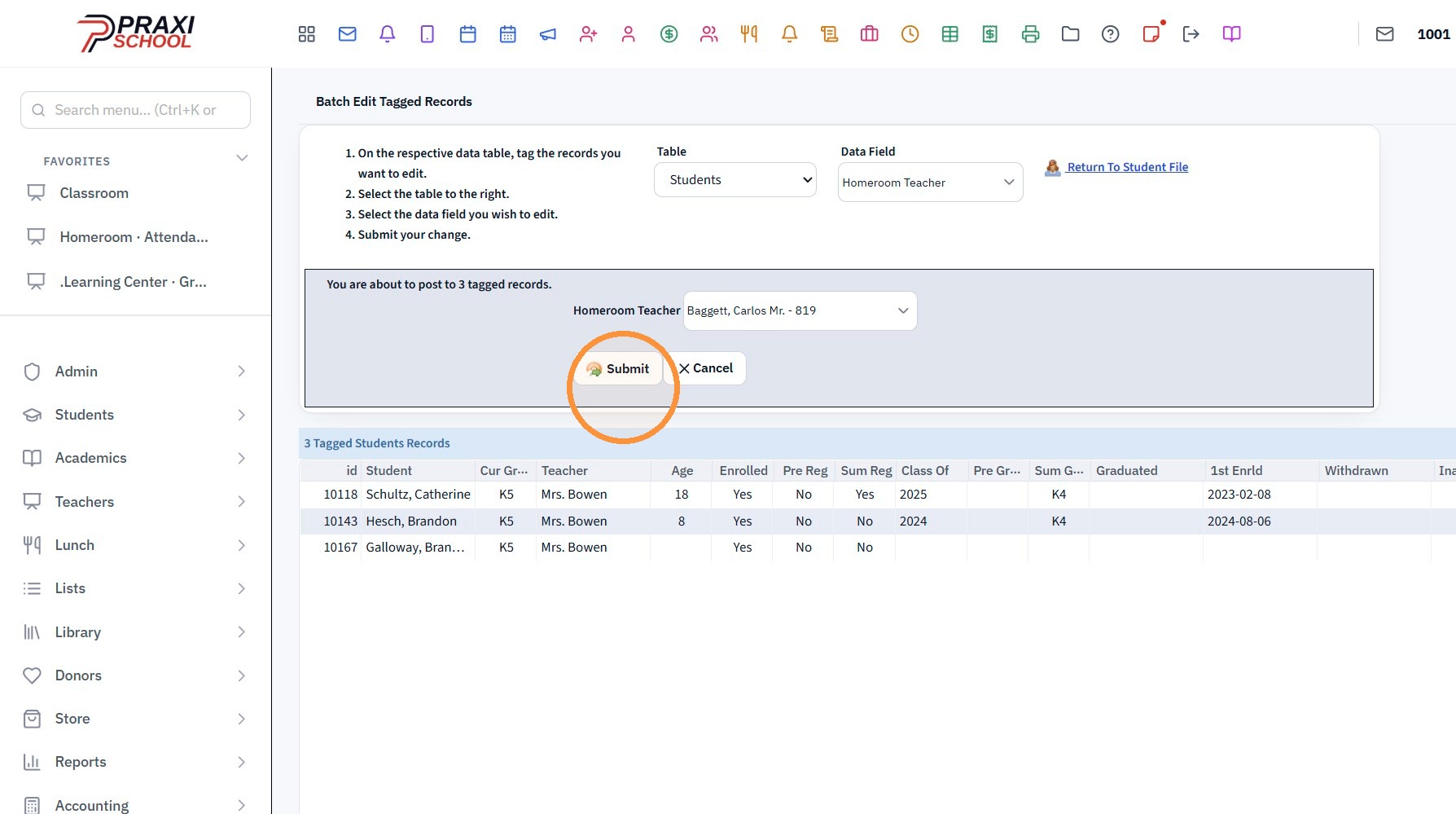
14. Click "Return to Student File"
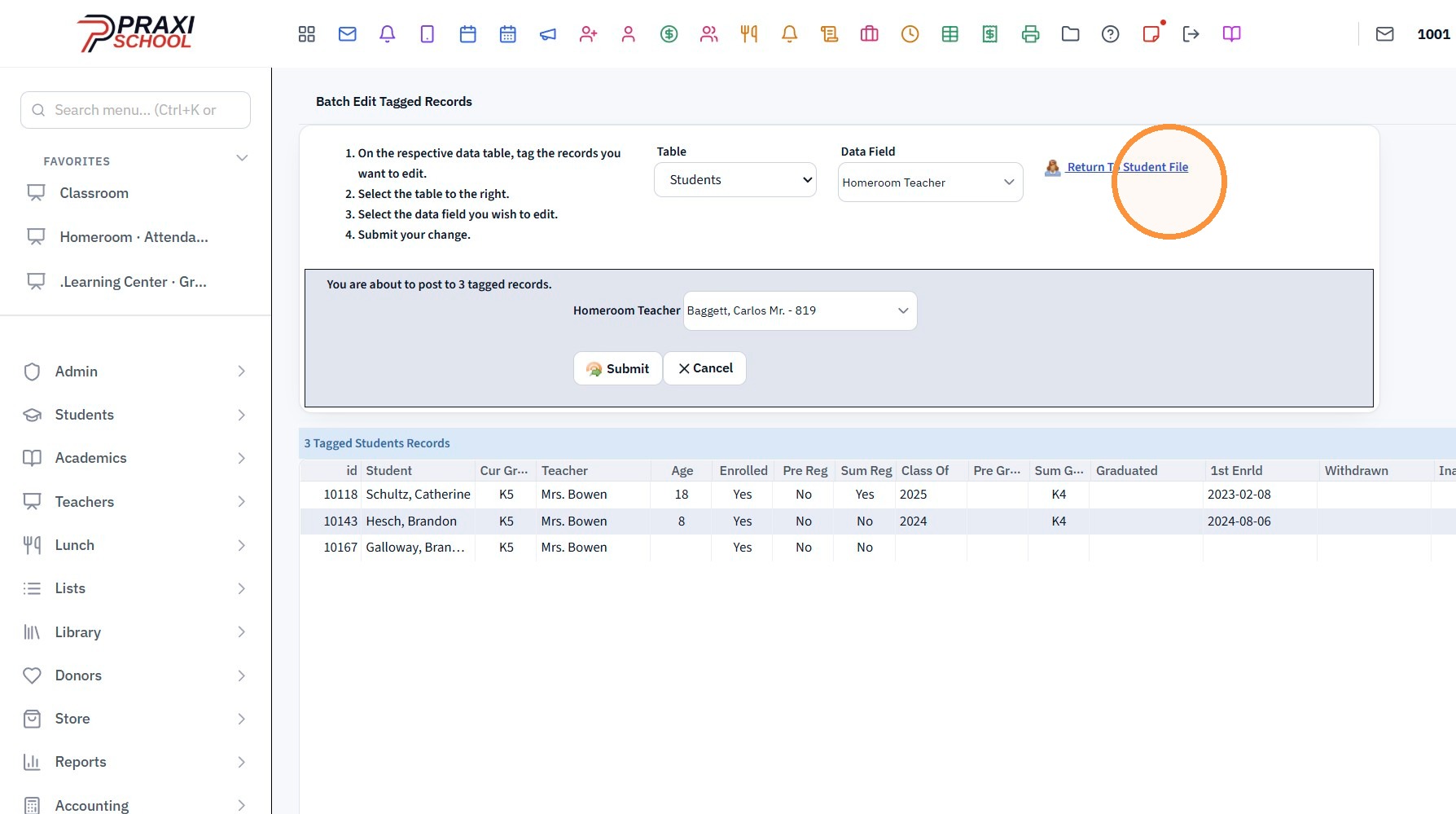
15. Repeat Steps 3 - 14 for each Grade Level that needs to be Updated.
1500.4.19