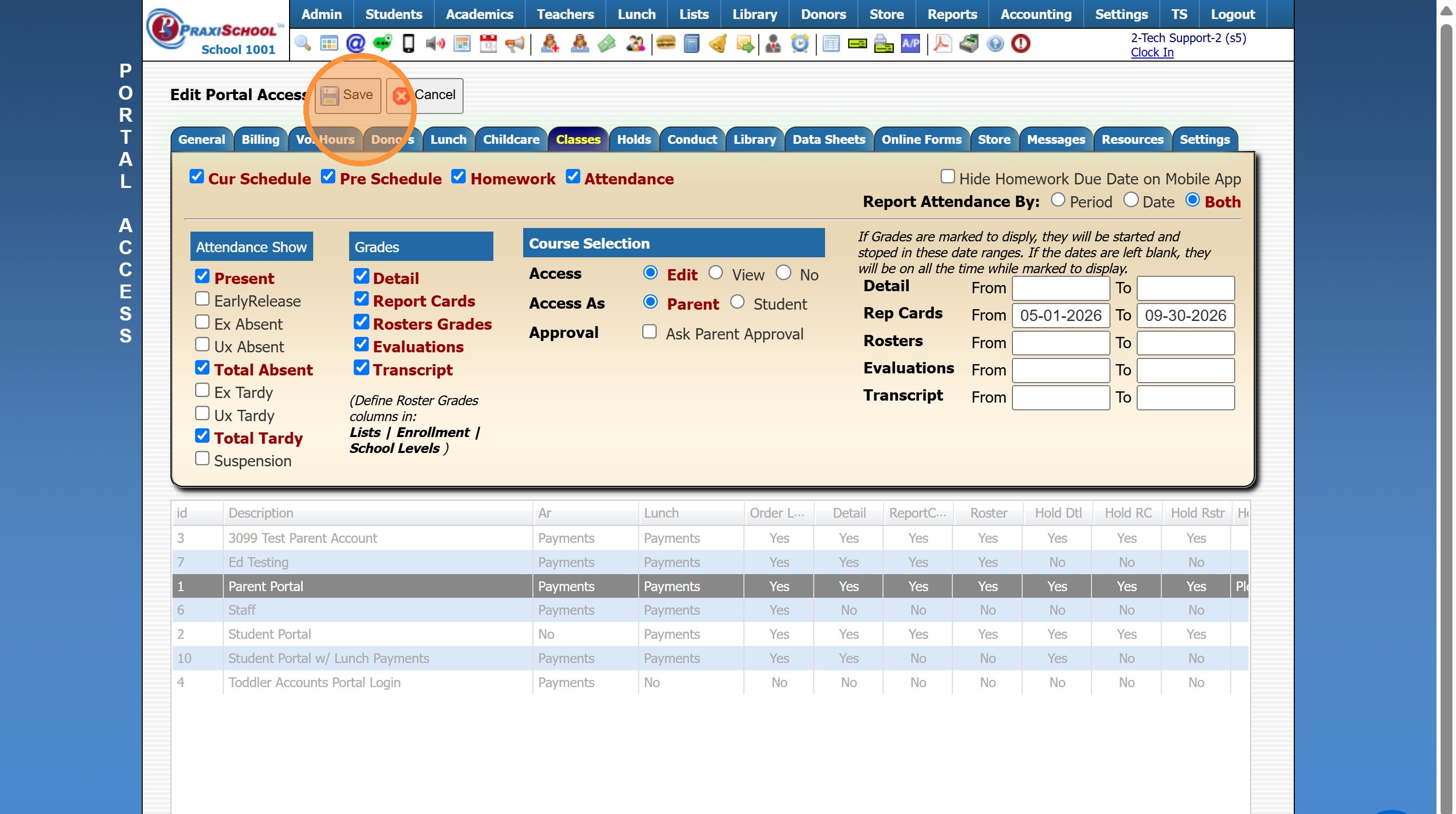
Setting Report Card Viewing Dates for the Parent Portal
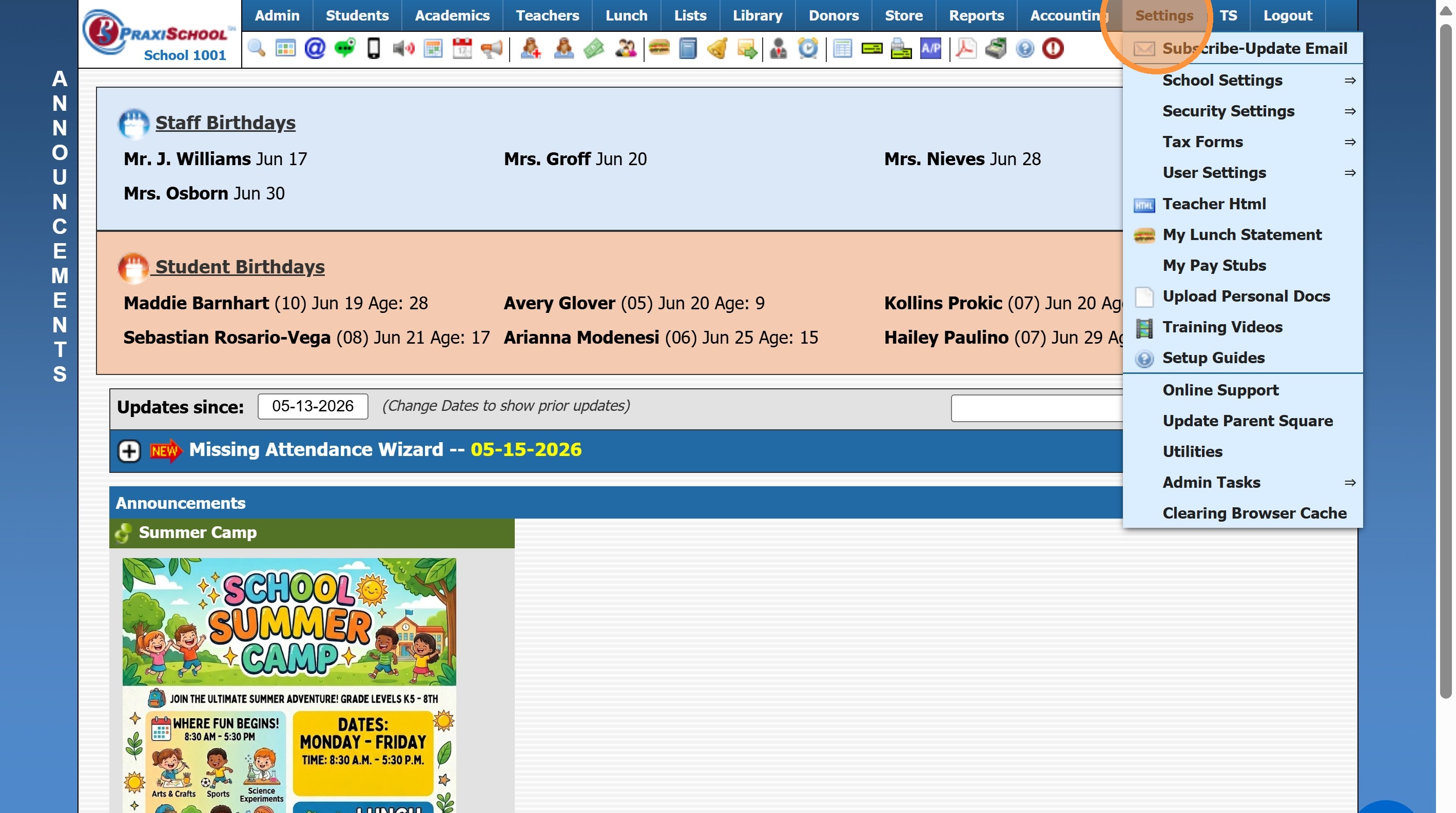
1. Click "Settings"
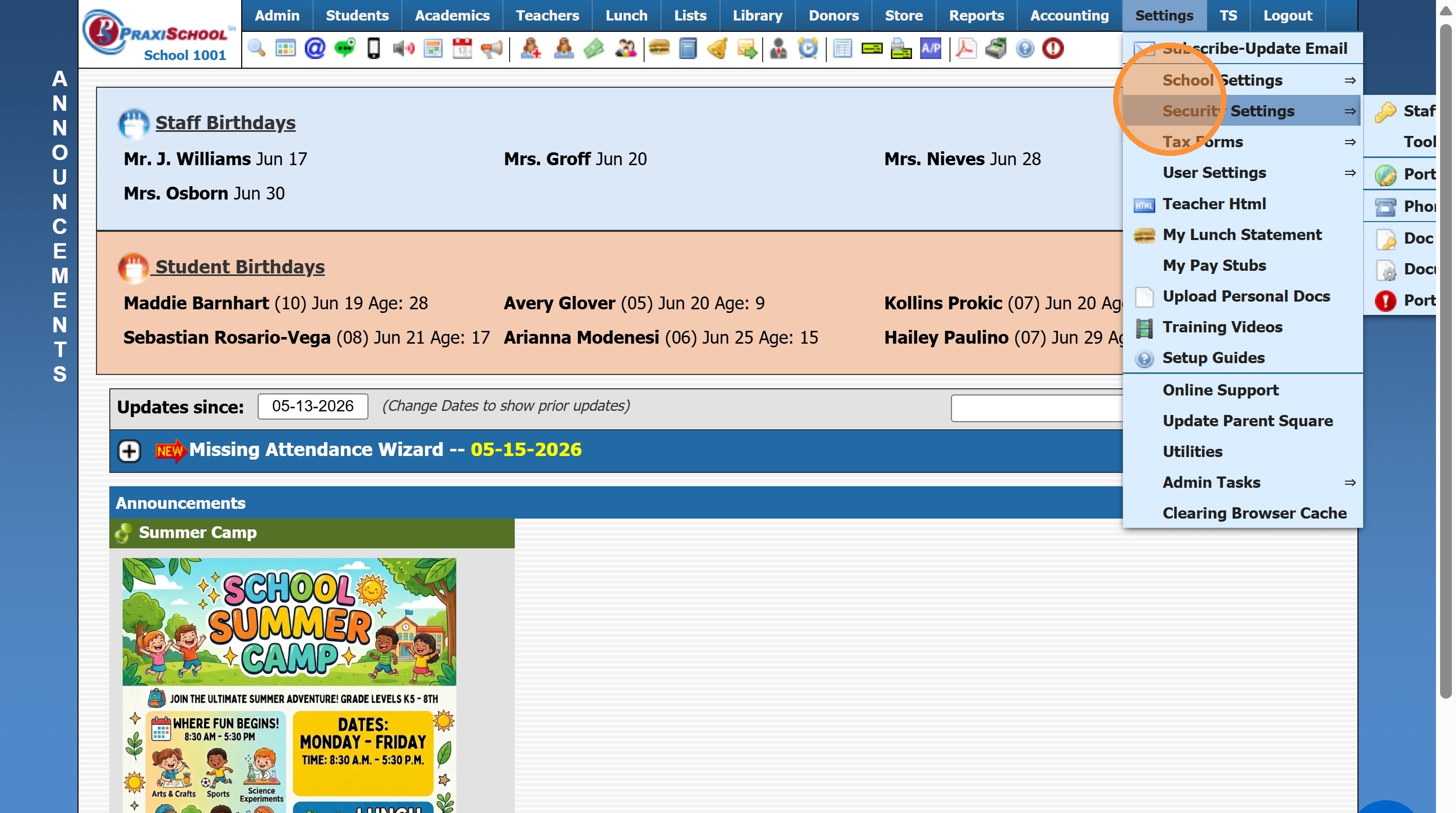
2. Click "Security Settings"
3. Click "Portal Access"
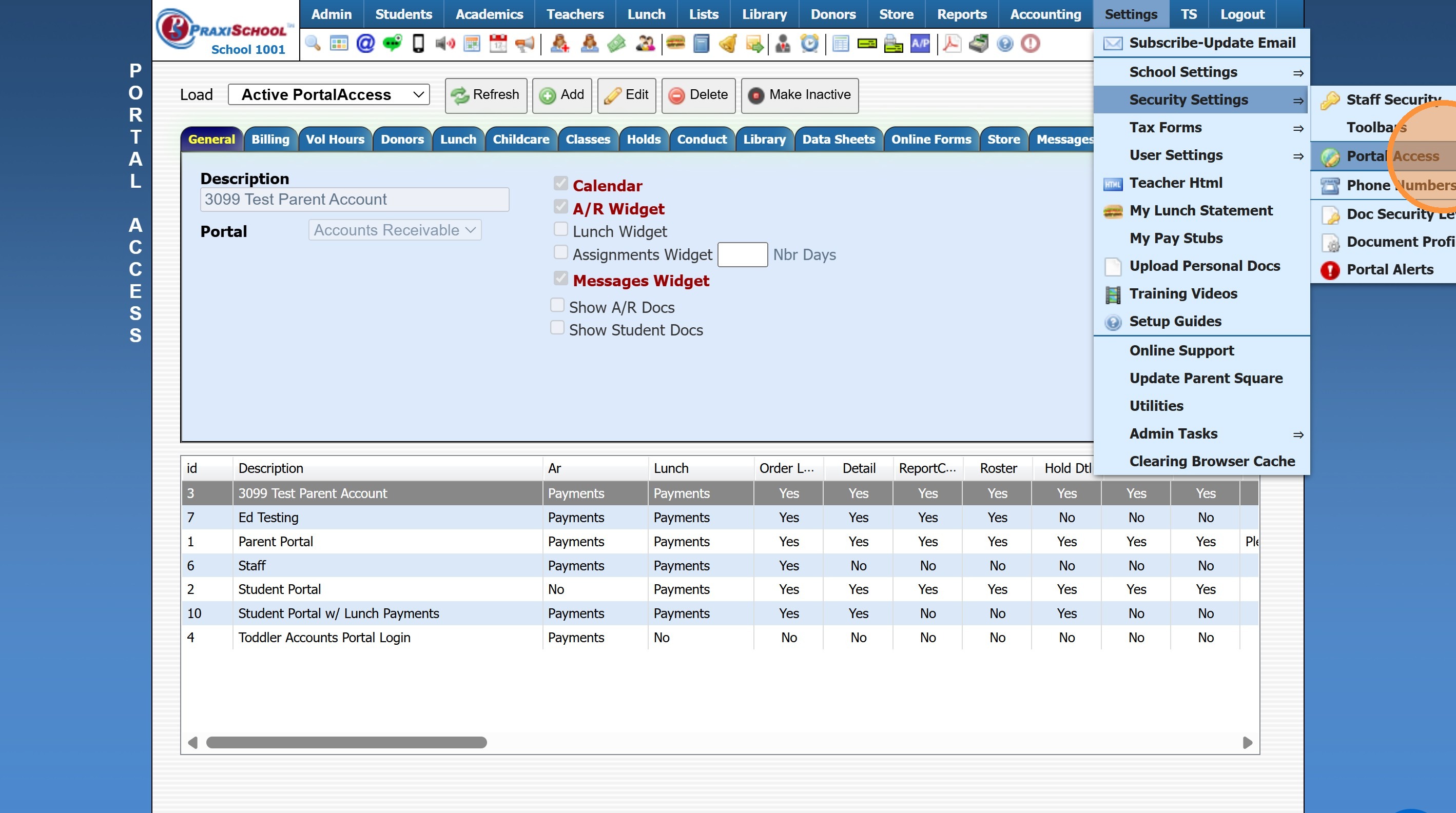
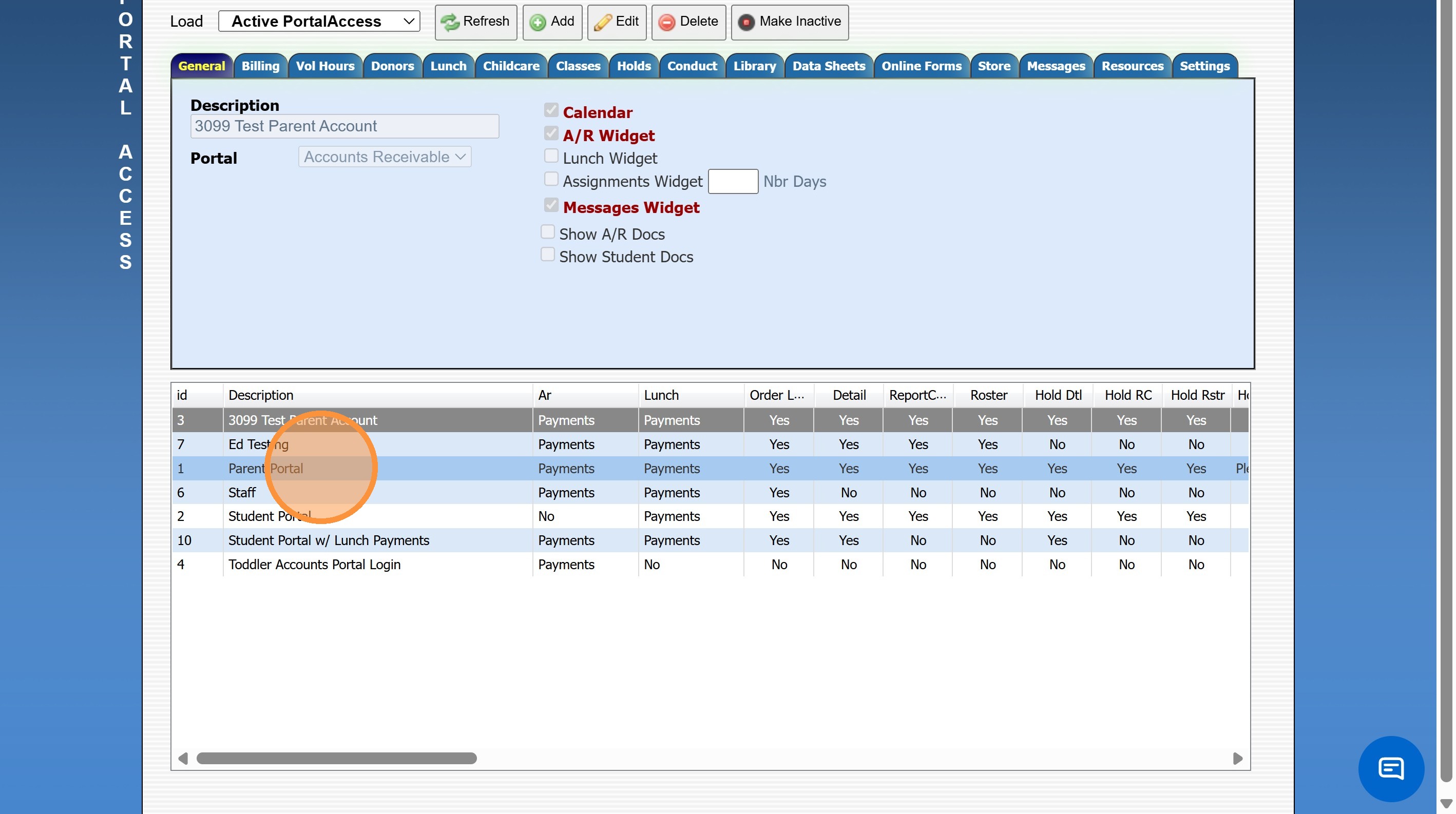
4. Click "Parent Portal"
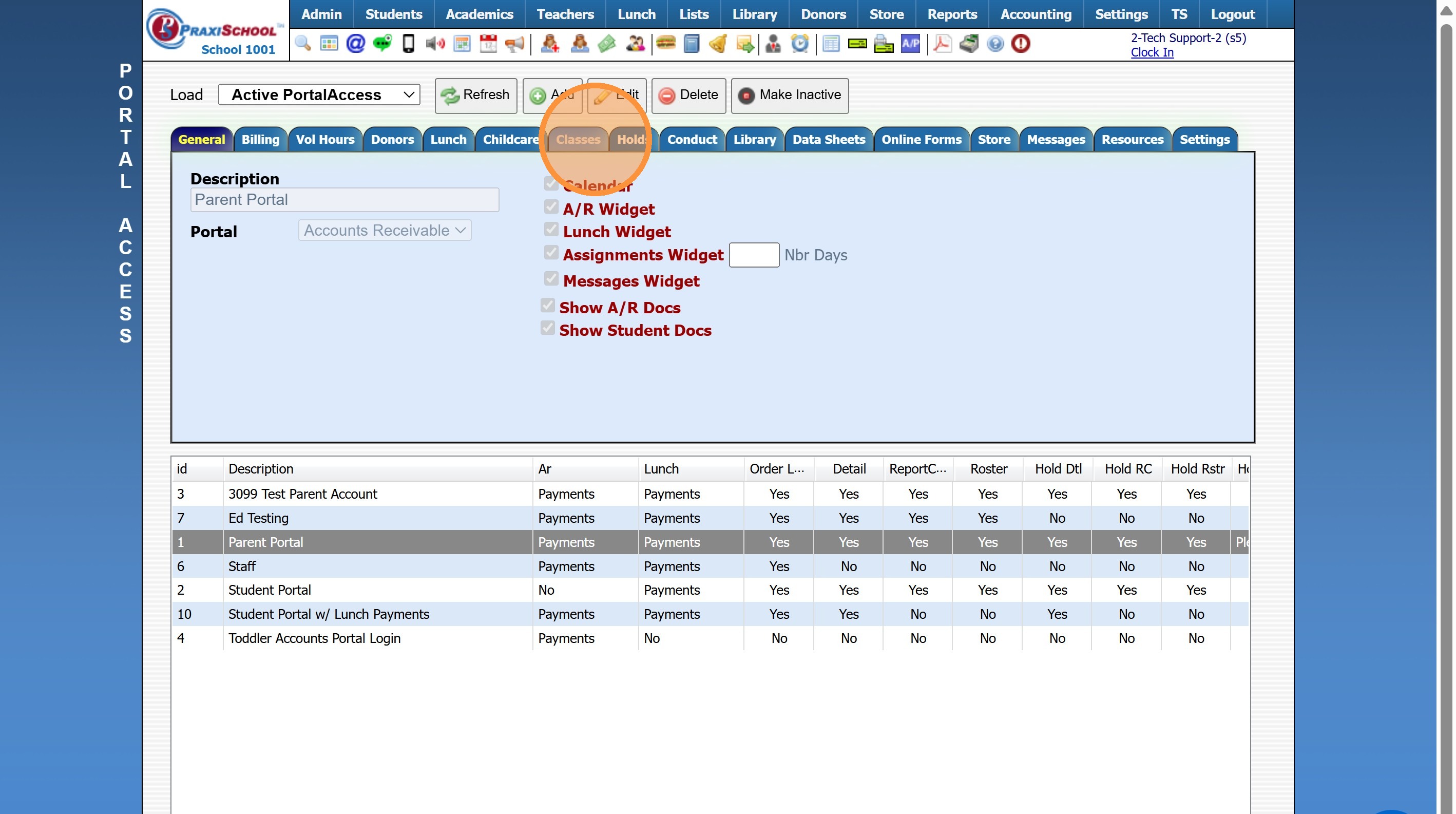
5. Click the "Classes" Tab
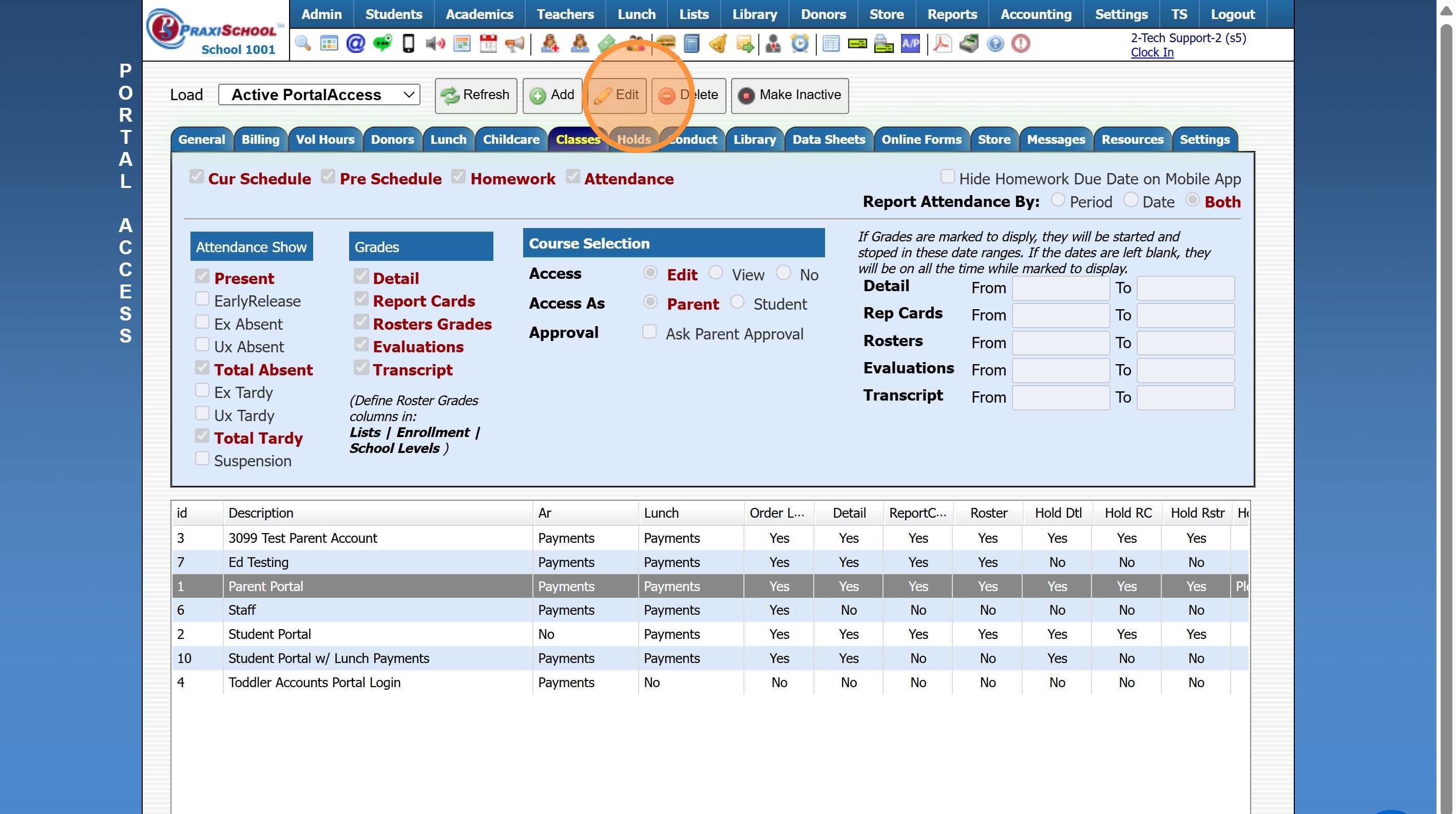
6. Click "Edit"
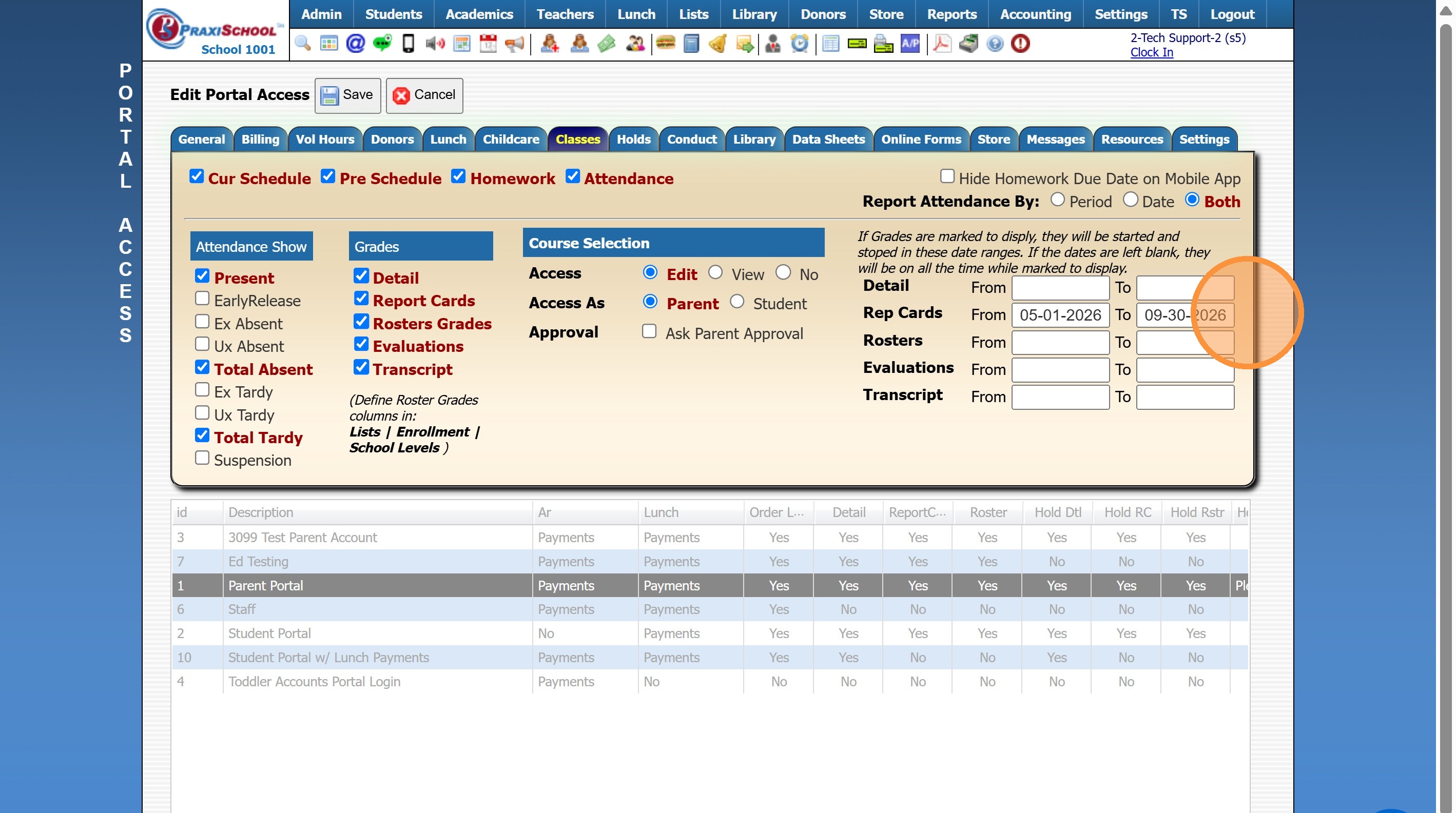
7. Add or Update the Report Card From & To Dates
8. Click "Save"