Prior Year Semester / Annual Averages & GPA Reports

Prior Year Semester / Annual Averages & GPA Reports


1. Click "Academics"
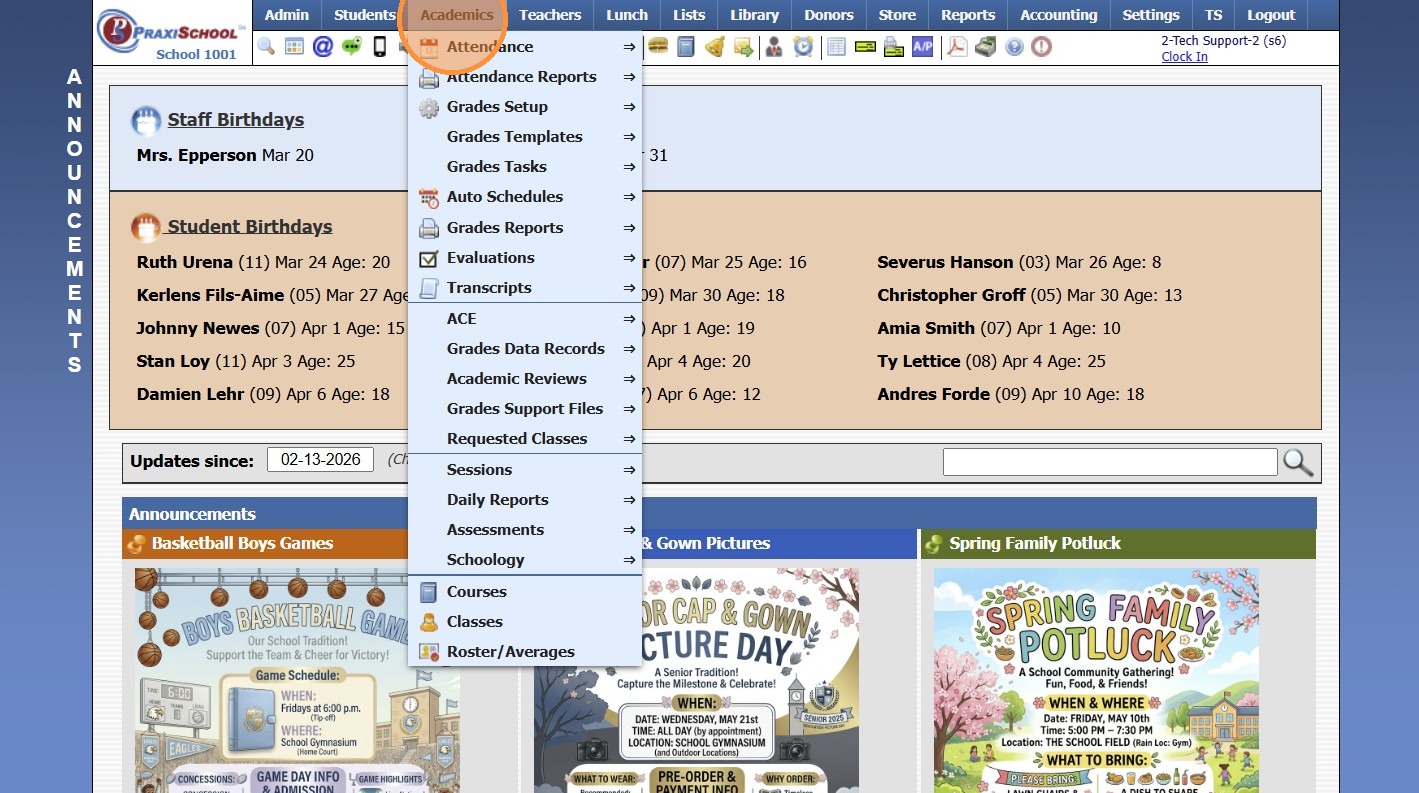
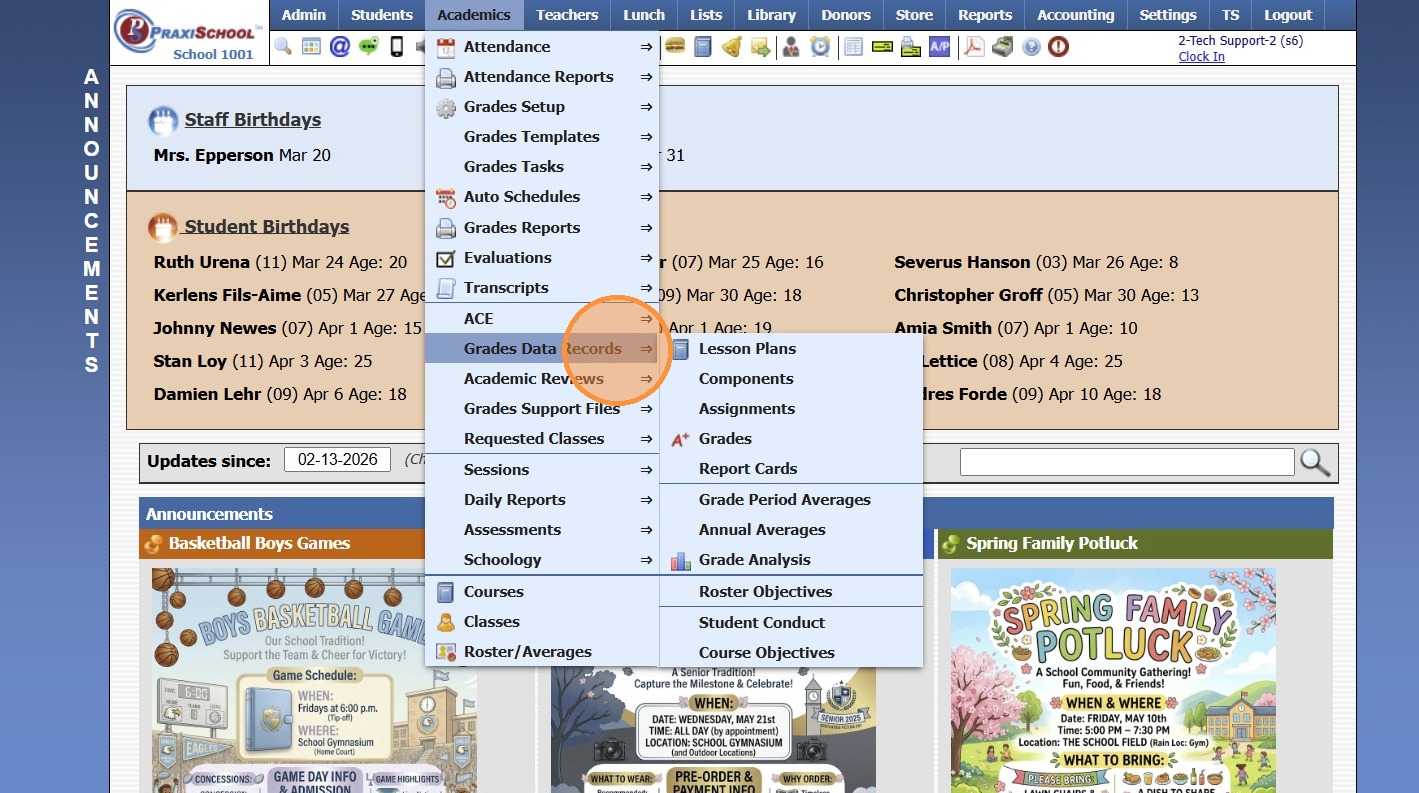
2. Click "Grades Data Records"
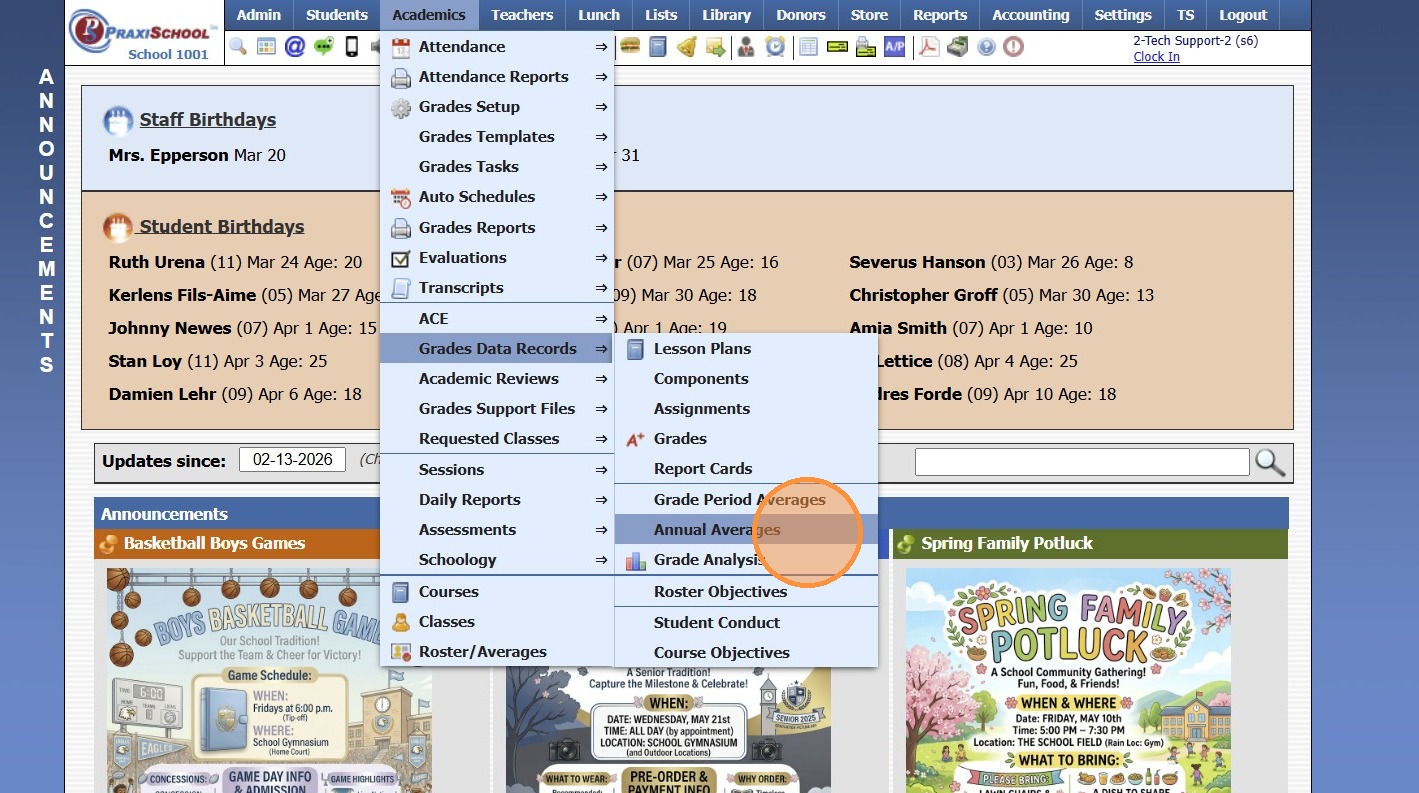
3. Click "Annual Averages"
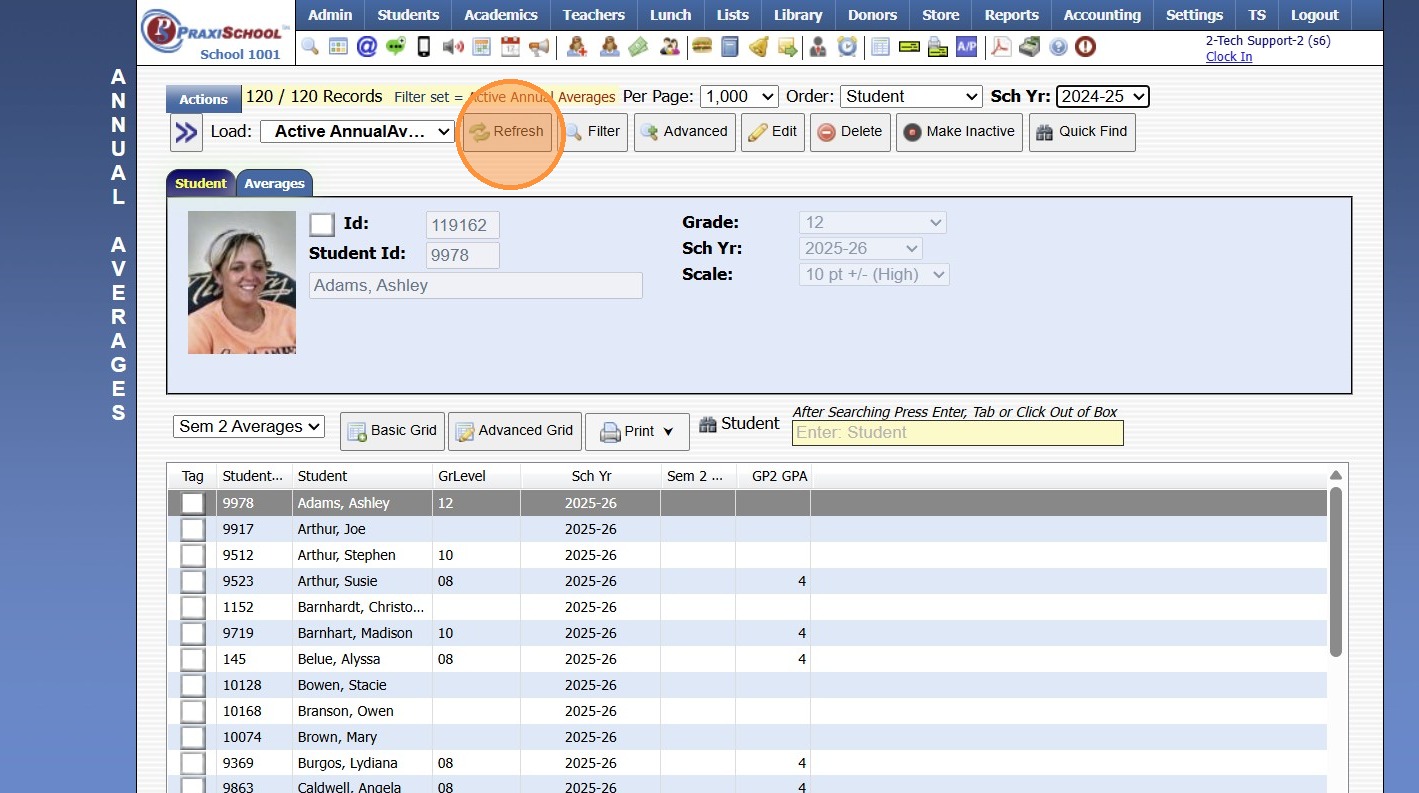
4. Select the School Year
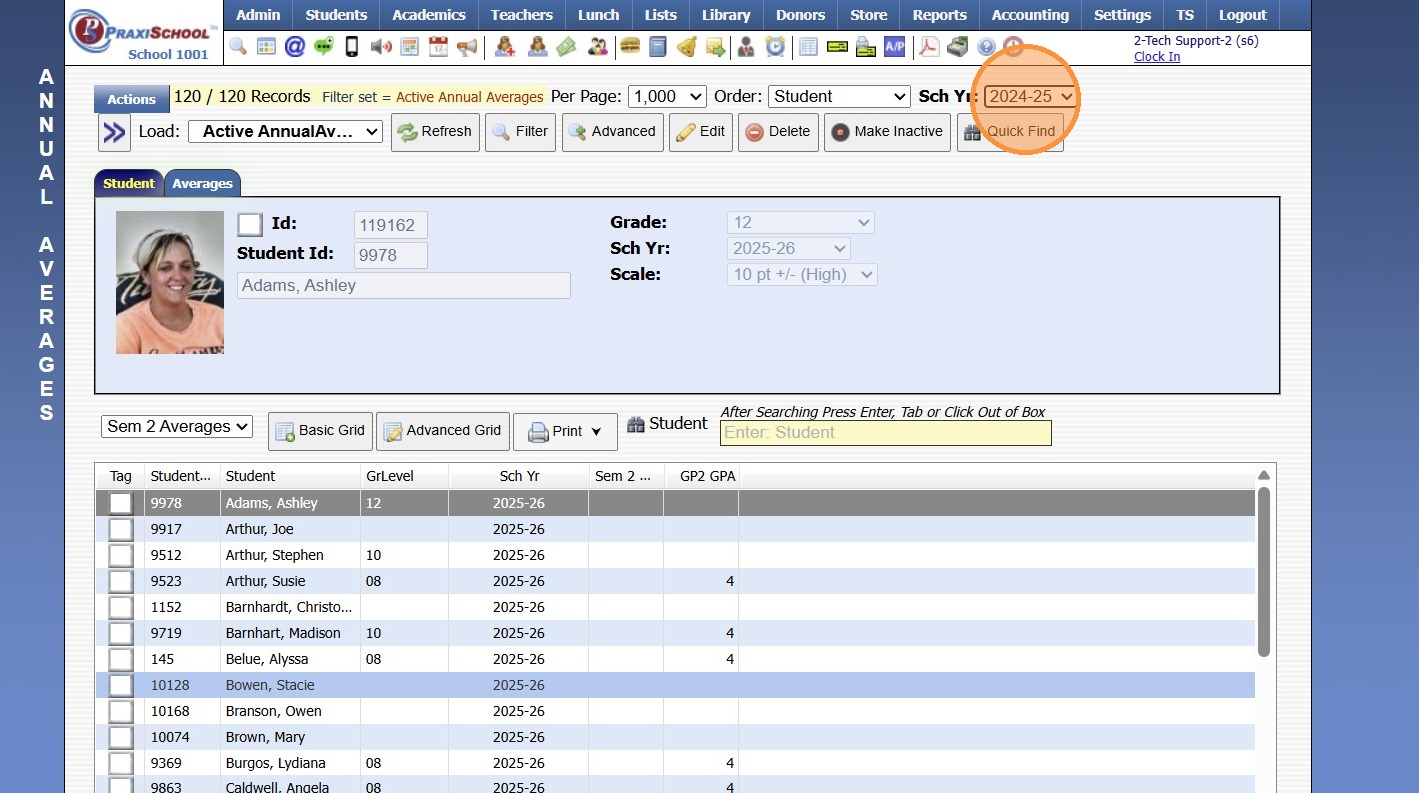
5. Click "Refresh"
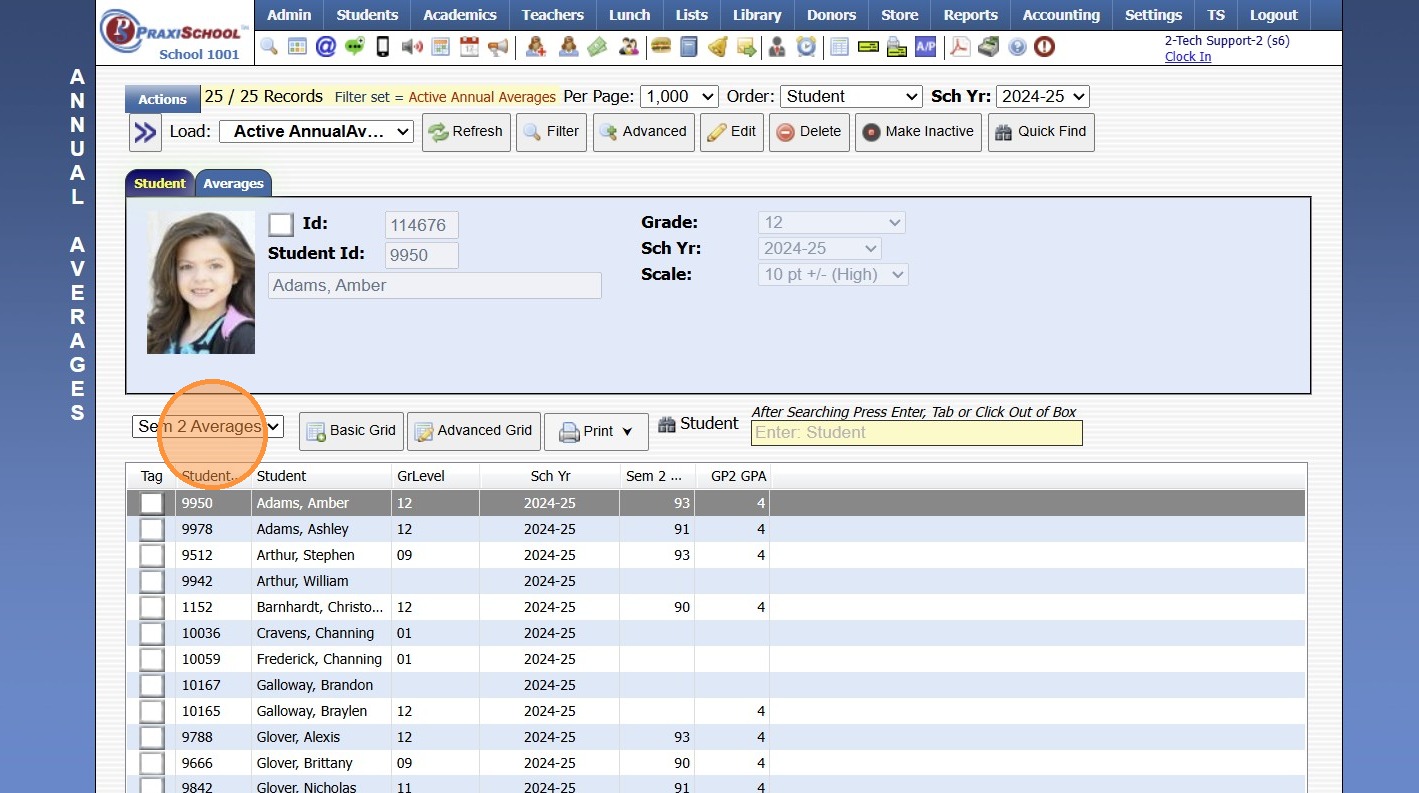
6. Select a Created Grid Report or Create a Grid Report
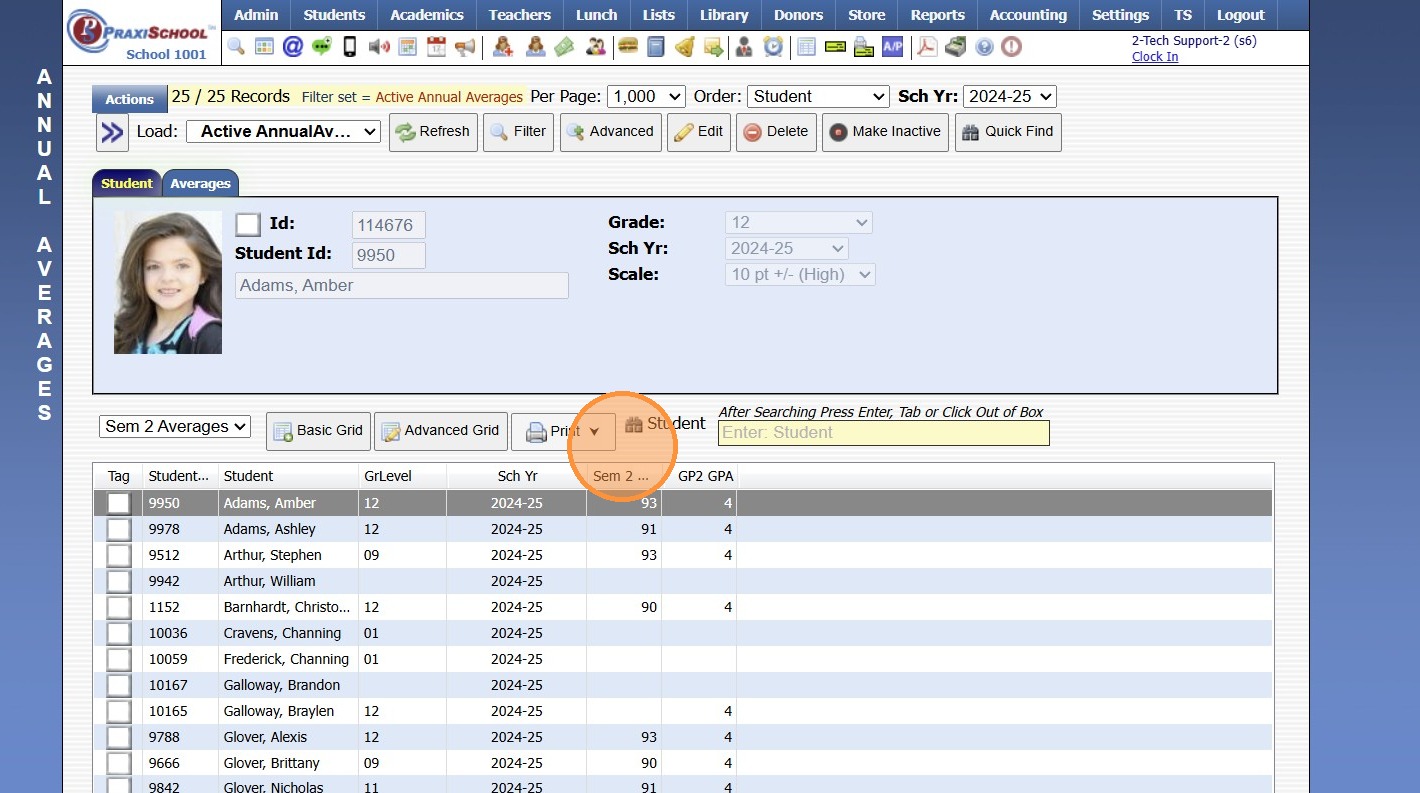
7. Click "Print" & Select Print Option


8000.25

    • Related Articles

    • Generating Prior School Year Enrollment Reports

      Generating Prior School Year Enrollment Reports 1. Click "Academics" 2. Click "Grades Data Records" 3. Click "Report Cards" 4. Select School Year 5. Click "Refresh" Grid Report Option 6. Select Existing Grid Report or Create New 7. Click "Print" & ...
    • Printing Class Averages

      Printing Class Averages 1. Click "Academics" 2. Click "Grades Reports" 3. Click "Class Averages" 4. Select from School Year Dropdown 5. Select the Grade Period/Quarter Option: (GP1, GP2, GP3, GP4, SEM1, SEM2 or Annual) 6. Select Rounding Option: (0, ...
    • Adding Transcript Grades from Prior School

      1. Click "Academics" 2. Click "Transcripts " 3. Click "Transcripts" 4. Highlight Student Transcript, making sure to select proper level: Middle School, High School etc. 5. Click "Actions" 6. Click "Add/Edit Scores" 7. Click "Add" 8. Enter Course ...
    • Printing Prior Year Report Cards

      1. Click "Academics" 2. Click "Grades Reports" 3. Click "Print Report Cards" 4. Select the School Year 5. Check "Process for 1 Student" box 6. Select the Student 7. Click "Print Report Cards" 8. Report Card will Generate to Print, Export to PDF or ...
    • Why are the Transcripts not showing the Cumulative Average and Cumulative GPA?

      Why are the Transcripts not showing the Cumulative Average and Cumulative GPA? Tip: The Transcript Grade Averages more than likely have not been Averaged. Follow Instructions below to Run Transcript Grade Average. 1. Click "Academics" 2. Click ...