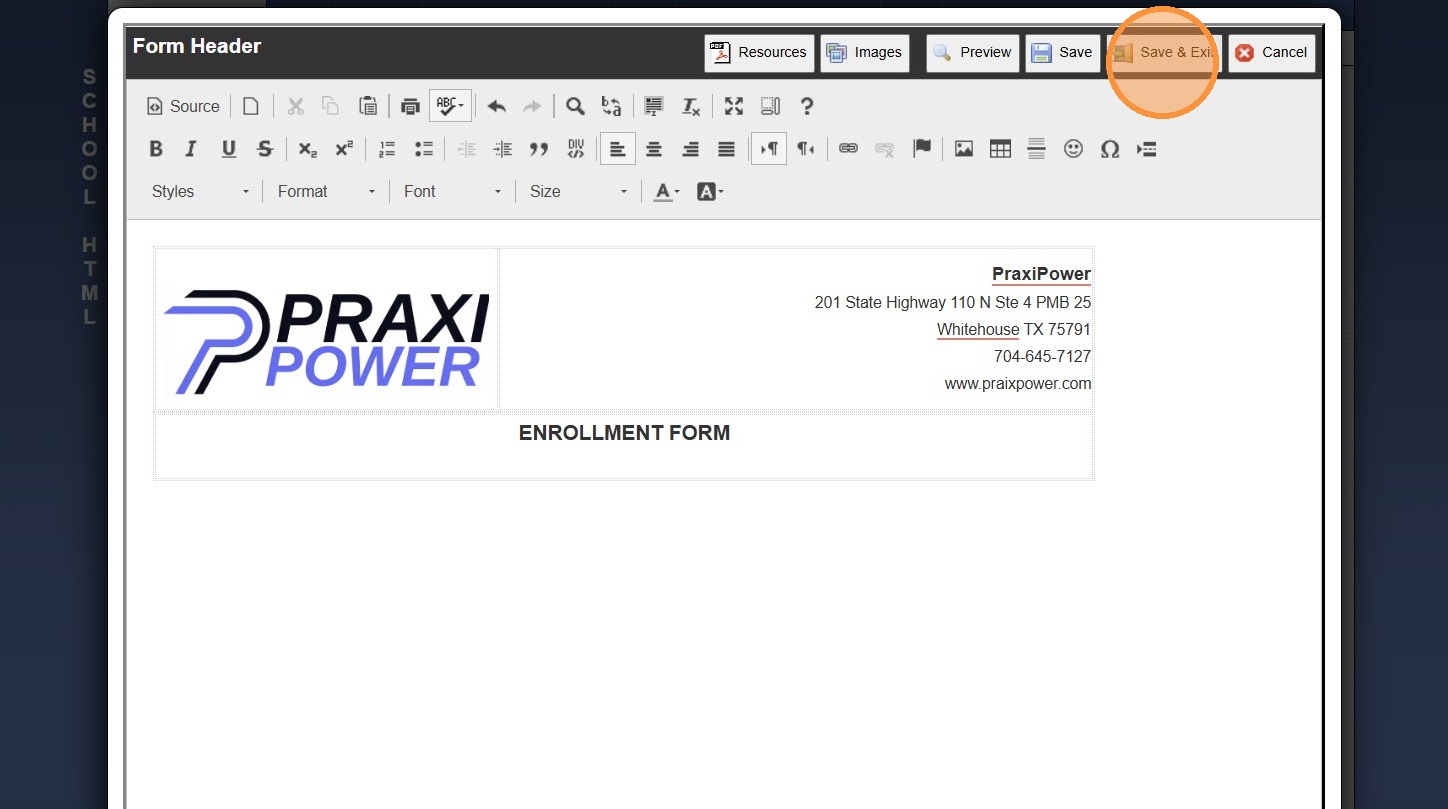
Creating a Simple HTML Form Header


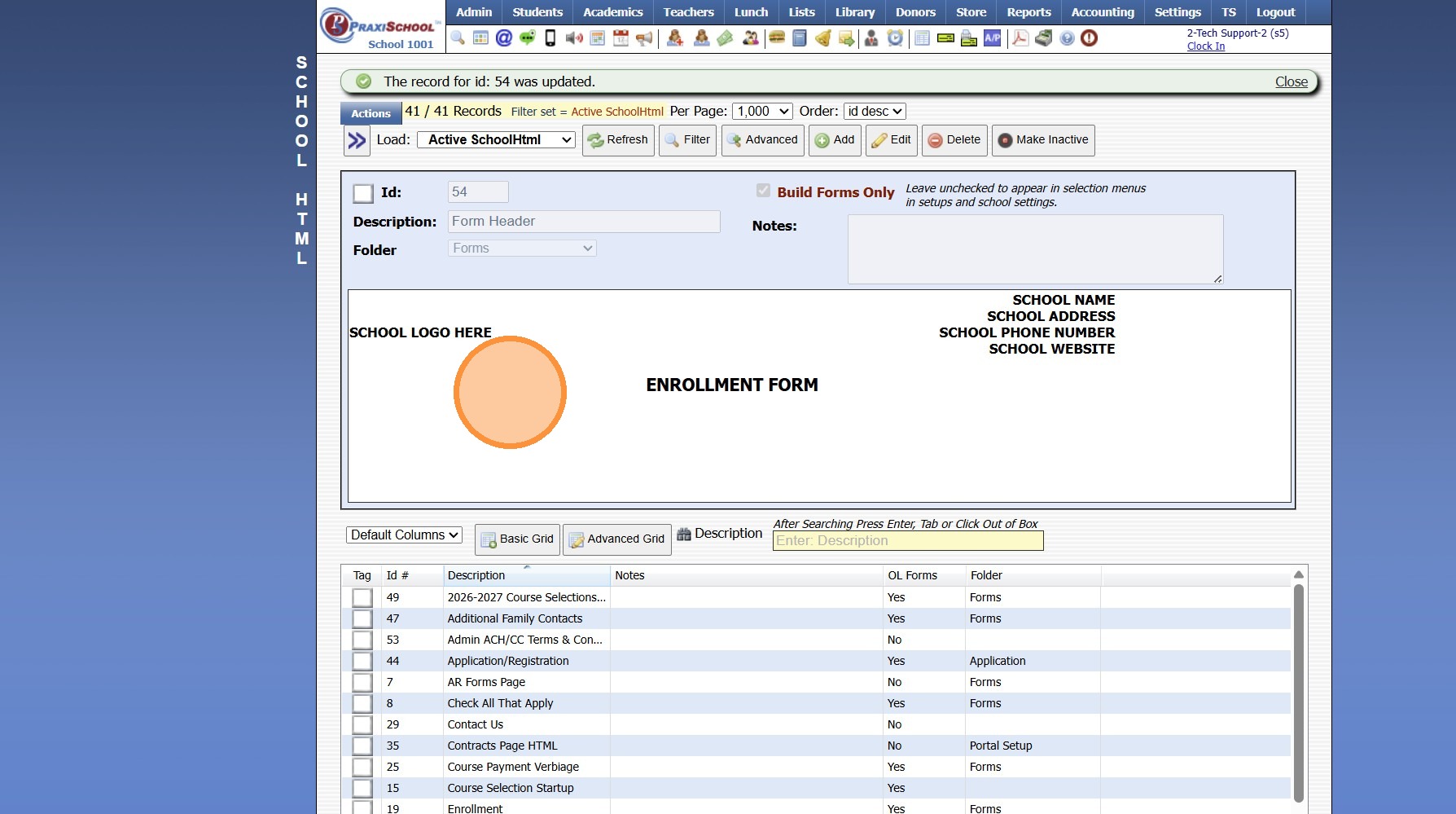
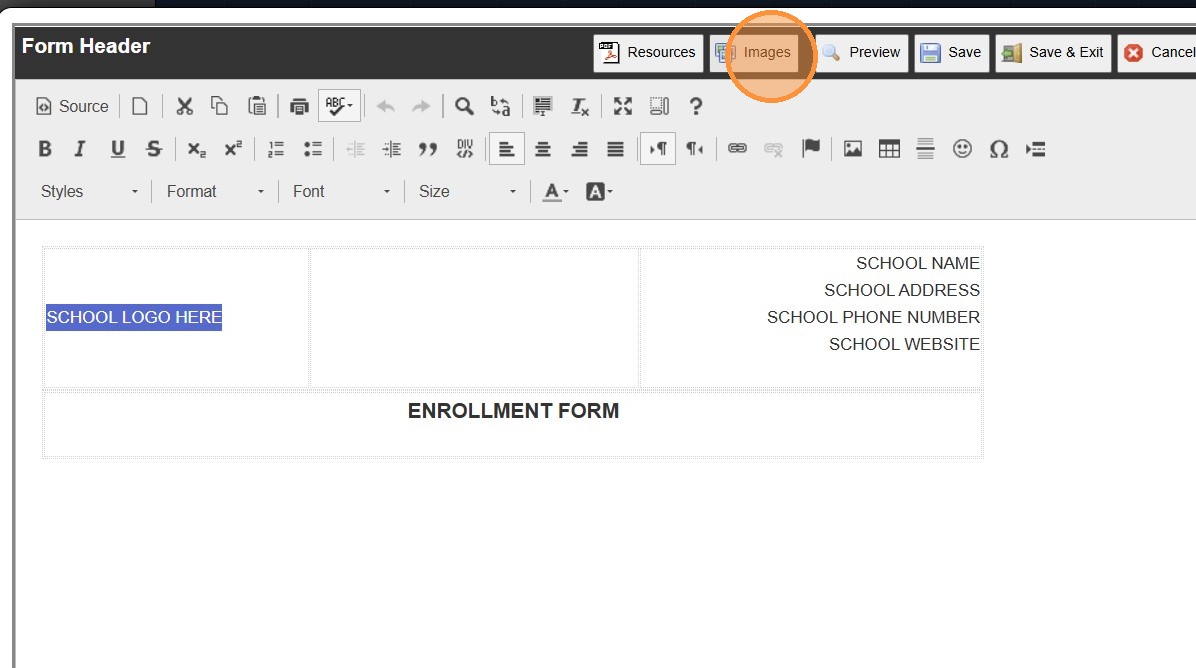
5. Click inside the HTML box

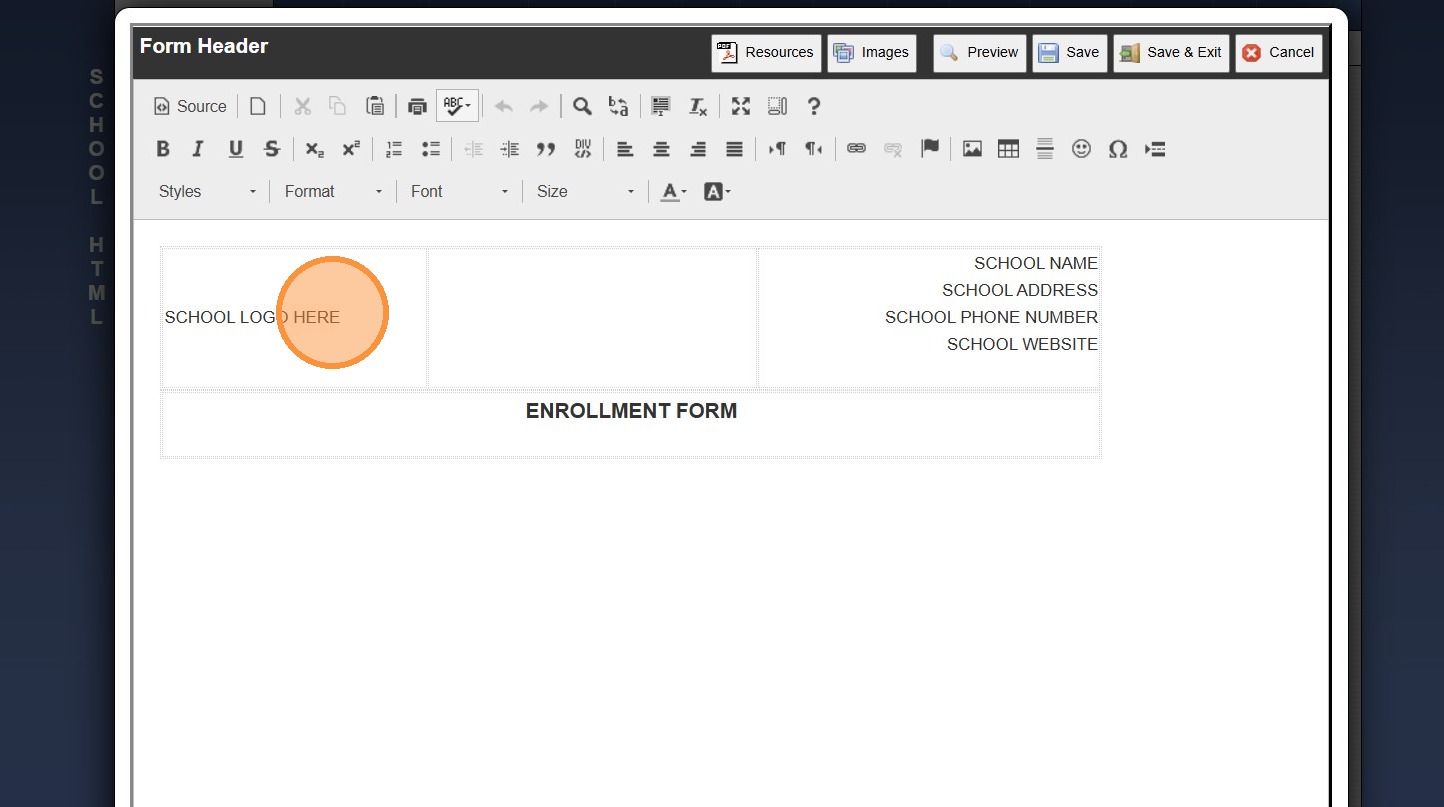
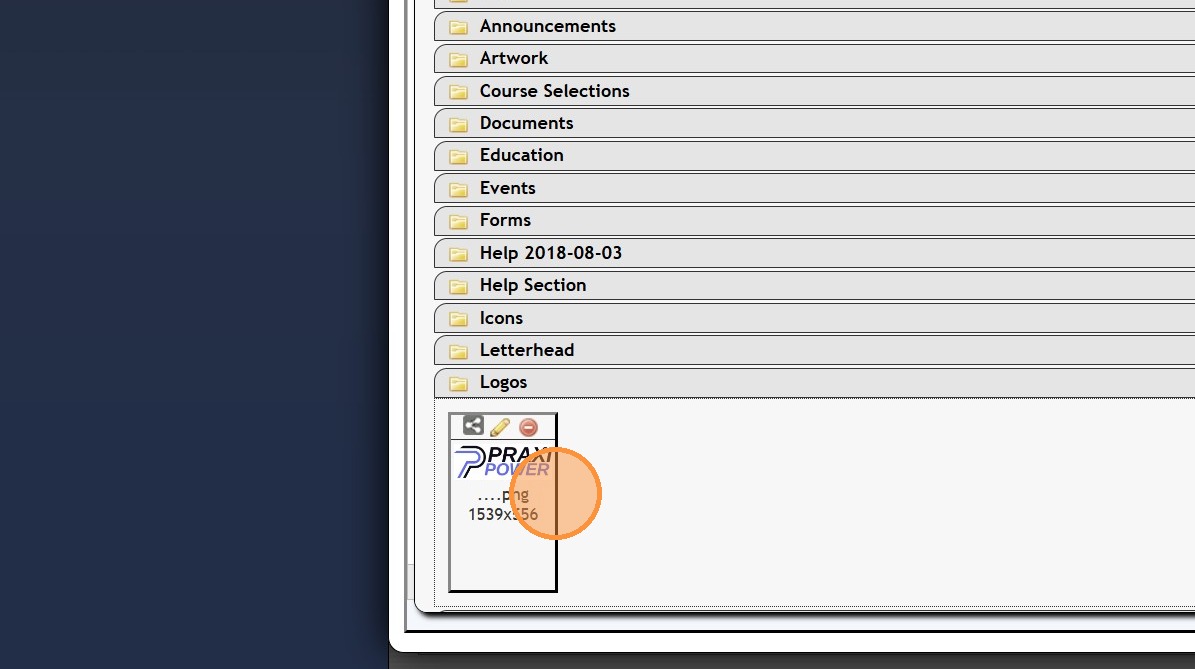
6. Highlight "SCHOOL LOGO HERE"


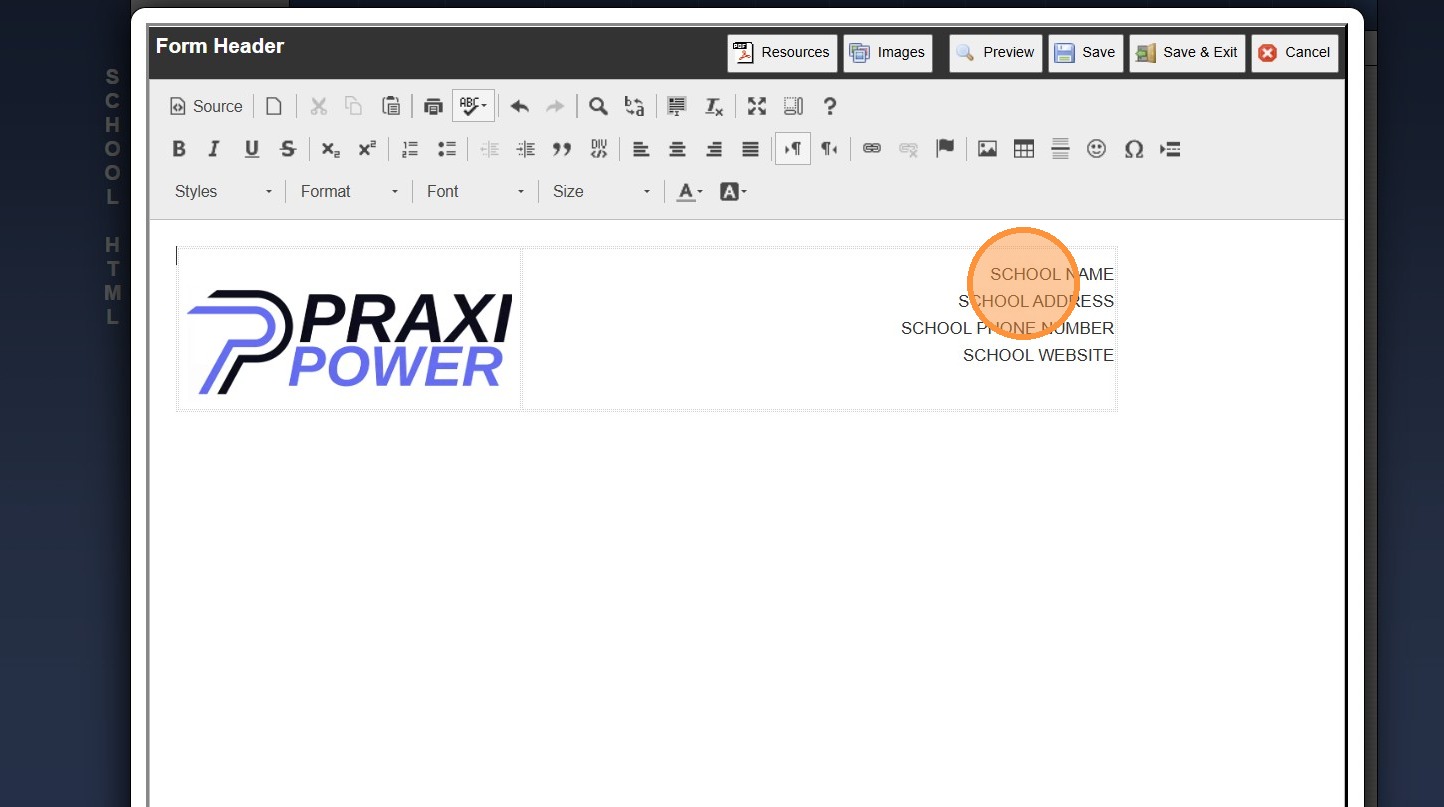
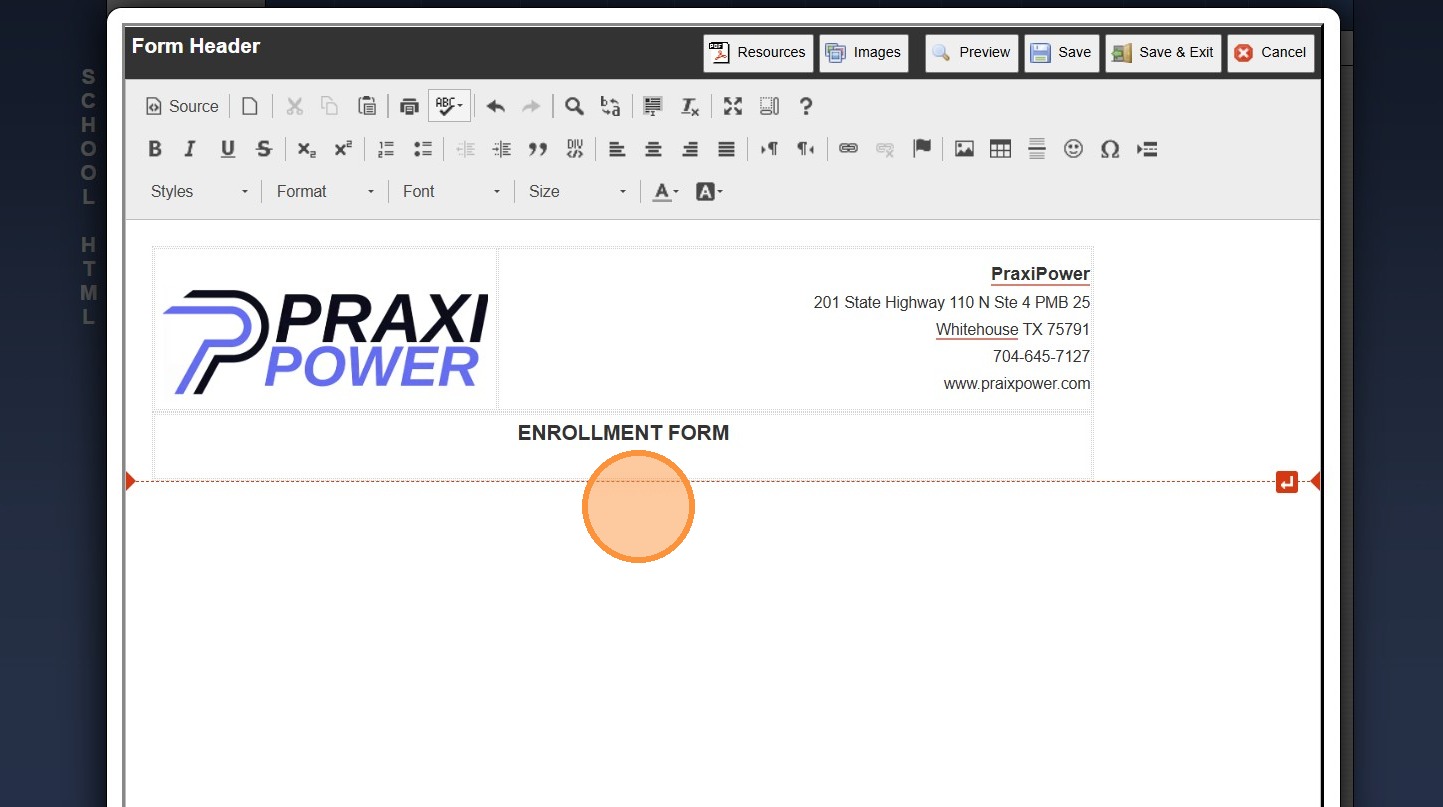
9. Enter the School Name, Address, Phone Number & Website
(Information can Vary based on School Preference)

10. The Simple Form Header can be used on Multiple Forms


Related Articles
Creating a HTML Form Header with Details
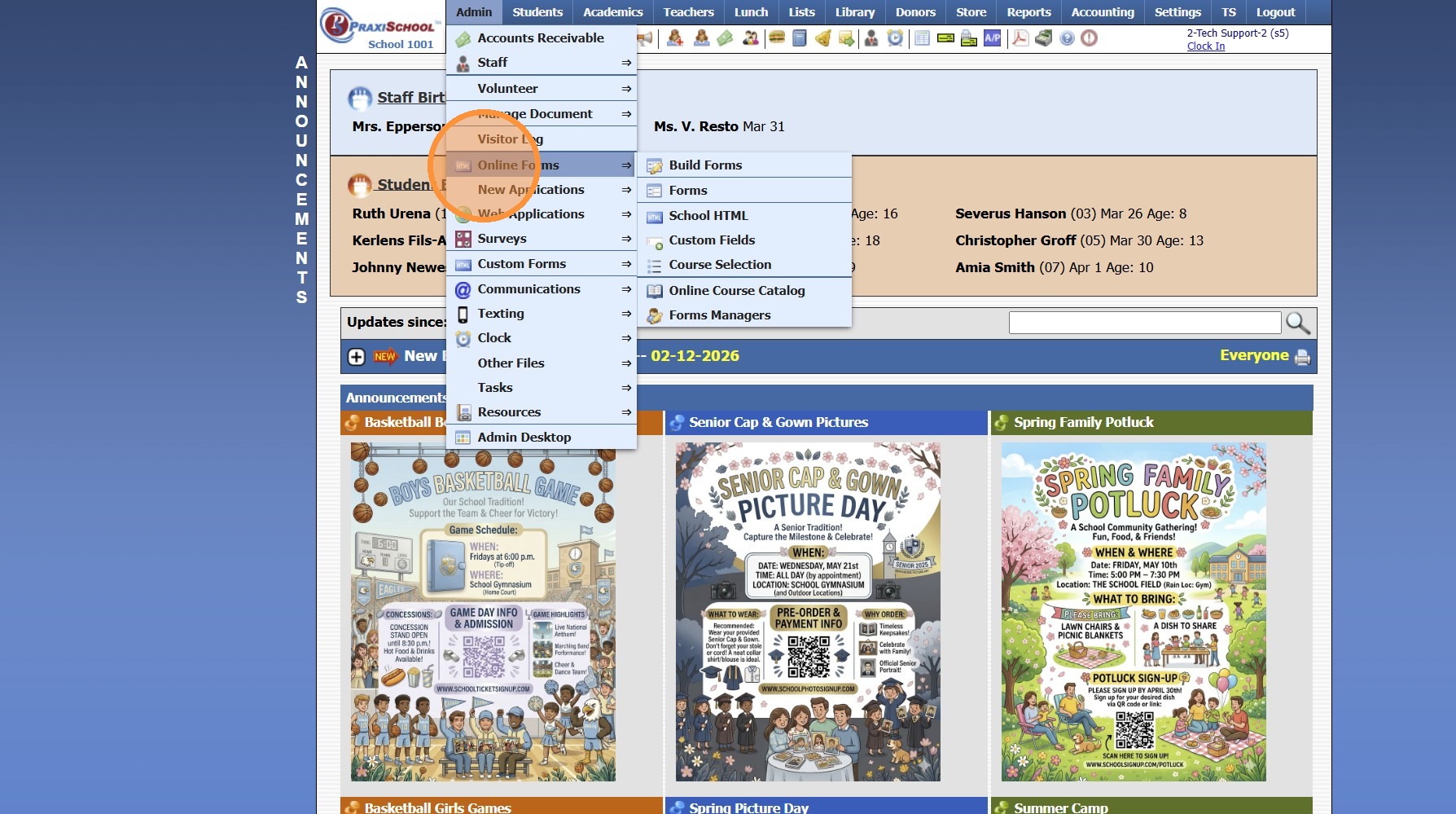
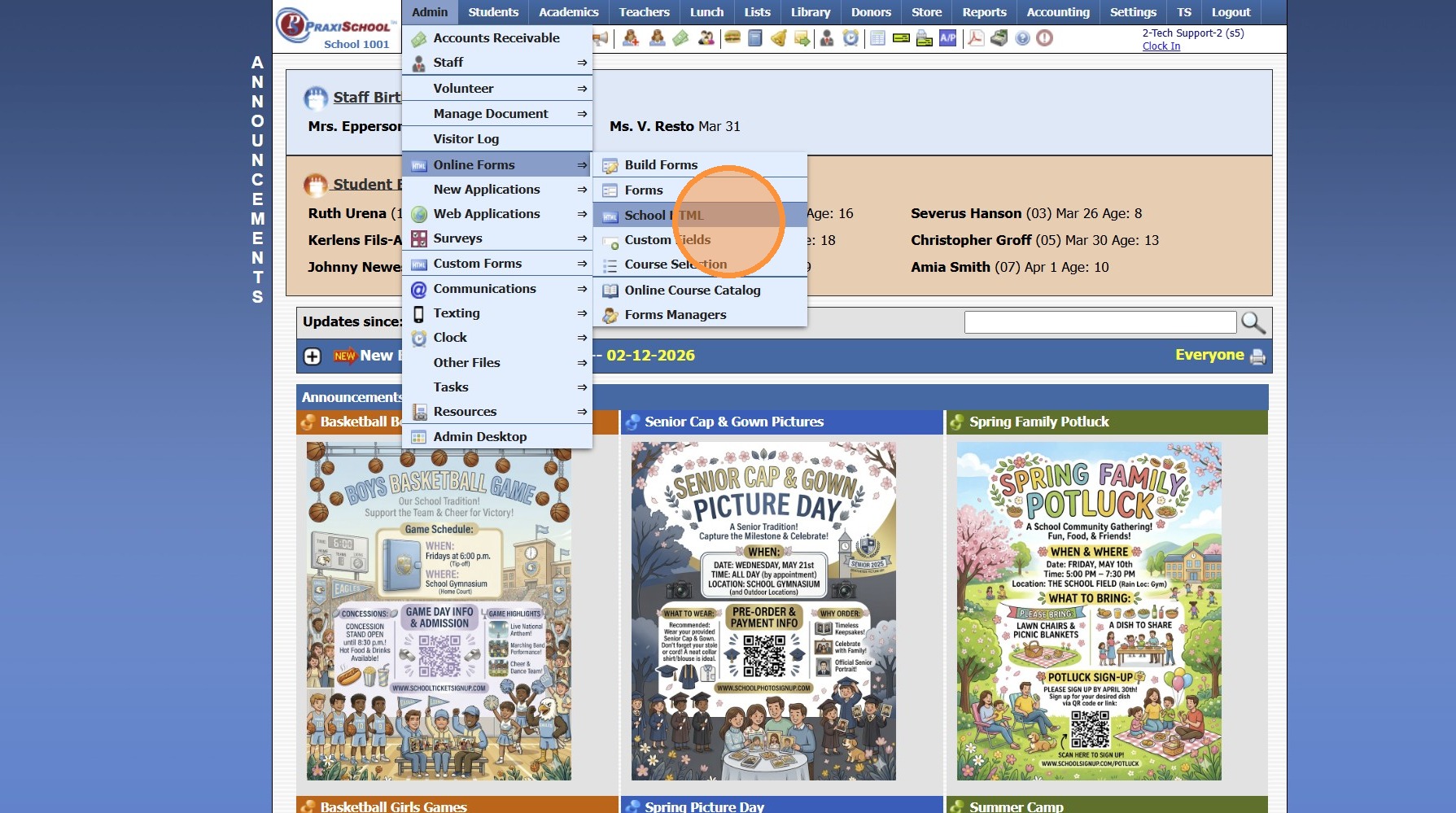
1. Click "Admin" 2. Click "Online Forms" 3. Click "School HTML" 4. Click "Add" 5. Enter Description, Select Folder & Check Build Forms Only Box 6. Click "Save" 7. Click inside the HTML box 8. Click the Table Icon to Add a Table 9. Enter Number of ...
Creating a Grade Analysis (Simple Grade Analysis)
Creating a Grade Analysis Creating a Simple Grade Analysis for All Classes on the same Grade Scale 1. Click "Academics" 2. Click "Grades Setup" 3. Click "Analysis Setup" 4. Click "Add" 5. Enter Grade Analysis Description Example: A Honor Roll 6. ...
Accessing & Previewing Online Form Templates
1. Click "Admin" 2. Click "Online Forms" 3. Click "Forms" 4. Select Form 5. Click "Header HTML" 6. Click "Preview Form" 7. A Preview of the Form will Populate 1000.6.20
Adding School HTML for Online Forms
1. Click "Admin" 2. Click "Online Forms" 3. Click "School HTML" 4. Click "Add" 5. Enter Description 6. Select a Folder or Click the Blue Bar & Add a New Folder 7. Check the Build Forms Only Box (If this box is NOT checked, the HTML will not be ...
Creating Teacher HTML Pages
1. Log into PraxiSchool 2. Click "Admin" 3. Click "Resources" 4. Click "Teacher Html" 5. Click "Add" 6. Enter Page Title 7. Display If: Teacher - Will be visible to Students and Parents of Students in Teacher's Classes Class - Will be visible to ...